Recipev3
Fashion Photography Mockup
Fashion Photography Composition
One click, whole workflow
Recipes are here. Package a whole workflow and run it in one click
Explore recipesFashion Photography
Combine model, accessory, location, and pose inputs into a fashion photography composition.
Fashion Photography Composition
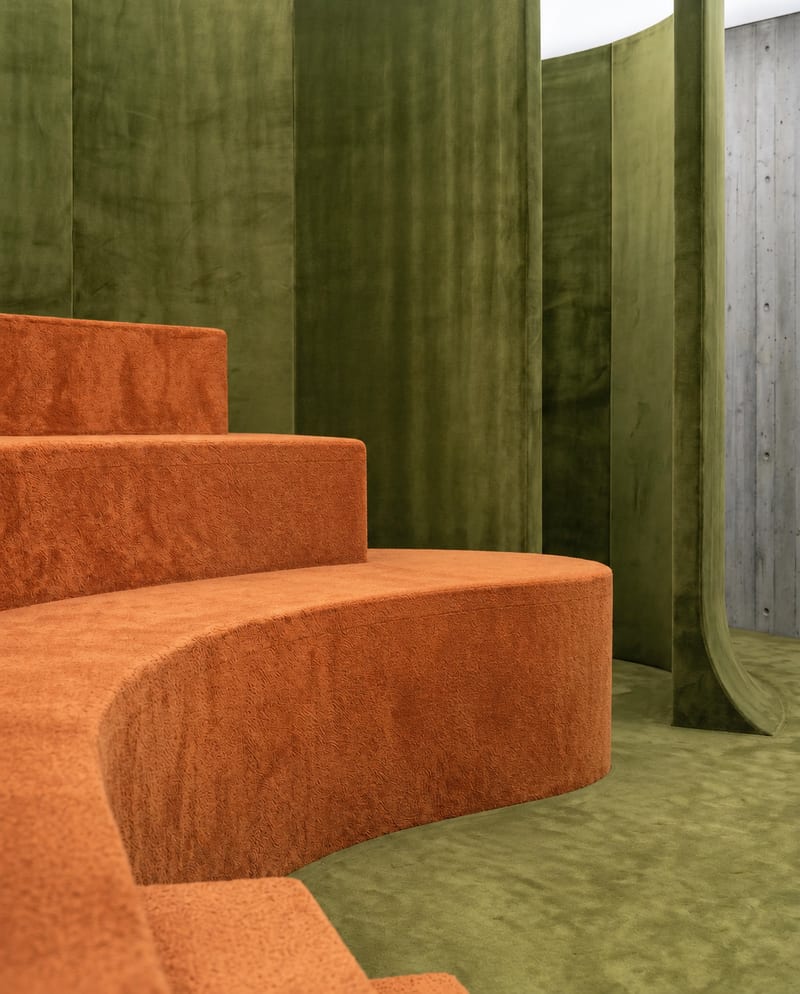
A recipe turns a reusable workflow into a simple set of inputs and outputs. Start with a community recipe and make it your own in Fuser.

1. Choose a recipe
Find a workflow for the result you want. Review what it does and how to use it before opening it in Fuser.
2. Make it your own
Check the recipe’s available inputs. Add your own text or media where supported, or start with the saved defaults.
3. Run and refine
Run it in Fuser and review the result on your canvas. Tweak the inputs to try another direction.
Use the recipe to explore and present fashion photography concepts across campaign, editorial, and styling workflows.
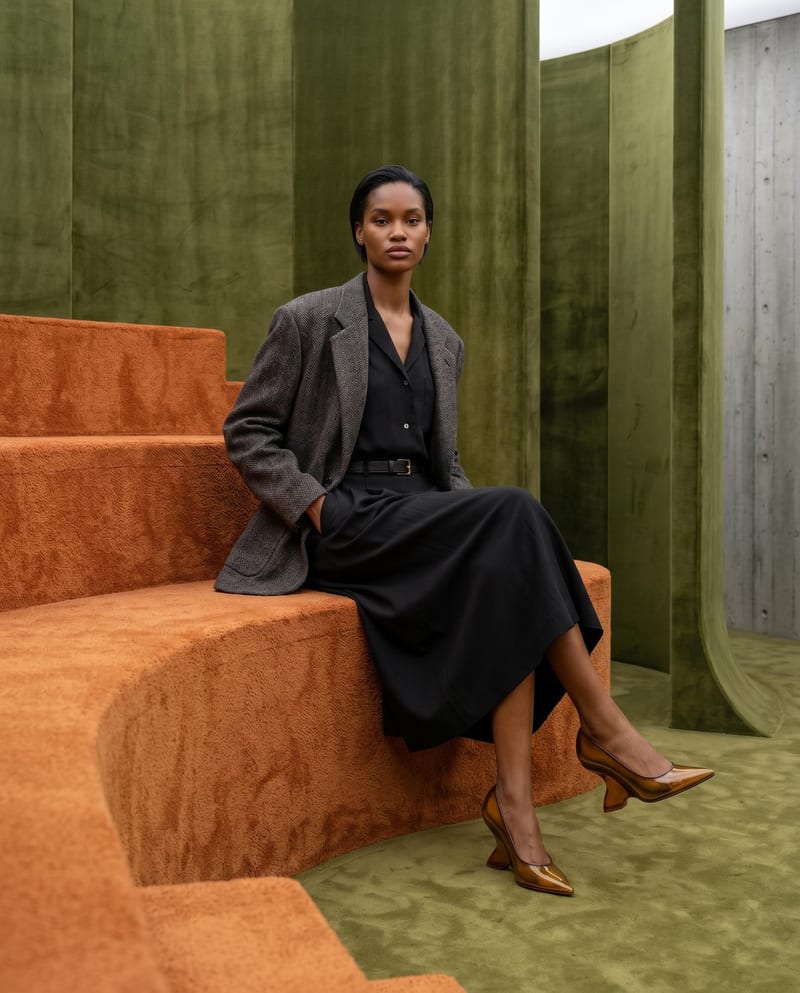
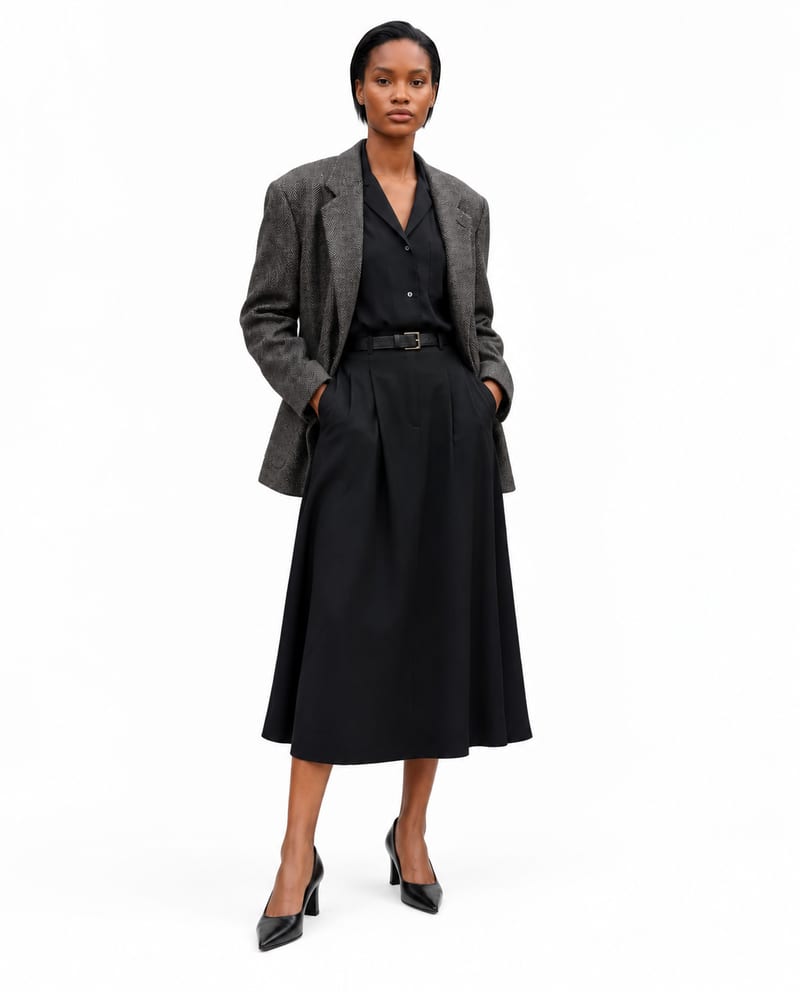
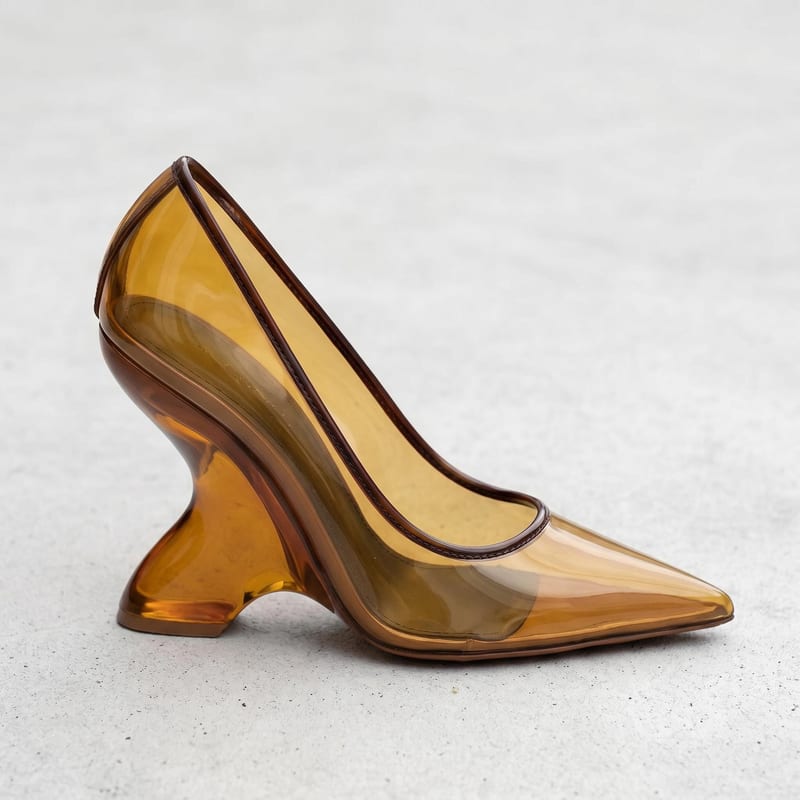
It combines three image inputs—a model, an object or accessory, and a location or set—with a pose or positioning description. The output is a Fashion Photography Composition image.
It can support fashion photographers, stylists, creative directors, editors, and campaign teams exploring visual concepts. It is intended for fashion photography planning and presentation rather than unrelated image-making tasks.
Prepare an image of the model, an image of the object or accessory, and an image of the location or set. You also provide a text description of the pose or positioning, such as “sitting.”
Yes. The exposed inputs can be changed in Fuser: replace the model, accessory, or location images and edit the pose or positioning text. The saved page example uses a model image, object or accessory image, location or set image, and the text “sitting”; a new run can use different values.
The preview represents the saved inputs connected to the recipe and its Fashion Photography Composition output. It is a saved example of the workflow, not a live run or a guarantee of what every new set of inputs will produce.
Yes. The composition output can help communicate campaign concepts, editorial scene ideas, accessory placement, location direction, and pose options. It is most appropriate when you need a visual concept built from the named fashion photography inputs.
The available exposed inputs are a pose or positioning text field, model image, object or accessory image, and location or set image. There is no separate sketch input listed for this recipe.
Bring together a model, accessory, location, and pose description to explore a fashion photography composition in Fuser.
Develop on-person garment imagery, editorial concepts and lookbook layouts. Bring collection references, virtual try-on and editable design together in Fuser.
Turn a creative brief into distinct visual concepts, moodboards and pitch layouts. Explore references, imagery and motion together in Fuser.
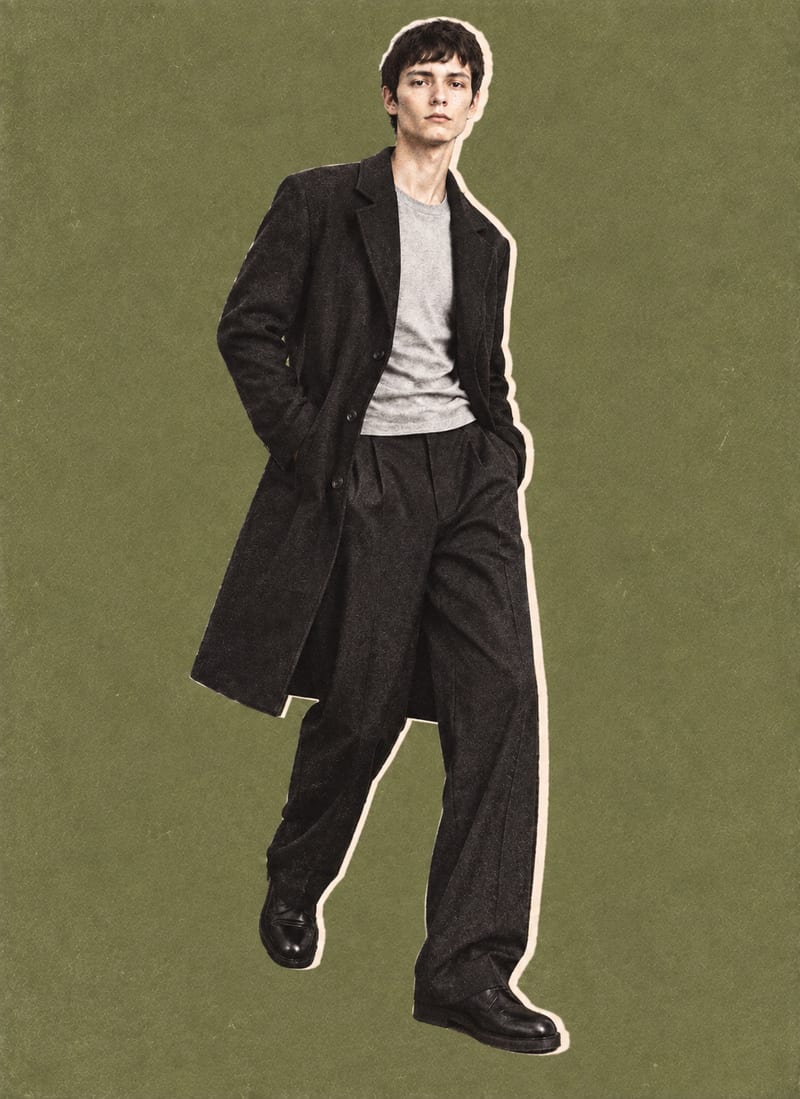
Combine a model image, lie-flat clothing shot, and background color into editorial-style fashion collage outputs.
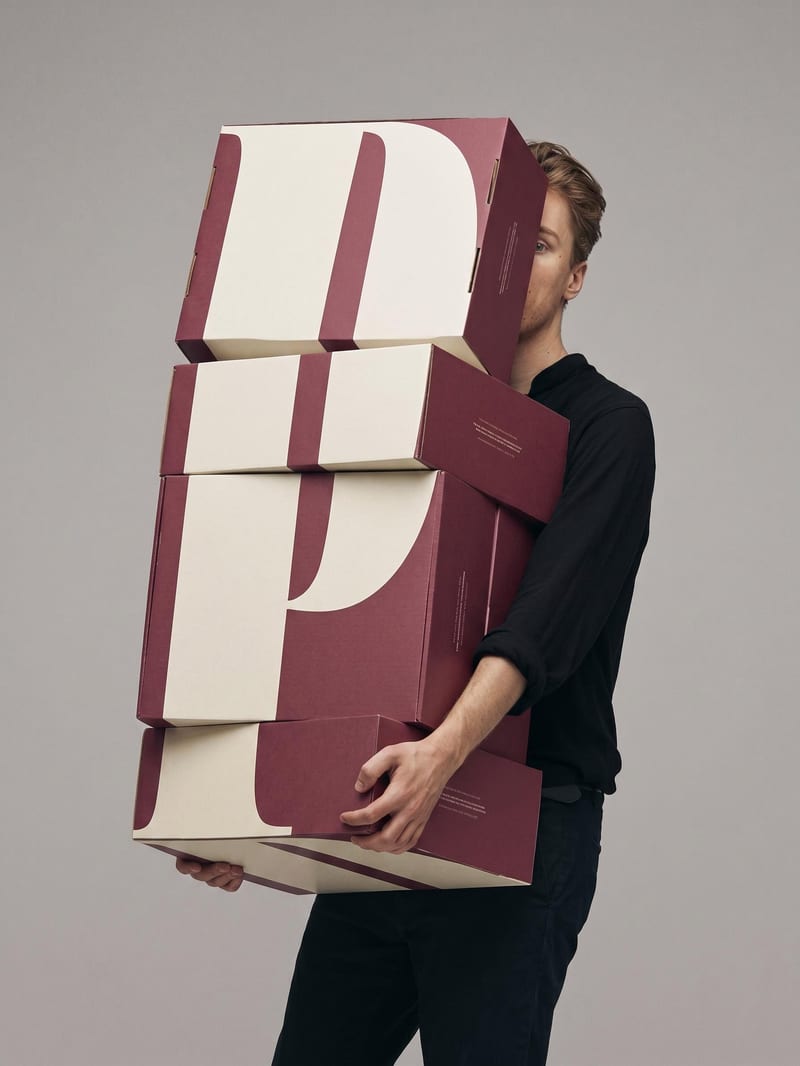
Upload a book or magazine page picture or scan to extract a clean, full-bleed version of its image.
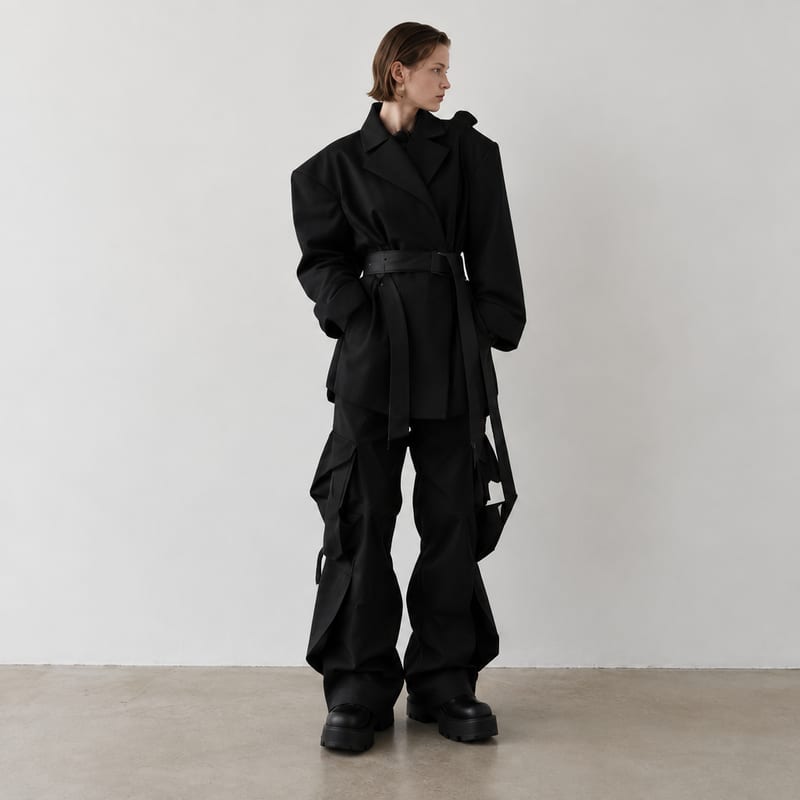
Generate fashion design images guided by up to five fashion reference images.