Recipev1
Fashion Design from Reference Images
Image
One click, whole workflow
Recipes are here. Package a whole workflow and run it in one click
Explore recipesFashion & Streetwear
Generate fashion design images guided by up to five fashion reference images.
Image
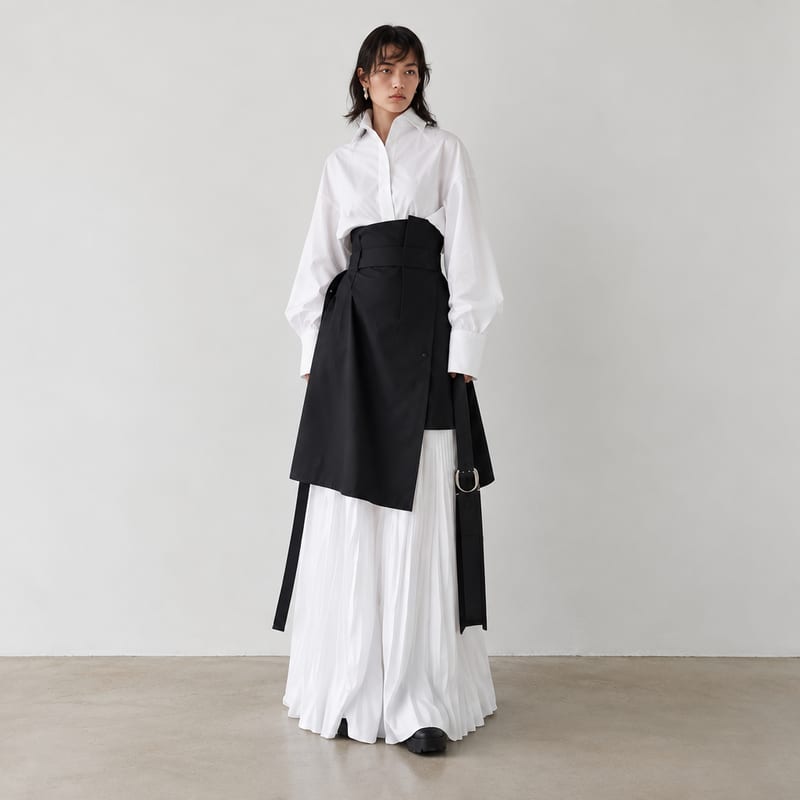
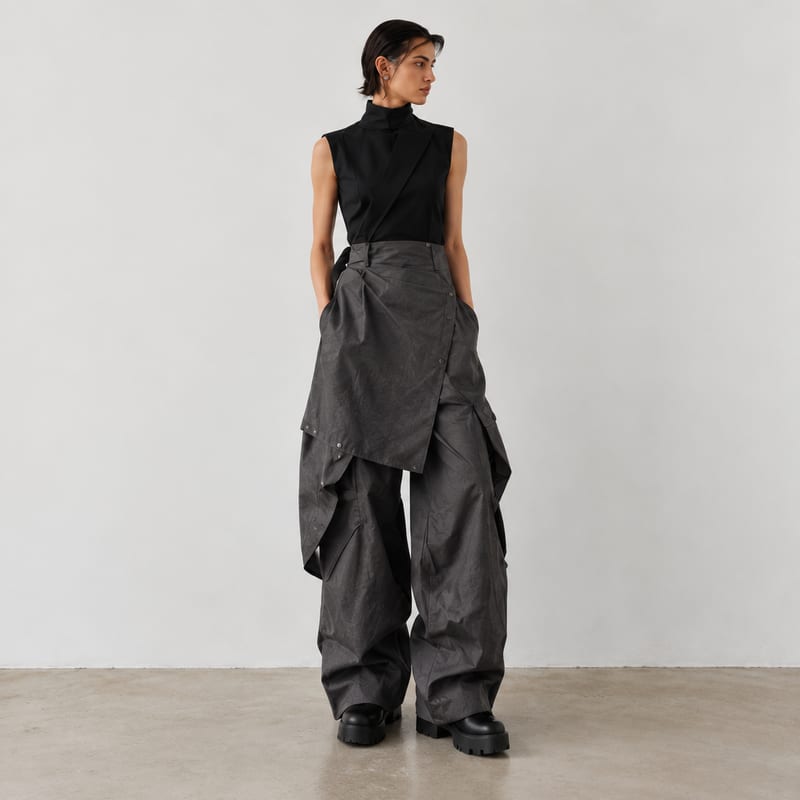
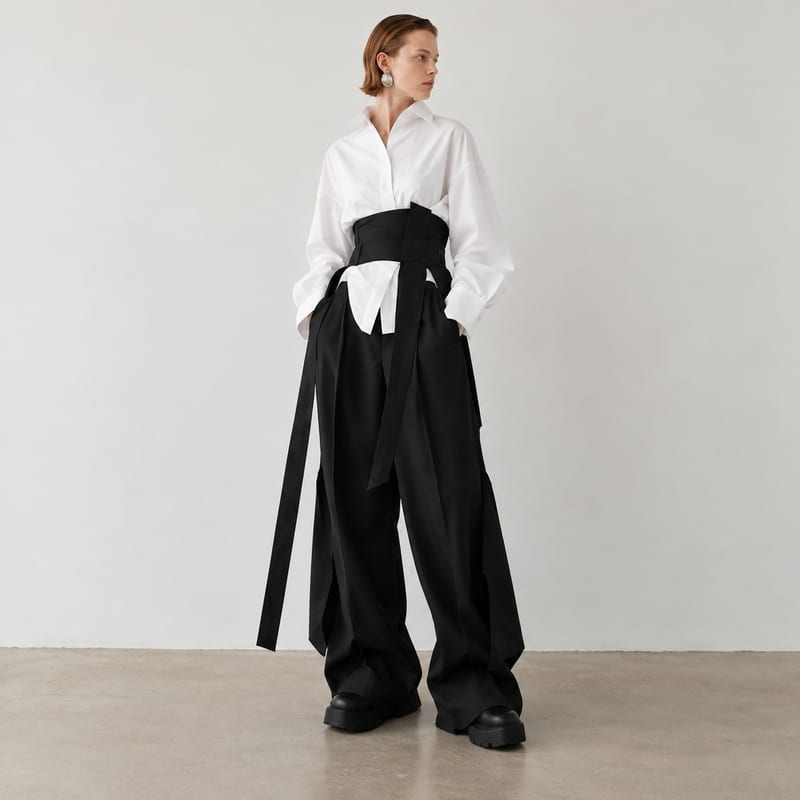
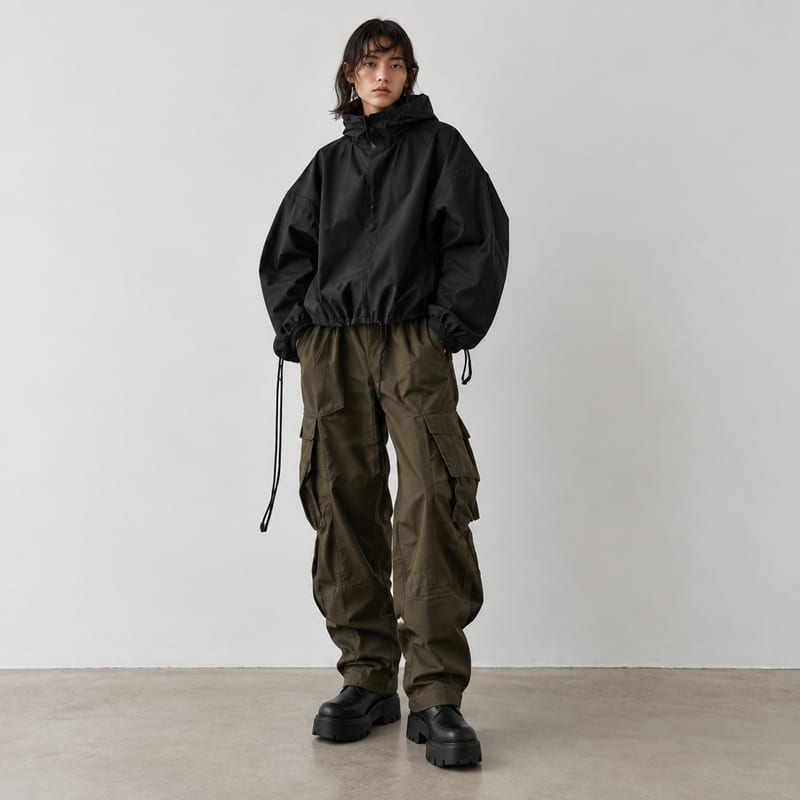
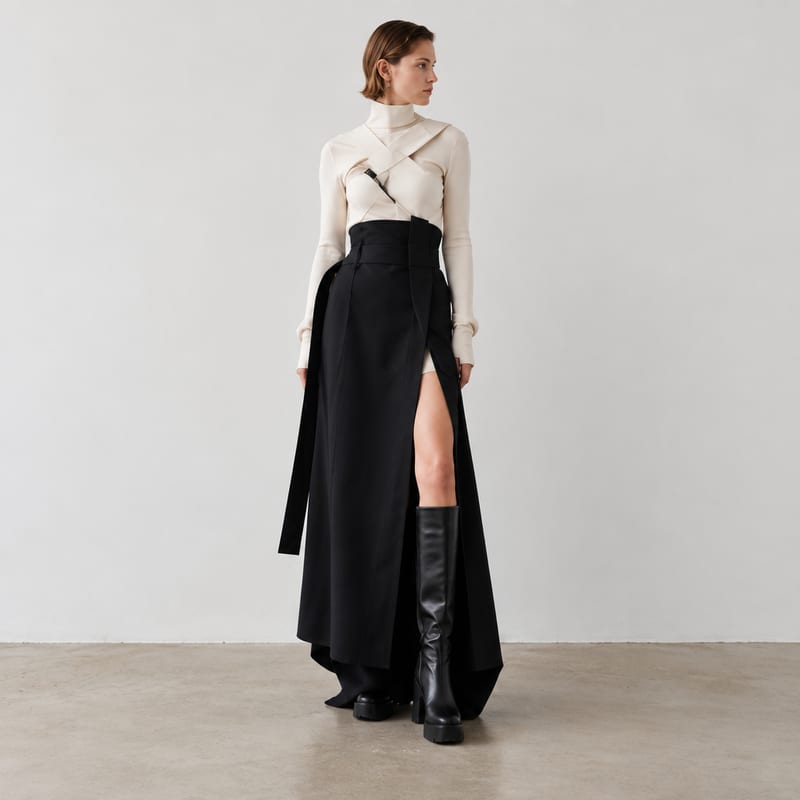
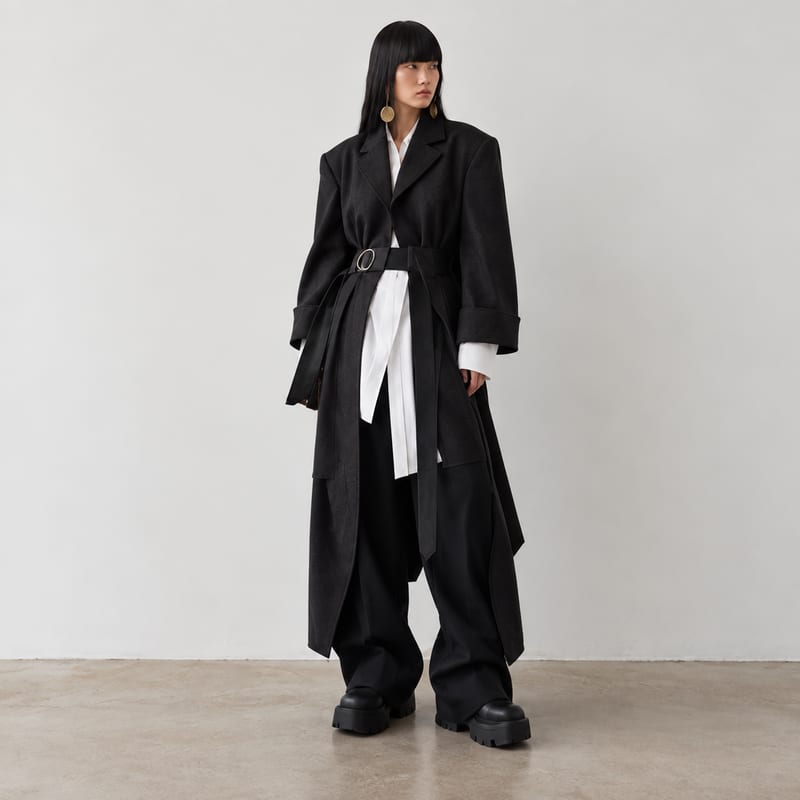
A recipe turns a reusable workflow into a simple set of inputs and outputs. Start with a community recipe and make it your own in Fuser.

1. Choose a recipe
Find a workflow for the result you want. Review what it does and how to use it before opening it in Fuser.
2. Make it your own
Check the recipe’s available inputs. Add your own text or media where supported, or start with the saved defaults.
3. Run and refine
Run it in Fuser and review the result on your canvas. Tweak the inputs to try another direction.
Use reference-led fashion images to explore ideas, compare directions, and communicate visual concepts across the design process.
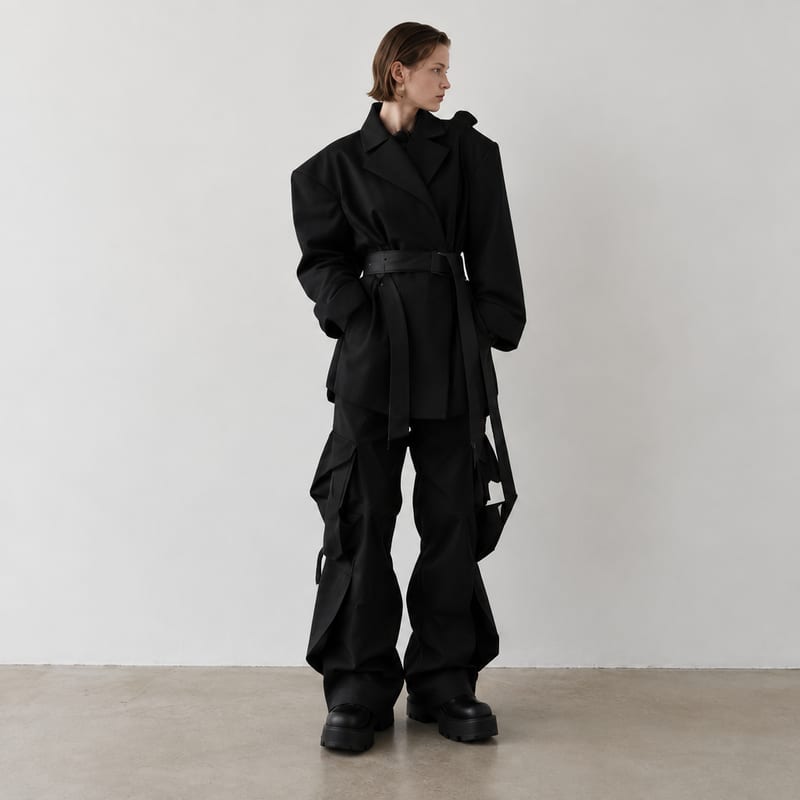
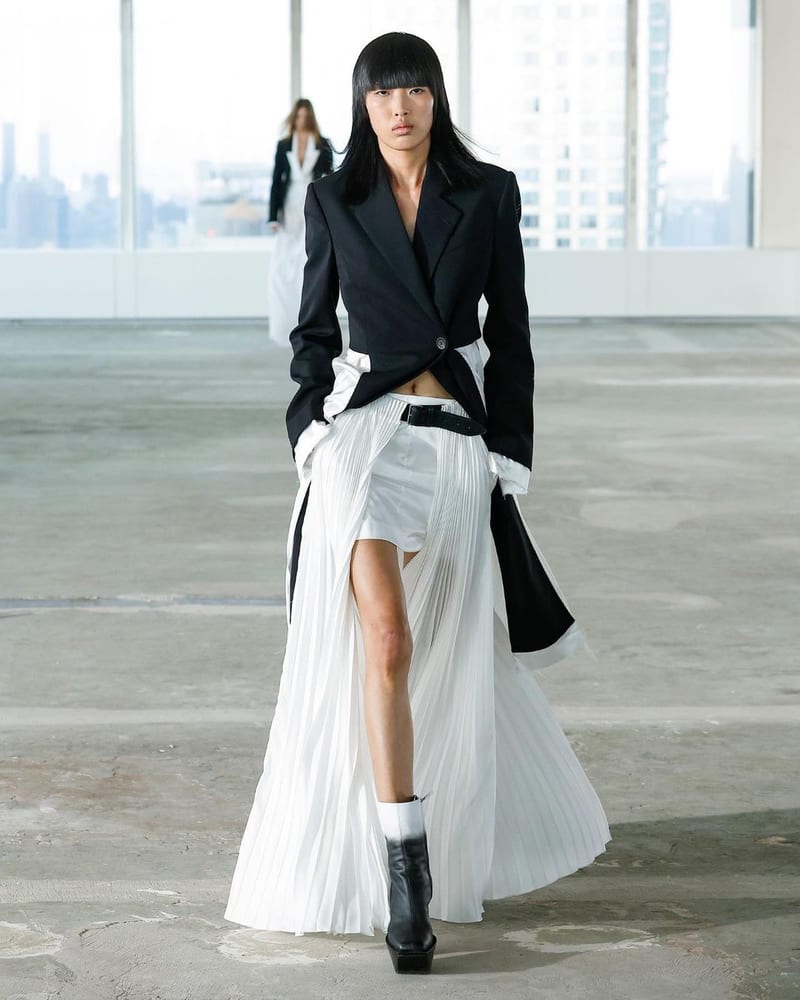
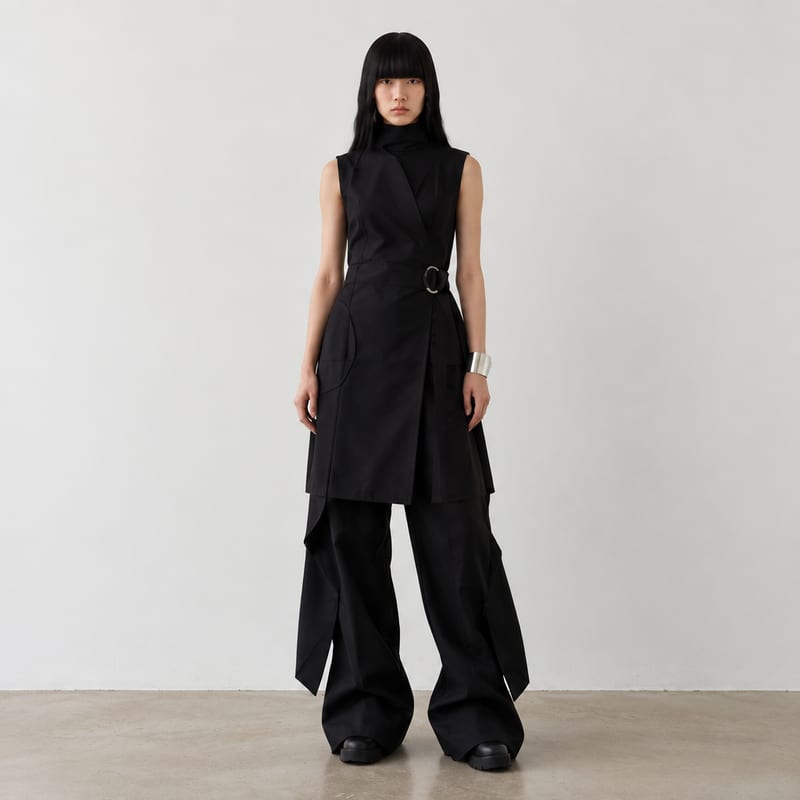
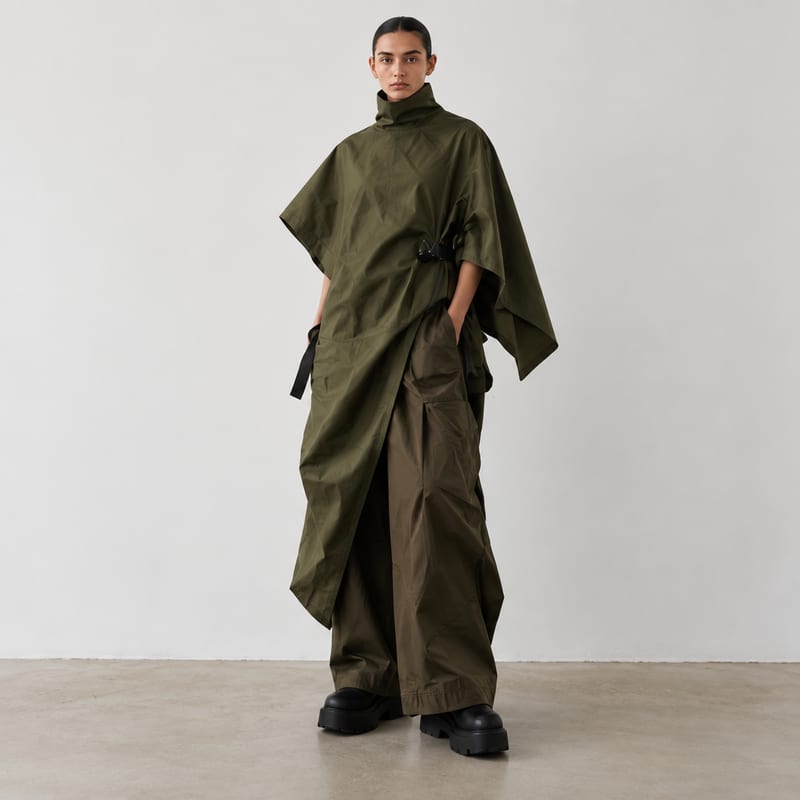
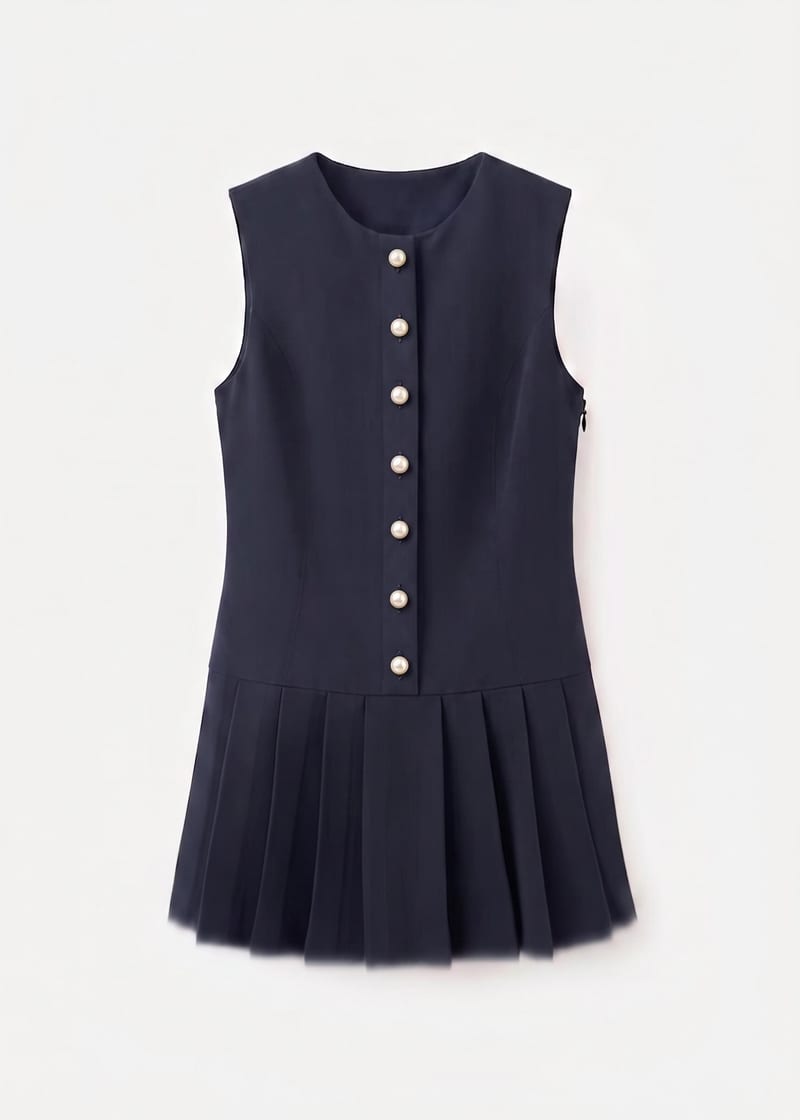
It generates fashion design images based on and in reference to the fashion inspiration images you provide. The saved example uses five image inputs and produces nine image outputs.
It can support fashion designers, students, stylists, and creative teams exploring visual directions from references. The outputs are image-based concepts for exploration and communication, rather than garment specifications or pattern files.
Prepare up to five fashion reference images that represent the visual direction you want to explore. The exposed inputs are all image fields labeled “Fashion Reference Images,” so choose references that are relevant to the fashion concept you are developing.
Yes. In Fuser, you can replace the exposed fashion reference image inputs with your own images before using the recipe. Changing those references changes the visual starting point for a new run; it does not alter the saved example shown on this page.
The saved example shows five connected fashion reference image inputs and nine connected image outputs. It is a fixed example of the recipe’s setup, not a live generation or a promise that a new run will produce the same images.
The recipe has five fashion reference image inputs and nine image outputs. You can review the saved input-to-output example, then log in to Fuser to use the recipe with your own references.
It is suited to early-stage concept exploration, visual direction, moodboard development, design discussion, and presentation work within fashion and streetwear. Because the saved output type is images, use it for visual ideation rather than technical production documentation.
Bring your inspiration images into Fuser and explore image-based fashion design directions from the same recipe.
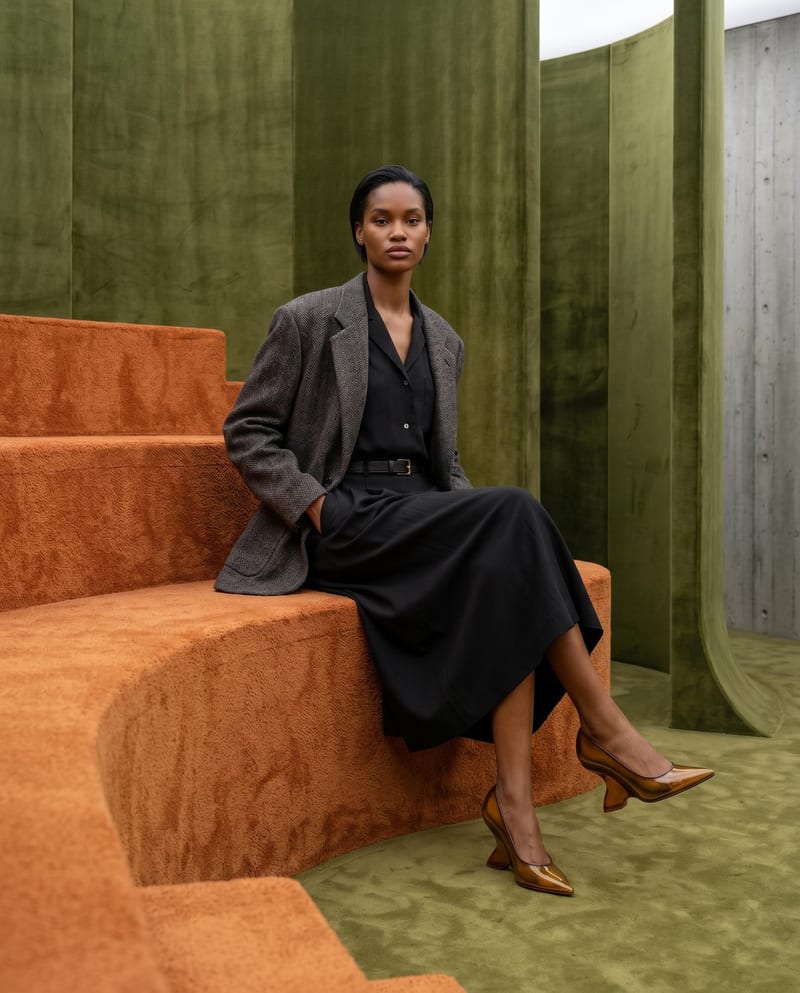
Combine model, accessory, location, and pose inputs into a fashion photography composition.
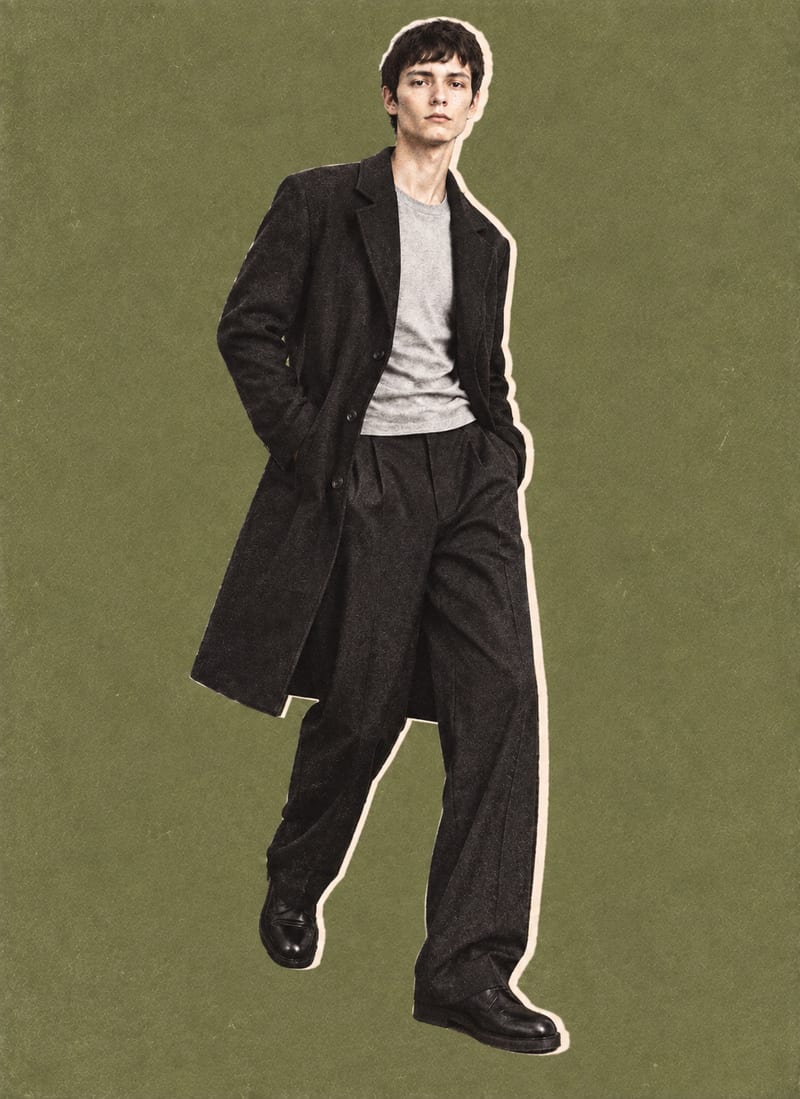
Combine a model image, lie-flat clothing shot, and background color into editorial-style fashion collage outputs.
Use a garment image, placement instruction, and reference image to create an embellished garment preview.
