Recipev3
Extract Image From Page
Image
One click, whole workflow
Recipes are here. Package a whole workflow and run it in one click
Explore recipesEditorial image extraction
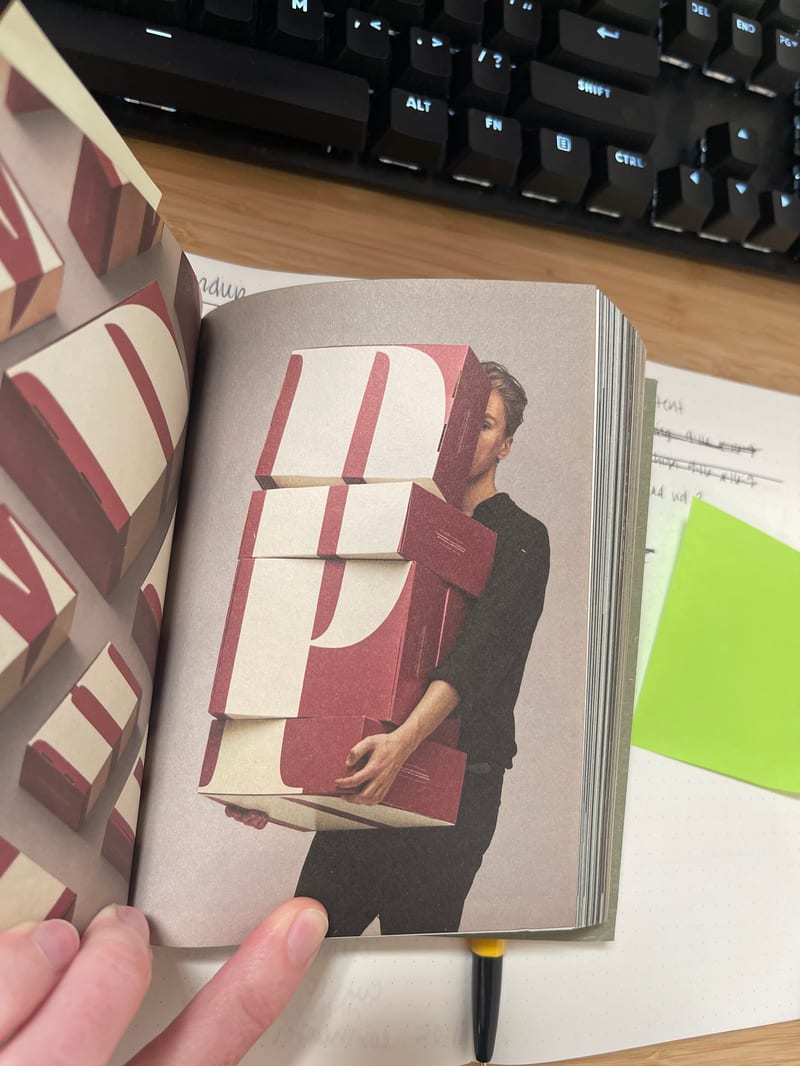
Upload a book or magazine page picture or scan to extract a clean, full-bleed version of its image.
Image
A recipe turns a reusable workflow into a simple set of inputs and outputs. Start with a community recipe and make it your own in Fuser.

1. Choose a recipe
Find a workflow for the result you want. Review what it does and how to use it before opening it in Fuser.
2. Make it your own
Check the recipe’s available inputs. Add your own text or media where supported, or start with the saved defaults.
3. Run and refine
Run it in Fuser and review the result on your canvas. Tweak the inputs to try another direction.
Use the extracted image output for practical editorial, publishing, and photography workflows.
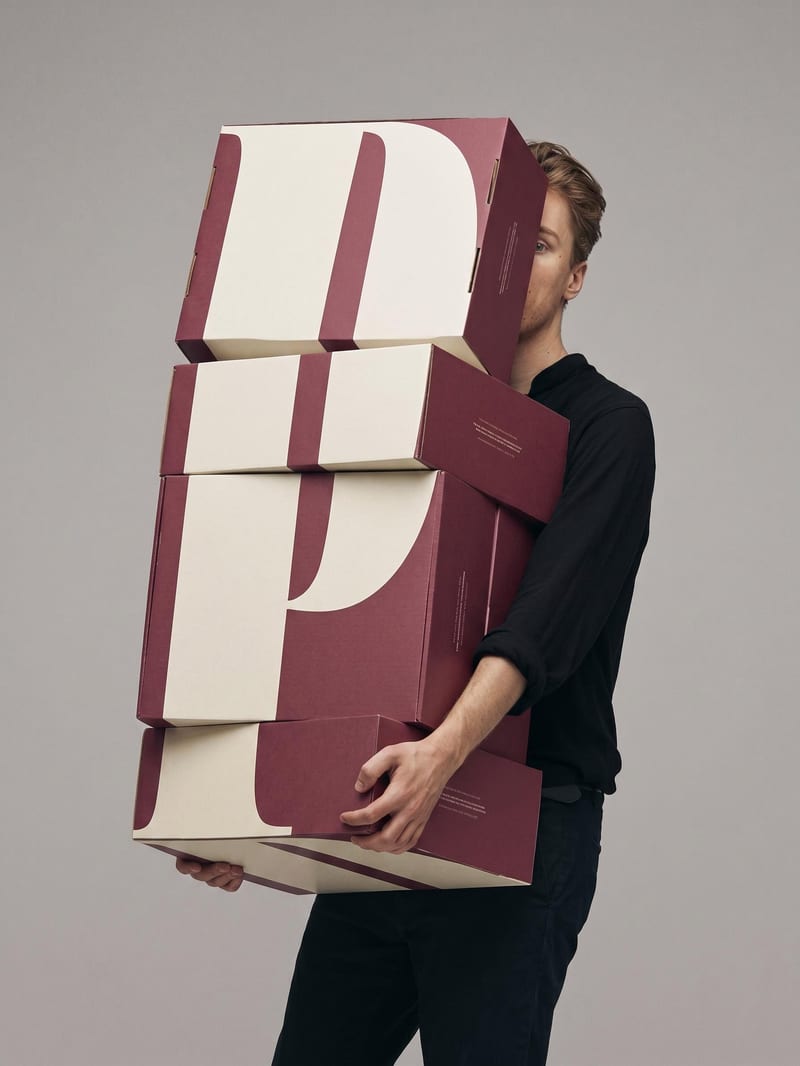
It takes a picture or scan of a book or magazine page and produces a clean, full-bleed version of the image on that page. The recipe is intended for recovering photographic or visual material from printed pages.
It is useful for photographers, editors, publishers, researchers, and anyone working with images found in books or magazines. It helps when the available source is a page picture or scan rather than the original image file.
Upload one image showing a book or magazine page, whether it is a regular picture or a poor scan. The page should contain the image you want to extract.
The recipe outputs an image representing a clean, full-bleed version of the page’s image. The saved example shows the intended result for the connected page-image input, while a new run uses the image you upload.
Yes. Image is the exposed input, so you can replace it in Fuser with another picture or scan of a book or magazine page before using the recipe.
The saved example demonstrates the default page-image input connected to the recipe’s image output. It is a saved example of the workflow, not a live run or a promise that every new source will look identical.
It is designed for pages from books and magazines that contain an image to recover. The quality and suitability of the output depend on the page picture or scan you provide, especially when the source is difficult to read or capture.
Bring a book or magazine page picture into Fuser and create a cleaner full-bleed image for editorial and photographic work.
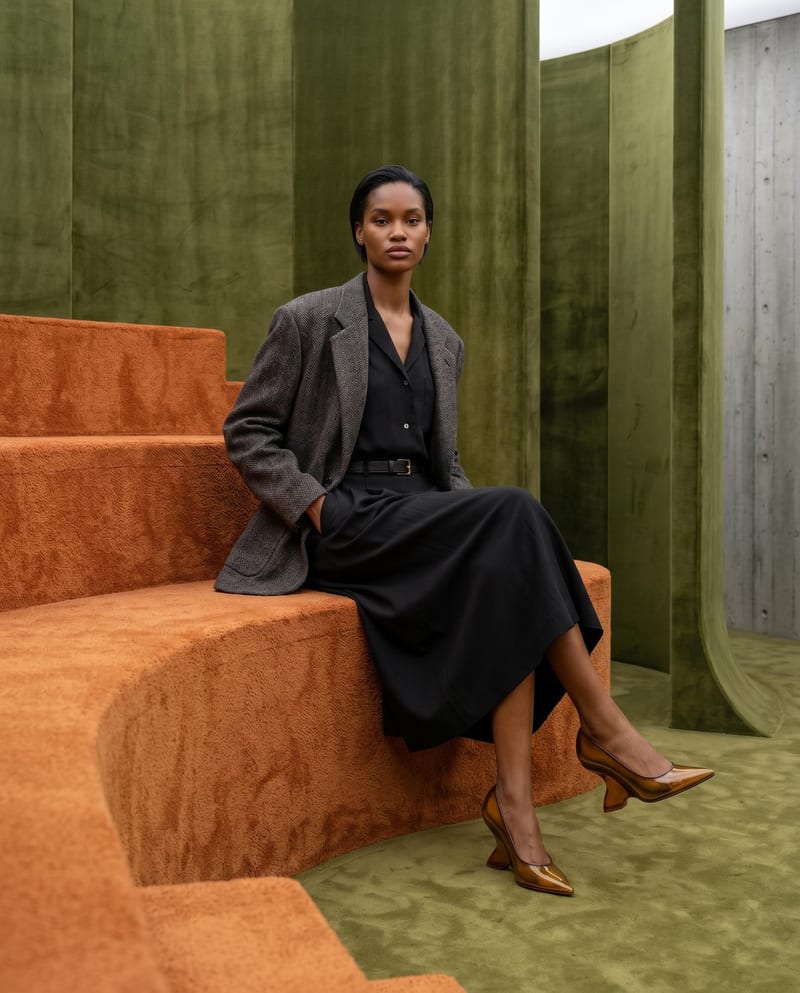
Combine model, accessory, location, and pose inputs into a fashion photography composition.
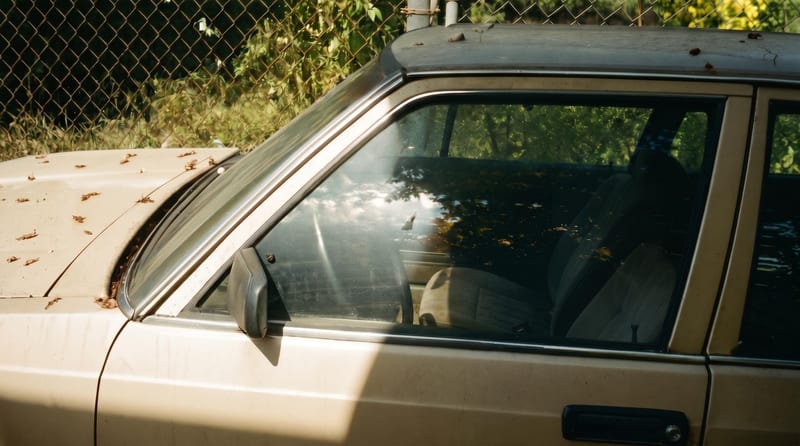
Upload one reference image to create six film-inspired photographic variations.
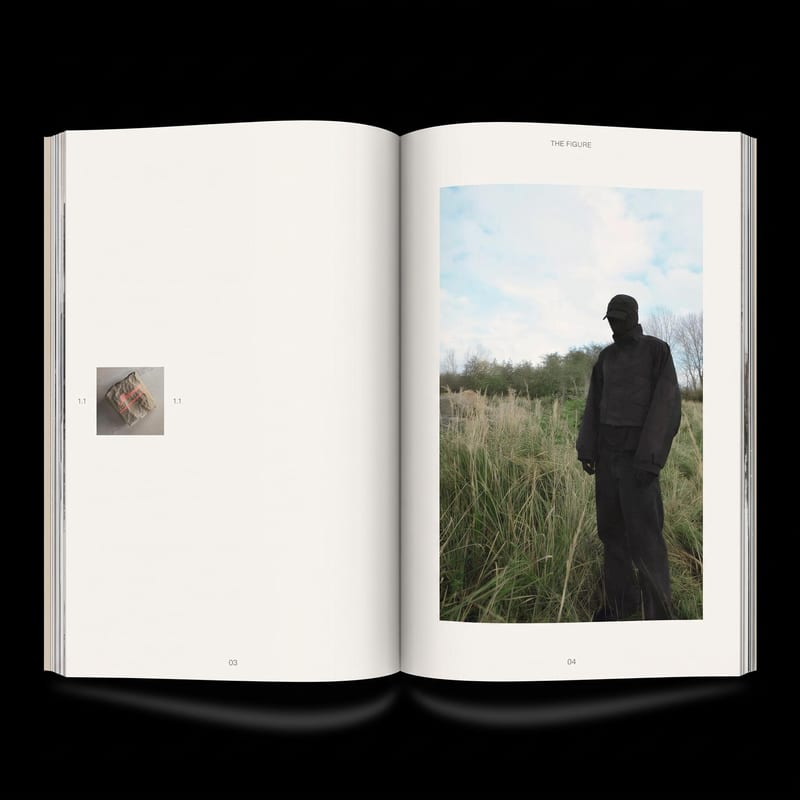
Add image(s) to generate two zine layout options for editorial and DIY publishing projects.