Recipev3
Film Style Generator
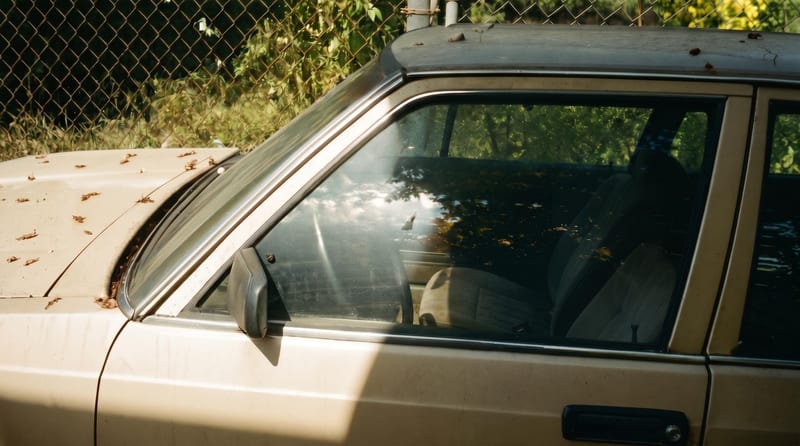
Film Style 1
One click, whole workflow
Recipes are here. Package a whole workflow and run it in one click
Explore recipesPhotography
Upload one reference image to create six film-inspired photographic variations.
Film Style 1
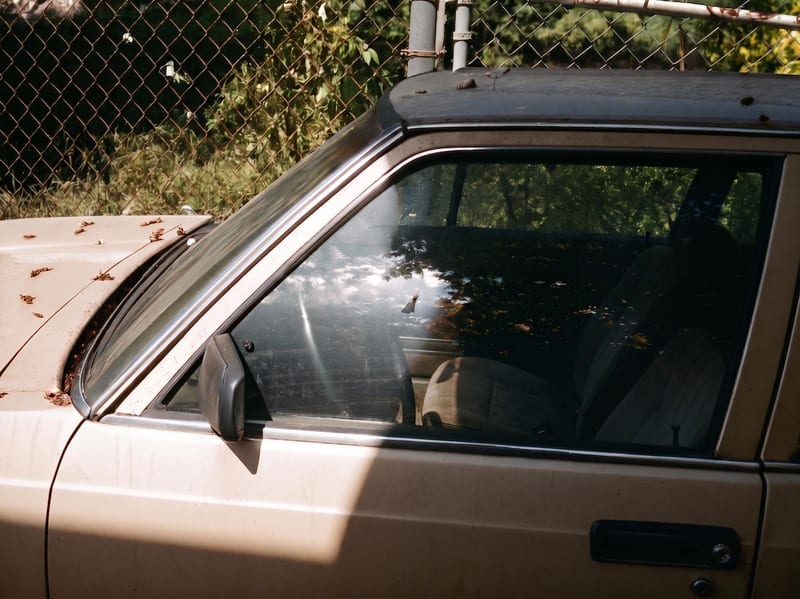
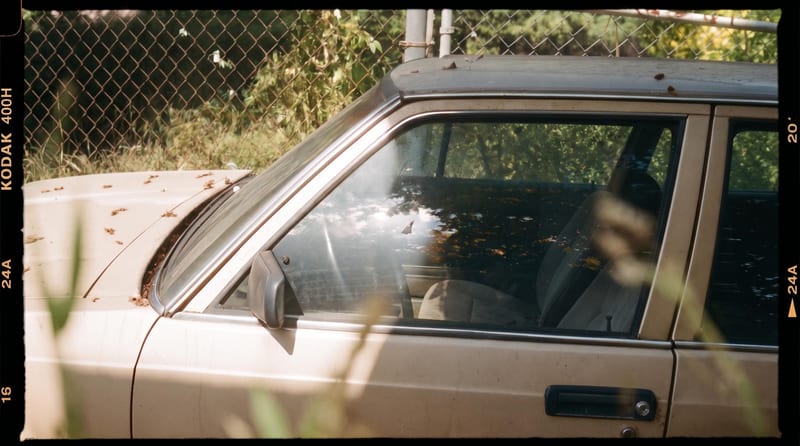
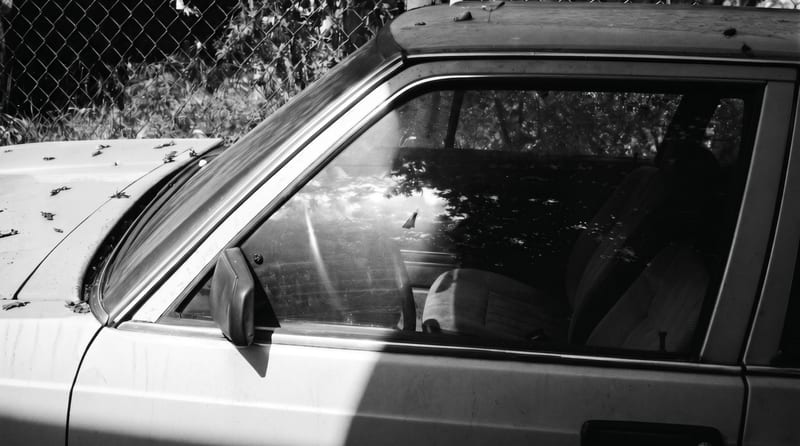
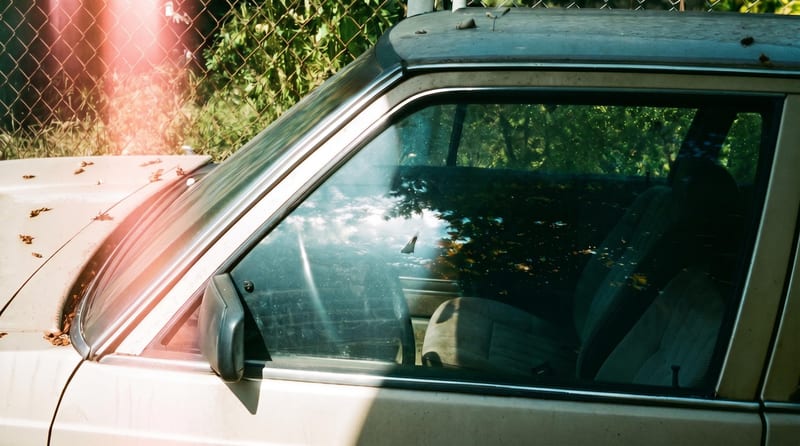
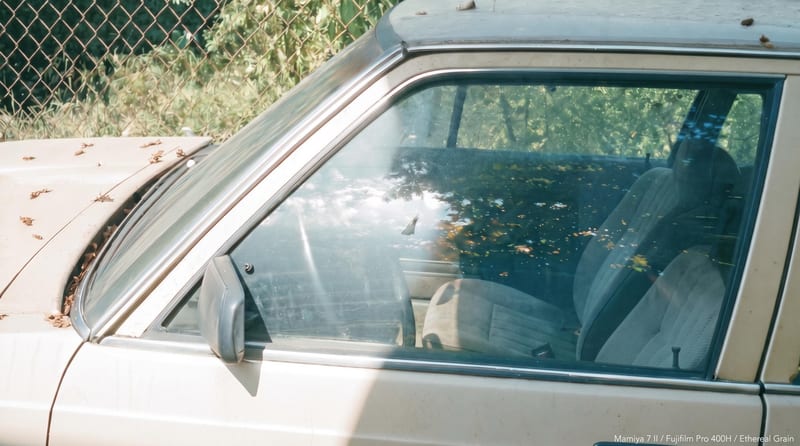
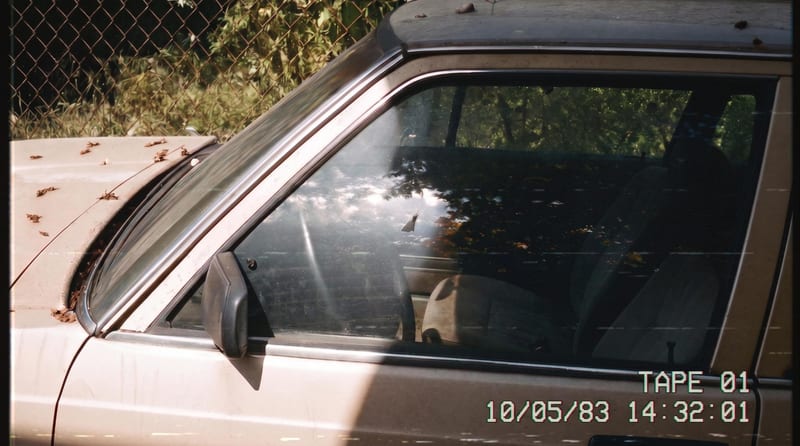
A recipe turns a reusable workflow into a simple set of inputs and outputs. Start with a community recipe and make it your own in Fuser.

1. Choose a recipe
Find a workflow for the result you want. Review what it does and how to use it before opening it in Fuser.
2. Make it your own
Check the recipe’s available inputs. Add your own text or media where supported, or start with the saved defaults.
3. Run and refine
Run it in Fuser and review the result on your canvas. Tweak the inputs to try another direction.
Use the six variations to compare visual directions, review creative options, or develop photography concepts from one source image.
It takes one reference image and produces six image outputs with different film-inspired styles. The recipe is designed for comparing multiple photographic variations from a single source.
It can help photographers, designers, and creative teams explore visual directions from one image. It is especially useful when you want several film-inspired options to review side by side.
Prepare one image that you want to transform into film-style variations. The only exposed input is Reference Image, so you can replace it with another image in Fuser when creating a new run.
Yes. Reference Image is an editable image input in Fuser, allowing you to use a different source image for a new run. The saved page example uses its connected reference image and is not a live generation.
The recipe provides six image outputs labeled Film Style 1 through Film Style 6. The saved output demonstrates six variations generated from its saved reference image; each new run uses the reference image you provide.
The recipe exposes one editable input: Reference Image. It does not list separate style selectors or adjustment controls, so the six film-inspired styles are the defined outputs rather than individually named options.
The recipe description supports uploading any image as the reference, making it suitable for a range of photography subjects. The result remains a set of image variations, so choose a source that clearly represents the visual direction you want to explore.
Bring one reference image to Fuser and create six photographic style directions from it.
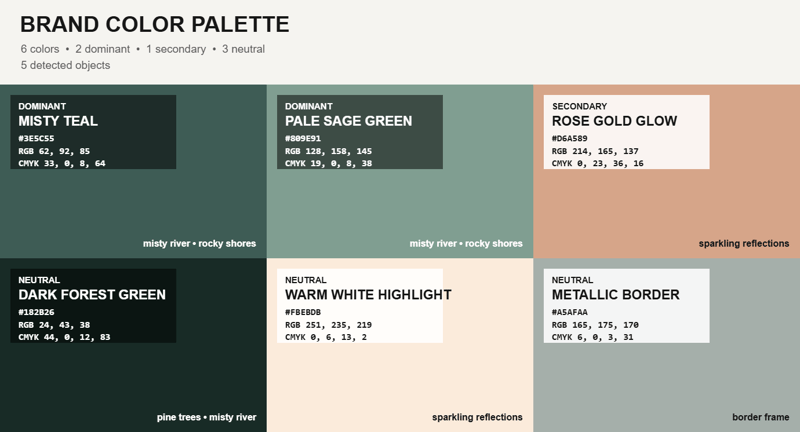
Upload an image and receive a representative color palette overlay, with a reference image available as an additional input.
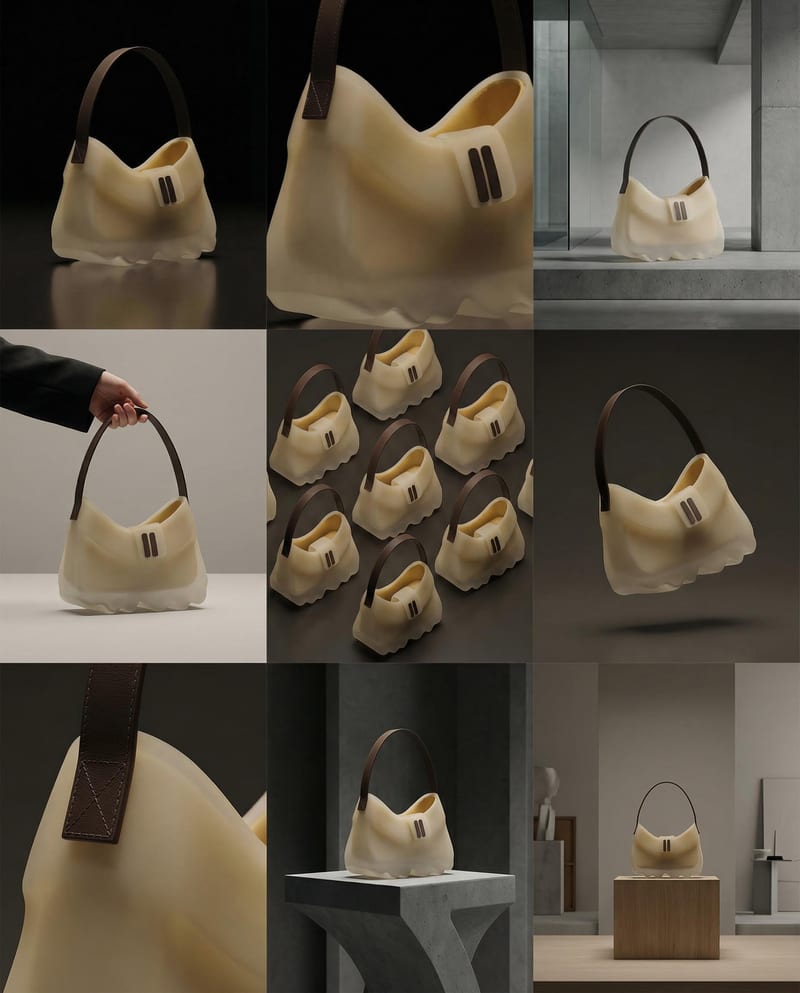
Turn a product image into a product photography grid for fashion campaign concepts and content planning.

Upload a product image and an inspiration image to create a styled product image with a similar photographic direction.