Recipev4
Product Photography - Match Inspo Image
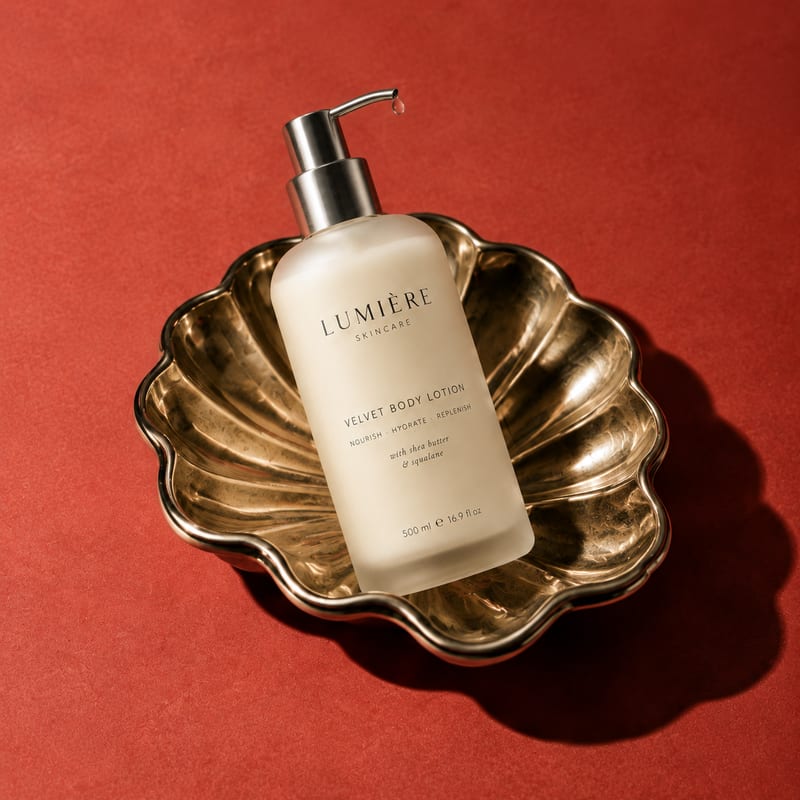
Styled Product Image
One click, whole workflow
Recipes are here. Package a whole workflow and run it in one click
Explore recipesProduct photography
Upload a product image and an inspiration image to create a styled product image with a similar photographic direction.
Styled Product Image
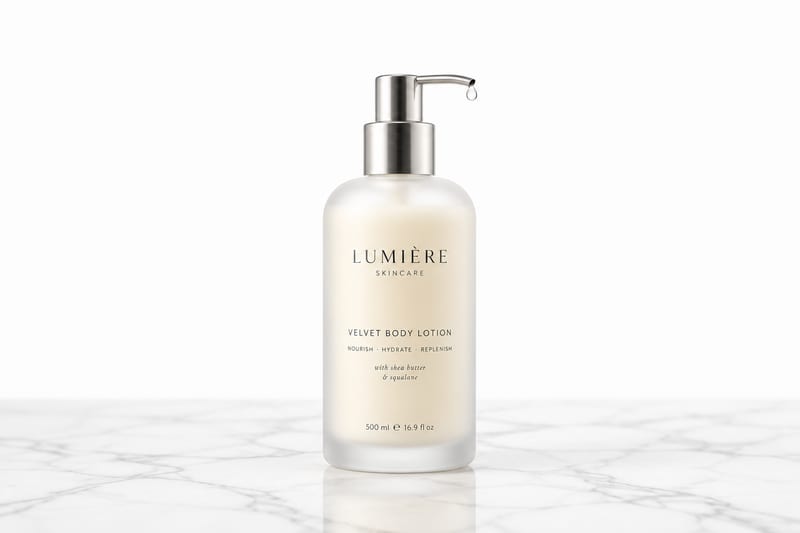
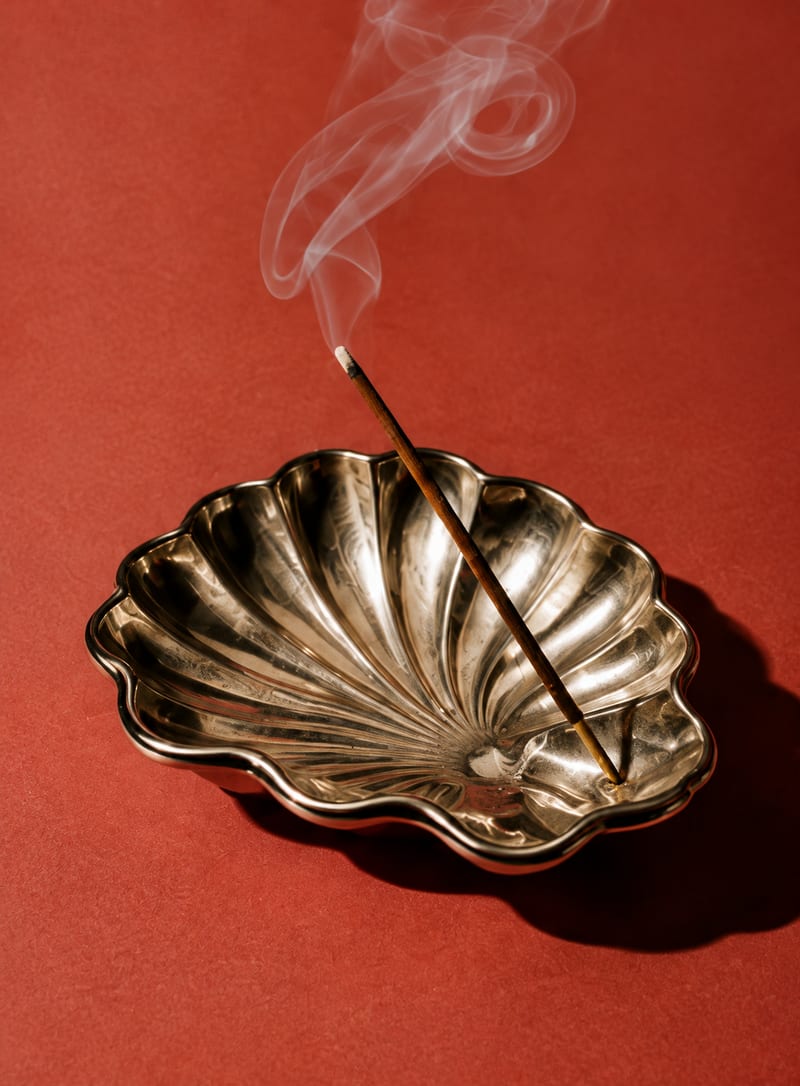
A recipe turns a reusable workflow into a simple set of inputs and outputs. Start with a community recipe and make it your own in Fuser.
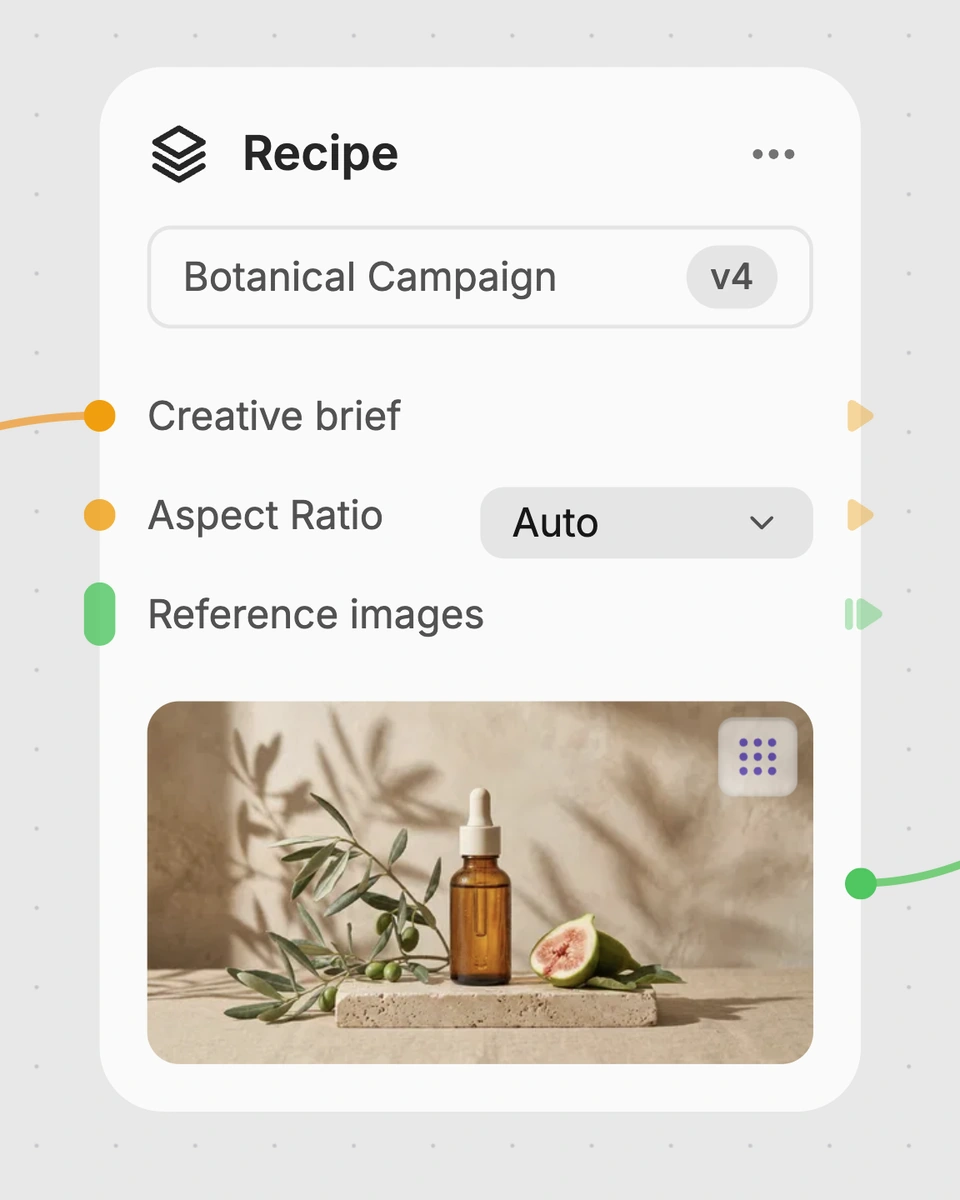
1. Choose a recipe
Find a workflow for the result you want. Review what it does and how to use it before opening it in Fuser.
2. Make it your own
Check the recipe’s available inputs. Add your own text or media where supported, or start with the saved defaults.
3. Run and refine
Run it in Fuser and review the result on your canvas. Tweak the inputs to try another direction.
Use the recipe to explore product photography directions across planning, presentation, and creative review.
It takes a Product Image and an Inspiration Image, then creates a Styled Product Image with a similar photographic direction. The recipe is intended for exploring how a product might be presented in the style of a chosen reference.
It can help product marketers, creative teams, photographers, and designers explore visual directions for product photography. It is especially useful when you have a product image and want to discuss a reference-led styling approach.
Prepare one Product Image showing the product you want to present and one Inspiration Image that represents the photographic direction you want to explore. Clear, relevant images make the intended comparison easier to communicate.
The recipe produces one Styled Product Image. The saved example shows the product and inspiration inputs connected to that output; a new run uses the images you choose in Fuser.
Yes. Product Image and Inspiration Image are exposed inputs, so you can replace either image in Fuser before using the recipe. Changing the inspiration image lets you explore a different photographic direction for the product.
The Styled Product Image can support moodboards, creative reviews, campaign concept development, and photography brief discussions. It is best treated as a visual direction or presentation asset rather than a record of a completed photo shoot.
No exact reproduction is implied. The recipe is designed to create product photography similar to the inspiration image, while the output remains a styled image of the selected product.
Bring a product image and an inspiration image together to create a styled product image for your next visual concept.
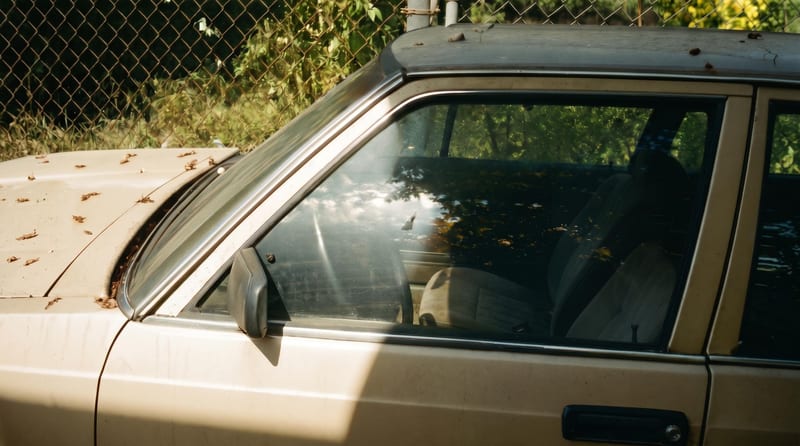
Upload one reference image to create six film-inspired photographic variations.
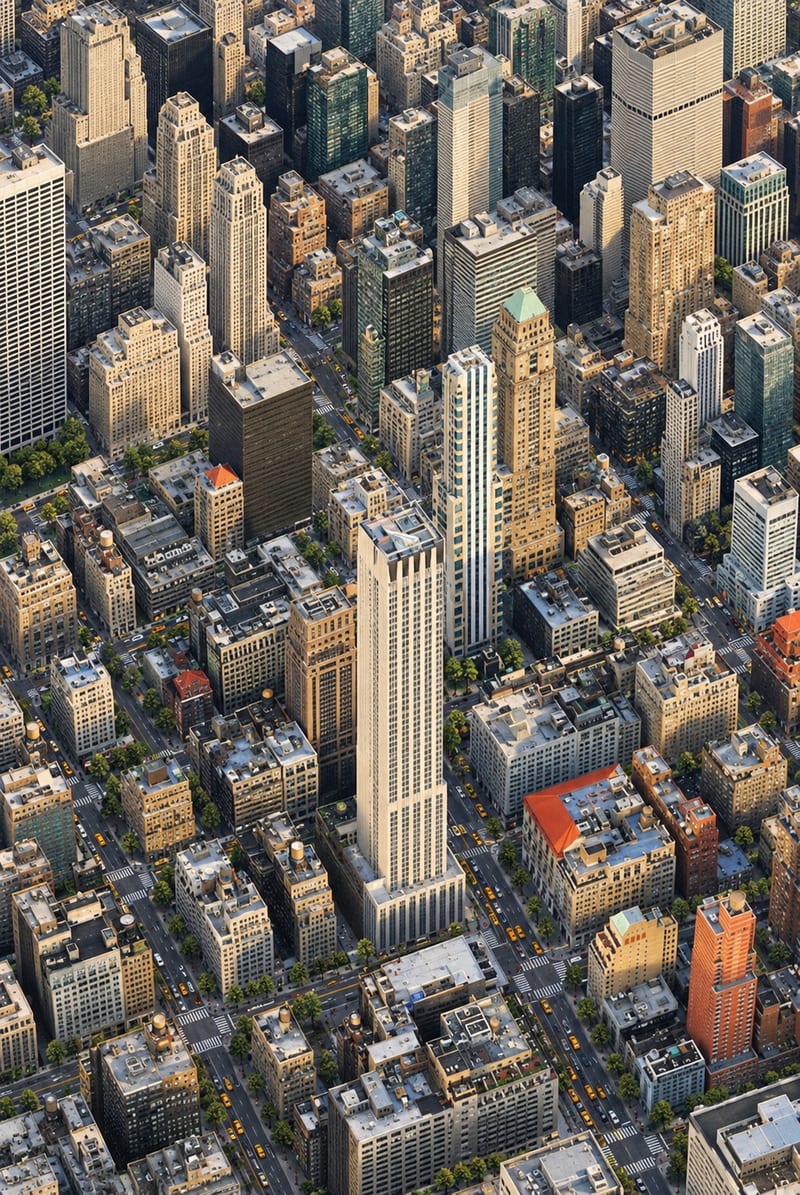
Transform one city photo into an isometric miniature-world image that retains the source’s mood, textures, and realism.
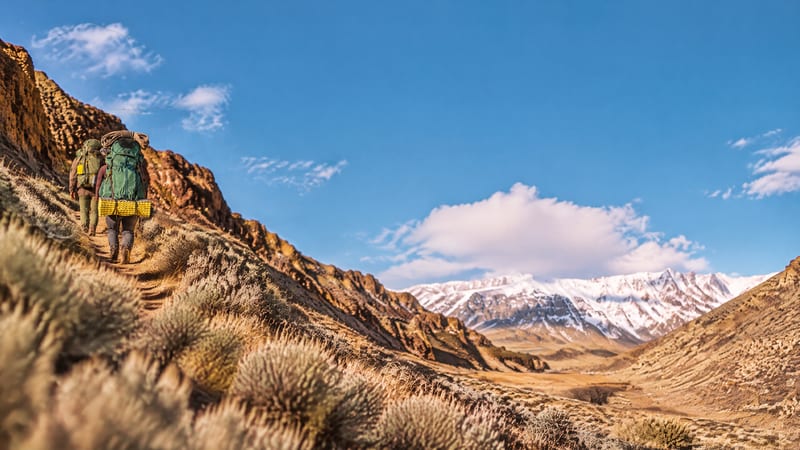
Upload one image to explore golden spiral, rule-of-thirds, and horizontal or vertical symmetry compositions.