Recipev2
Moody Architecture Render (MIR Style)
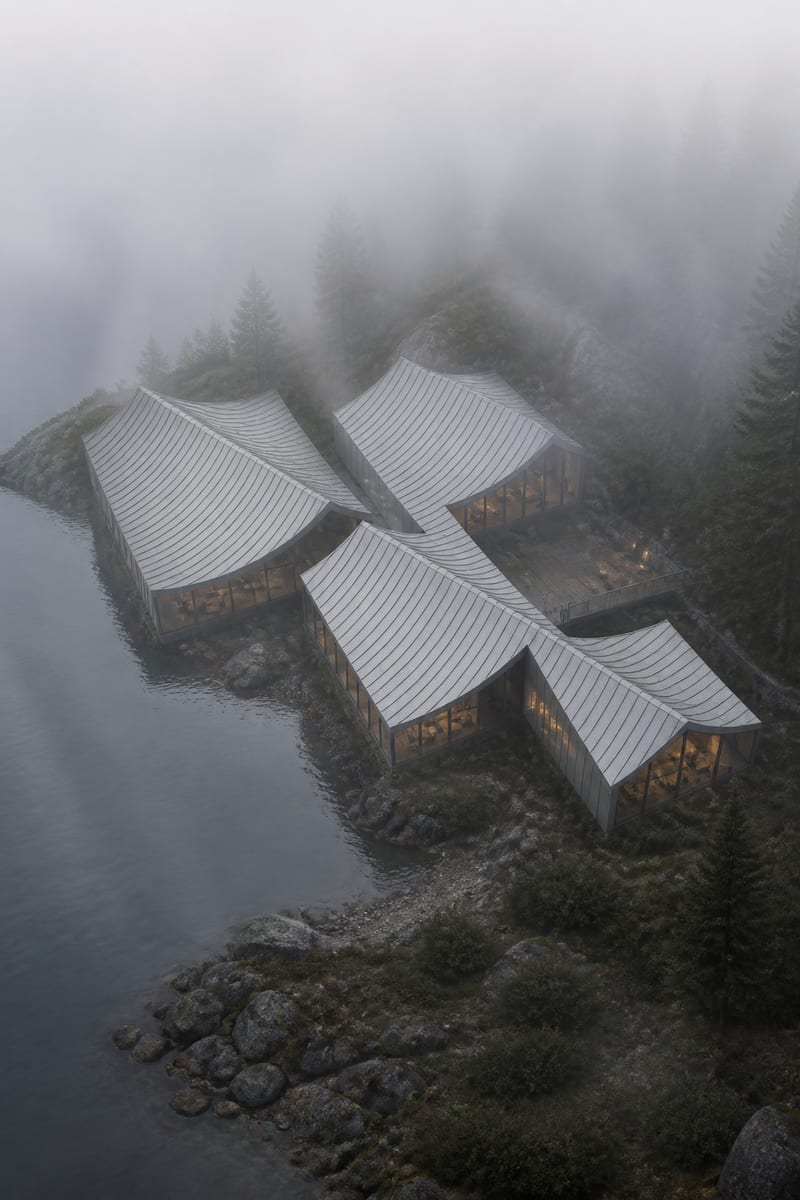
Moody Architecture Render
One click, whole workflow
Recipes are here. Package a whole workflow and run it in one click
Explore recipesArchitecture rendering
Turn a grayscale architecture model into a photorealistic, moody render with fog, cool tones, and atmospheric depth.
Moody Architecture Render
A recipe turns a reusable workflow into a simple set of inputs and outputs. Start with a community recipe and make it your own in Fuser.

1. Choose a recipe
Find a workflow for the result you want. Review what it does and how to use it before opening it in Fuser.
2. Make it your own
Check the recipe’s available inputs. Add your own text or media where supported, or start with the saved defaults.
3. Run and refine
Run it in Fuser and review the result on your canvas. Tweak the inputs to try another direction.
Use this recipe to develop and present atmospheric architecture visuals from grayscale models.
It transforms a grayscale architecture model into a photorealistic, MIR-inspired render. The result emphasizes dense fog, soft overcast light, cool desaturated tones, and atmospheric depth, making it useful for presenting architectural concepts with a strong mood.
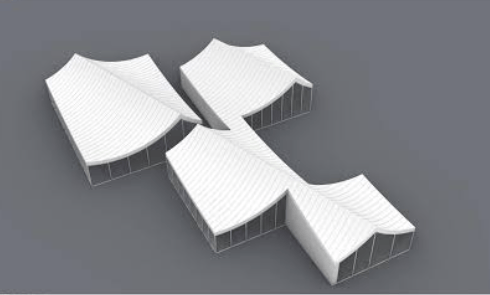
You need a grayscale architecture model as an image and an Aspect Ratio value as text. The saved example uses 1024x1536 for the aspect ratio.
Yes. Grayscale Model and Aspect Ratio are the exposed editable inputs in Fuser, so visitors can replace the image and change the text value for a new run. The saved example remains the default reference for this recipe.
The recipe produces one image labeled Moody Architecture Render. Its intended treatment is a photorealistic architectural scene with fog, soft overcast lighting, cool desaturated tones, and atmospheric depth.
The saved example shows the connected grayscale architecture model and the 1024x1536 aspect ratio producing the Moody Architecture Render output. It is a stored example, not a live generation or a guarantee of how a different model will appear.
No separate inputs for fog density, lighting, or color are exposed in this recipe. Those characteristics are part of the recipe’s MIR-inspired treatment, while the editable inputs are the grayscale model and aspect ratio.
It is suited to architects, designers, and architecture teams preparing atmospheric concept visuals from grayscale models. It can support early presentations, design reviews, client discussions, and portfolio development.
Start with a grayscale architecture model and shape an atmospheric render through the exposed Fuser inputs.
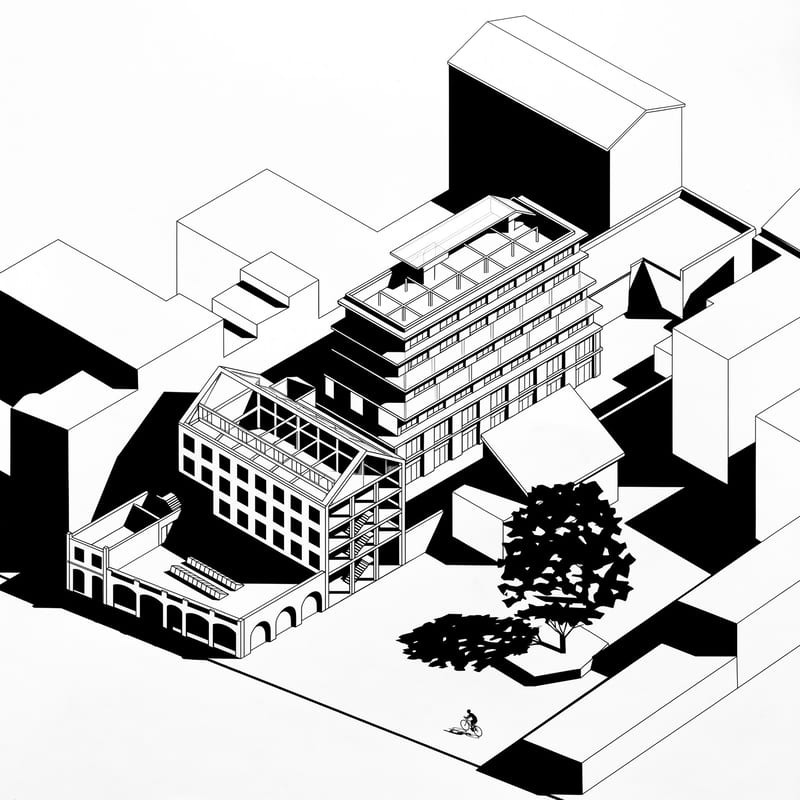
Upload an axonometric architectural drawing to create a black-and-white version with hard shadows, geometric silhouettes, and simplified details.
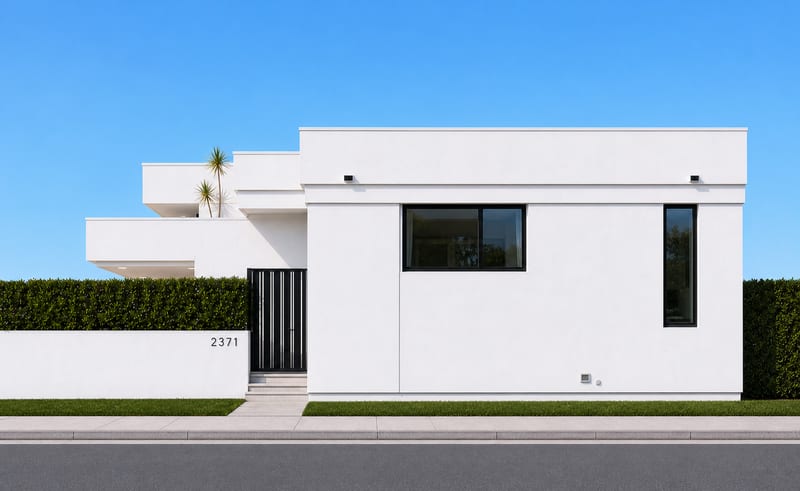
Upload a house photo to create four orthographic image views representing the building from each side.
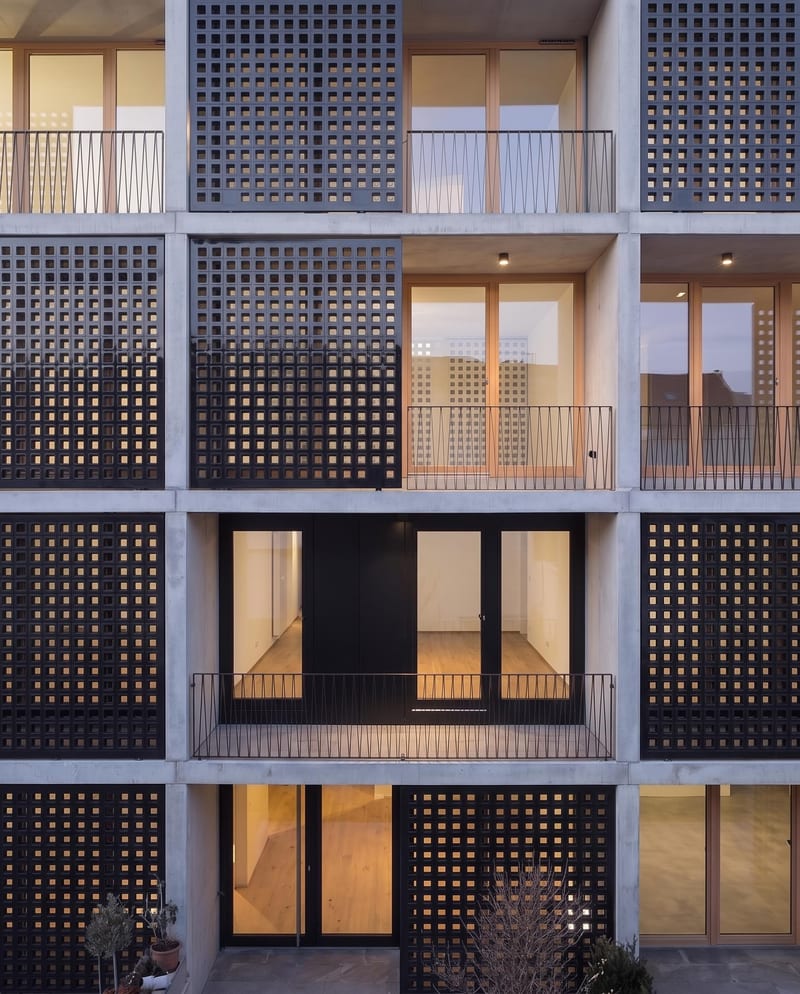
Apply a reference material to a façade image while preserving the building’s architecture, geometry, lighting, and other design elements.