Recipev7
Golden Hour Haze Architectural Render
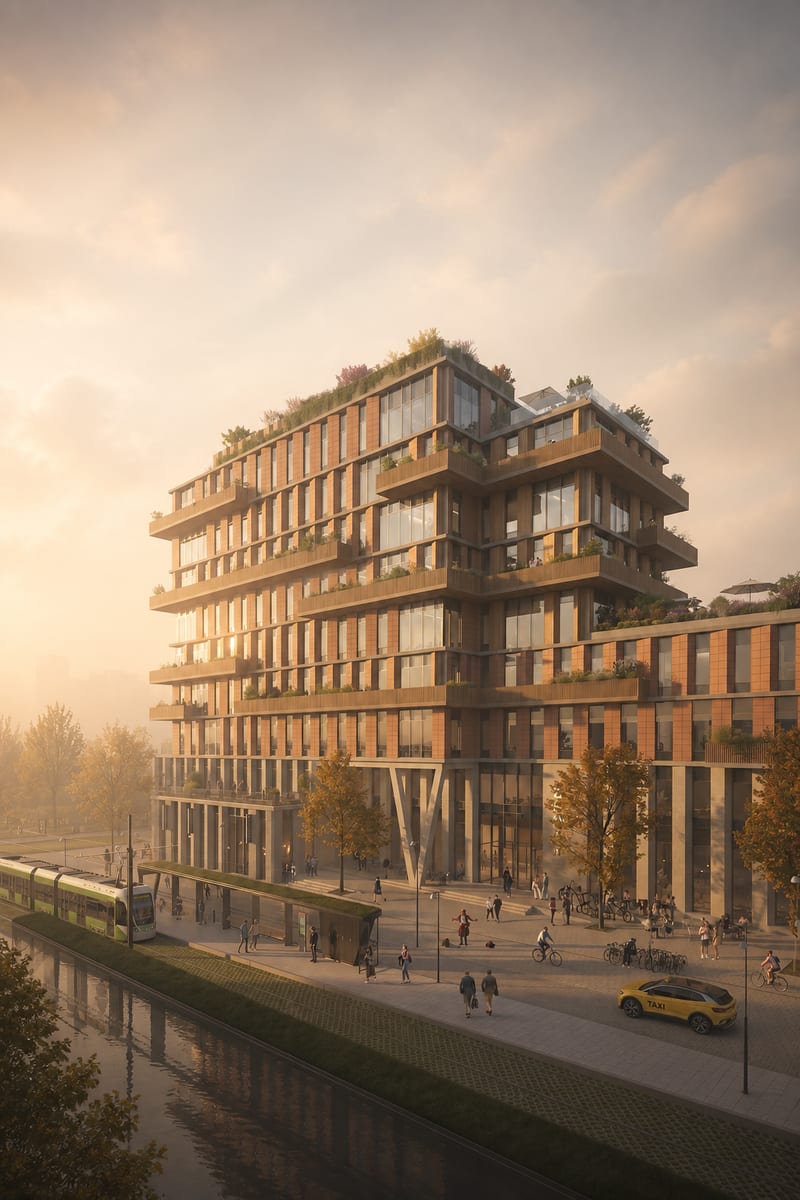
Generated Image
One click, whole workflow
Recipes are here. Package a whole workflow and run it in one click
Explore recipesArchitecture
Turn an architectural image into a photorealistic render with warm golden-hour light, soft haze, muted colors, and a calm cinematic mood.
Generated Image
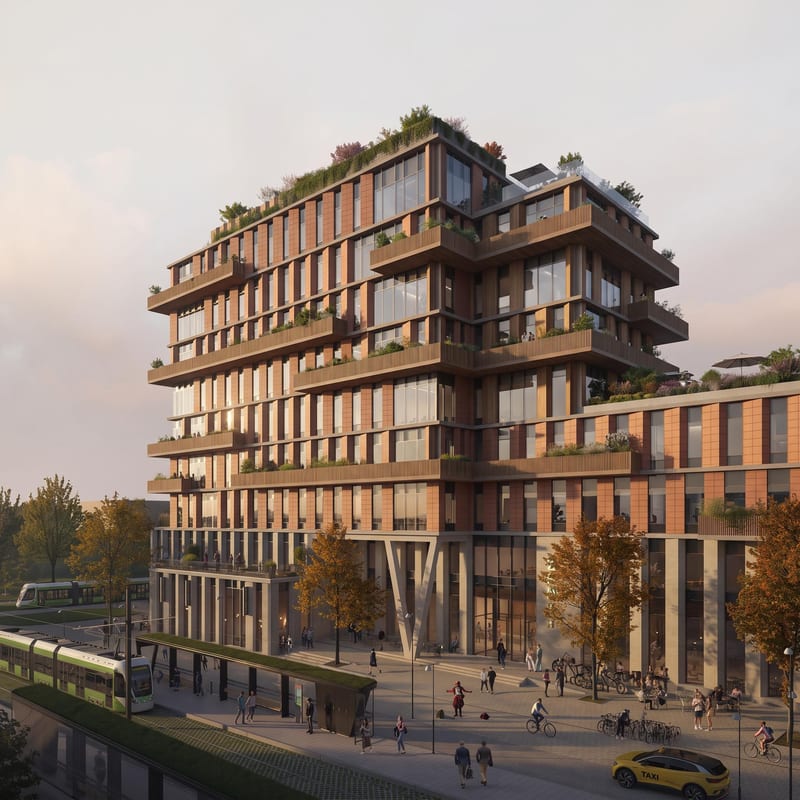
A recipe turns a reusable workflow into a simple set of inputs and outputs. Start with a community recipe and make it your own in Fuser.

1. Choose a recipe
Find a workflow for the result you want. Review what it does and how to use it before opening it in Fuser.
2. Make it your own
Check the recipe’s available inputs. Add your own text or media where supported, or start with the saved defaults.
3. Run and refine
Run it in Fuser and review the result on your canvas. Tweak the inputs to try another direction.
Use an architectural image as the starting point for atmospheric visual studies and presentation materials.
It transforms an architectural image into a generated image with photorealistic rendering, warm golden-hour light, soft haze, muted colors, and a calm cinematic mood. The saved example demonstrates this architectural image-to-image treatment.
It is suited to people presenting or exploring architectural concepts who want an atmospheric render rather than a plain source image. It can support design studies, mood exploration, and visual presentation work within architecture and spaces.
Prepare an architectural image to use as the recipe’s Image input. The recipe accepts one image input and produces one Generated Image output.
The exposed editable input is the Image field, so you can replace the architectural image in Fuser with another image for a new run. The recipe’s defined treatment remains focused on golden-hour light, soft haze, muted colors, and a calm cinematic mood.
The saved example shows the recipe connected from an architectural image input to a generated image output. It illustrates the intended atmospheric architectural render, but it is a saved example rather than a live run.
The output is an image: a photorealistic architectural render with warm golden-hour lighting, soft haze, muted colors, and a calm cinematic mood. The recipe is designed around architectural imagery rather than unrelated subjects.
The recipe is intended for architectural images, as reflected by its subject and input description. Using a non-architectural image may fall outside the recipe’s intended application.
Bring an architectural image into Fuser and explore the recipe’s warm golden-hour treatment, soft haze, muted colors, and cinematic mood.
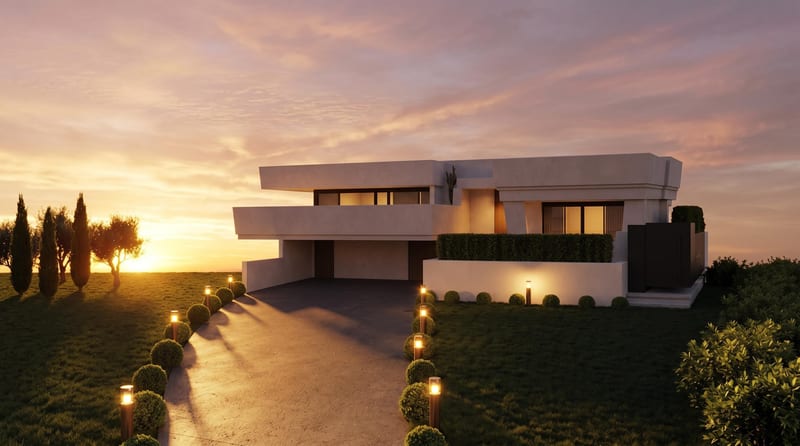
Convert a daytime architecture render into an evening render and a timelapse video for visualizing the same scene.
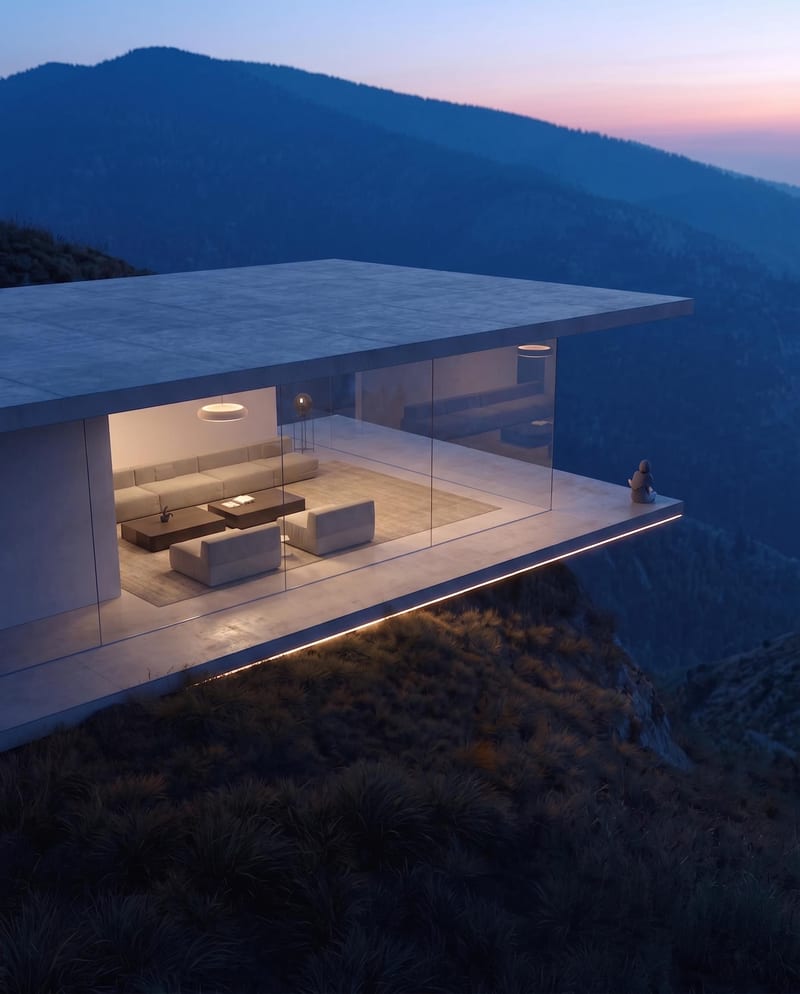
Turn a source image into a realistic aerial drone view while preserving its scene, environment, subject, and details.
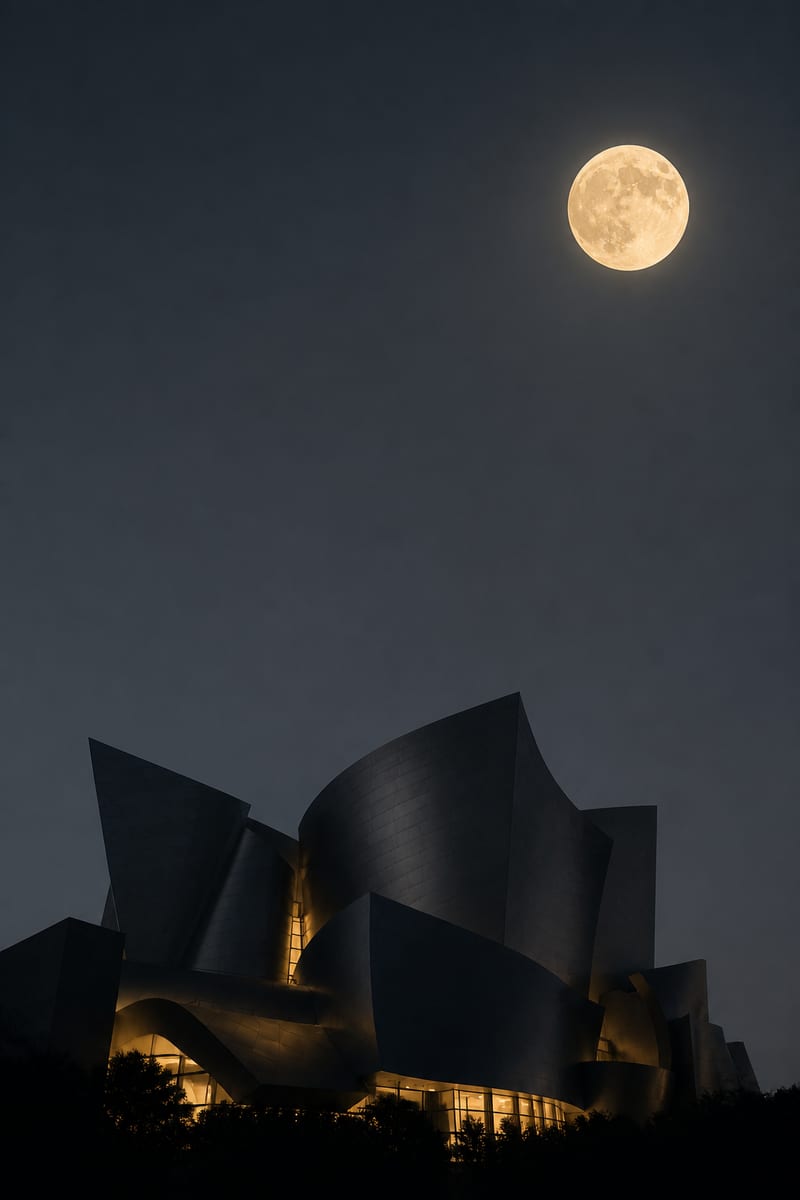
Turn one architectural source image into vertical and horizontal night renders with moonlight, silhouettes, and warm window light.