Recipev3
Clothing Item Swap in Video
0:00 / 0:00
Edited Video
One click, whole workflow
Recipes are here. Package a whole workflow and run it in one click
Explore recipesFashion & Streetwear
Use a new clothing image and an existing video to create an edited video with the clothing item replaced.
Edited Video
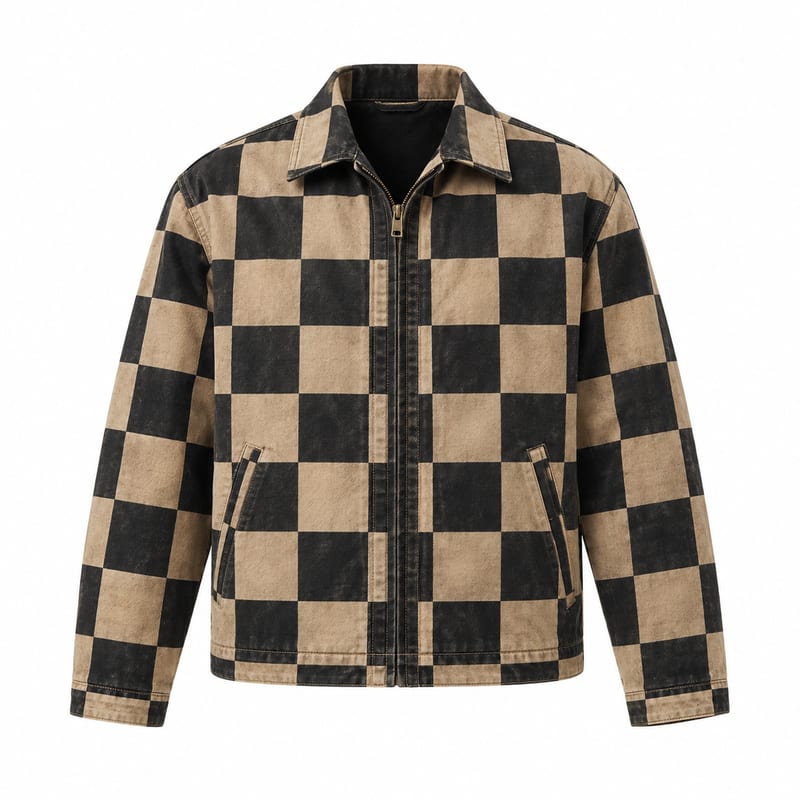
A recipe turns a reusable workflow into a simple set of inputs and outputs. Start with a community recipe and make it your own in Fuser.

1. Choose a recipe
Find a workflow for the result you want. Review what it does and how to use it before opening it in Fuser.
2. Make it your own
Check the recipe’s available inputs. Add your own text or media where supported, or start with the saved defaults.
3. Run and refine
Run it in Fuser and review the result on your canvas. Tweak the inputs to try another direction.
Create fashion-focused video variations by changing the clothing image while starting from an existing video.
It replaces an item of clothing in an existing video using a new clothing item image. The output is an edited video, with the rest of the video intended to remain the same.
It is suited to fashion and streetwear teams, stylists, creative reviewers, and anyone comparing clothing options within an existing video. The recipe is for evaluating clothing changes rather than creating an unrelated video from scratch.
You need two inputs: an image labeled New clothing Item and a video labeled Video to edit. The image provides the replacement clothing item, while the video supplies the existing footage to edit.
Yes. Both named inputs are exposed in Fuser, so you can change the New clothing Item image and the Video to edit input for a new run.
The saved example shows the recipe’s default new clothing item image and video connected to an Edited Video output. It is a saved input-to-output example, not a live run on this page.
The recipe produces one output labeled Edited Video. It represents the existing video with the selected clothing item replaced, while the rest of the video is intended to stay the same.
Use it to compare wardrobe directions, prepare fashion video variations, support styling reviews, or explore clothing concepts in an existing video context. It is most relevant when the main change you want to examine is the clothing item.
Log in to Fuser to use your own clothing image and video with this fashion-focused editing recipe.
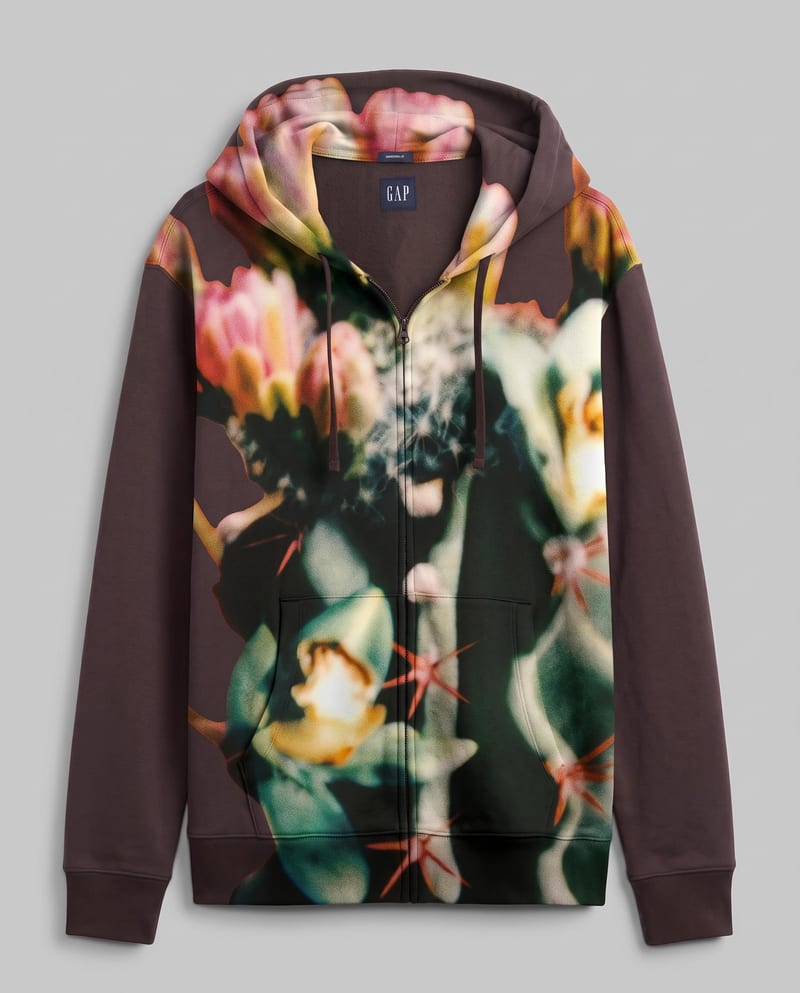
Combine a garment image with a pattern image to create a garment image featuring the new design.
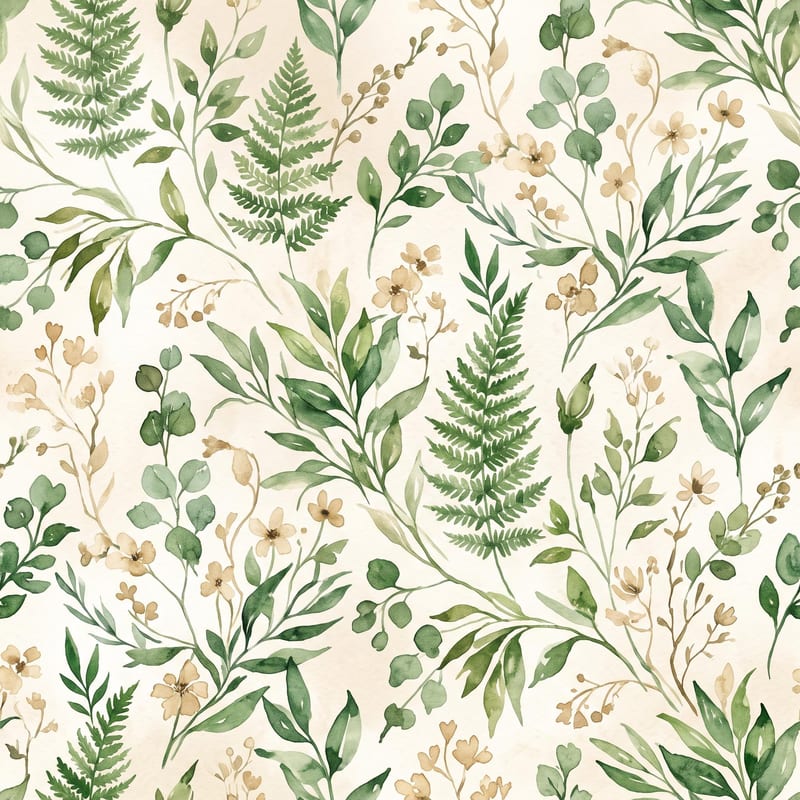
Turn a pattern or style description and color direction into a standalone fabric print image.
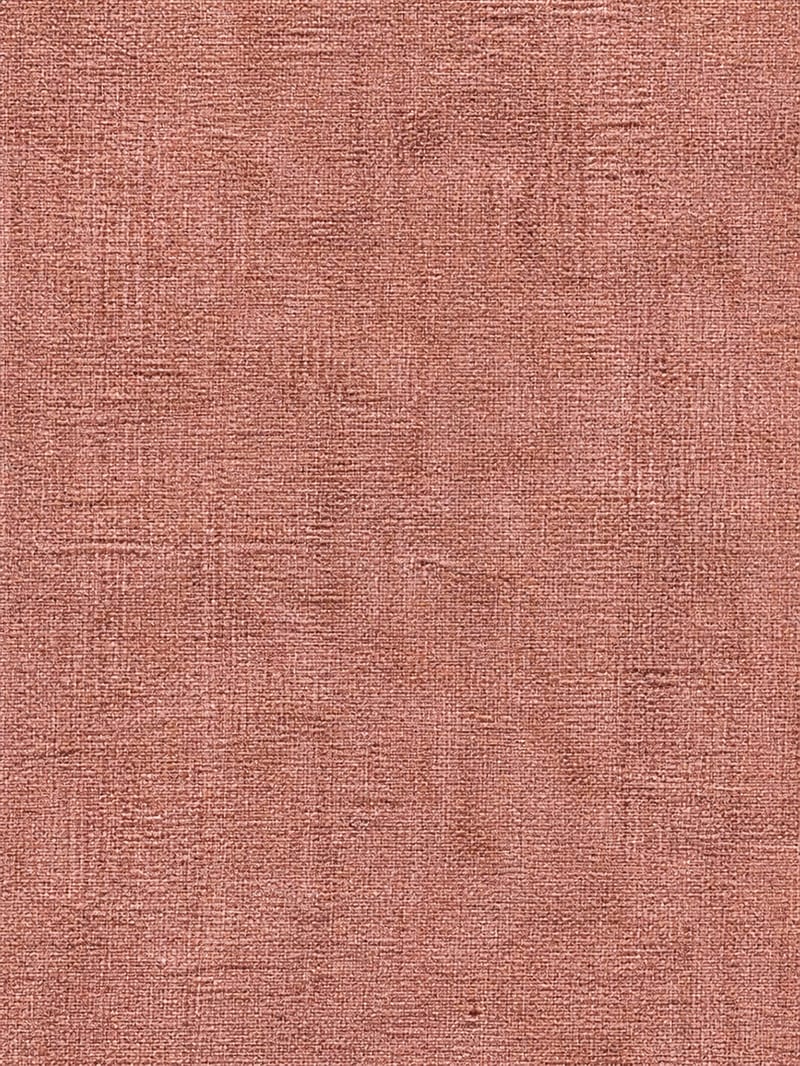
Upload a simple texture image to create a richly detailed surface with material-specific grain, imperfections, patterns, and micro-details.
