Recipev2
Makeup Style Try-On
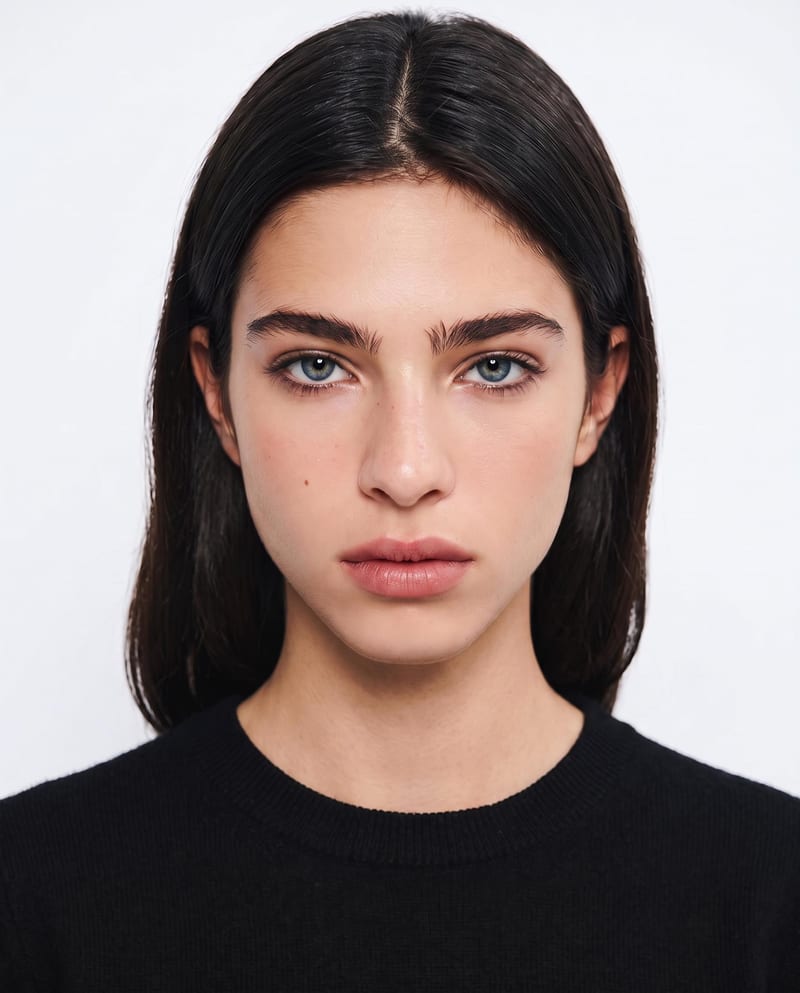
Makeup Style 1
One click, whole workflow
Recipes are here. Package a whole workflow and run it in one click
Explore recipesMakeup photography
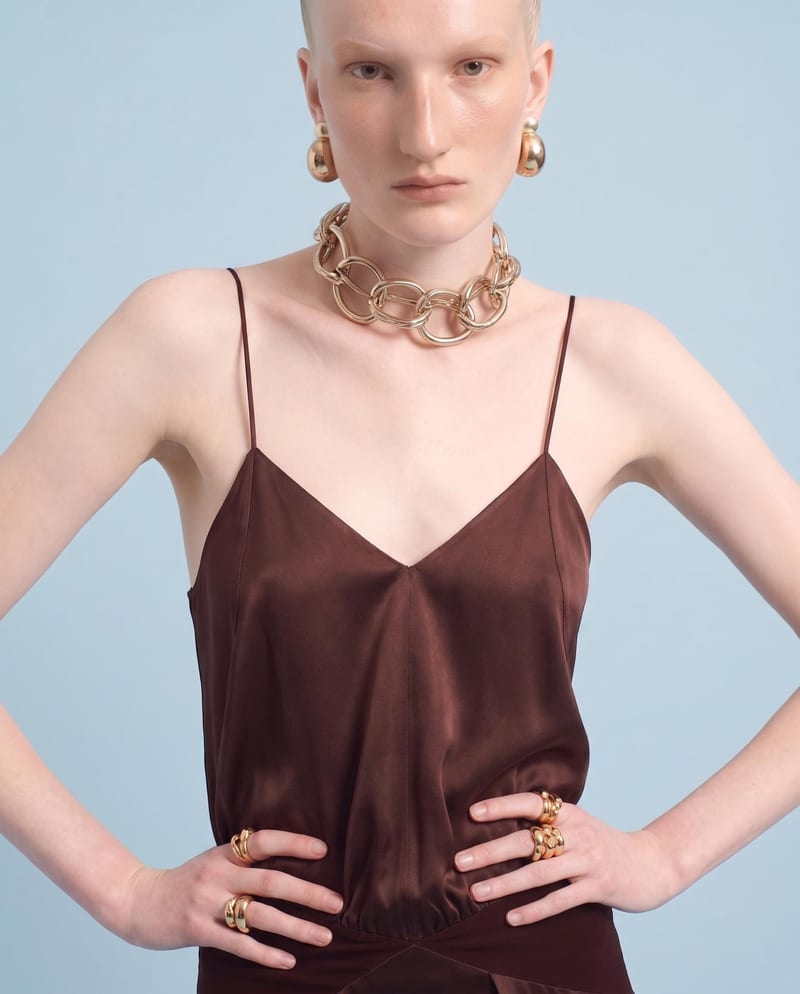
Upload one portrait to explore six makeup style variations while preserving your identity and facial features.
Makeup Style 1
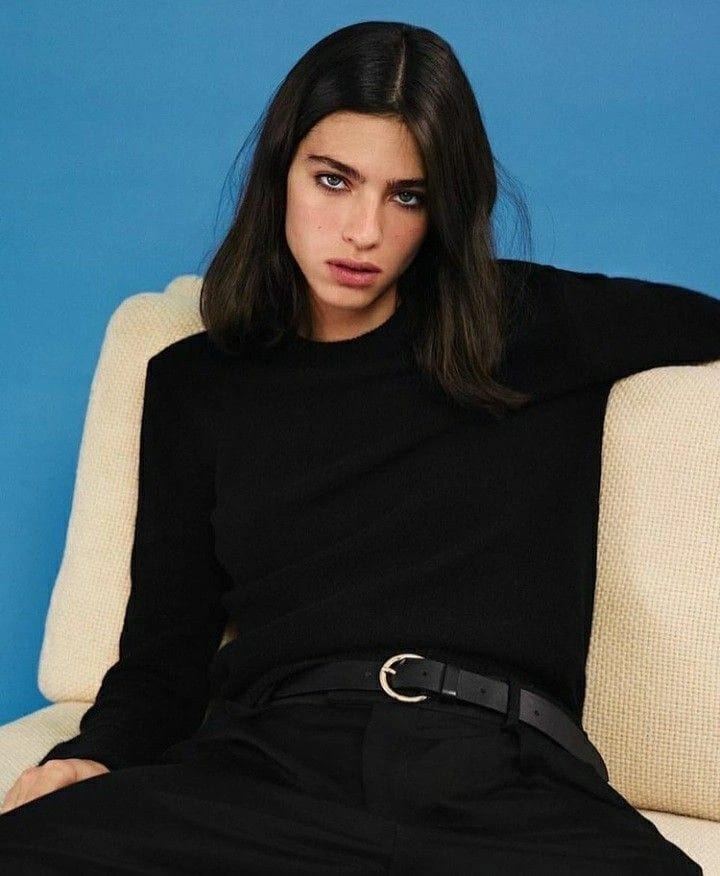
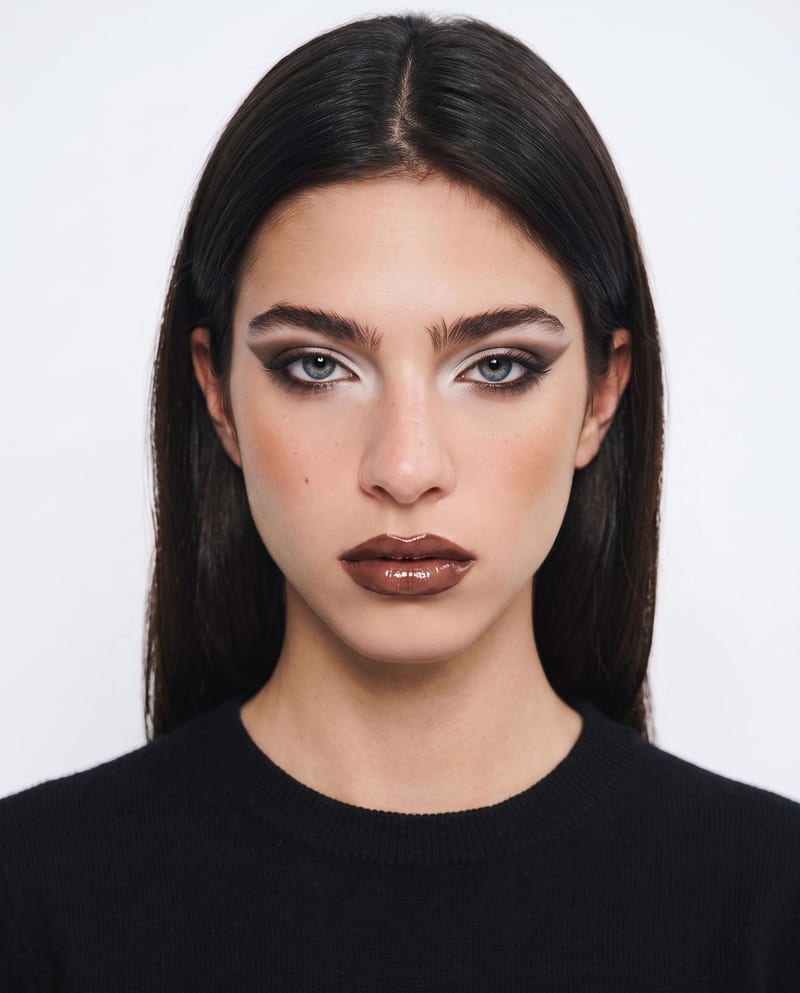
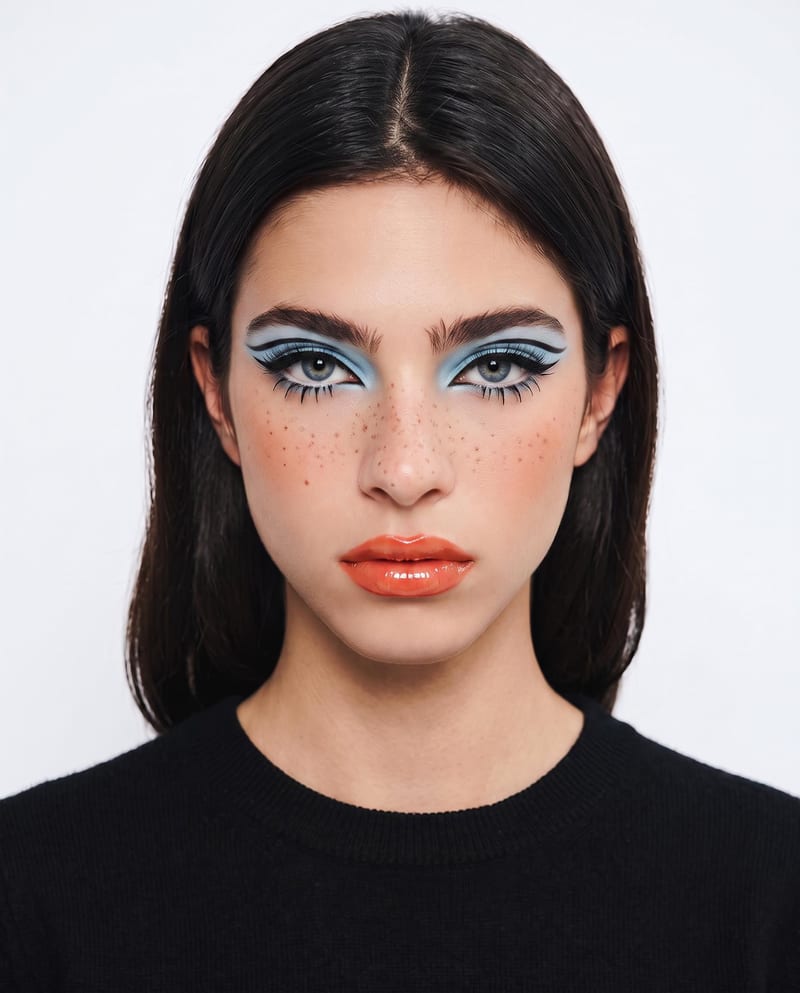
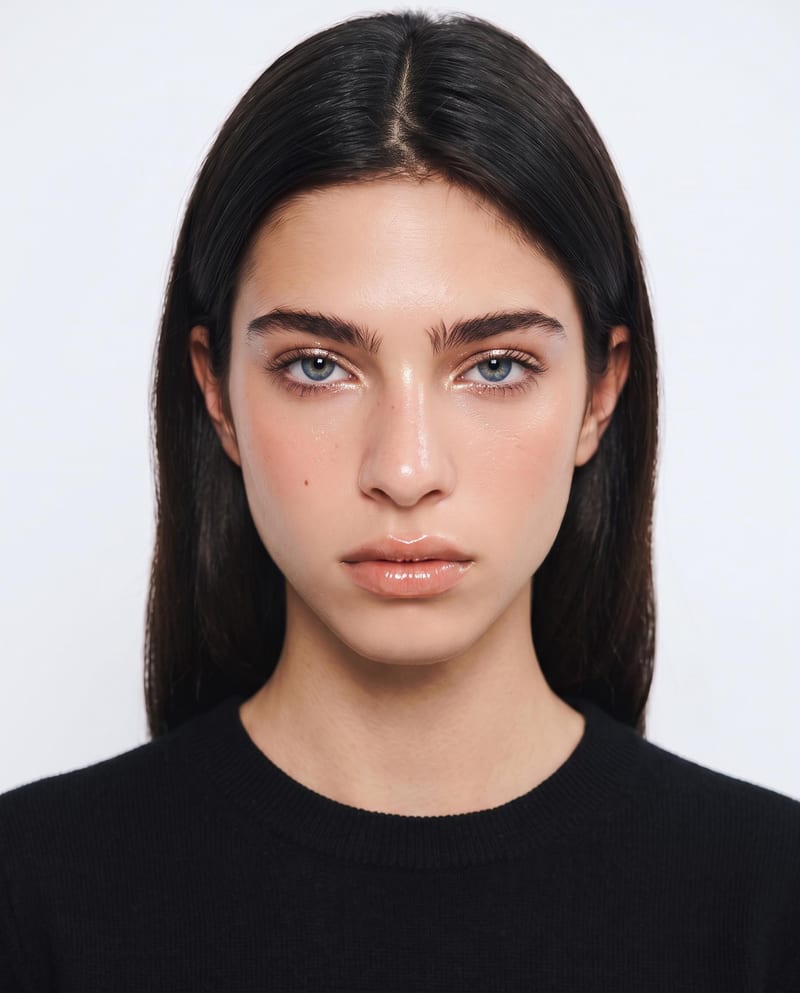
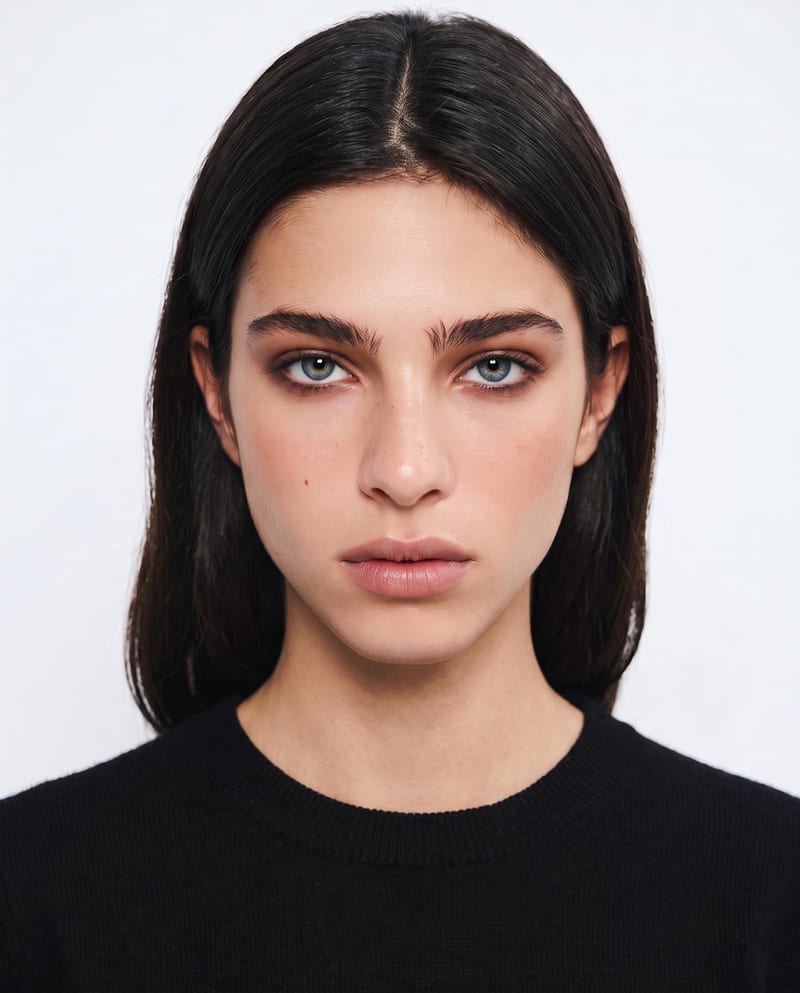
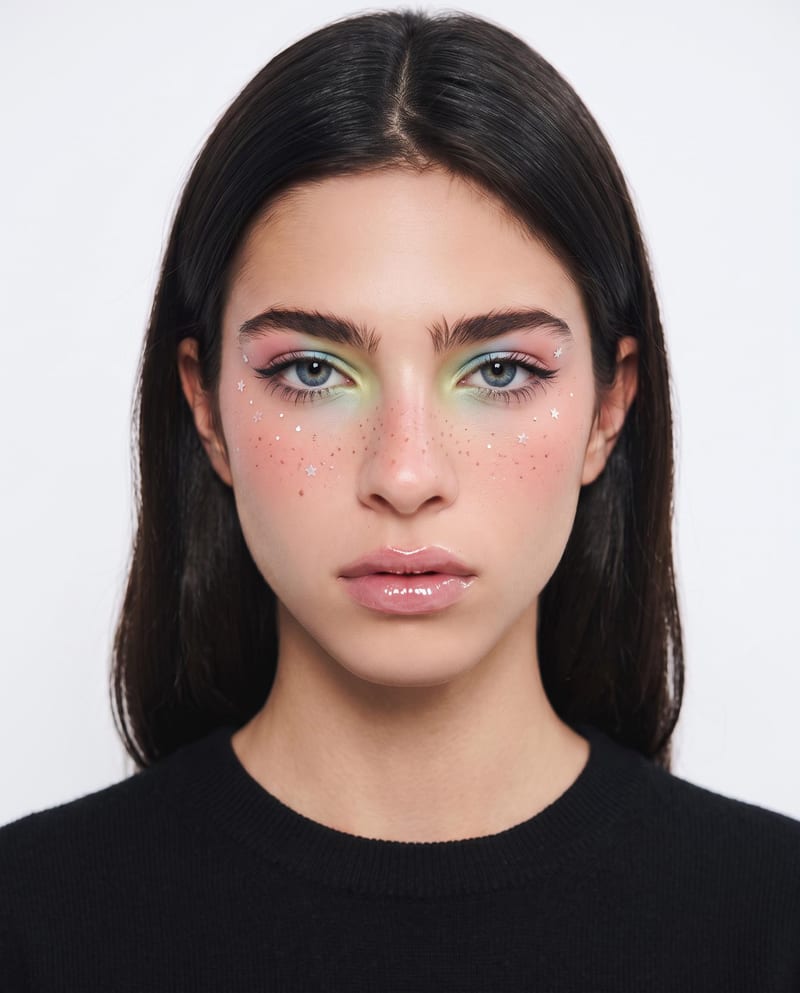
A recipe turns a reusable workflow into a simple set of inputs and outputs. Start with a community recipe and make it your own in Fuser.

1. Choose a recipe
Find a workflow for the result you want. Review what it does and how to use it before opening it in Fuser.
2. Make it your own
Check the recipe’s available inputs. Add your own text or media where supported, or start with the saved defaults.
3. Run and refine
Run it in Fuser and review the result on your canvas. Tweak the inputs to try another direction.
Use one portrait to explore, compare, and present makeup directions across personal and visual content workflows.
It takes one portrait image and produces six makeup-style image variations. Each output explores a different makeup look while keeping your identity and facial features unchanged.
It is useful for people exploring personal makeup styles, beauty-focused social content creators, and photography teams developing portrait concepts. The outputs are visual references for comparing possible looks.
Prepare one portrait image showing the face you want to use for the try-on. The recipe exposes Portrait Image as its editable input, so you can change that image in Fuser before using the recipe.
The recipe provides six image outputs labeled Makeup Style 1 through Makeup Style 6. Together, they show multiple makeup-style variations based on the selected portrait.
Yes. Portrait Image is an exposed editable input, so visitors can replace the saved portrait with another portrait in Fuser. The saved page example is not a live run; its preview represents the saved input connected to the recipe outputs.
The recipe exposes one image input, Portrait Image, and does not list separate style controls. You can change the portrait in Fuser, while the recipe produces six makeup-style outputs from that input.
The saved example demonstrates the input-to-output structure: one portrait image connected to six makeup-style image results. It is an example of the recipe setup rather than a guarantee that a new run will match those exact images.
The results can help compare makeup directions, explore personal style, develop beauty social content, and communicate visual references for portrait photography. They should be treated as makeup references rather than a substitute for an in-person application.
Log in to Fuser to use the recipe with your own portrait and review six makeup-style image outputs.
Develop pitches, campaign assets and interactive client work in Fuser. Combine AI generation, editable design and reusable processes across your agency.
Develop on-person garment imagery, editorial concepts and lookbook layouts. Bring collection references, virtual try-on and editable design together in Fuser.
Create social graphics, carousel artwork and short videos with a recognizable brand style. Keep copy editable and recurring content easier to produce in Fuser.
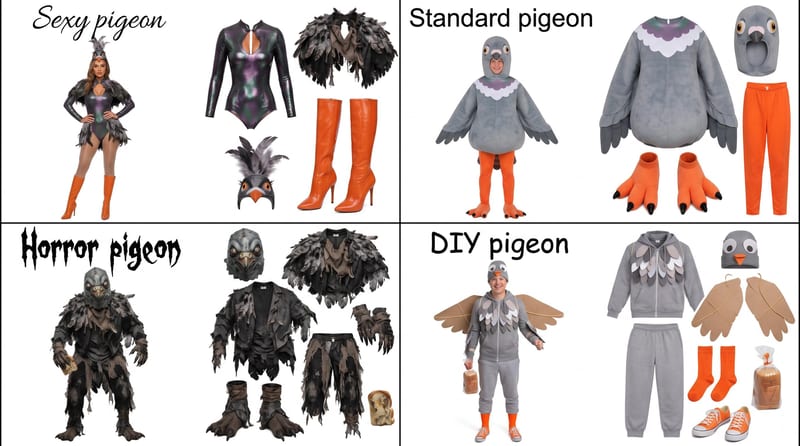
Enter a Halloween costume idea, such as pigeon, to create a grid showing four distinct costume options.
Upload one front-view garment image to create detail, side, and back views that retain its design, color, fit, proportions, and details.
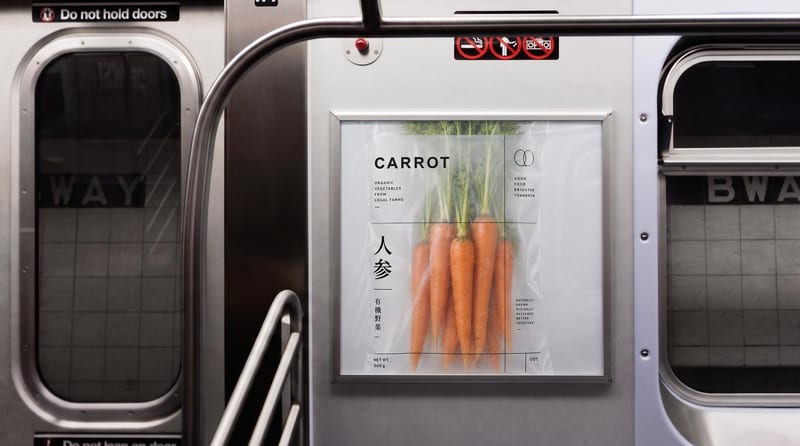
Place one image on subway, wall, platform, and billboard signage mockups.


