Recipev9
Height Map Generator
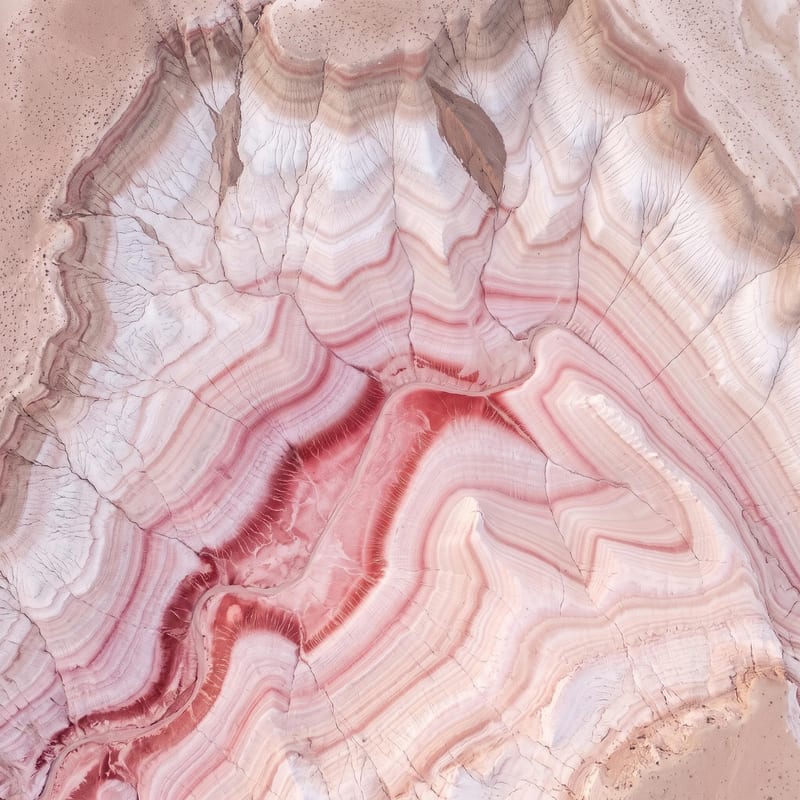
Top-Down View
One click, whole workflow
Recipes are here. Package a whole workflow and run it in one click
Explore recipesTerrain height mapping
Upload a top-down terrain image to receive a top-down view and grayscale height map for displacement data and Unreal Engine landscapes.
Top-Down View
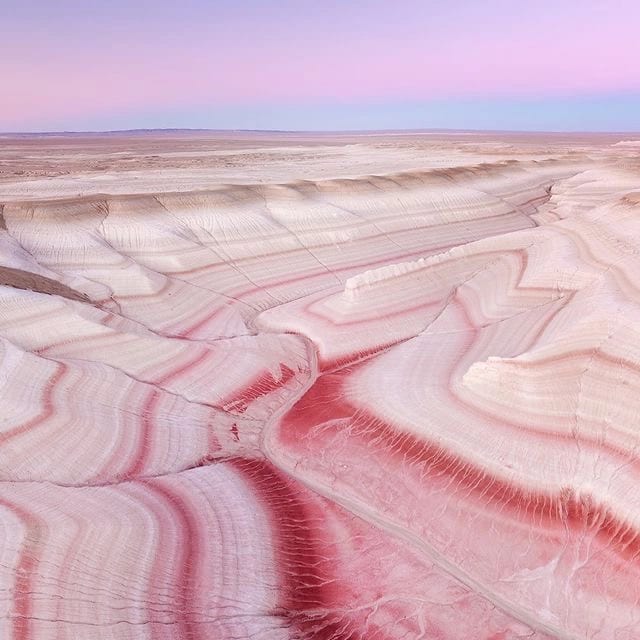
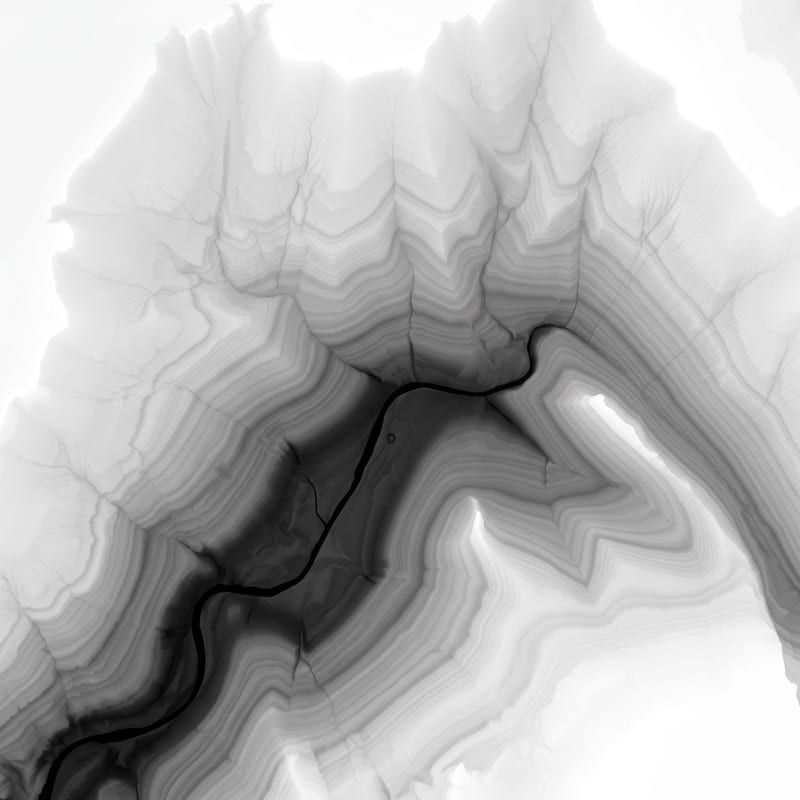
A recipe turns a reusable workflow into a simple set of inputs and outputs. Start with a community recipe and make it your own in Fuser.

1. Choose a recipe
Find a workflow for the result you want. Review what it does and how to use it before opening it in Fuser.
2. Make it your own
Check the recipe’s available inputs. Add your own text or media where supported, or start with the saved defaults.
3. Run and refine
Run it in Fuser and review the result on your canvas. Tweak the inputs to try another direction.
Use the source image and generated outputs across terrain planning, landscape development, and visual studies.
It converts a top-down terrain image into two image outputs: a top-down view and a grayscale image. In the grayscale output, brightness represents elevation, making it suitable for displacement data and Unreal Engine landscapes.
It is useful for people working with game landscapes, terrain-focused art, and film or entertainment planning. The outputs provide both a top-down terrain reference and a grayscale elevation representation.
Prepare a top-down terrain image as the Source Image input. The recipe is designed around that viewpoint, so an image showing terrain from above is the appropriate starting point.
The saved example produces a Top-Down View and a Grayscale Image. The grayscale result represents elevation through brightness, while the top-down view provides the paired terrain image output.
Yes. Source Image is the exposed editable input, so you can replace it in Fuser with your own top-down terrain image. The saved page shows a default example rather than a live run.
No. It produces image outputs: a top-down view and a grayscale height map. The grayscale image is described as displacement data suitable for Unreal Engine landscapes, but the recipe itself does not output a 3D landscape.
You can change the exposed Source Image input in Fuser. No other editable inputs are listed for this recipe, so customization is centered on the terrain image you provide.
Log in to Fuser to use a top-down terrain image with this recipe and generate its paired image outputs.
Develop film treatments, character and environment concepts, storyboards and motion studies. Connect image, video and 3D exploration in Fuser.

Explore game characters, props and environments, develop 3D starting points and build playable web experiments. Shape your game’s art direction in Fuser.
Develop storyboard frames, shot variations and video studies from your references. Compose clear boards and explore movement in one Fuser project.
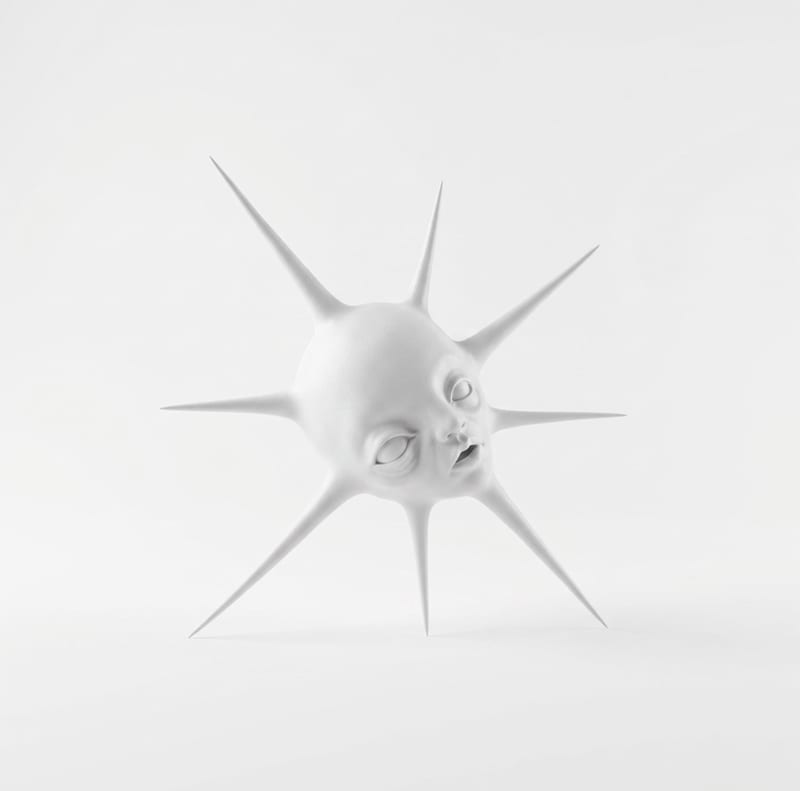
Transform one rough sketch image into a 3D model and a render for film, gaming, and art workflows.
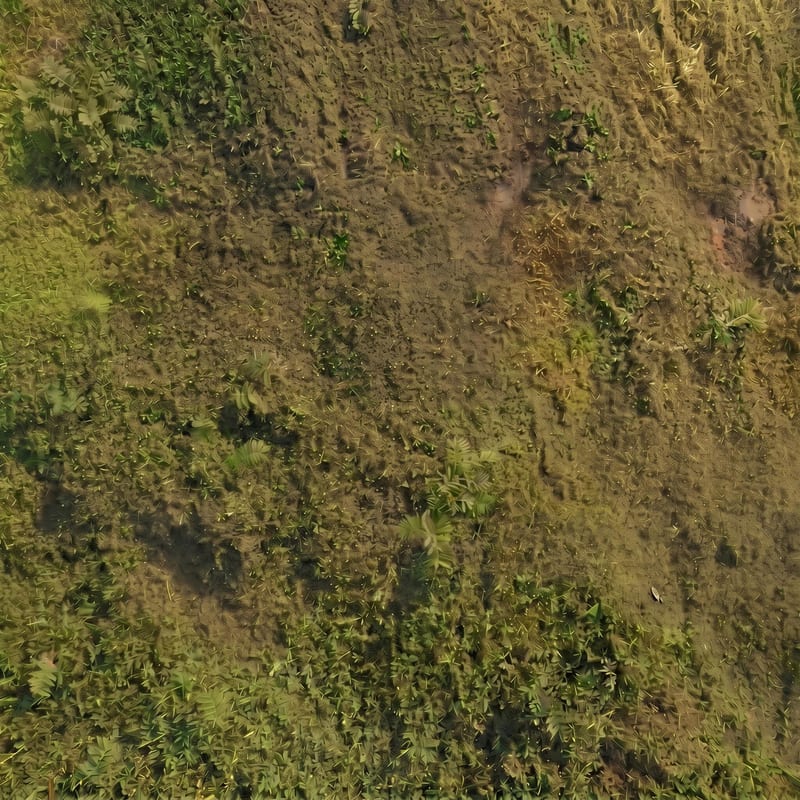
Upload a focused ground-surface image to create base color, normal, roughness, and ambient occlusion maps.
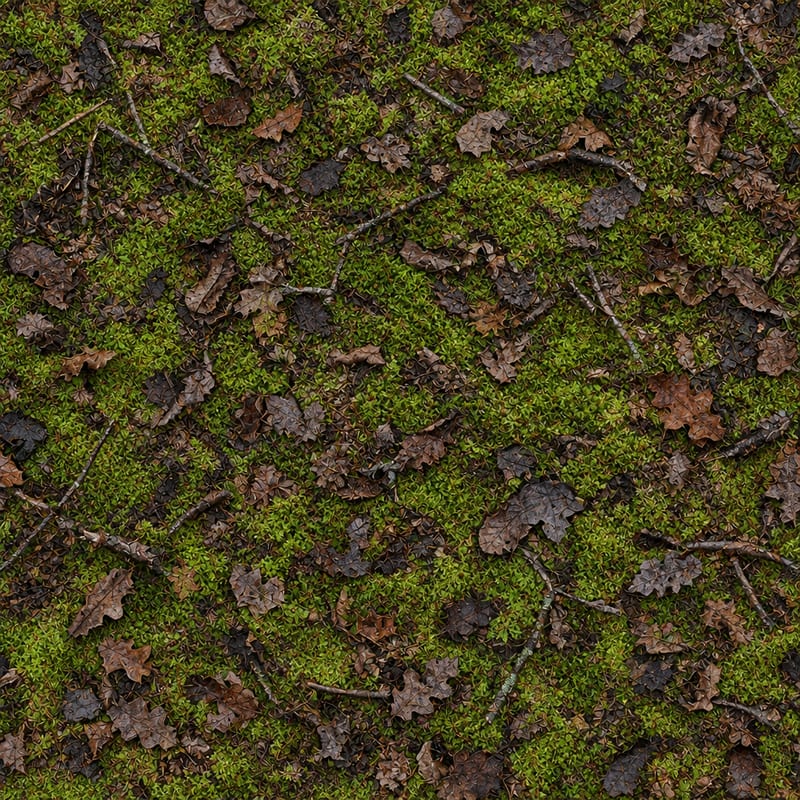
Upload one ground image to create 12 different ground texture variations for film, games, and illustration work.

