Recipev1
Image to 2D Fashion Sketch
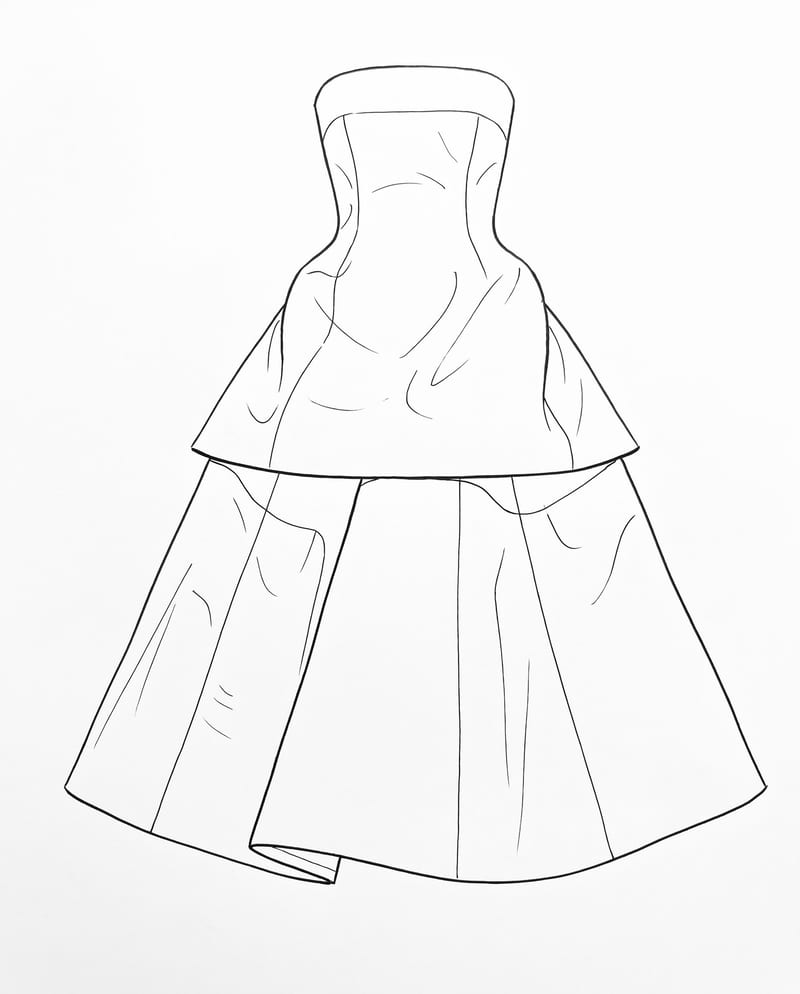
Garment Sketch
One click, whole workflow
Recipes are here. Package a whole workflow and run it in one click
Explore recipesFashion sketch conversion
Upload a garment image to create a clean 2D sketch that retains key design details, silhouette, and proportions.
Garment Sketch
A recipe turns a reusable workflow into a simple set of inputs and outputs. Start with a community recipe and make it your own in Fuser.

1. Choose a recipe
Find a workflow for the result you want. Review what it does and how to use it before opening it in Fuser.
2. Make it your own
Check the recipe’s available inputs. Add your own text or media where supported, or start with the saved defaults.
3. Run and refine
Run it in Fuser and review the result on your canvas. Tweak the inputs to try another direction.
Use a garment image as the starting point for sketch-based fashion references, product planning, and visual presentation.
It converts a garment image into a clean, simple 2D sketch. The intended result preserves the garment’s key design details, silhouette, and proportions.
It is suited to people working with fashion and streetwear concepts, including designers preparing visual references, concept sheets, or moodboards. It can also support product and industrial design presentations when the subject is a garment.
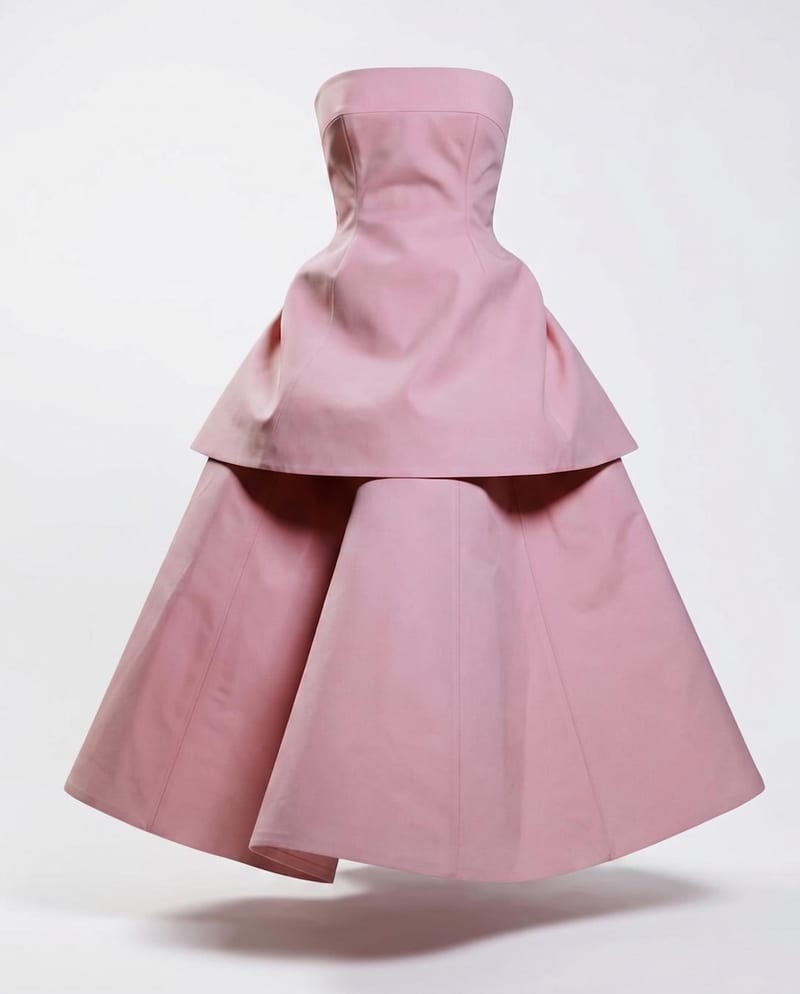
The recipe has one editable input: Garment Render, which accepts an image. In Fuser, you can change this image to use a different garment as the source for a new run.
The output is an image labeled Garment Sketch. It is intended to be a clean, simple 2D representation of the input garment, with its key details, silhouette, and proportions retained.
Yes. Garment Render is an exposed image input, so you can replace the saved example’s source image in Fuser with another garment image. The saved page example is not a live run; it shows the saved input connected to the garment sketch output.
The saved example demonstrates the connection between a garment render and its resulting garment sketch. It shows the intended input-to-output task rather than promising that every new source image will produce an identical sketch.
No specific technical-drawing features are defined for this recipe. Its stated purpose is a clean, simple 2D sketch that preserves important garment details, silhouette, and proportions, so it is best treated as a visual design reference.
Bring a garment image into Fuser and use this recipe to create a simple sketch for fashion concepts, product references, or moodboards.
Develop pitches, campaign assets and interactive client work in Fuser. Combine AI generation, editable design and reusable processes across your agency.
Create product images, lifestyle scenes and campaign assets for your next ecommerce launch. Keep branding editable and reuse creative setups in Fuser.
Develop on-person garment imagery, editorial concepts and lookbook layouts. Bring collection references, virtual try-on and editable design together in Fuser.
Turn a creative brief into distinct visual concepts, moodboards and pitch layouts. Explore references, imagery and motion together in Fuser.
Create studio-style product images, lifestyle scenes and motion studies. Combine reference-led generation with precise, editable composition in Fuser.
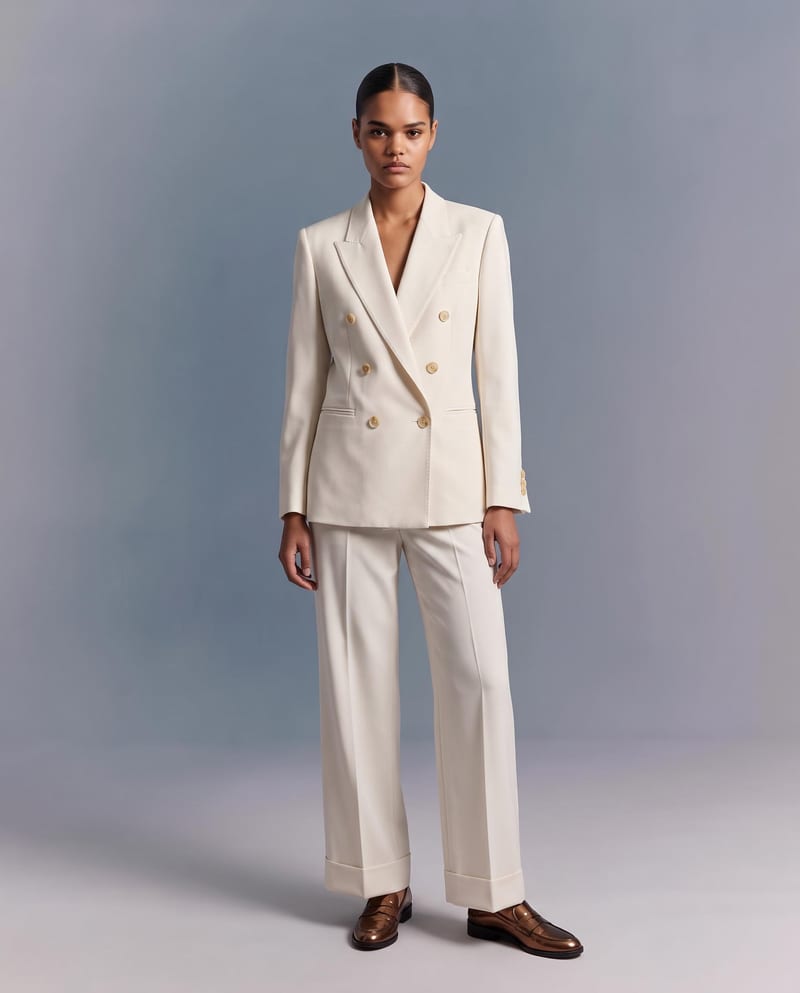
Upload a garment image to create a virtual try-on image of it on a model while preserving its design, color, fit, proportions, and details.
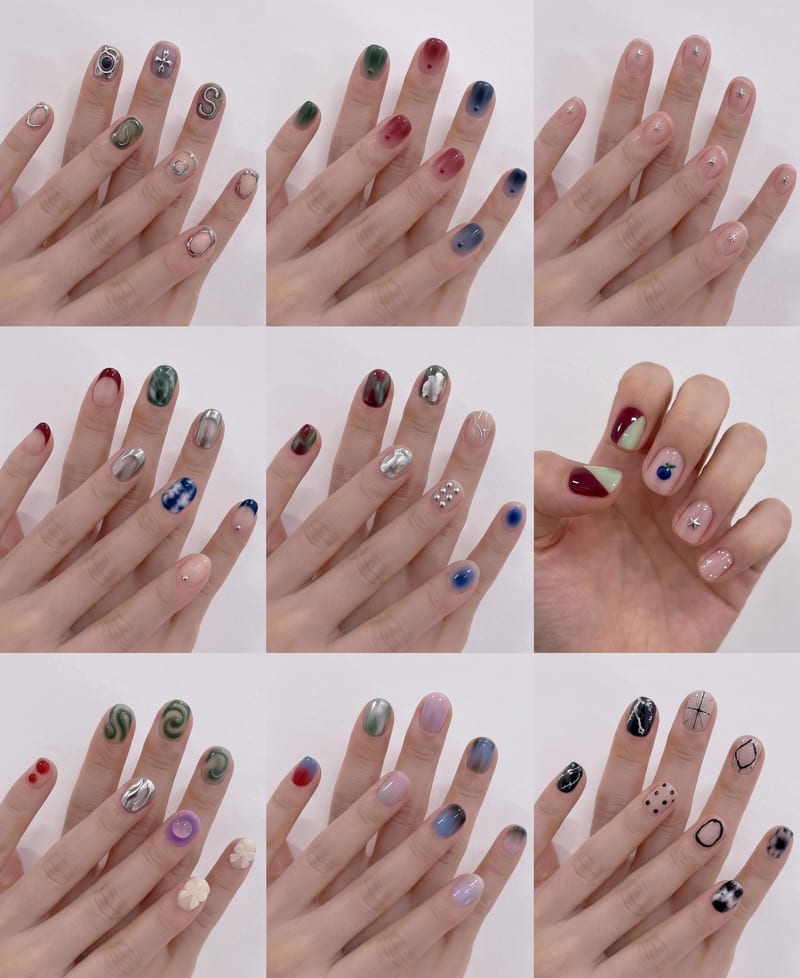
Upload a hand image and reference nail style to create a 3×3 grid of new nail design options.
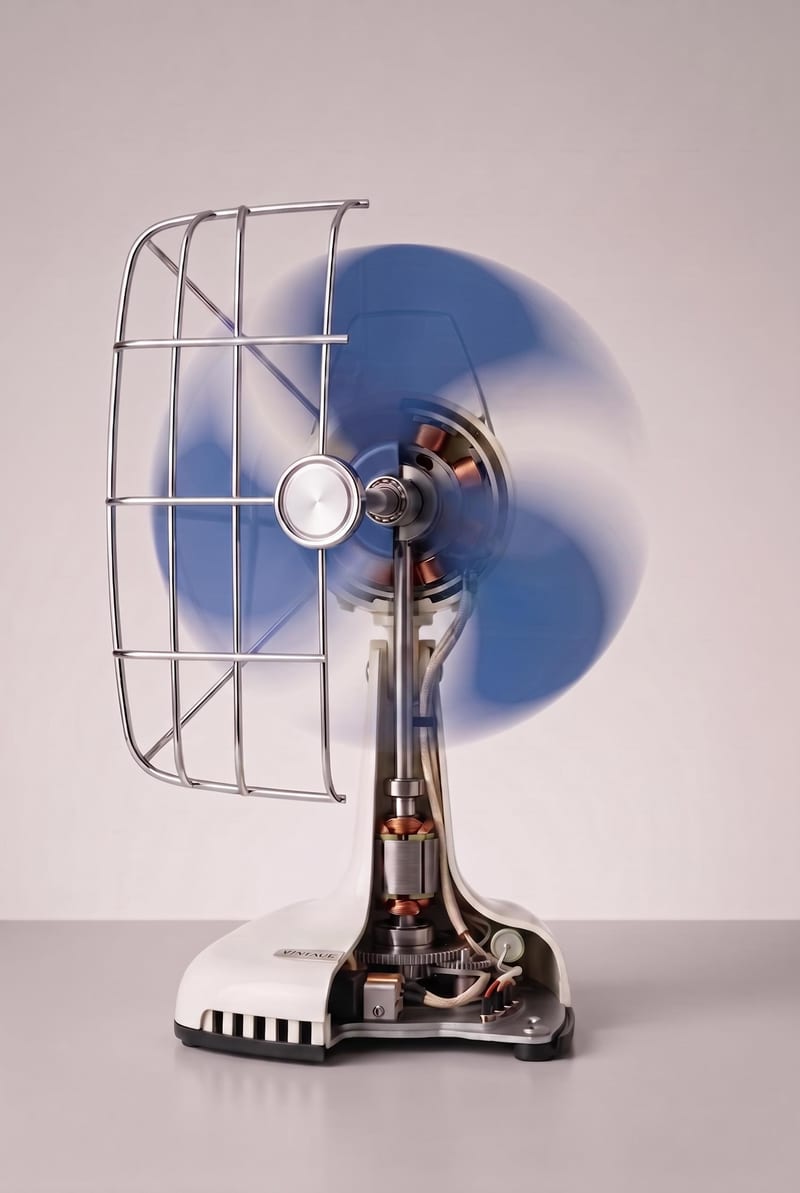
Turn an object image into a realistic cutaway visualization that reveals interior structure while retaining the exterior design, materials, and proportions.