Recipev6
LEGO Style Converter
LEGO Style
One click, whole workflow
Recipes are here. Package a whole workflow and run it in one click
Explore recipesLEGO-style image transformation
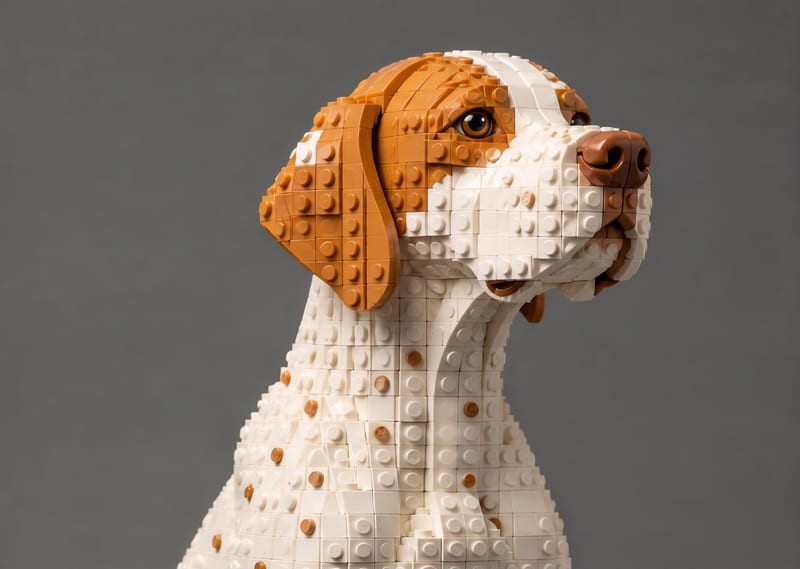
Transform a source image into a LEGO-style recreation that keeps its scene, composition, subjects, and key visual details.
LEGO Style

A recipe turns a reusable workflow into a simple set of inputs and outputs. Start with a community recipe and make it your own in Fuser.

1. Choose a recipe
Find a workflow for the result you want. Review what it does and how to use it before opening it in Fuser.
2. Make it your own
Check the recipe’s available inputs. Add your own text or media where supported, or start with the saved defaults.
3. Run and refine
Run it in Fuser and review the result on your canvas. Tweak the inputs to try another direction.
Use a source image to explore LEGO-style versions of familiar scenes, subjects, and visual references.
It takes one Source Image and produces one LEGO Style image output. The output is a LEGO-style recreation intended to preserve the original scene, composition, subjects, and key visual details.
It is useful for people exploring gaming, memes, toys, collectibles, or other image-based creative concepts through a LEGO-style treatment. It can also support visual comparison between an original image and its stylized recreation.
Prepare one image to use as the Source Image. The recipe is built around transforming that image into the LEGO Style output, so choose a source with the scene or subjects you want to carry into the recreation.
Yes. Source Image is the exposed editable input, so you can replace it in Fuser with another image before using the recipe. The saved page example shows the default source connected to its saved output; a new source is a new run.
The saved LEGO Style image demonstrates the recipe’s image-to-image transformation for its saved Source Image. It shows how the original scene, composition, subjects, and key visual details are represented in a LEGO-style recreation.
The exposed customization is the Source Image input. You can change the image being transformed in Fuser, while the recipe’s defined output remains a LEGO Style image.
Images connected to gaming, memes, toys, collectibles, or other scenes you want to reinterpret in a LEGO style are appropriate. The recipe focuses on recreating the source image rather than adding a separate subject, scene, or output format.
Bring a source image into Fuser and explore its LEGO-style recreation while keeping the original scene and subjects in focus.
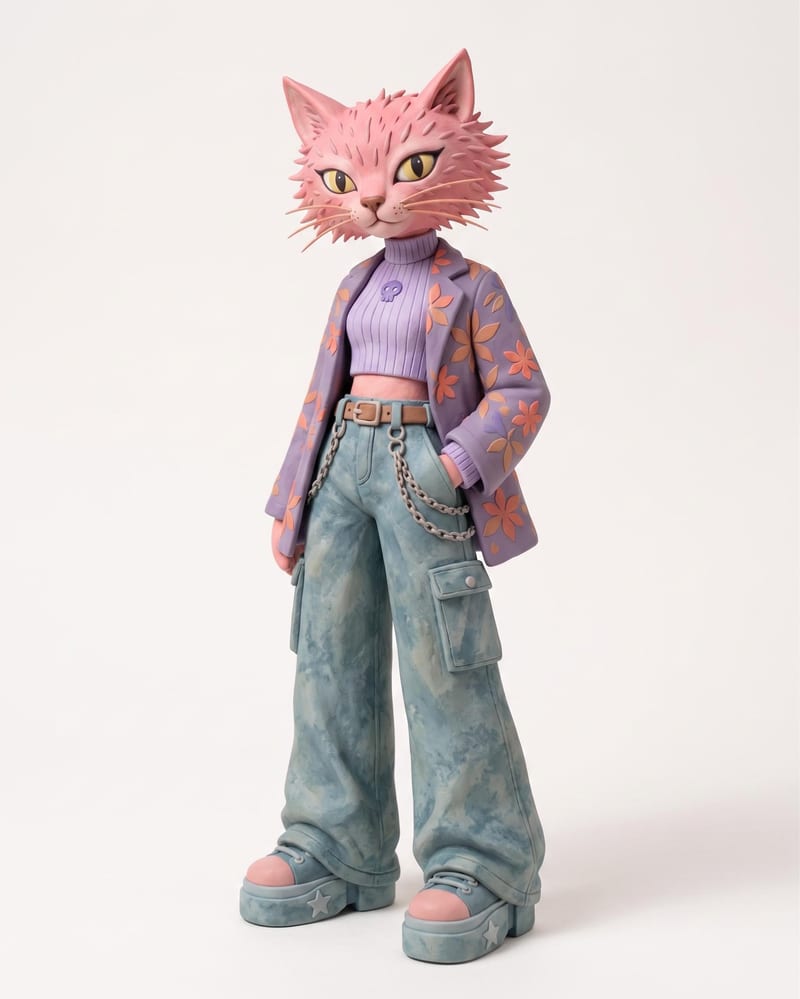
Use an animal name and clothing or color reference images to create a claymation character and character sheet.
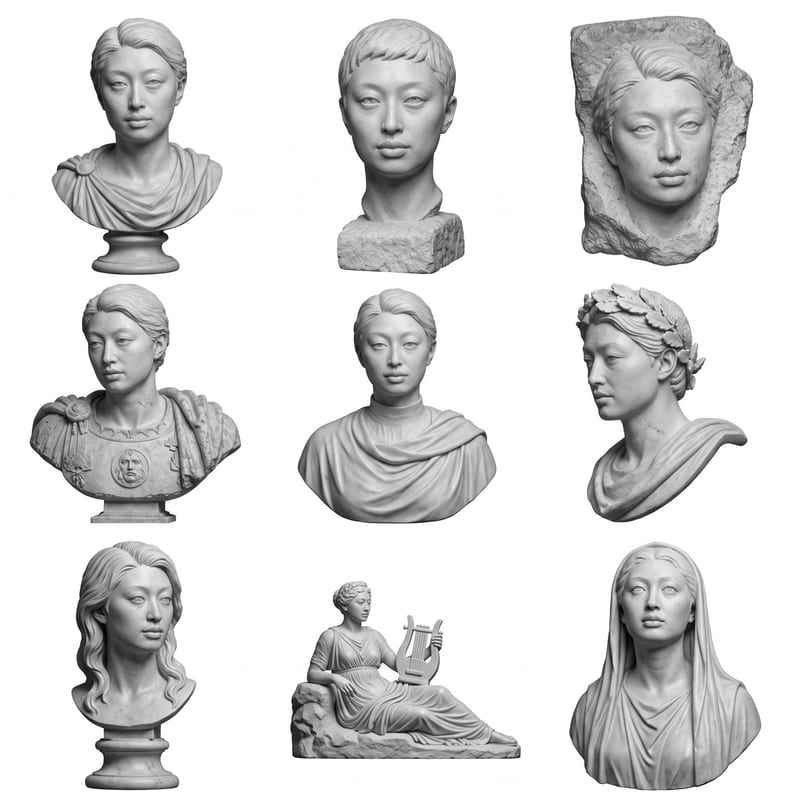
Upload a headshot, selfie, or photo to create a grid of Roman bust options.

Upload an image to create a GAN-ified image with a remade aesthetic.