Recipev3
Claymation Animal Character
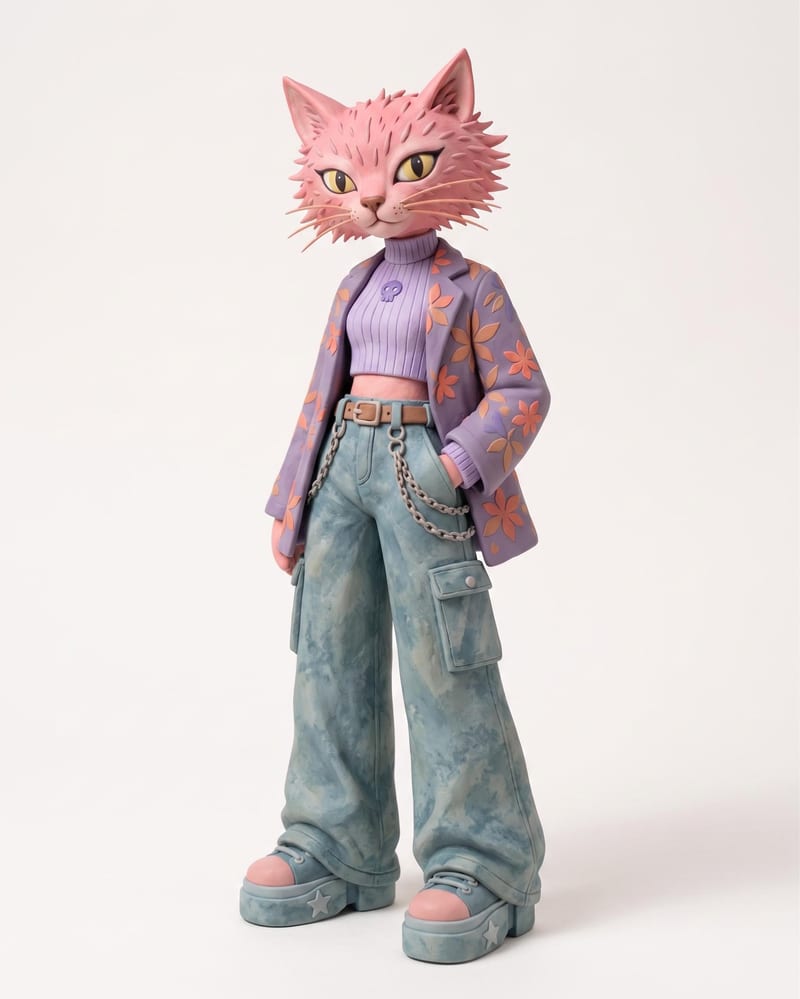
Claymation Character
One click, whole workflow
Recipes are here. Package a whole workflow and run it in one click
Explore recipesClaymation animal characters
Use an animal name and clothing or color reference images to create a claymation character and character sheet.
Claymation Character
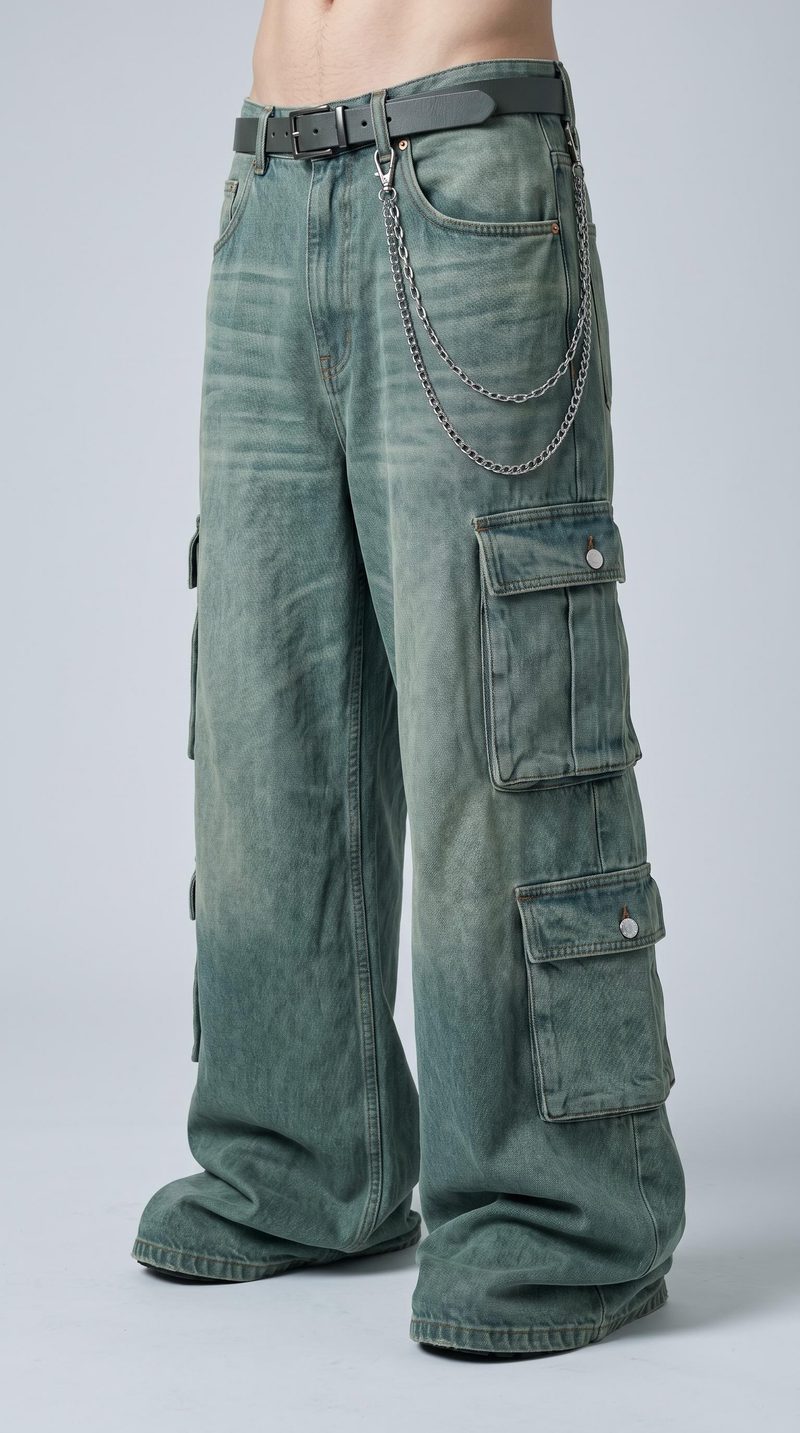
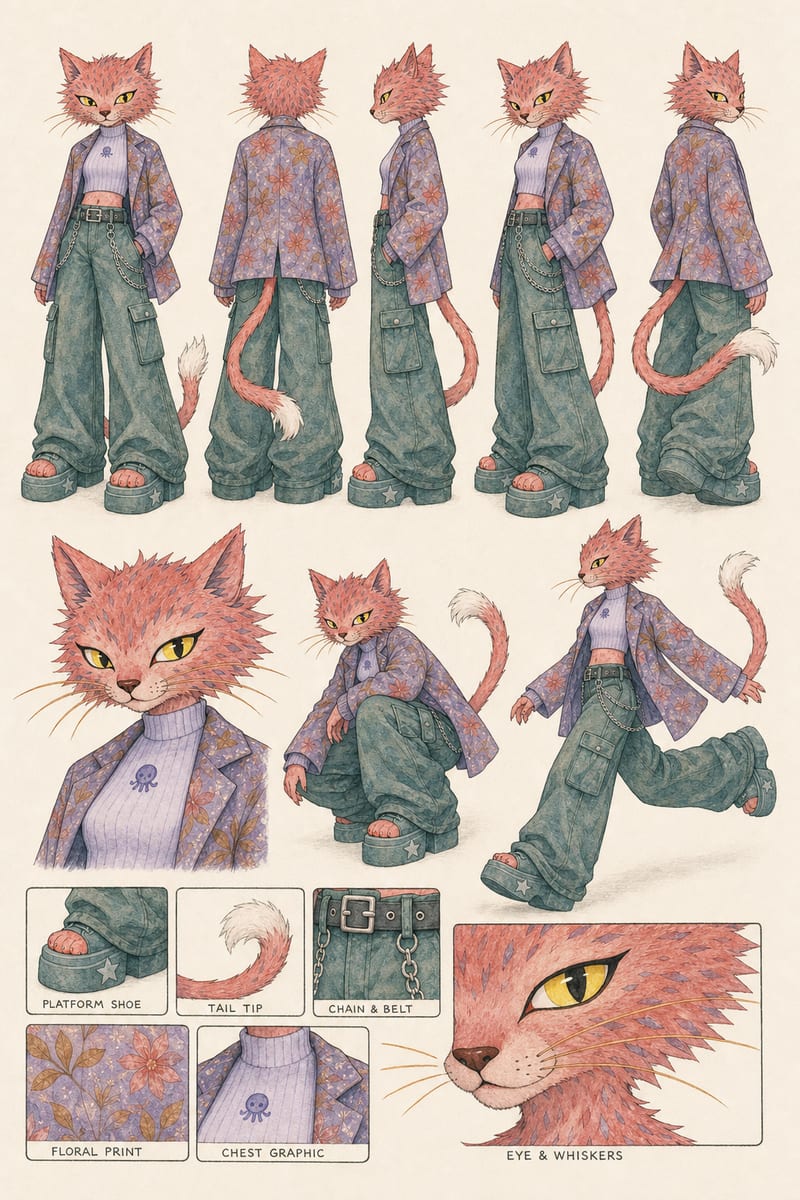
A recipe turns a reusable workflow into a simple set of inputs and outputs. Start with a community recipe and make it your own in Fuser.

1. Choose a recipe
Find a workflow for the result you want. Review what it does and how to use it before opening it in Fuser.
2. Make it your own
Check the recipe’s available inputs. Add your own text or media where supported, or start with the saved defaults.
3. Run and refine
Run it in Fuser and review the result on your canvas. Tweak the inputs to try another direction.
Turn an animal idea and visual references into character design material for creative development and presentation.
It creates two image outputs: a Claymation Character and a Character Sheet. The saved example uses “cat” as its animal input and includes clothing or color reference images.
It is suited to people developing animal character concepts for social and content work, gaming ideas, or toys and collectibles. The outputs provide visual design material for exploring and presenting those concepts.
Provide an animal name as the text input and clothing or color reference images as the image input. The saved example uses “cat,” but you can enter a different animal in Fuser.
Yes. The exposed inputs let you change the animal text and replace the clothing or color reference images in Fuser. Those are the recipe’s available customization inputs.
The recipe provides both a single Claymation Character image and a Character Sheet image. Together, they give you two visual outputs for reviewing or presenting the same animal character concept.
Yes, the recipe is relevant for early game character planning and toy or collectible concept development. Its outputs are images, so they serve as visual references rather than listed production files or finished physical assets.
No. The page shows a saved example with its inputs connected to the recipe and its two image outputs. To use the recipe with your own animal or references, log in to Fuser and edit the exposed inputs.
Bring an animal name and clothing or color references into Fuser to develop a claymation character and character sheet.
Develop pitches, campaign assets and interactive client work in Fuser. Combine AI generation, editable design and reusable processes across your agency.
Explore game characters, props and environments, develop 3D starting points and build playable web experiments. Shape your game’s art direction in Fuser.
Create social graphics, carousel artwork and short videos with a recognizable brand style. Keep copy editable and recurring content easier to produce in Fuser.
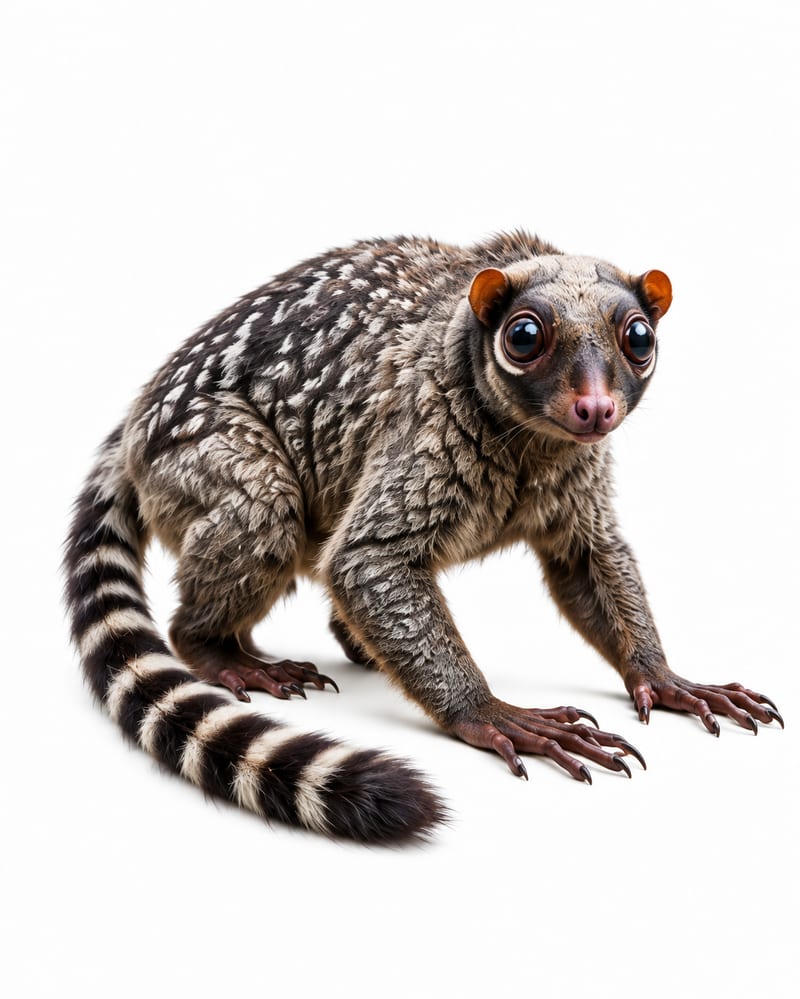
Use four animal reference images and one landscape image to create original fauna plus an animal-populated landscape.
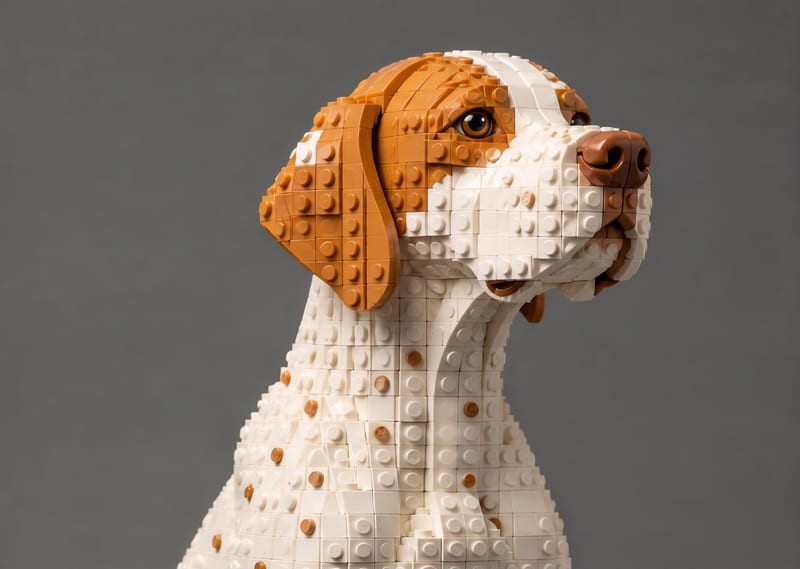
Transform a source image into a LEGO-style recreation that keeps its scene, composition, subjects, and key visual details.
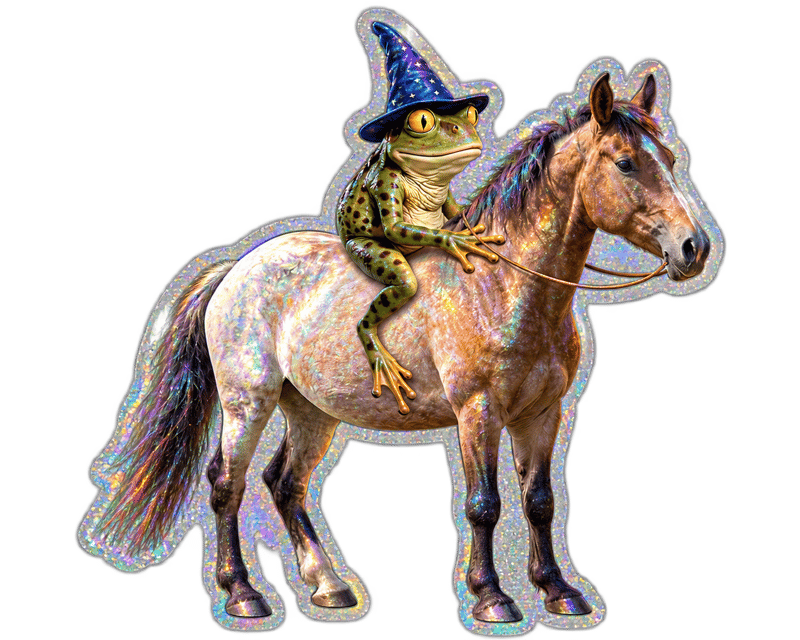
Upload an image and turn it into a die-cut sticker version for toy and collectible ideas.

