Recipev2
GAN-ify an Image
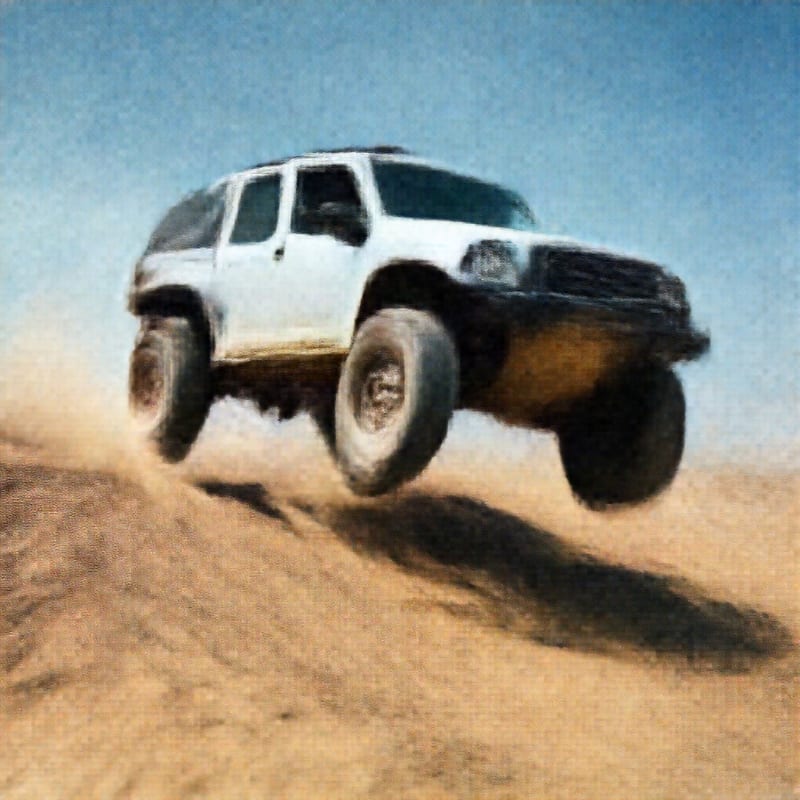
GAN-ified image
One click, whole workflow
Recipes are here. Package a whole workflow and run it in one click
Explore recipesArt & illustration
Upload an image to create a GAN-ified image with a remade aesthetic.
GAN-ified image
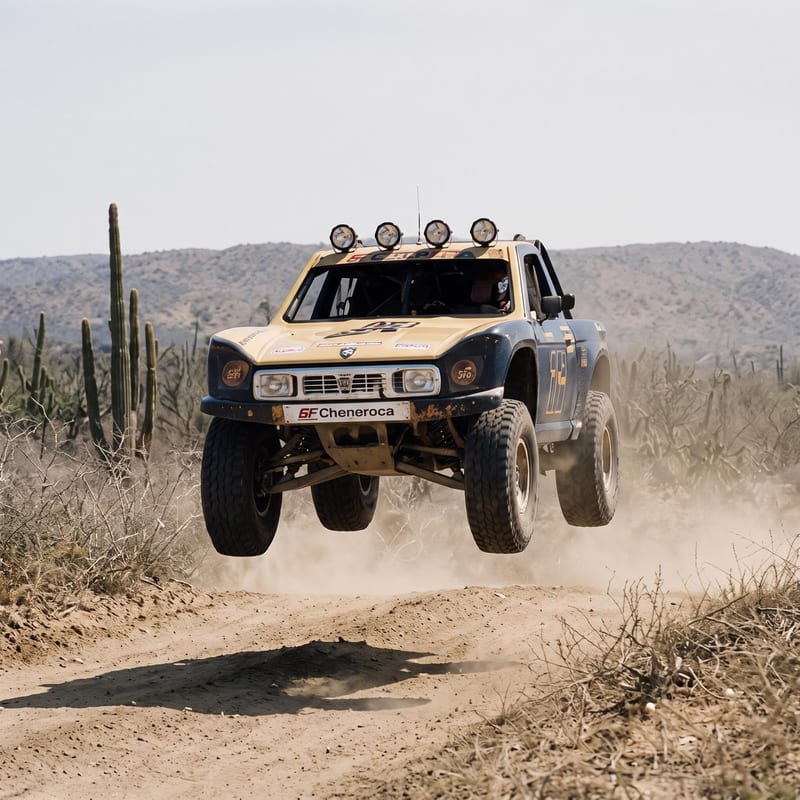
A recipe turns a reusable workflow into a simple set of inputs and outputs. Start with a community recipe and make it your own in Fuser.

1. Choose a recipe
Find a workflow for the result you want. Review what it does and how to use it before opening it in Fuser.
2. Make it your own
Check the recipe’s available inputs. Add your own text or media where supported, or start with the saved defaults.
3. Run and refine
Run it in Fuser and review the result on your canvas. Tweak the inputs to try another direction.
Use the image-to-image workflow to explore remade aesthetics across memes, illustrations, and visual concepts.
It takes one Image input and produces one GAN-ified image output. The recipe is intended for remaking an image’s aesthetic, with applications in memes, art, and illustration.
It can help meme makers, illustrators, and artists explore alternate treatments of existing images. It is also useful when you want to investigate a visual direction before developing it further.
Prepare one image that you want to transform. The recipe exposes the Image input, so you can replace the saved example with your own image in Fuser.
The recipe produces a single image labeled GAN-ified image. The saved example demonstrates the connected input and output for this recipe; a new run uses the image you provide.
Yes. Image is the exposed editable input, so you can change it in Fuser before running the recipe. No additional editable inputs are listed for this recipe.
It is suited to image-based meme ideas, art exploration, illustration references, and visual concept development. These uses focus on exploring a remade aesthetic from an existing image.
The listed output is one GAN-ified image. The recipe does not list text, video, or additional output types.
Bring an image to Fuser and explore what a GAN-ified version can add to your meme or art concept.
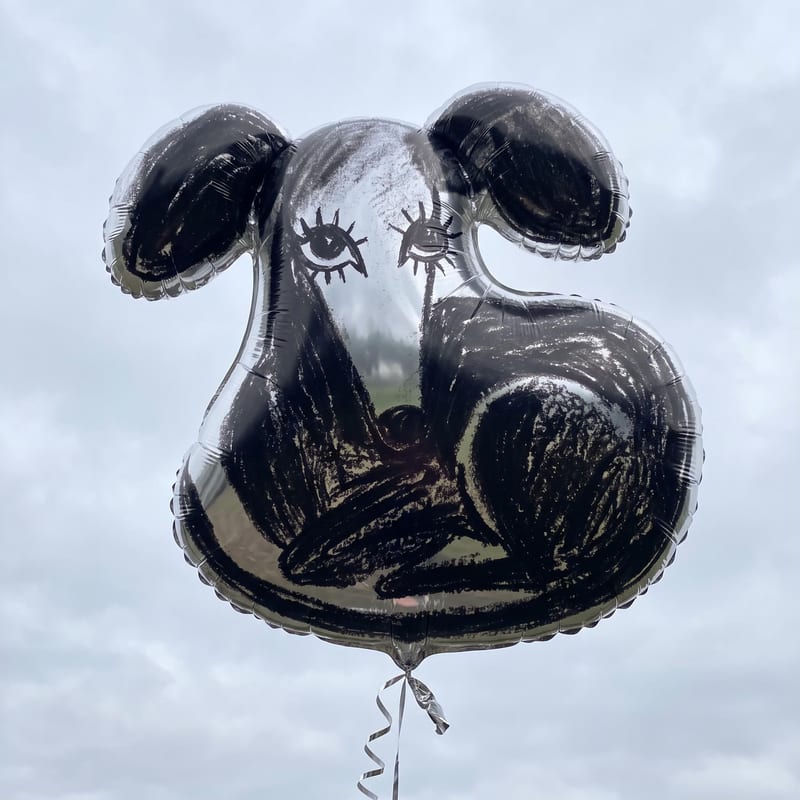
Turn an image, sketch, or logo into a mylar balloon image for playful social posts, memes, and illustrations.
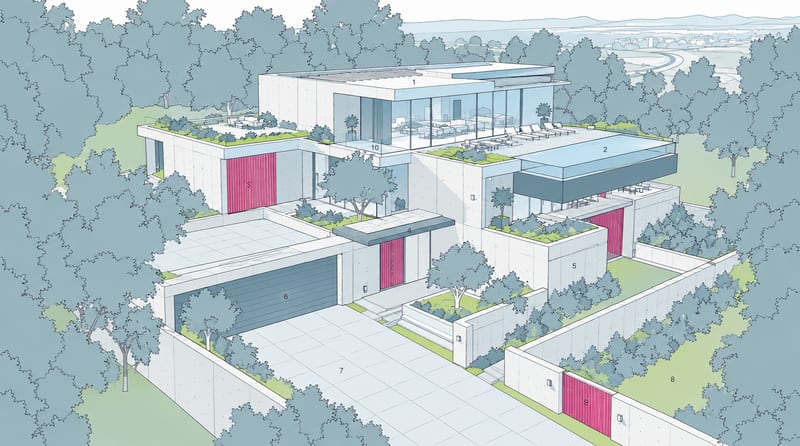
Combine a source image with a render-style reference to create a generated image inspired by the reference’s materials, lighting, and atmosphere.
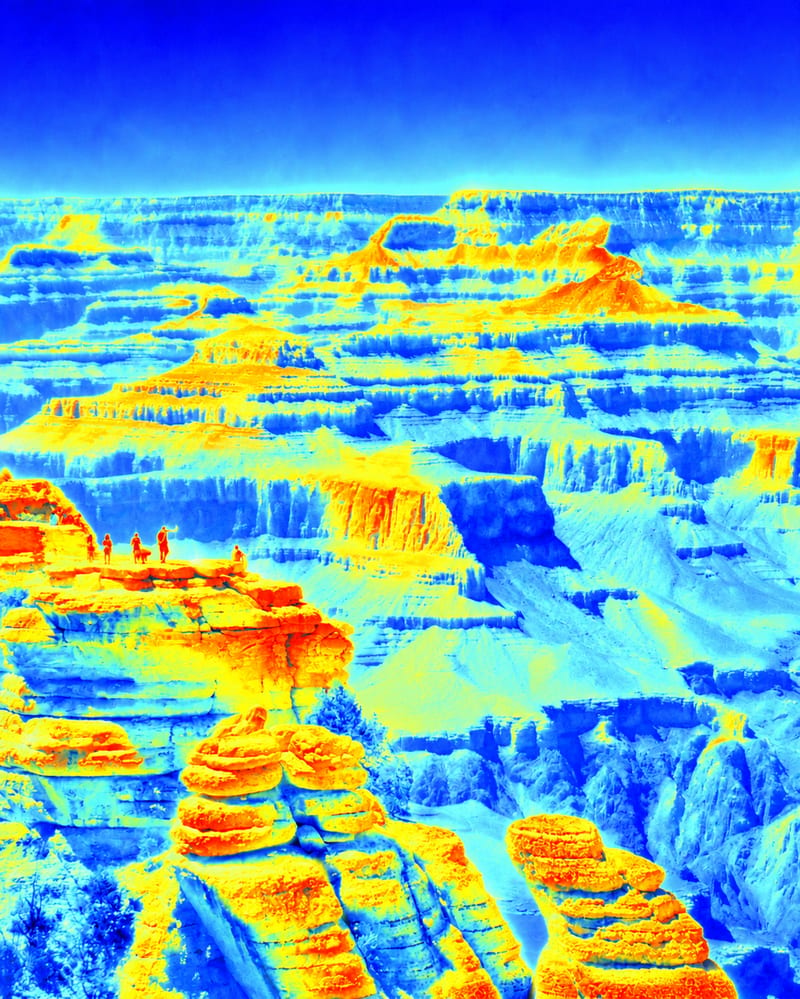
Apply a vibrant false-color thermal-camera effect to an input image and receive a transformed false-color image.