Recipev2
Make a Custom 3D Toy Figurine
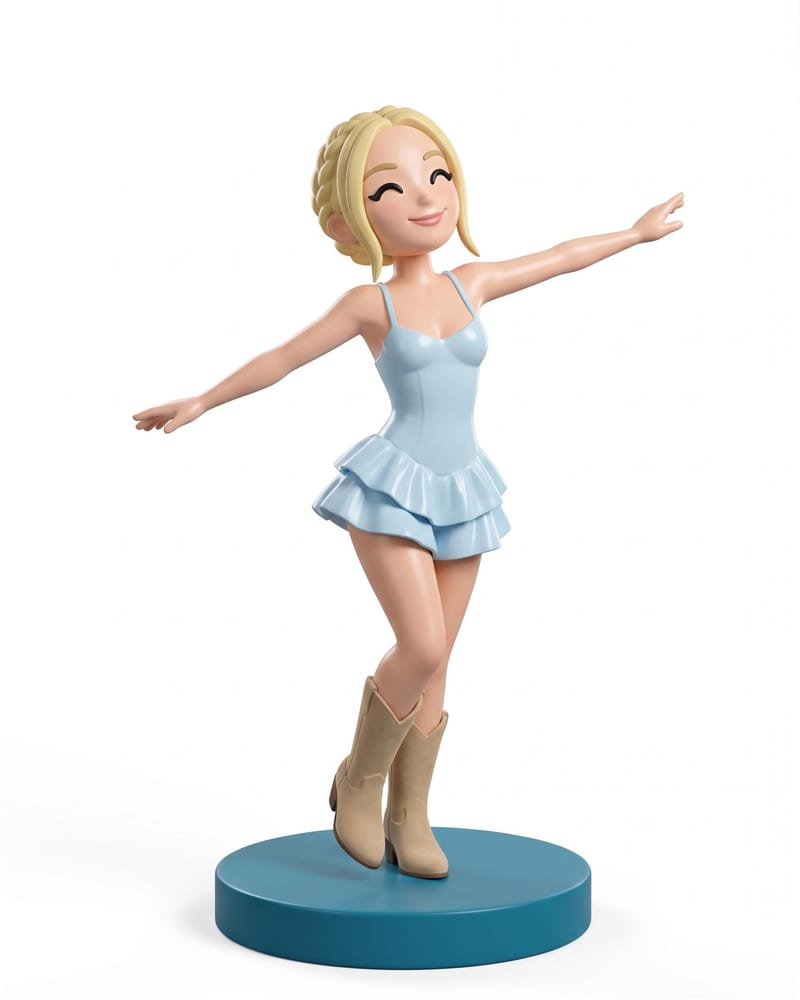
3D Collectible Figure
One click, whole workflow
Recipes are here. Package a whole workflow and run it in one click
Explore recipesToys & Collectibles
Transform a full-body portrait into a 3D collectible figure image and a 3D figure model while retaining its look, outfit, pose, and style.
3D Collectible Figure

A recipe turns a reusable workflow into a simple set of inputs and outputs. Start with a community recipe and make it your own in Fuser.

1. Choose a recipe
Find a workflow for the result you want. Review what it does and how to use it before opening it in Fuser.
2. Make it your own
Check the recipe’s available inputs. Add your own text or media where supported, or start with the saved defaults.
3. Run and refine
Run it in Fuser and review the result on your canvas. Tweak the inputs to try another direction.
Create character-focused toy concepts and collectible references from a single full-body portrait.
It uses a full-body portrait to create two outputs: a 3D collectible figure image and a 3D figure model. The recipe is designed to retain the portrait’s look, outfit, pose, and style in a custom toy-like collectible format.
It is useful for people developing custom collectibles, character concepts, social content, or character and concept sheets. It can also help anyone explore how a full-body portrait could translate into a 3D toy figurine.
Prepare a full-body portrait as the image input. Since the recipe is based on the person or character’s visible look, outfit, pose, and style, choose a portrait that clearly represents those elements.
The recipe produces a 3D collectible figure image and a 3D figure model. The image presents the collectible as a visual concept, while the mesh output provides the corresponding 3D figure model.
Yes. Full-Body Portrait is an exposed editable input in Fuser, so you can replace the saved portrait with another full-body portrait when using the recipe. A new input creates a new run rather than changing the saved example shown on this page.
The saved example shows one full-body portrait connected to the recipe’s two outputs: a 3D collectible figure image and a 3D figure model. It is a reference for the input-to-output workflow, not a live generation.
It fits collectible toy concepts, character presentations, social and content work, toy design exploration, and character or concept sheets. These uses stay centered on turning a full-body portrait into a custom 3D figurine.
Bring a full-body portrait into Fuser and create a custom 3D collectible figure image and model.
Develop pitches, campaign assets and interactive client work in Fuser. Combine AI generation, editable design and reusable processes across your agency.
Develop film treatments, character and environment concepts, storyboards and motion studies. Connect image, video and 3D exploration in Fuser.
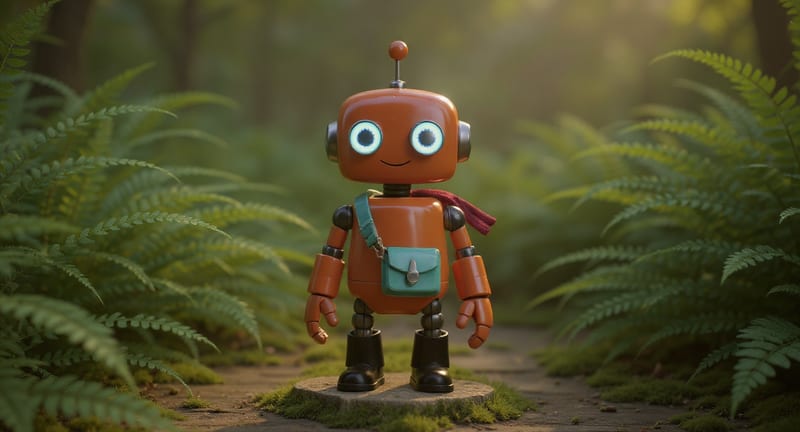
Explore game characters, props and environments, develop 3D starting points and build playable web experiments. Shape your game’s art direction in Fuser.
Create social graphics, carousel artwork and short videos with a recognizable brand style. Keep copy editable and recurring content easier to produce in Fuser.
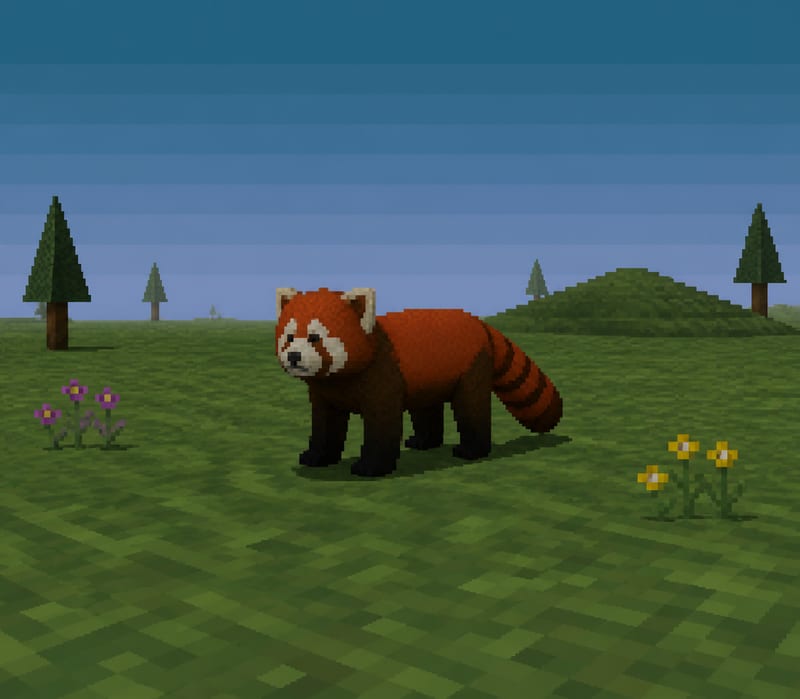
Transform a text subject, such as “red panda,” into a PS1-style image for character and content concepts.
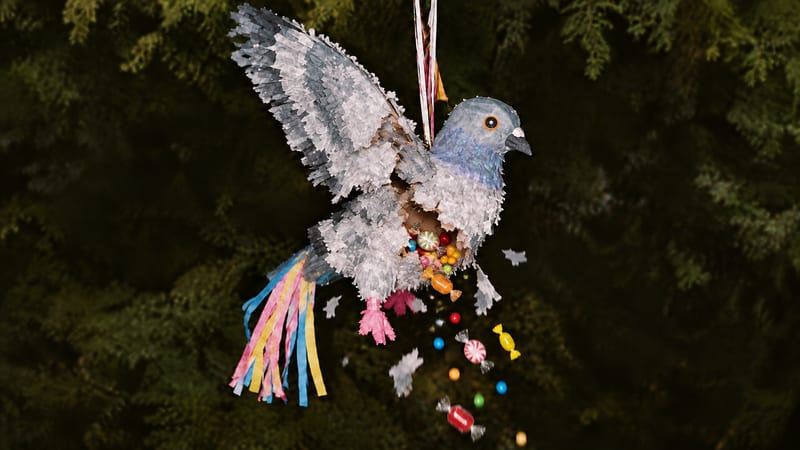
Enter a piñata type, such as tiger, to create a video of the piñata breaking apart and revealing candy.
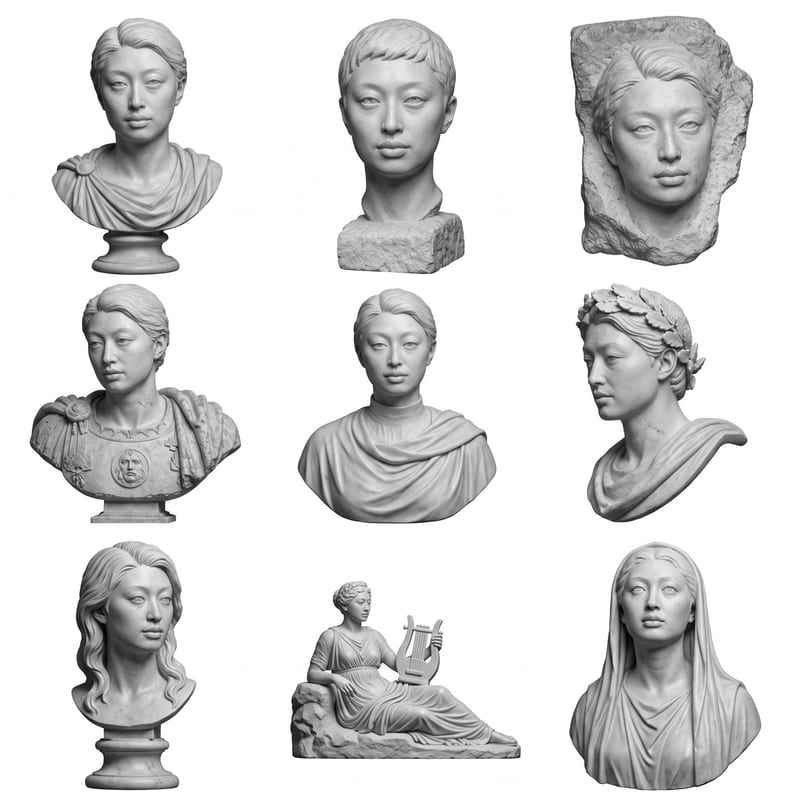
Upload a headshot, selfie, or photo to create a grid of Roman bust options.


