Recipev2
Piñata Party
0:00 / 0:00
Video of Piñata Party
One click, whole workflow
Recipes are here. Package a whole workflow and run it in one click
Explore recipesPiñata video
Enter a piñata type, such as tiger, to create a video of the piñata breaking apart and revealing candy.
Video of Piñata Party
A recipe turns a reusable workflow into a simple set of inputs and outputs. Start with a community recipe and make it your own in Fuser.

1. Choose a recipe
Find a workflow for the result you want. Review what it does and how to use it before opening it in Fuser.
2. Make it your own
Check the recipe’s available inputs. Add your own text or media where supported, or start with the saved defaults.
3. Run and refine
Run it in Fuser and review the result on your canvas. Tweak the inputs to try another direction.
Use the piñata type input to create short reveal videos for social content, celebrations, and toy-focused concepts.
It takes a text piñata type and creates a video of that piñata breaking apart to reveal candy. The saved example uses “tiger” as its piñata type.
It is suited to people creating social and celebration content, along with toy and collectible concept presentations. The output is a video, so it can help communicate a piñata reveal as a visual content idea.
Enter the type of piñata you want to create as text, such as “tiger.” Keep the input focused on the piñata type because that is the editable input exposed by this recipe.
Yes. In Fuser, you can change the Piñata Type input to another text description before using the recipe. The saved example remains the tiger version; a new input produces a new recipe run.
The saved output is a video showing the tiger piñata breaking apart and revealing candy. It demonstrates the saved tiger input rather than every possible piñata type.
The video can support social content, party-related announcements, toy concepts, and collectible character ideas. These uses build on the recipe’s piñata subject and video output.
The recipe exposes one editable input, Piñata Type, and provides one video output. It is designed to show a piñata breaking apart to reveal candy, rather than to provide separate physical piñata assets or other output types.
Choose a piñata type in Fuser and turn it into a video of the piñata breaking apart to reveal candy.
Develop pitches, campaign assets and interactive client work in Fuser. Combine AI generation, editable design and reusable processes across your agency.
Create social graphics, carousel artwork and short videos with a recognizable brand style. Keep copy editable and recurring content easier to produce in Fuser.
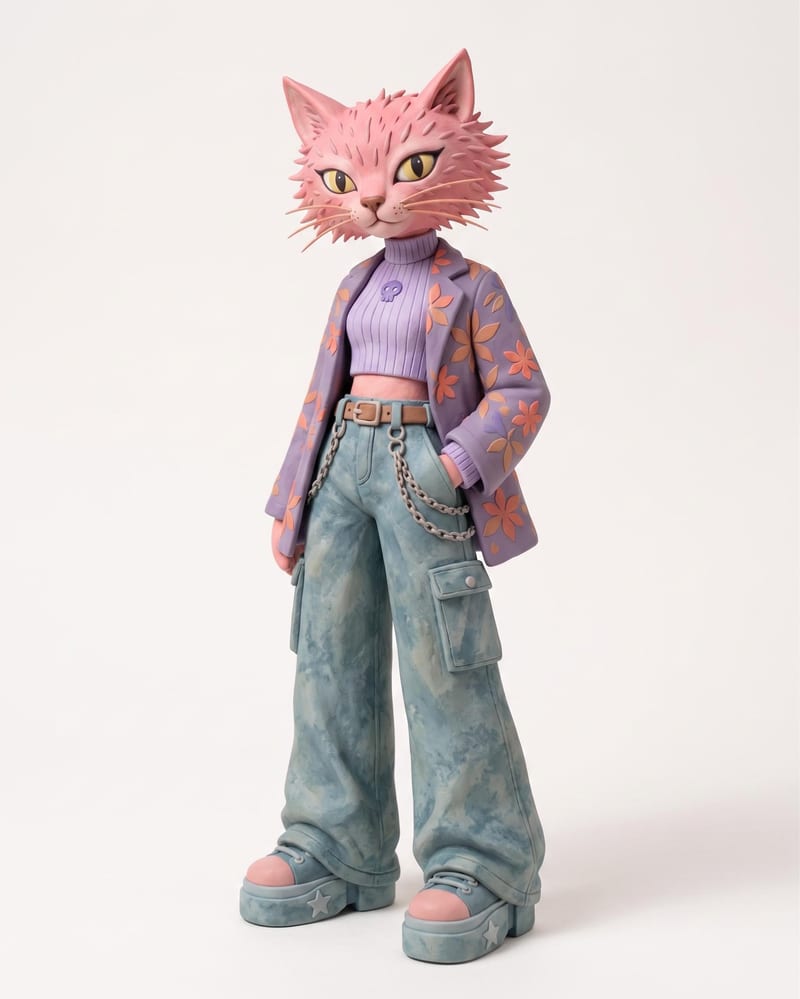
Use an animal name and clothing or color reference images to create a claymation character and character sheet.
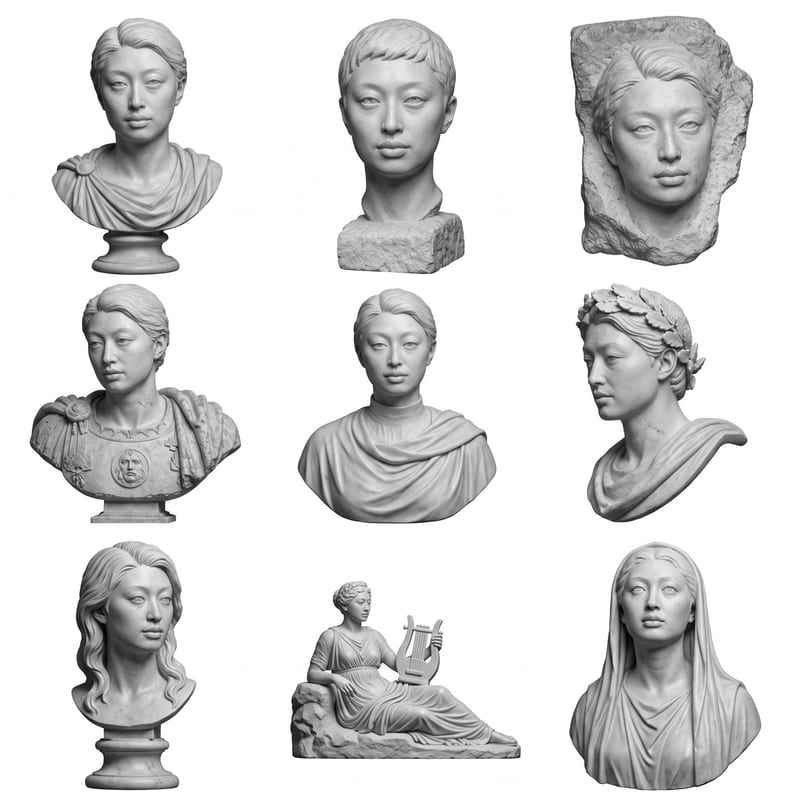
Upload a headshot, selfie, or photo to create a grid of Roman bust options.
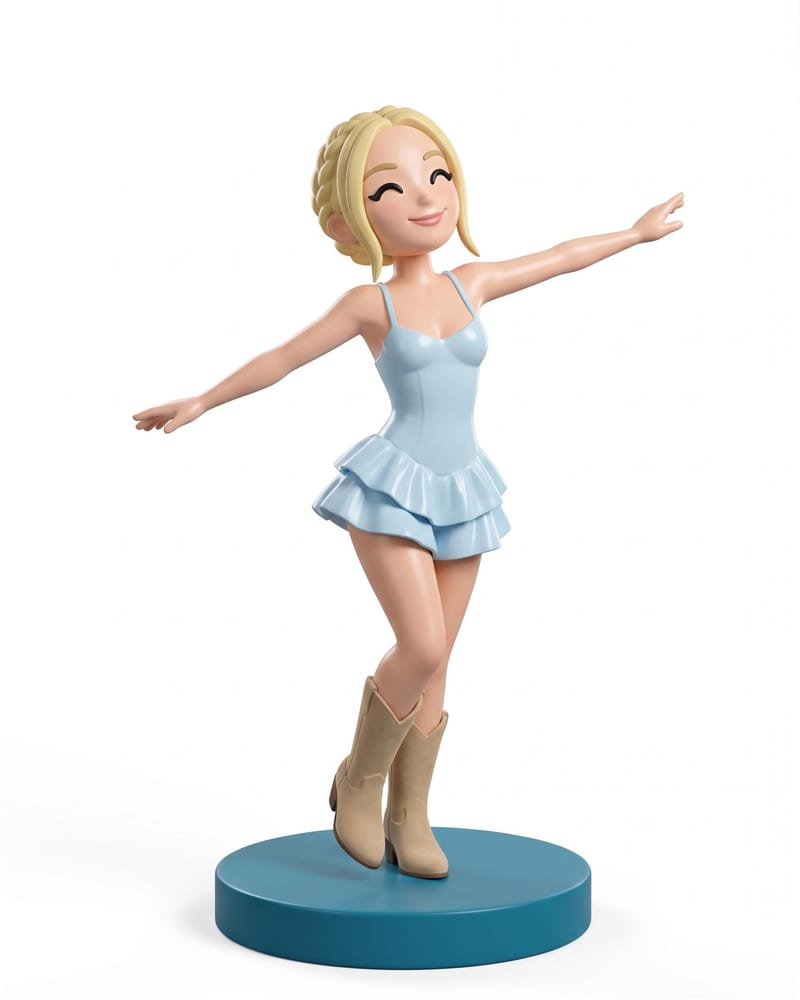
Transform a full-body portrait into a 3D collectible figure image and a 3D figure model while retaining its look, outfit, pose, and style.

