One click, whole workflow
Recipes are here. Package a whole workflow and run it in one click
Explore recipesOne click, whole workflow
Recipes are here. Package a whole workflow and run it in one click
Explore recipesbyTripo AI (VAST)
Turn one clean concept image or a one-line object description into a textured, UV-unwrapped blockout you can drop straight into a scene
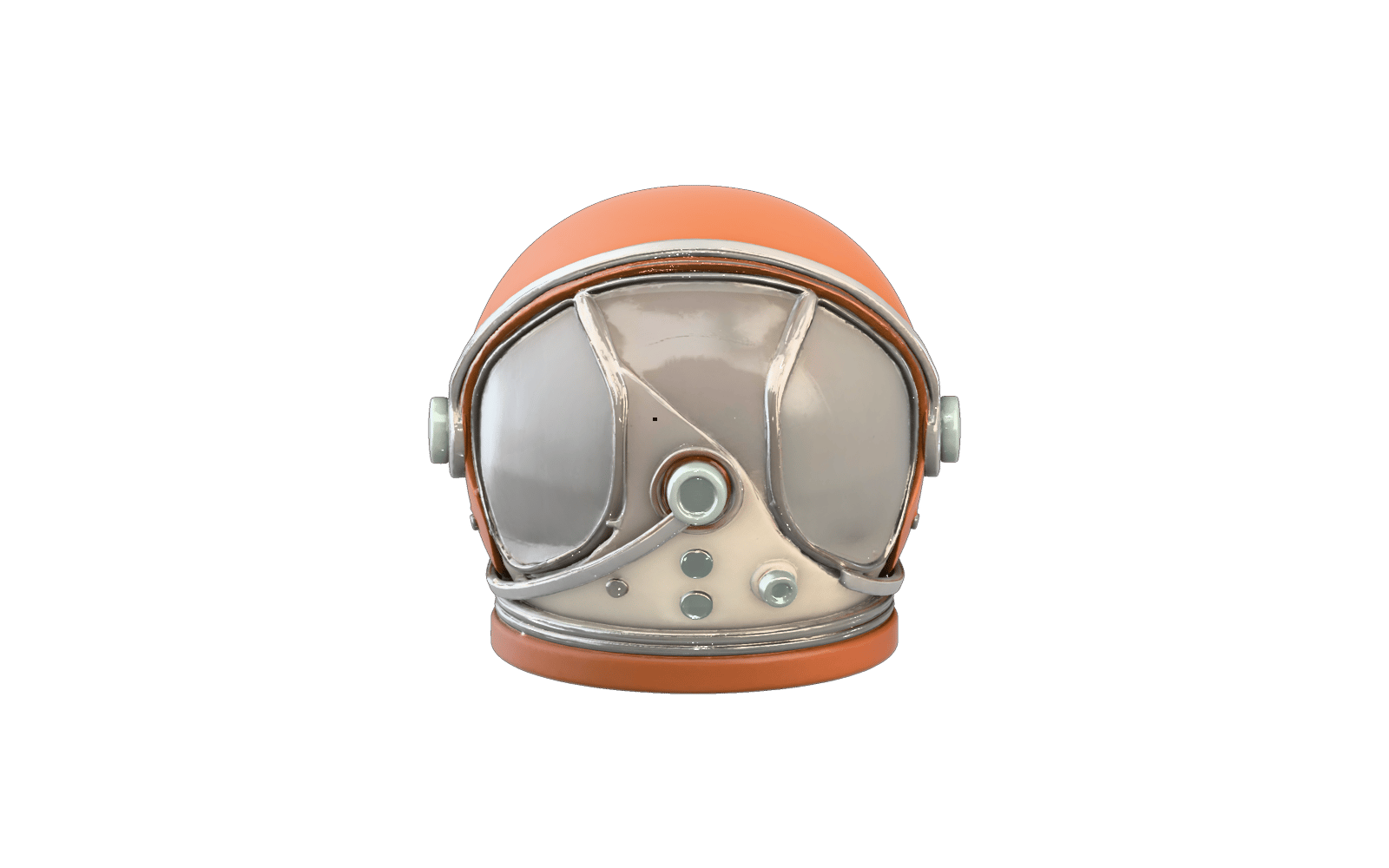
Start from a clean image or a short description, pick the generation that fits, then dial in topology and materials. Reruns with fixed seeds let you change texture without losing the shape.
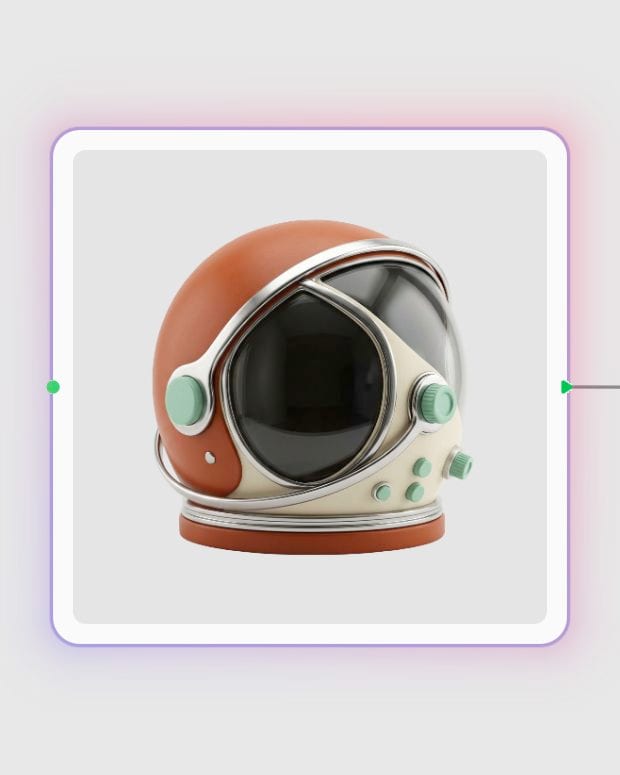
Upload your front concept
Drop in one object on a plain, evenly lit background, or switch to text mode and describe a single object in P2.
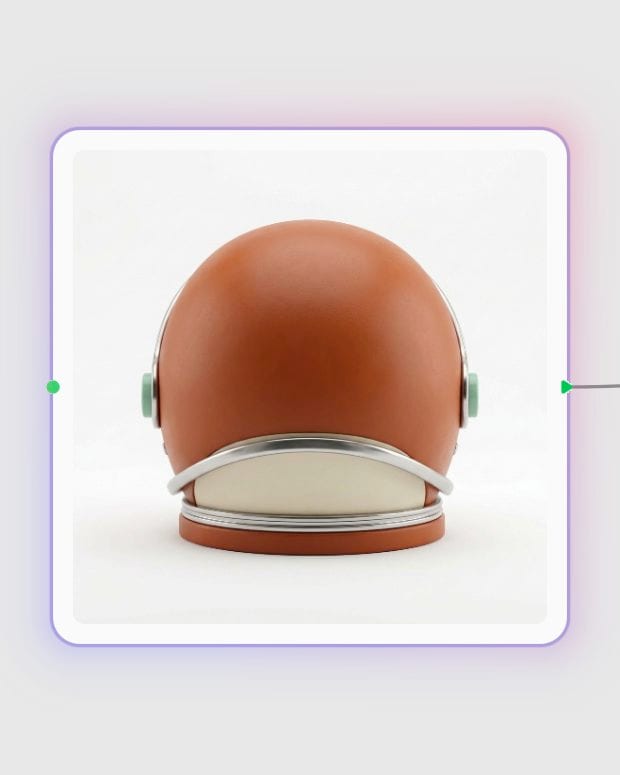
Add orthographic angles
On Tripo 2.5, supply back, left and right views of the same object so the hidden sides come from evidence, not guesswork.
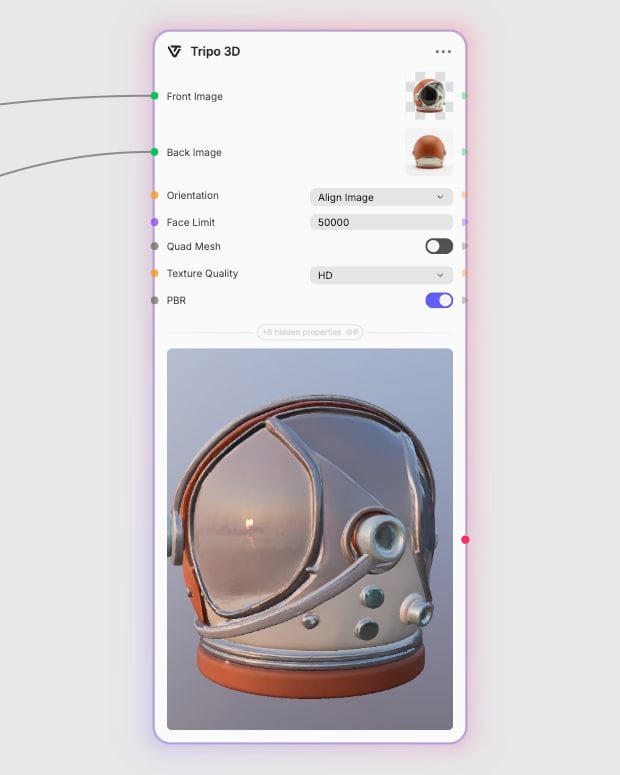
Set mesh and PBR options
Choose triangle or quad topology, cap the face count, and turn on PBR for metallic, roughness and normal response.
Controlled topology, real material response, and two generations that trade cost for quality: a quick draft tier with multiview, and a sharper tier with quad meshes and texture tiers.
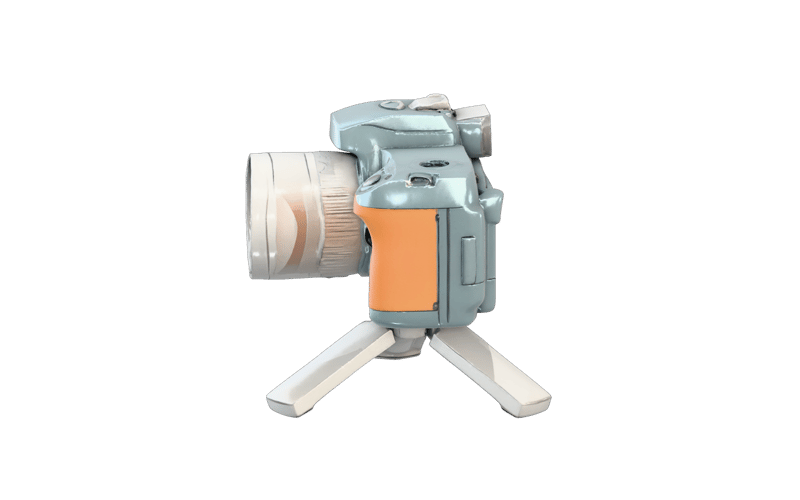
Multiview silhouette lock
The Tripo 2.5 multiview variant takes front, back, left and right images, so turnaround sheets become accurate silhouettes with no back-side guessing. Views must match, because inconsistent ones warp the geometry.
Quad topology with a face budget
P2 builds quad-dominant meshes up to 25,000 faces (triangle meshes reach 50,000) and lets you set the budget. Aim for 5k–15k on game props; quads suit subdivision, sculpting and retopo starting points.

PBR materials that react to light
Switch PBR on to get metallic, roughness and normal response for engine or renderer use. On P2, step up from Standard to Detailed or Extreme textures for your keepers, reusing the same seeds.
Cheap single-image drafts
Tripo 2.5 image-to-3D turns one clean picture into a quick, low-cost draft, from 275.6 credits. Reach for P2 when you need the best single-image quality and tighter topology, at roughly 5x the cost.
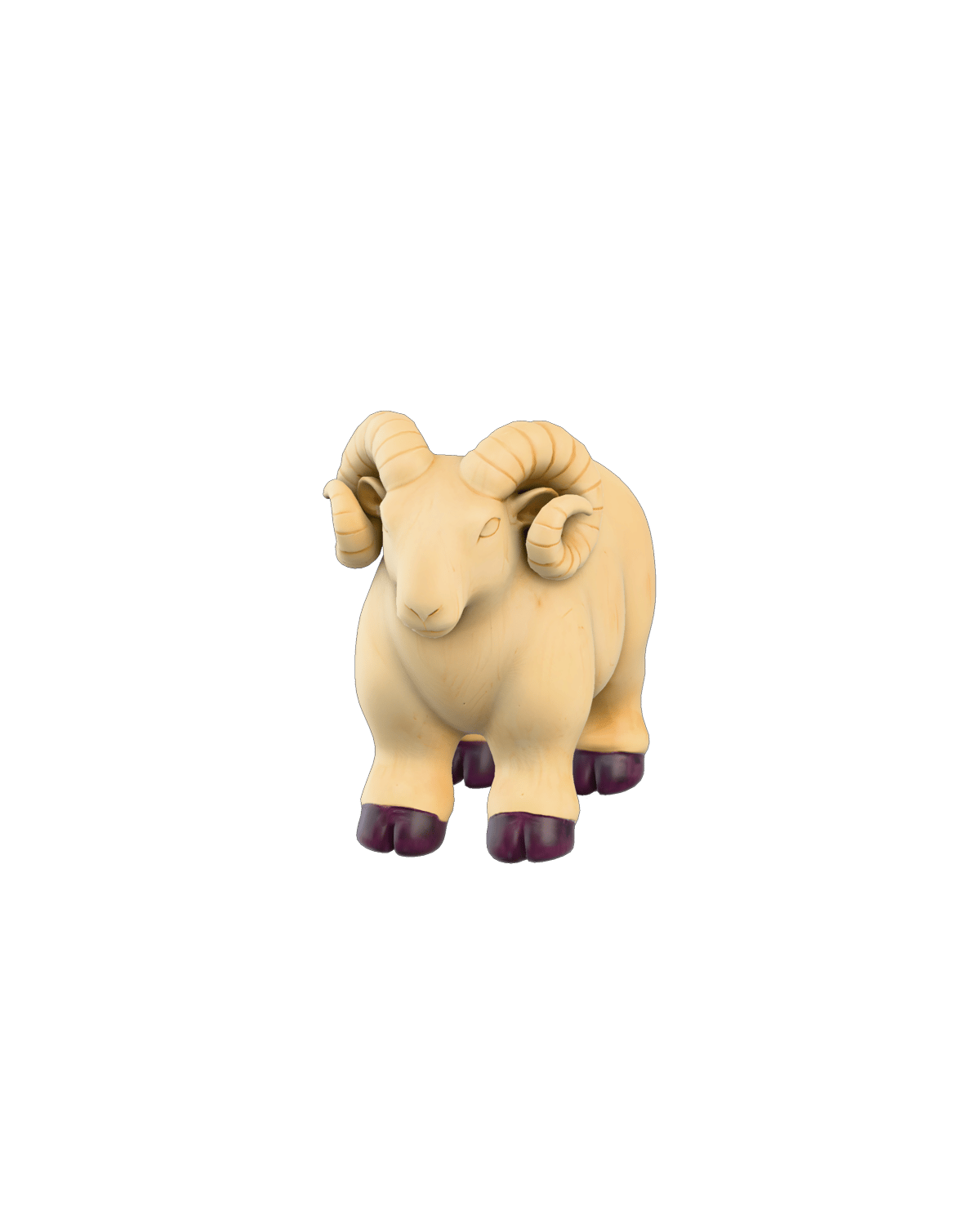
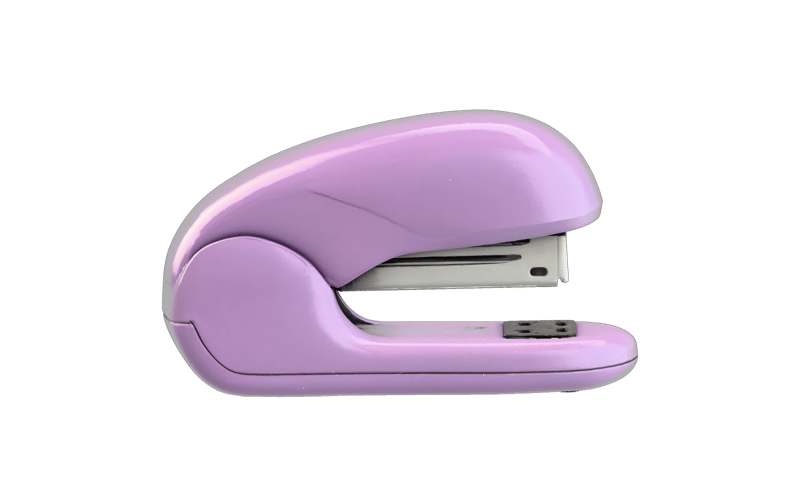
A gallery of single, isolated objects: furniture, instruments, props, collectibles and eyewear, each generated as a textured mesh with a clean silhouette.
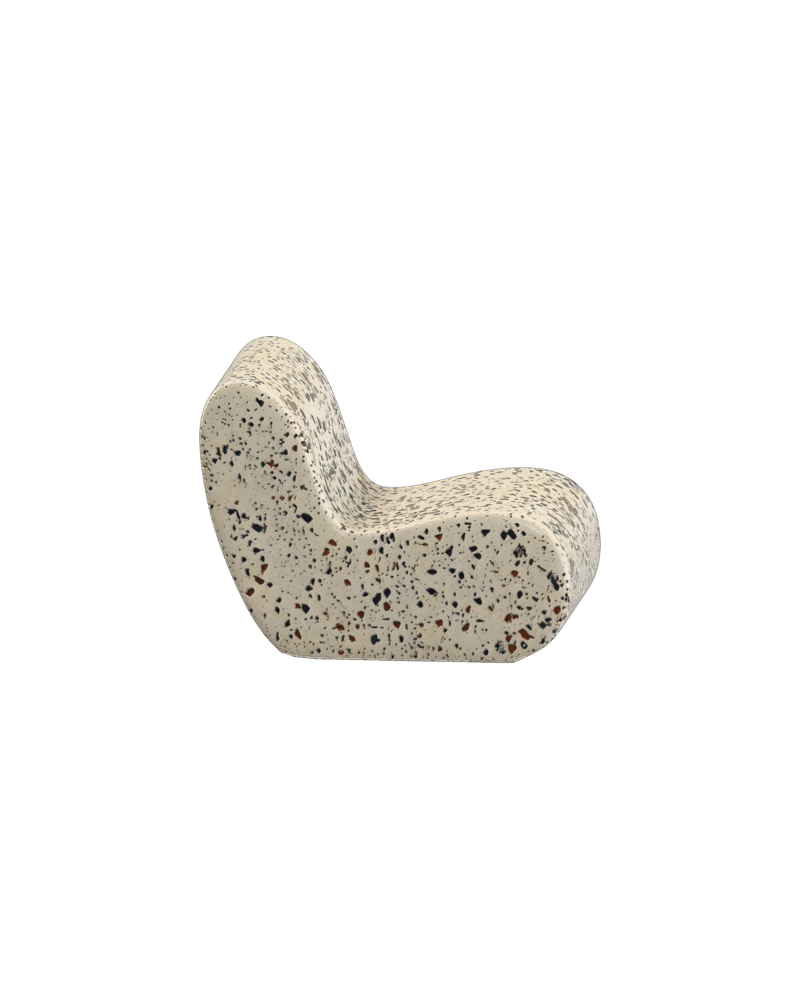
Monolithic terrazzo lounge chair
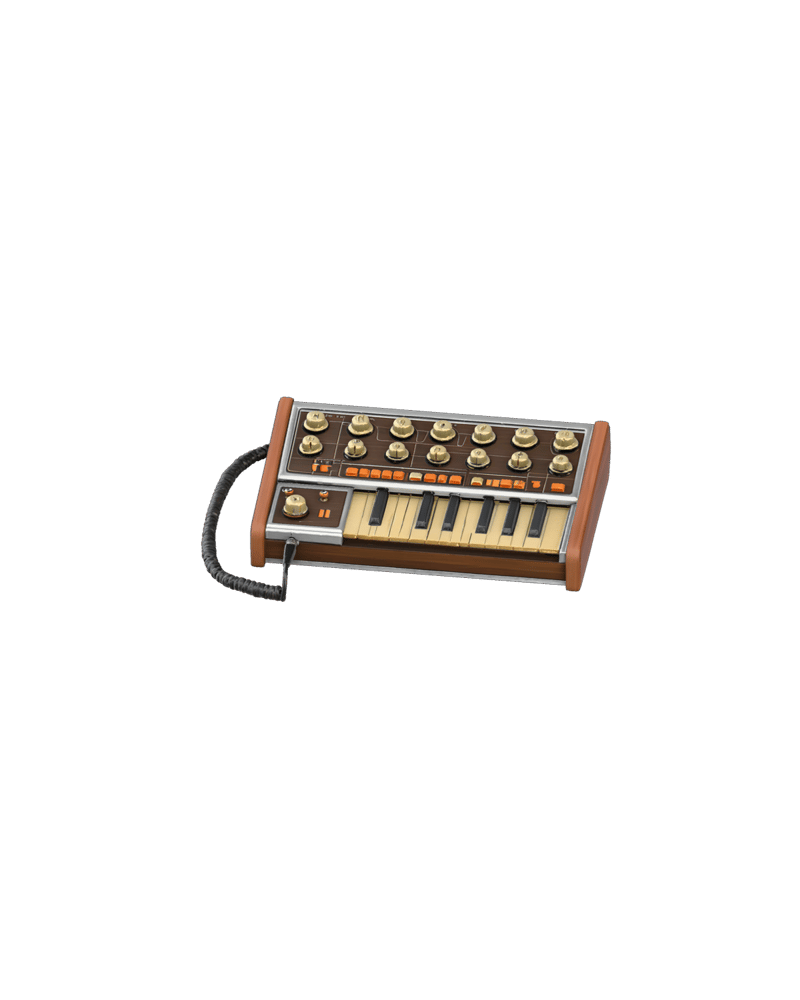
Analog synthesizer console with physical tactile controls
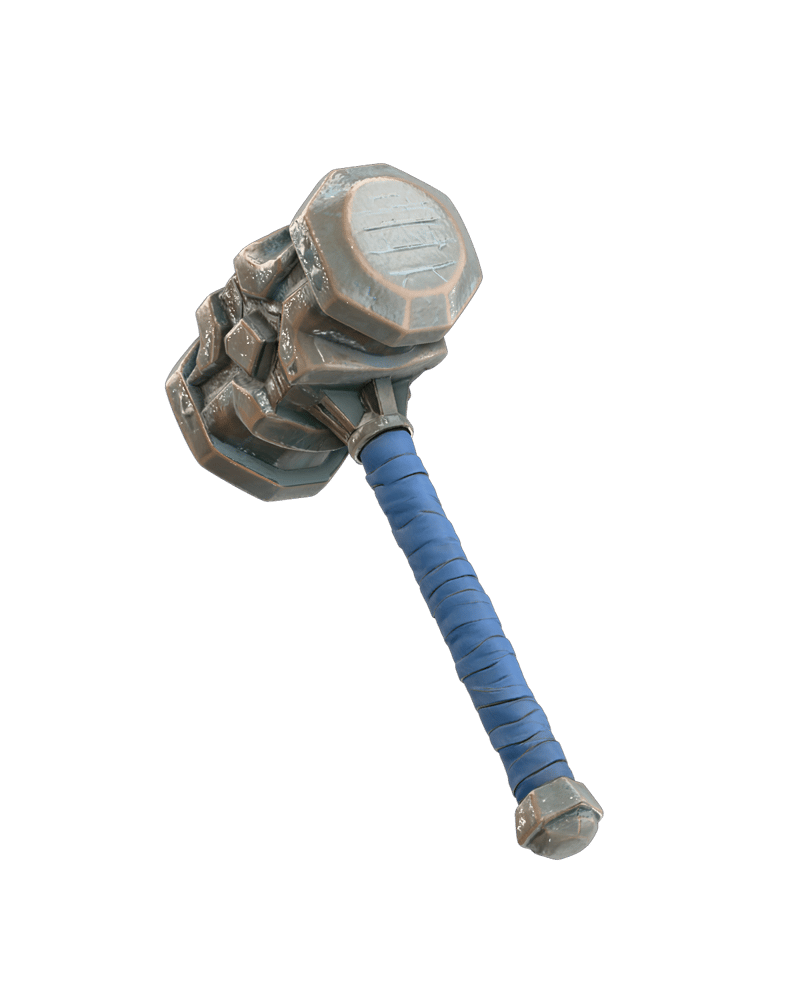
Weathered fantasy weapon prop

Stylized vinyl collectible character
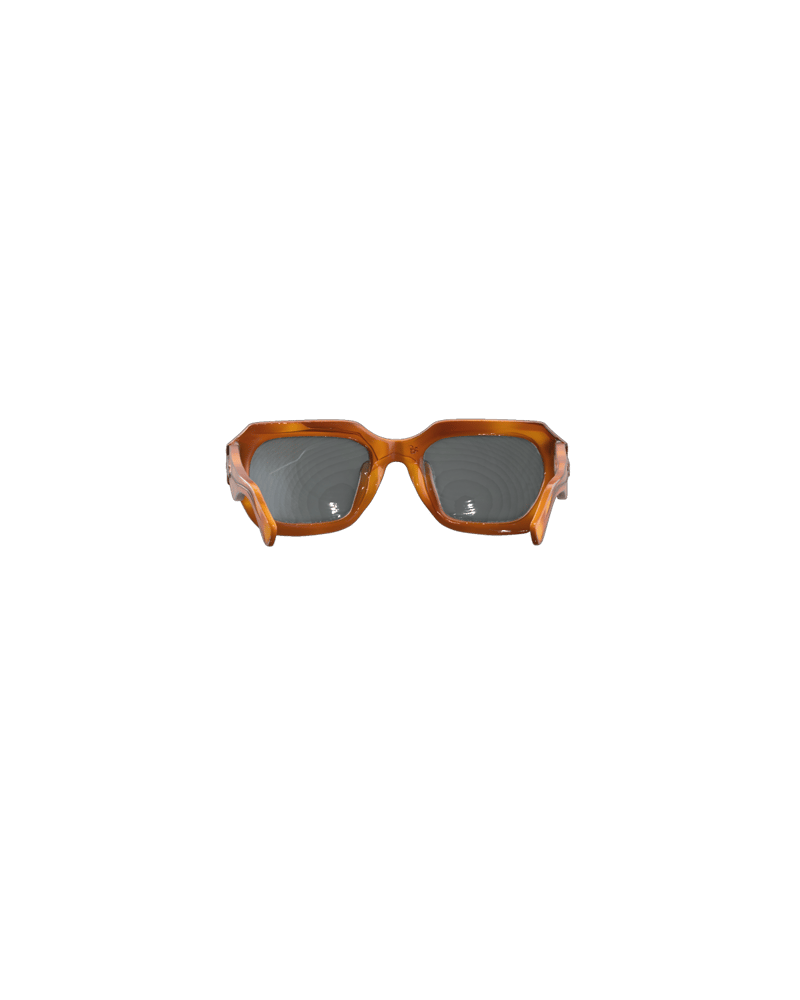
Geometric acetate eyewear concept
Game artists, toy designers, AR builders, makers and product designers reach for it when they need a usable starting asset fast rather than a finished one.
Yes, Smart Mesh P2.0 is the name given to Tripo P2, the newer generation in this node. It was announced by Tripo AI (VAST) as a production-oriented, 3D-native model, and it adds single-image and text input plus native quad-dominant topology.
P2 is the higher-quality generation, and 2.5 is the cheaper, older one. P2 accepts a single image or text, supports quad-dominant meshes up to 25,000 faces (triangles up to 50,000), and has four texture quality tiers, at 1377.7–1791 credits. Tripo 2.5 costs 275.6–620 credits and has older topology and texture controls, but it is the one that accepts multiview images.
Use the Tripo 2.5 multiview variant. It is the only one that uses back, left and right images alongside the front, giving an accurate silhouette without guessed back sides. The views must be consistent with each other, since bad views produce warped geometry.
Yes, with Tripo P2 in text mode. Describe a single object with materials and style in up to 1024 characters. It makes an internal image and lifts it to 3D, so it is less controllable than image input. If the look matters, approve a reference image first and use image mode. Text mode is not available on 2.5.
On P2 you can set 48 to 50,000 faces for triangle meshes, and quad meshes max out at 25,000. P2 adds no quad surcharge. On 2.5, quad output adds a surcharge and exports FBX. Around 5k–15k faces suits game props.
Not reliably. Quad topology helps with sculpting and retopo, but automated edge flow rarely deforms well at joints, so check the edge loops before rigging. It is also a poor fit for engineering-accurate parts, whole environments, or readable text and logos.
Turn one clean concept image or a one-line object description into a textured, UV-unwrapped blockout you can drop straight into a scene
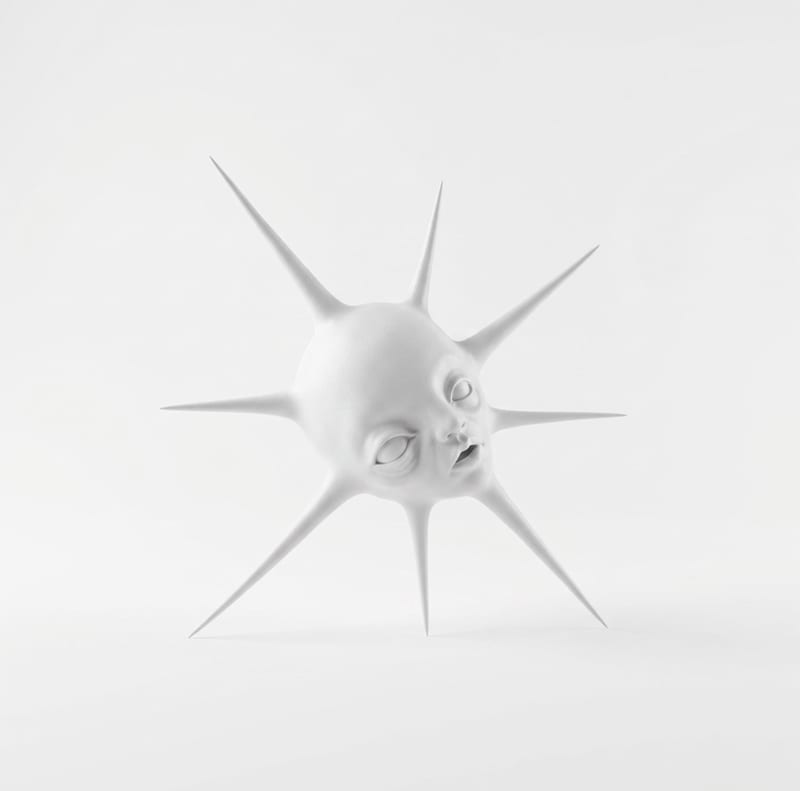
Transform one rough sketch image into a 3D model and a render for film, gaming, and art workflows.
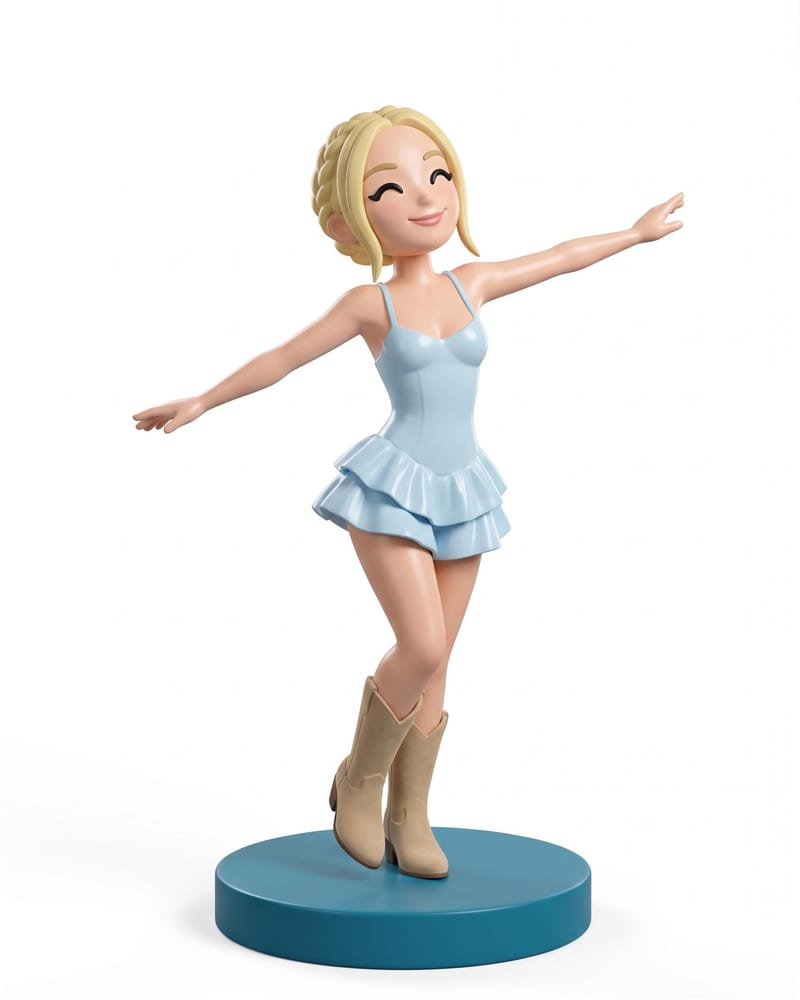
Transform a full-body portrait into a 3D collectible figure image and a 3D figure model while retaining its look, outfit, pose, and style.
Develop film treatments, character and environment concepts, storyboards and motion studies. Connect image, video and 3D exploration in Fuser.
Explore game characters, props and environments, develop 3D starting points and build playable web experiments. Shape your game’s art direction in Fuser.
Develop pitches, campaign assets and interactive client work in Fuser. Combine AI generation, editable design and reusable processes across your agency.
Create social graphics, carousel artwork and short videos with a recognizable brand style. Keep copy editable and recurring content easier to produce in Fuser.
Develop storyboard frames, shot variations and video studies from your references. Compose clear boards and explore movement in one Fuser project.