Recipev4
Signage Mockups
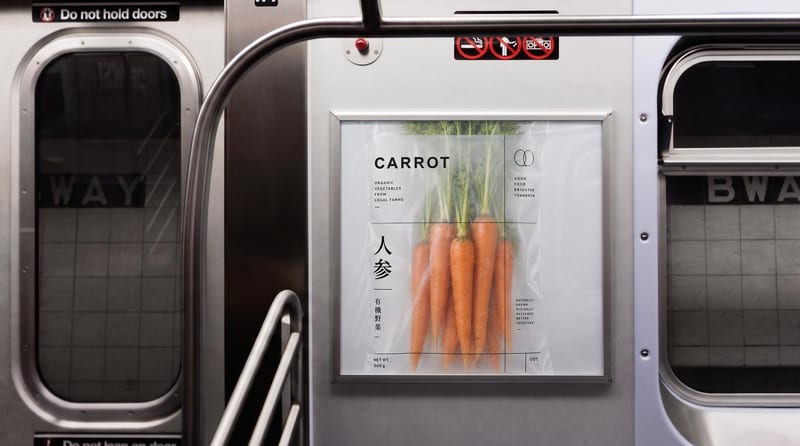
Subway Poster
One click, whole workflow
Recipes are here. Package a whole workflow and run it in one click
Explore recipesSignage mockups
Place one image on subway, wall, platform, and billboard signage mockups.
Subway Poster
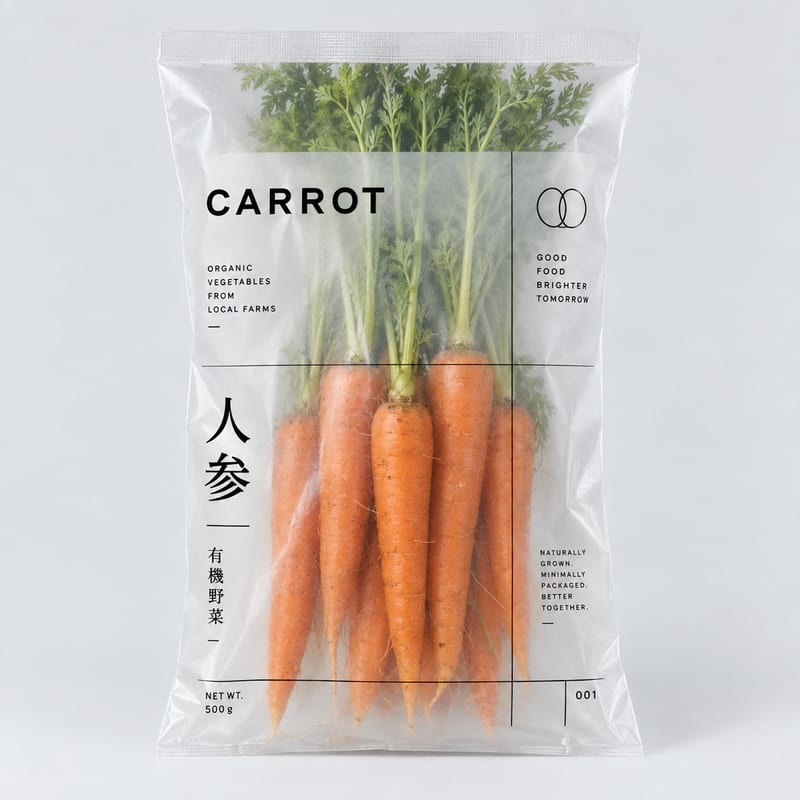
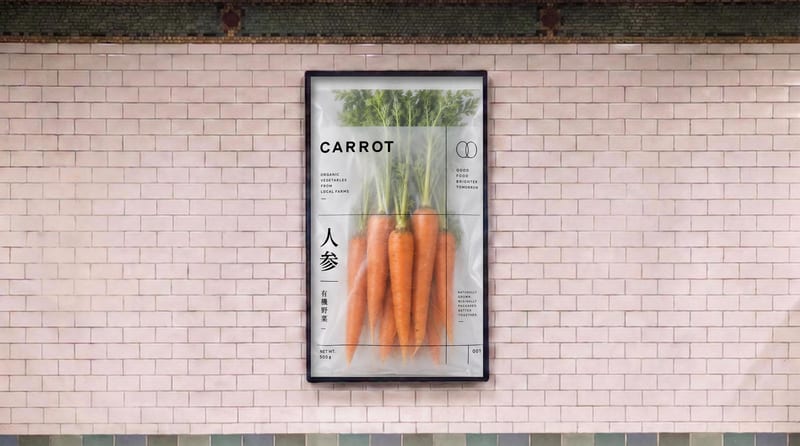
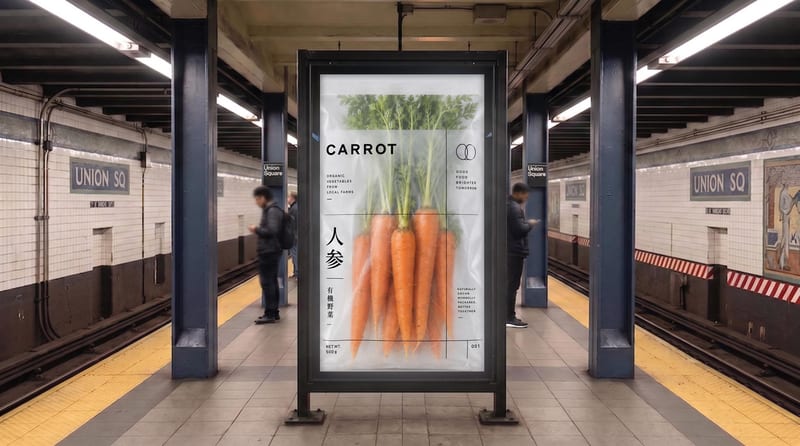

A recipe turns a reusable workflow into a simple set of inputs and outputs. Start with a community recipe and make it your own in Fuser.

1. Choose a recipe
Find a workflow for the result you want. Review what it does and how to use it before opening it in Fuser.
2. Make it your own
Check the recipe’s available inputs. Add your own text or media where supported, or start with the saved defaults.
3. Run and refine
Run it in Fuser and review the result on your canvas. Tweak the inputs to try another direction.
Use the four signage outputs to review how one image appears across different advertising and presentation contexts.
It places one image input into four signage-focused outputs: a Subway Poster, White Brick Wall, Subway Platform Sign, and Billboard. The recipe is intended for presenting an image in advertising and promotional contexts.
Marketing teams, advertisers, designers, and content creators can use them to review or present a campaign image in different signage settings. The outputs can support concept presentations, creative reviews, and social content.
Prepare the image you want to place on the signs using the exposed Image for signs input. The saved example is a default input-to-output example; a new run uses the image you choose in Fuser.
The recipe provides four image outputs labeled Subway Poster, White Brick Wall, Subway Platform Sign, and Billboard. Together, they show the selected image in four predefined signage contexts.
Yes. Image for signs is an exposed editable input, so you can replace it with another image in Fuser when creating a new run. The saved example remains the reference for the default image and its four connected outputs.
The recipe exposes one editable image input, while the saved outputs are defined as a subway poster, white brick wall, subway platform sign, and billboard. There is no listed input for selecting additional signage settings.
They are suited to reviewing and presenting an image as advertising or promotional signage, including subway, wall, platform, and billboard concepts. They show presentation contexts rather than confirming a physical installation or real-world placement.
Bring your poster or campaign image into Fuser and create four signage-context outputs for review and presentation.
Develop pitches, campaign assets and interactive client work in Fuser. Combine AI generation, editable design and reusable processes across your agency.
Create product images, lifestyle scenes and campaign assets for your next ecommerce launch. Keep branding editable and reuse creative setups in Fuser.
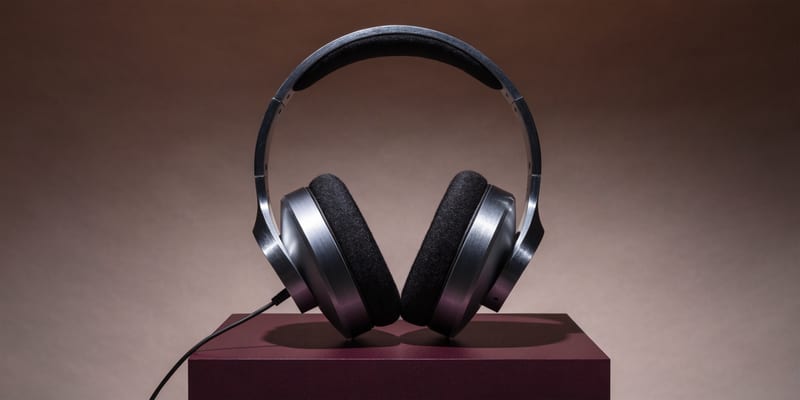
Develop campaign concepts, image and video ads, and editable channel layouts. Create meaningful creative variations in Fuser without rebuilding every asset.
Create social graphics, carousel artwork and short videos with a recognizable brand style. Keep copy editable and recurring content easier to produce in Fuser.
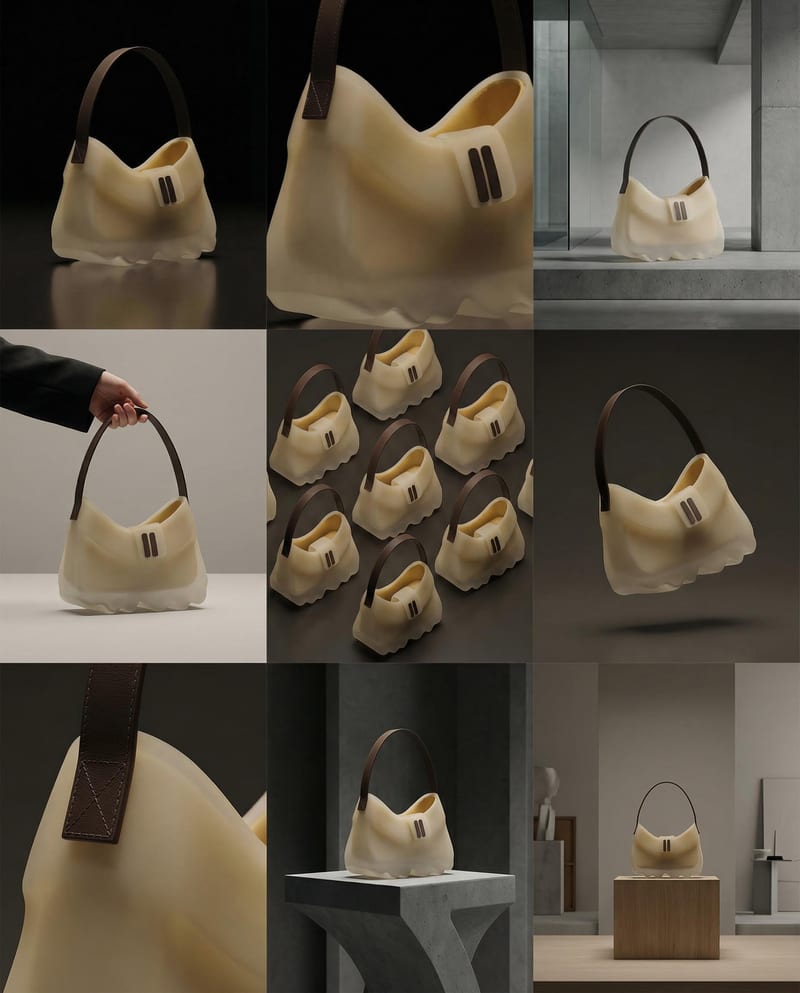
Turn a product image into a product photography grid for fashion campaign concepts and content planning.

Turn a source image and chosen video duration into six scene images and a commercial montage video.

Upload one portrait to create a centered US passport-style photo with a white background and passport-ready proportions.


