Recipev6
Vintage Polaroid
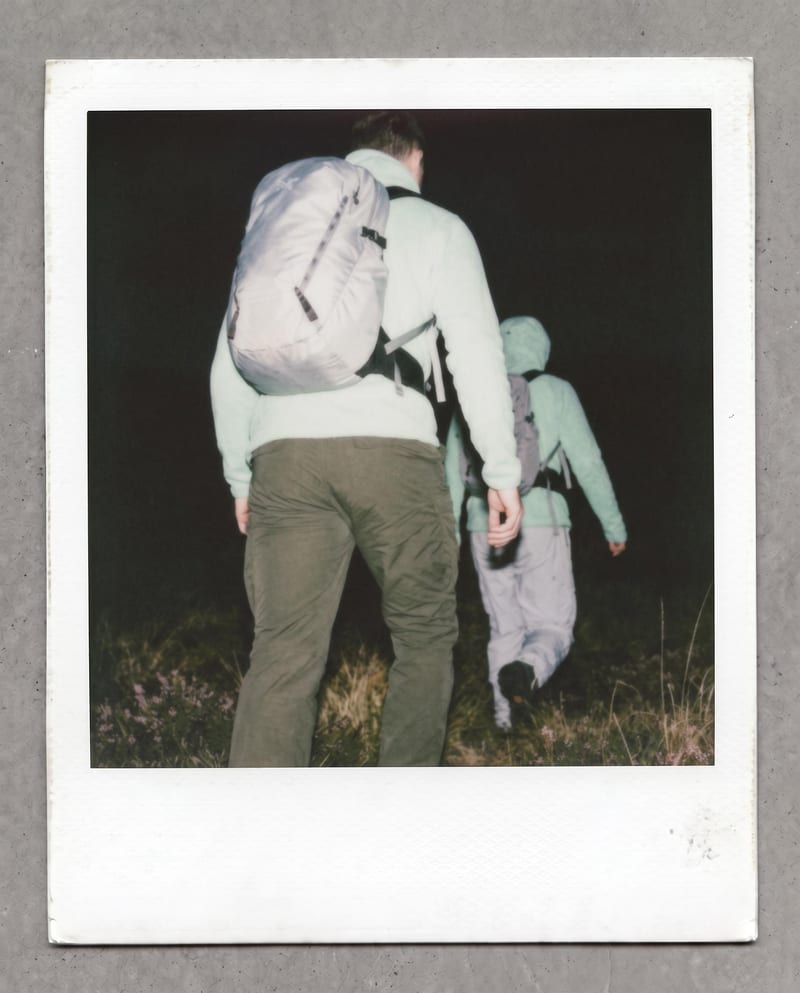
Vintage Polaroid
One click, whole workflow
Recipes are here. Package a whole workflow and run it in one click
Explore recipesVintage photo styling
Transform one photo into a nostalgic Polaroid-style image with faded colors, soft grain, paper texture, and a handwritten note.
Vintage Polaroid
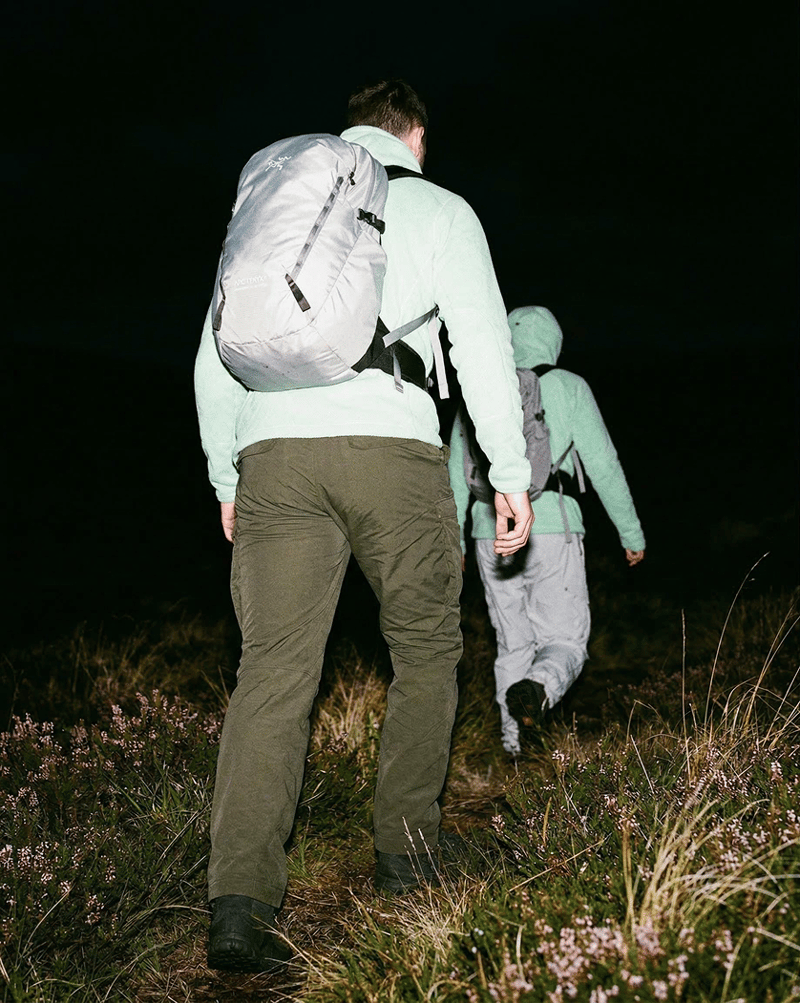
A recipe turns a reusable workflow into a simple set of inputs and outputs. Start with a community recipe and make it your own in Fuser.

1. Choose a recipe
Find a workflow for the result you want. Review what it does and how to use it before opening it in Fuser.
2. Make it your own
Check the recipe’s available inputs. Add your own text or media where supported, or start with the saved defaults.
3. Run and refine
Run it in Fuser and review the result on your canvas. Tweak the inputs to try another direction.
Create nostalgic photo treatments for social and content projects using a single image.
It transforms one photo into a Vintage Polaroid image. The result uses soft film grain, faded colors, paper texture, and a handwritten date or location note to create a nostalgic treatment.
It is suited to people creating social and content imagery from personal, travel, event, or lifestyle photos. The recipe is focused on applying a vintage Polaroid style to an existing image.
You need one image for the Photo input. The recipe uses that photo as the source for the saved Vintage Polaroid output.
Yes. Photo is the exposed editable input, so you can replace it in Fuser with another image before using the recipe. The saved page example shows the default photo connected to the recipe, not a live transformation.
The output is an image labeled Vintage Polaroid. Its described treatment includes soft film grain, faded colors, paper texture, and a handwritten date or location note.
Photos intended for nostalgic social or content presentation are a natural fit, including travel memories, event imagery, lifestyle photos, and personal keepsakes. The recipe changes the presentation of the photo rather than describing a separate subject or composition.
No. It shows the saved input connected to the recipe and its saved output. To create a different result, log in to Fuser and change the Photo input before using the recipe.
Bring a nostalgic finish to an existing photo with faded color, soft grain, paper texture, and a handwritten note.
Develop pitches, campaign assets and interactive client work in Fuser. Combine AI generation, editable design and reusable processes across your agency.
Create social graphics, carousel artwork and short videos with a recognizable brand style. Keep copy editable and recurring content easier to produce in Fuser.
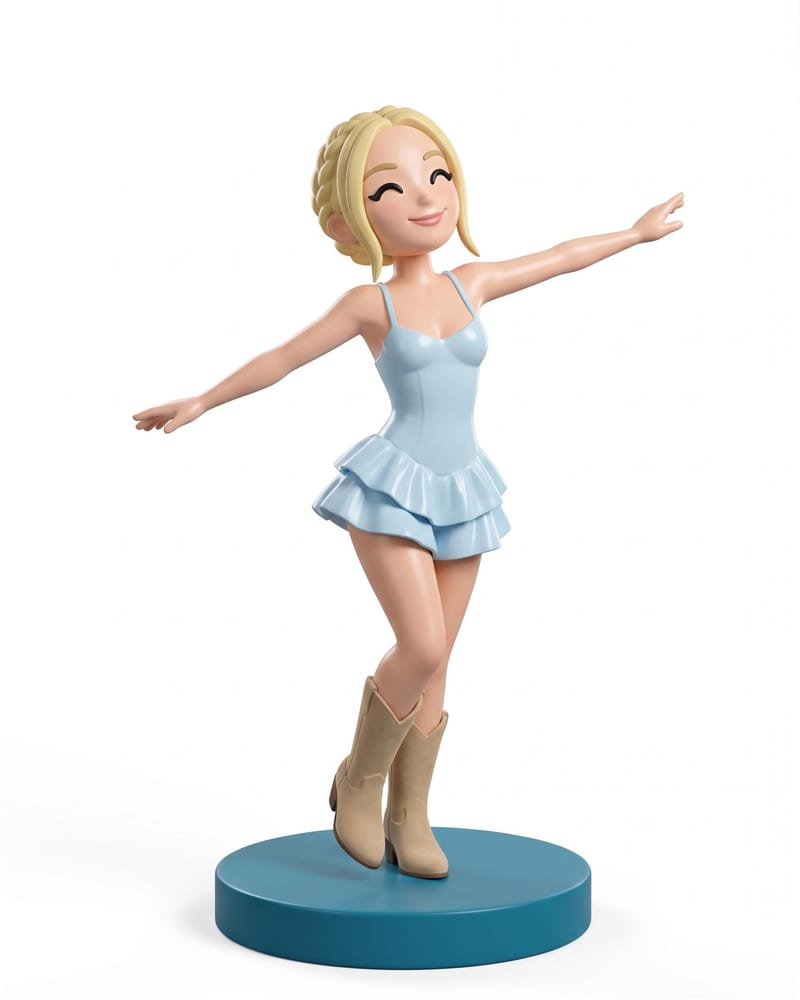
Transform a full-body portrait into a 3D collectible figure image and a 3D figure model while retaining its look, outfit, pose, and style.

Provide a scenario image, script, voice, and language to create a talking character video with translated speech.
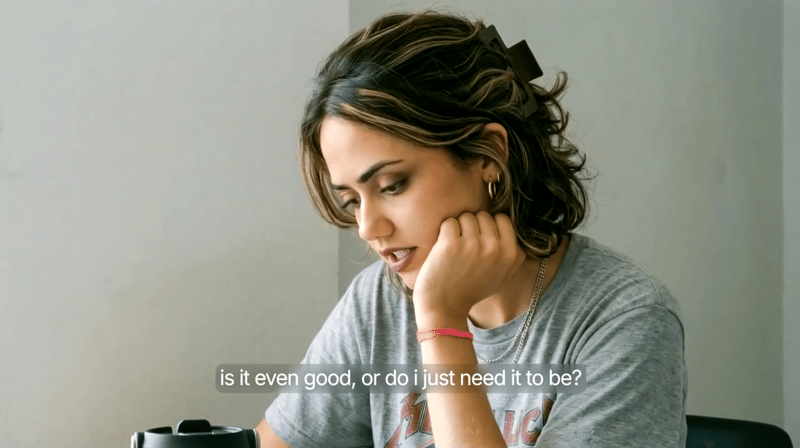
Provide a scenario image, script, and voice selection to create a talking character video with spoken delivery.

