Recipev1
Isometric City
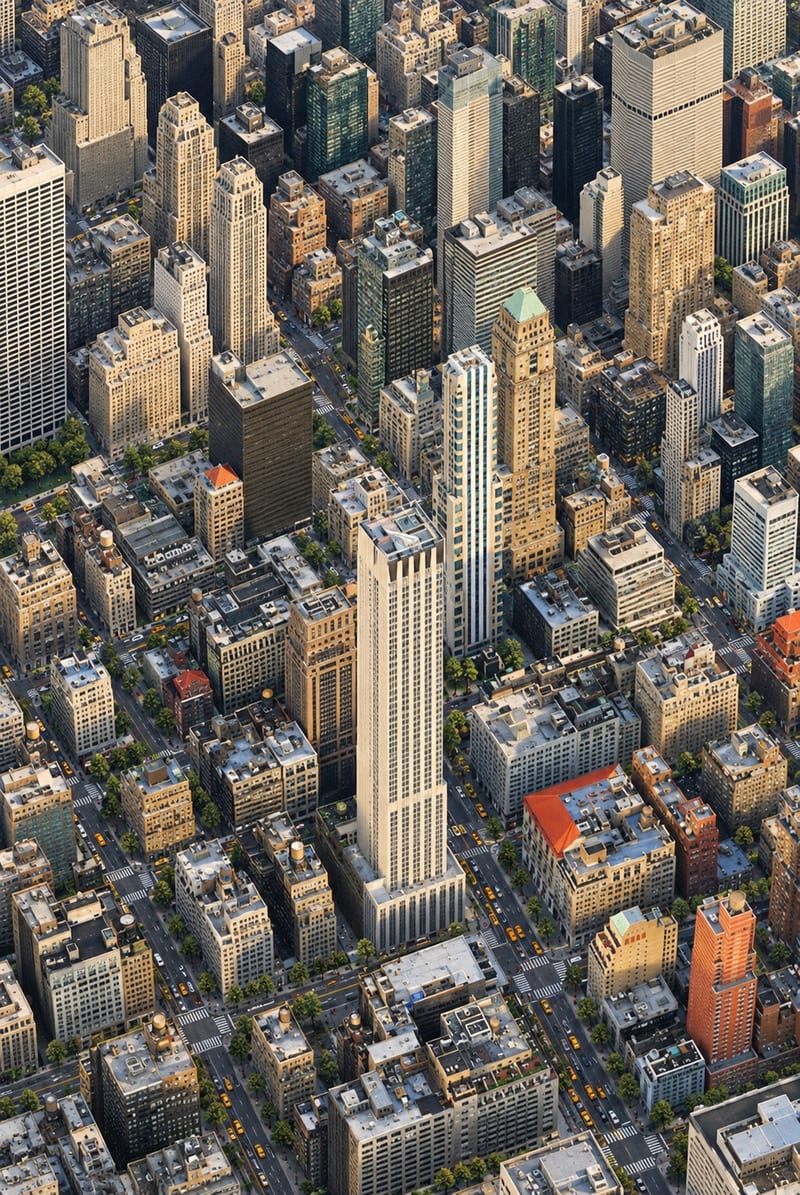
Output Isometric City Image
One click, whole workflow
Recipes are here. Package a whole workflow and run it in one click
Explore recipesCity Photography
Transform one city photo into an isometric miniature-world image that retains the source’s mood, textures, and realism.
Output Isometric City Image
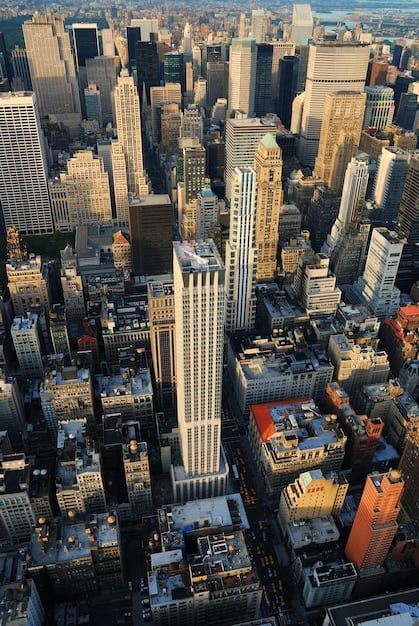
A recipe turns a reusable workflow into a simple set of inputs and outputs. Start with a community recipe and make it your own in Fuser.

1. Choose a recipe
Find a workflow for the result you want. Review what it does and how to use it before opening it in Fuser.
2. Make it your own
Check the recipe’s available inputs. Add your own text or media where supported, or start with the saved defaults.
3. Run and refine
Run it in Fuser and review the result on your canvas. Tweak the inputs to try another direction.
Use a city photograph as the starting point for visual reinterpretation, storytelling, and presentation concepts.
It takes one city image and transforms it into an isometric miniature-world image. The result combines a city-building-game perspective with the original photo’s mood, textures, and realism.
It is suited to photographers, urban storytellers, travel creators, and anyone exploring new presentations for city imagery. It can help turn an existing city photograph into a more stylized visual concept.
You need one image input labeled Input City Image. Use a city photograph as the source; visitors can change this exposed image input in Fuser when using the recipe.
The recipe produces one image labeled Output Isometric City Image. The saved example demonstrates a city photo reinterpreted as an isometric miniature world, rather than a separate set of images or editable scene elements.
Yes. The exposed input is the source city image, so you can replace it with another city photo in Fuser. The recipe does not expose additional style or composition controls on this page.
The output can support creative reinterpretations of architectural photography, travel imagery, urban storytelling, editorial concepts, and portfolio explorations. These uses start from a city photograph and stay focused on its transformation into an isometric miniature-world image.
No. It is a saved example with a city image connected to the recipe and its output. A new run uses the input image you select in Fuser.
Bring a city image to Fuser and explore its isometric reinterpretation.
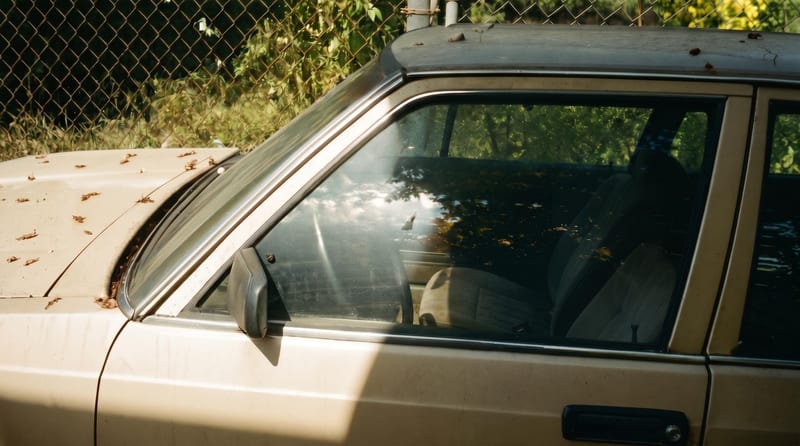
Upload one reference image to create six film-inspired photographic variations.
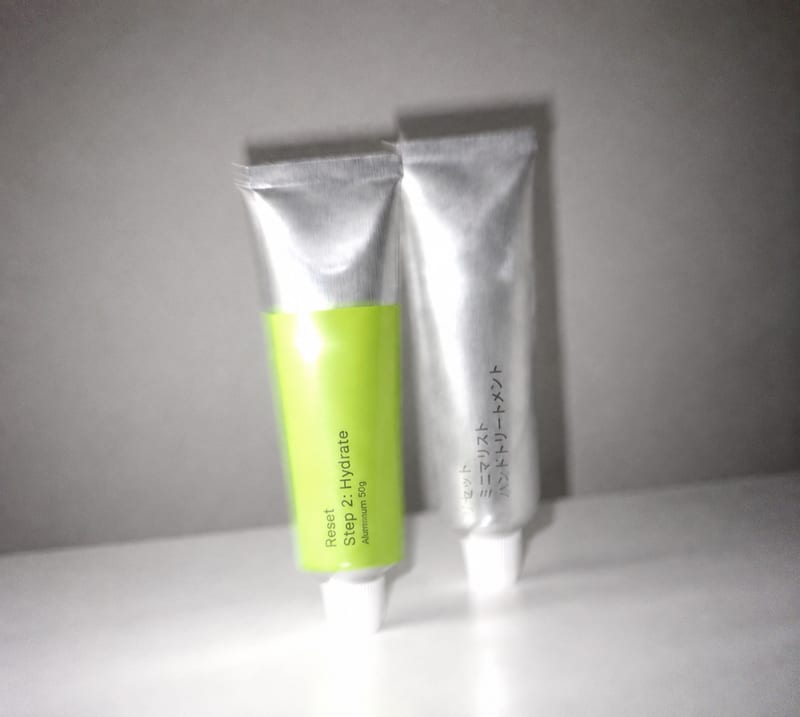
Transform an overly polished image into a blur-and-grain photograph inspired by an older iPhone or low-shutter film camera.
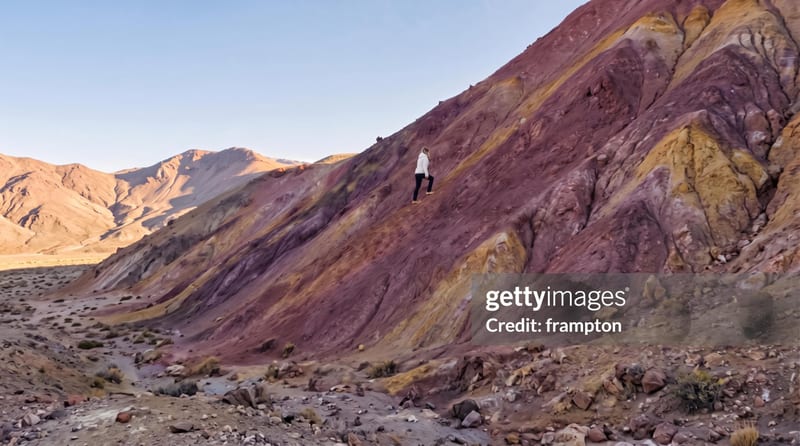
Apply a non-official Getty Images watermark treatment to one input photo and receive a watermarked image for review or presentation.