Recipev2
Object 4-view orthographic turnaround
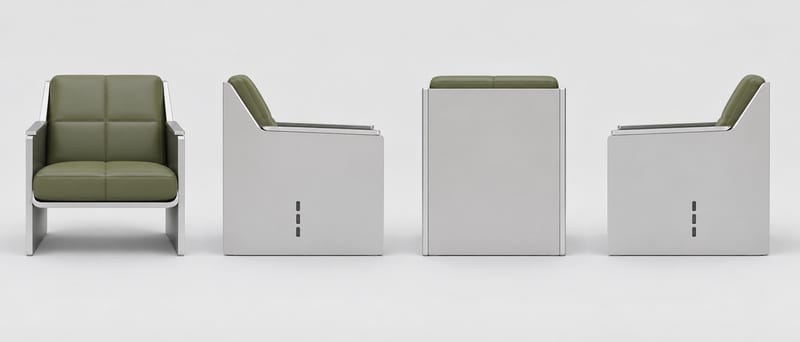
4-view ortho turnaround
One click, whole workflow
Recipes are here. Package a whole workflow and run it in one click
Explore recipesProduct & Industrial Design
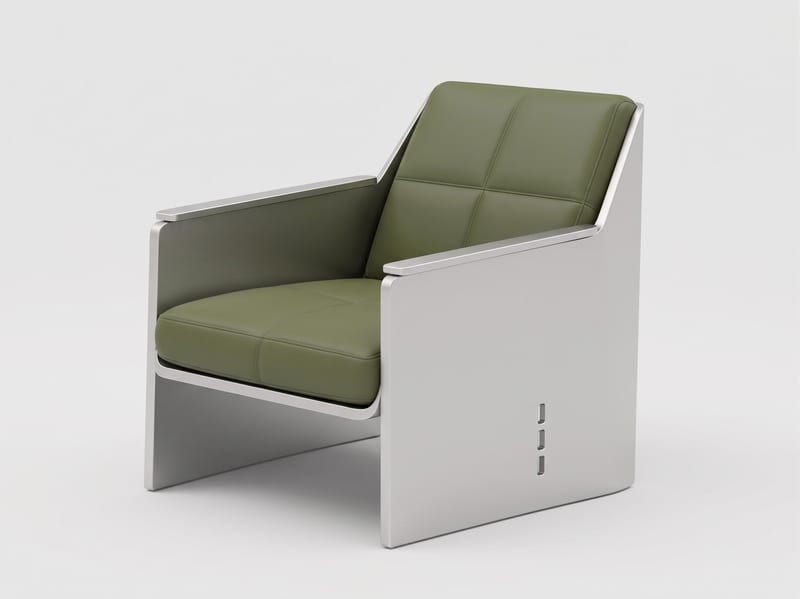
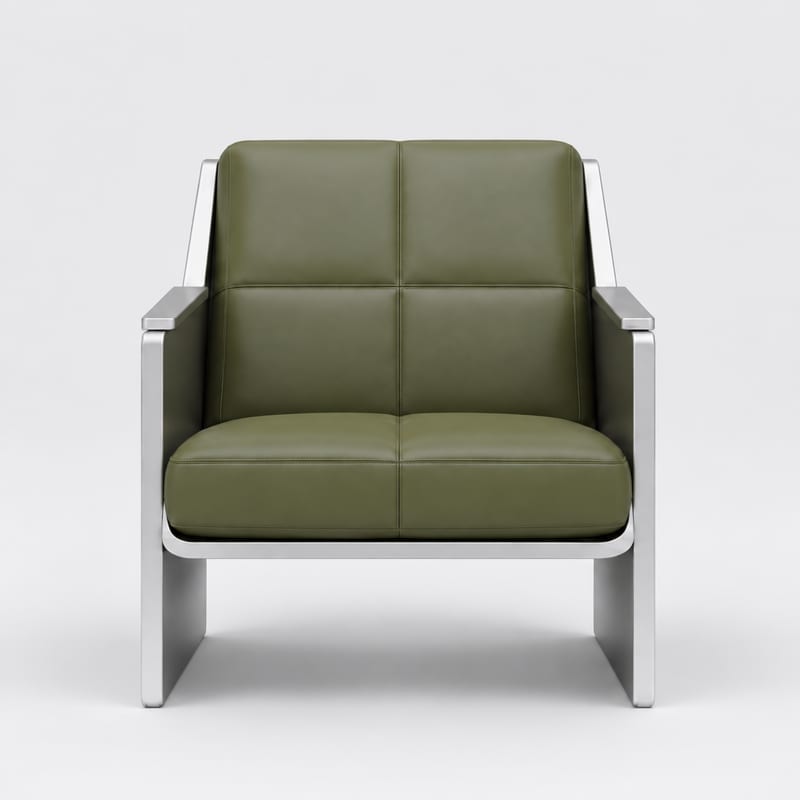
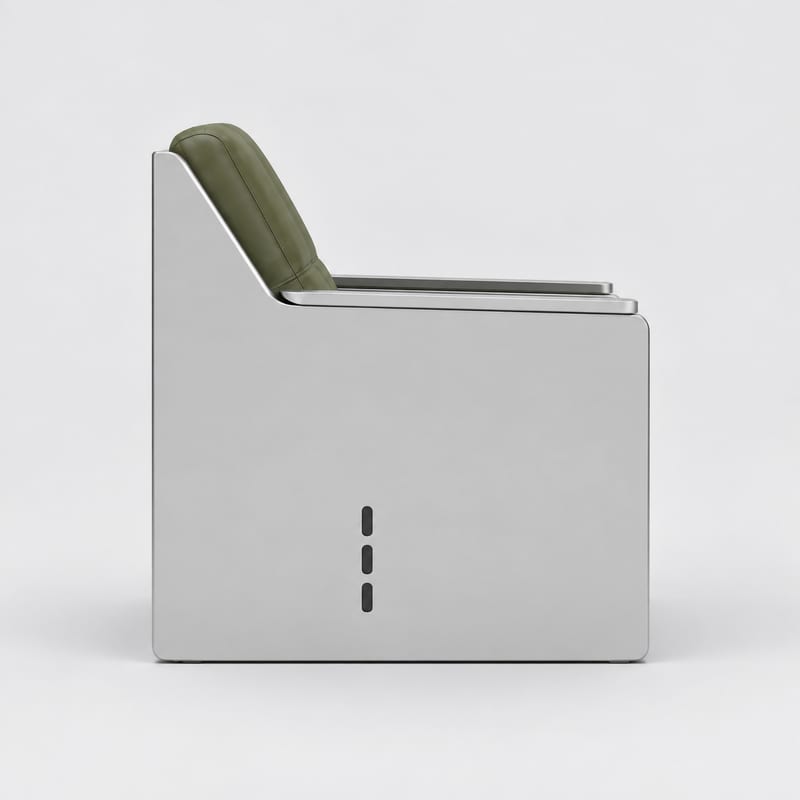
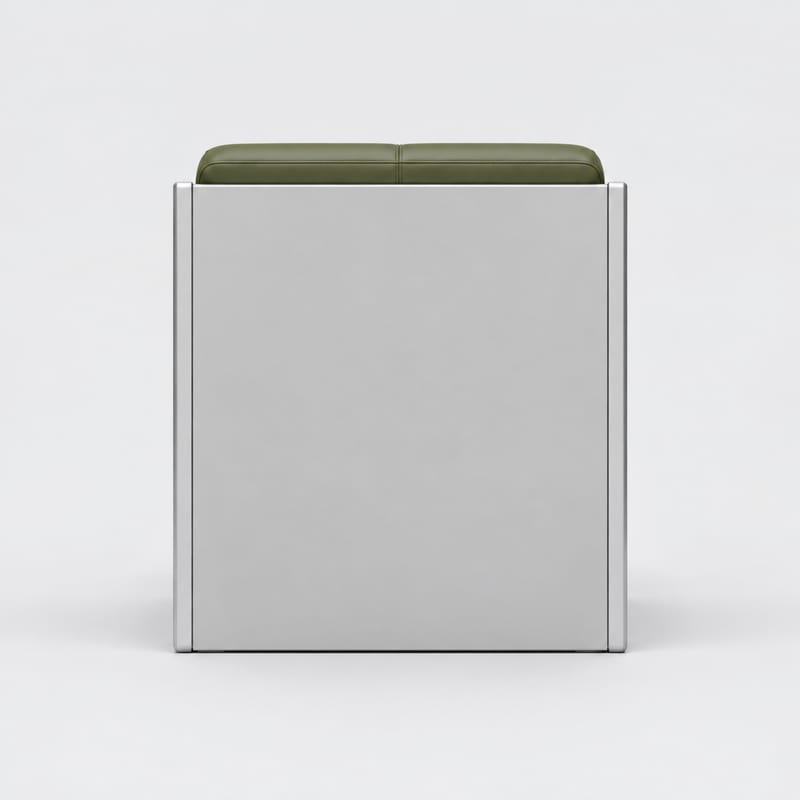
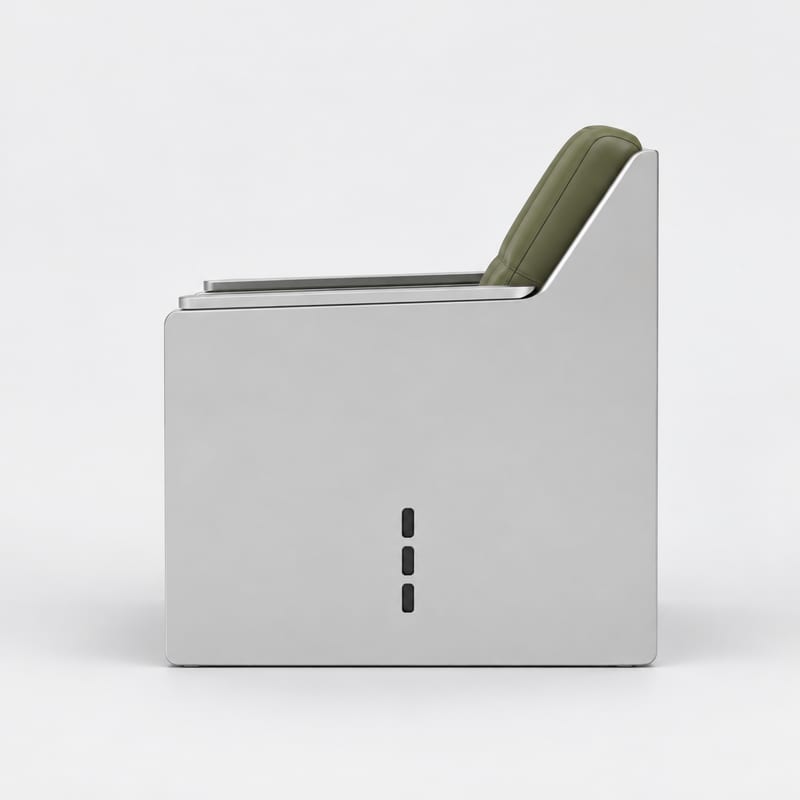
Provide one object image as a visual reference to create a four-view orthographic turnaround with front, right, back, and left views.
4-view ortho turnaround
A recipe turns a reusable workflow into a simple set of inputs and outputs. Start with a community recipe and make it your own in Fuser.
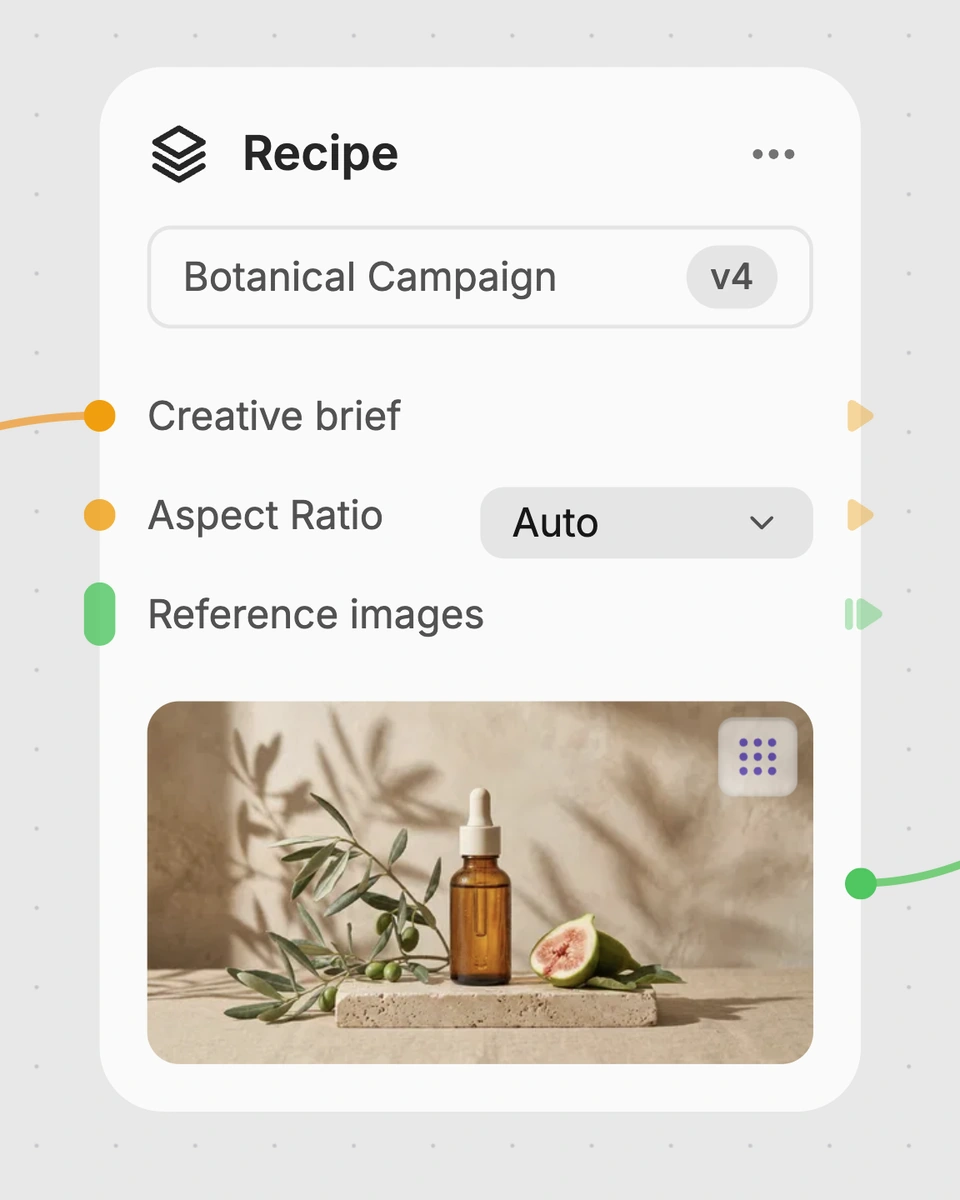
1. Choose a recipe
Find a workflow for the result you want. Review what it does and how to use it before opening it in Fuser.
2. Make it your own
Check the recipe’s available inputs. Add your own text or media where supported, or start with the saved defaults.
3. Run and refine
Run it in Fuser and review the result on your canvas. Tweak the inputs to try another direction.
Use the four-view output to examine, communicate, and document an object from multiple sides.
It uses one object image as a visual reference to create a four-view orthographic turnaround of the same object. The saved outputs include a combined 4-view turnaround plus separate front, right side, back, and left side images.
It is intended for product and industrial design work that benefits from viewing one object from several sides. Designers, modelers, and reviewers can use the resulting views as visual reference during concept review, documentation, or handoff.
Provide an image of the object you want to use as the visual reference. Object Image Input is the exposed editable input in Fuser, so you can change that image when creating a new run.
This recipe exposes one editable input: Object Image Input. You can replace the saved example’s object image, while the recipe’s output structure remains a four-view turnaround with front, right side, back, and left views.
The saved example shows one object image connected to the recipe and its saved image outputs. Those outputs are a combined 4-view ortho turnaround and individual views labeled Front View, Right Side View, Back View, and Left Side View.
The views can support product concept reviews, industrial design handoffs, 3D modeling reference, design documentation, and presentation boards. They provide visual coverage of the object’s listed sides rather than a substitute for measured engineering drawings.
No measurement or dimension input is exposed by this recipe, and its outputs are images. Treat the turnaround as visual reference for the object’s form, not as a source of verified dimensions or manufacturing specifications.
Bring an object image into Fuser and use this recipe to produce a combined turnaround with separate front, right, back, and left views.
Develop pitches, campaign assets and interactive client work in Fuser. Combine AI generation, editable design and reusable processes across your agency.
Create product images, lifestyle scenes and campaign assets for your next ecommerce launch. Keep branding editable and reuse creative setups in Fuser.
Create studio-style product images, lifestyle scenes and motion studies. Combine reference-led generation with precise, editable composition in Fuser.
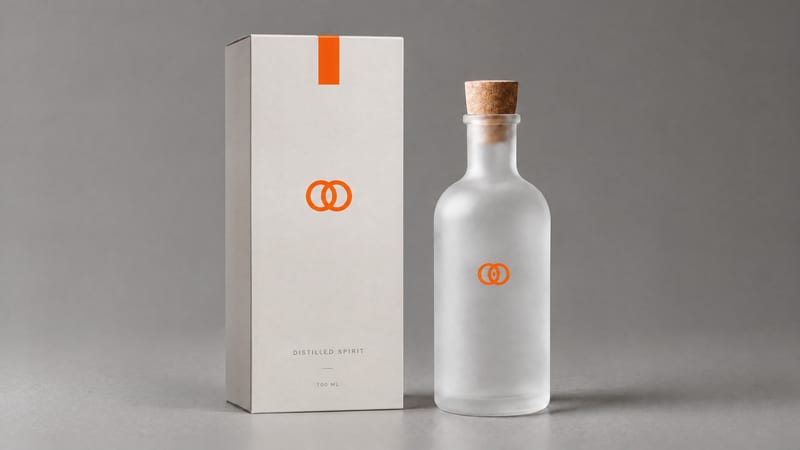
Combine a product image and logo image to create a professional minimalist packaging design for product presentation and marketing work.
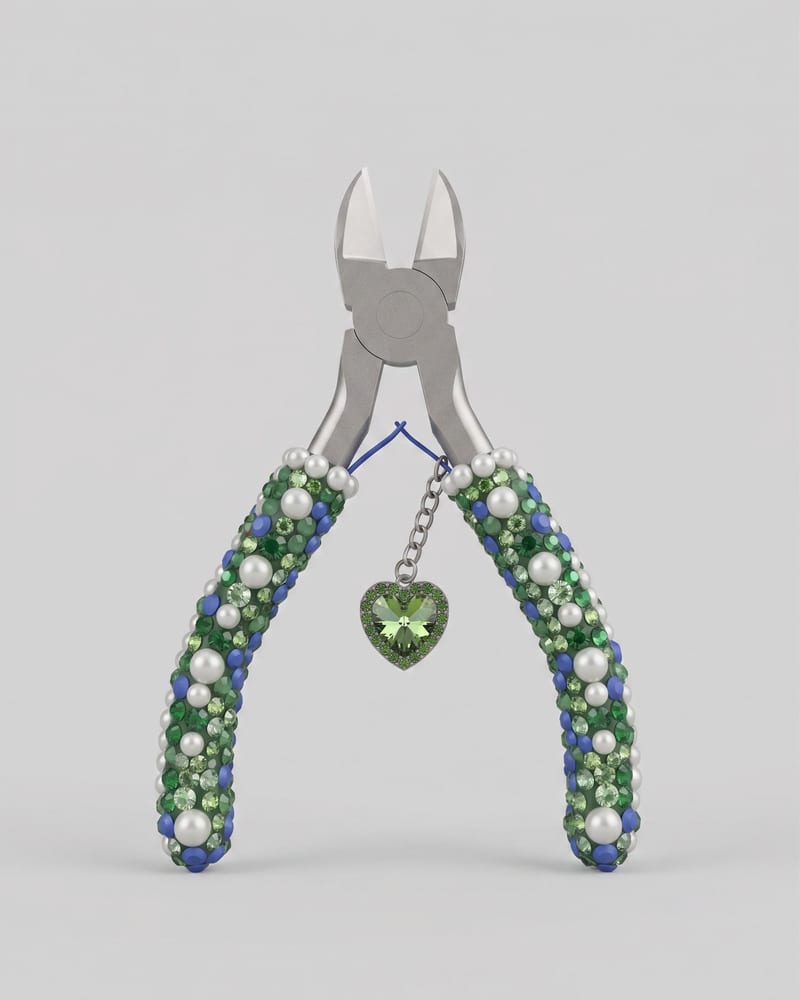
Upload an image of an object to create a Keyshot-style product studio render as the image output.
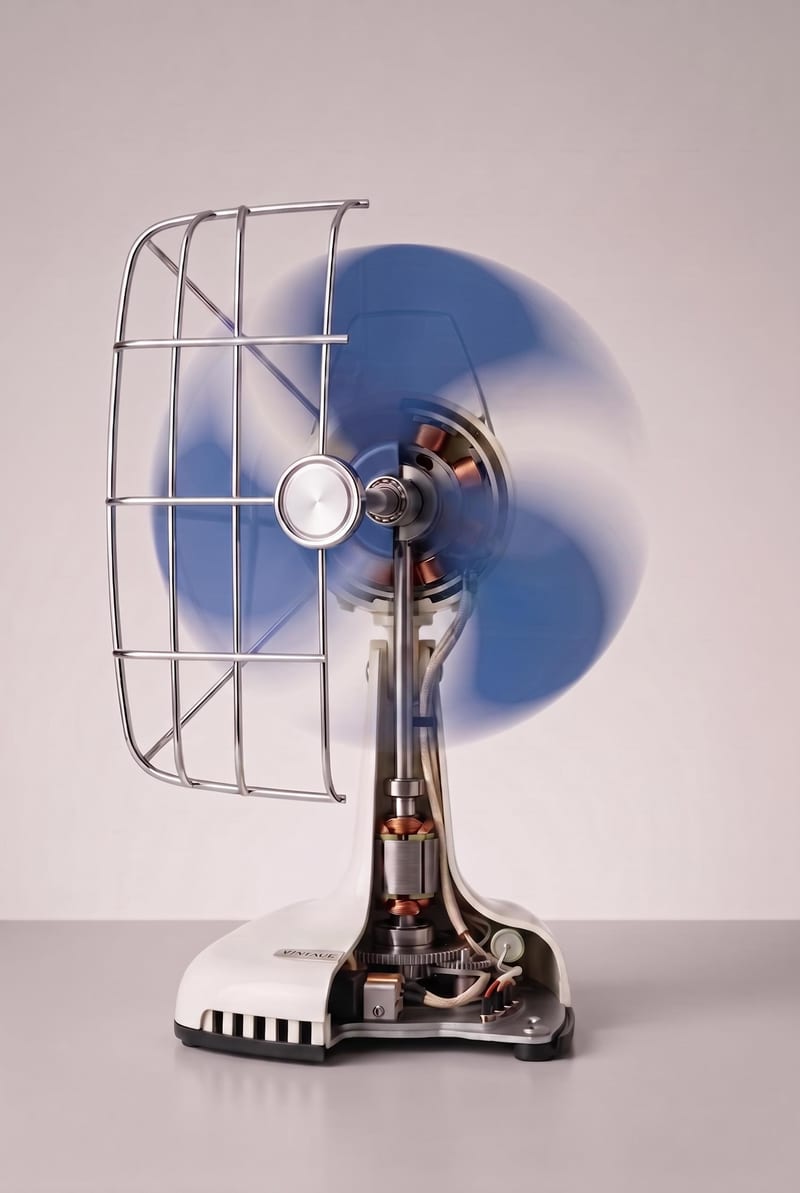
Turn an object image into a realistic cutaway visualization that reveals interior structure while retaining the exterior design, materials, and proportions.