Recipev15
Polished Overcast Architectural Render
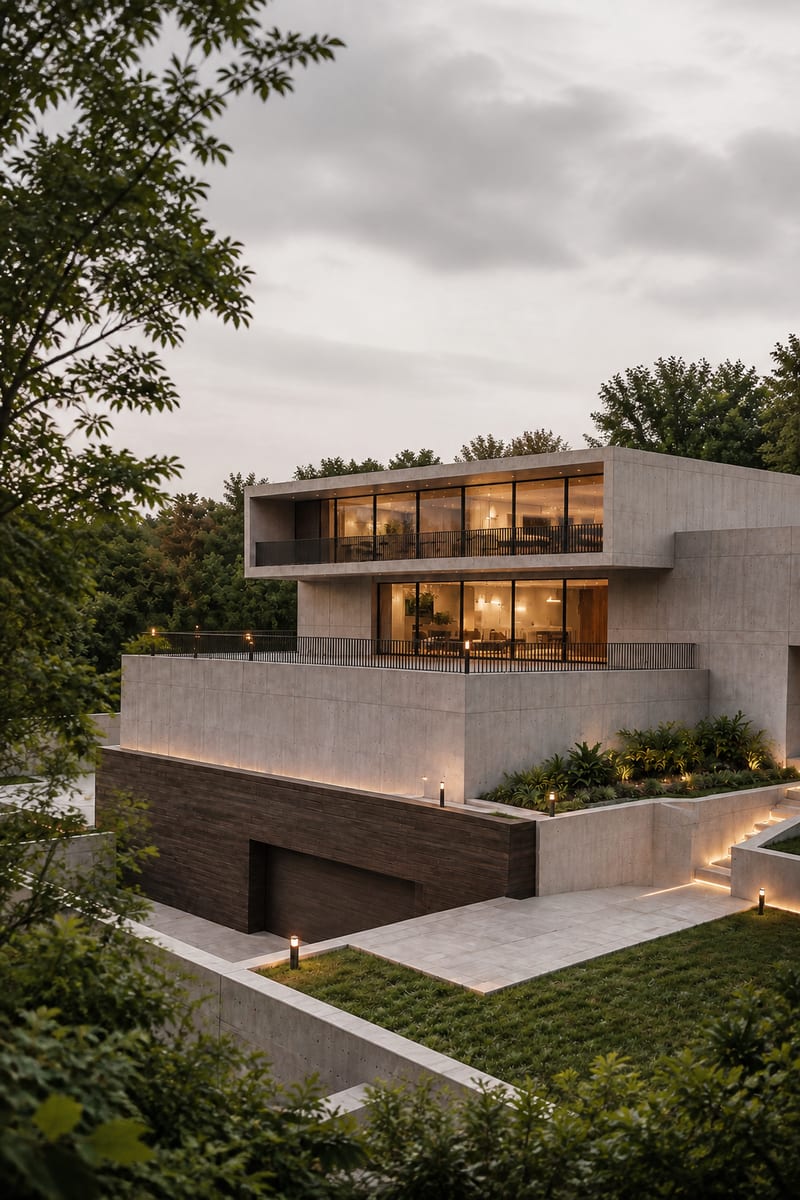
Overcast Architectural Render
One click, whole workflow
Recipes are here. Package a whole workflow and run it in one click
Explore recipesArchitectural Rendering
Transform an image into a photorealistic architectural render with an elevated viewpoint, layered urban foregrounds, and soft overcast light.
Overcast Architectural Render
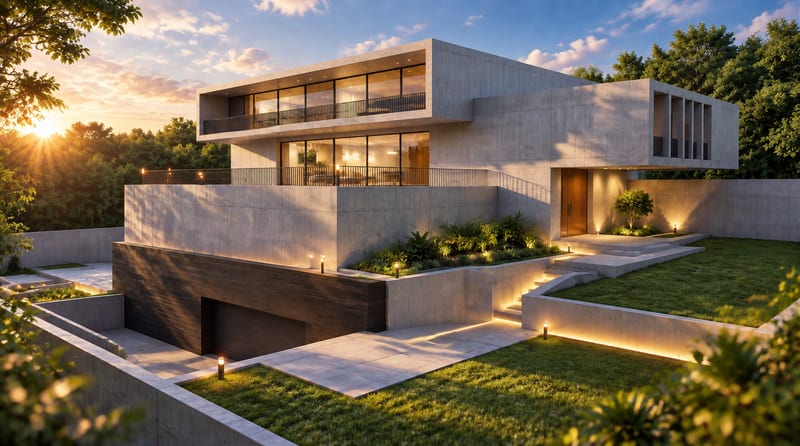
A recipe turns a reusable workflow into a simple set of inputs and outputs. Start with a community recipe and make it your own in Fuser.

1. Choose a recipe
Find a workflow for the result you want. Review what it does and how to use it before opening it in Fuser.
2. Make it your own
Check the recipe’s available inputs. Add your own text or media where supported, or start with the saved defaults.
3. Run and refine
Run it in Fuser and review the result on your canvas. Tweak the inputs to try another direction.
Use this recipe to explore architectural presentations that benefit from a distant elevated viewpoint and restrained overcast atmosphere.
It is suited to architects, designers, visual artists, and anyone preparing an architectural image with a polished overcast appearance. The recipe focuses on distant elevated viewpoints, layered urban foregrounds, muted natural tones, and a calm cinematic atmosphere.
The recipe exposes one editable input: Image 2. Replace that image in Fuser with the architectural source you want to use for a new run.
It creates one image output named Generated Image 2. The intended result is a photorealistic architectural render shaped by the recipe's elevated viewpoint, soft overcast lighting, urban layering, and muted color treatment.
Yes. Image 2 is an exposed editable input, so you can change it in Fuser before using the recipe. The saved page example shows the default image connected to the recipe; it is not a live generation.
The saved example demonstrates the connection between the Image 2 input and the Generated Image 2 image output. It represents one saved example of the recipe, rather than a guarantee that every new input will look identical.
It can support architectural presentations, urban context studies, concept development, portfolio imagery, and design review materials. These uses are most appropriate when a distant elevated view and subdued overcast atmosphere fit the project.
No. The recipe has an image input and an image output, so it is intended for visual architectural rendering rather than plans, technical documents, measurements, or written descriptions.
Bring an architectural image into Fuser and explore it through a polished elevated viewpoint with soft, muted overcast styling.
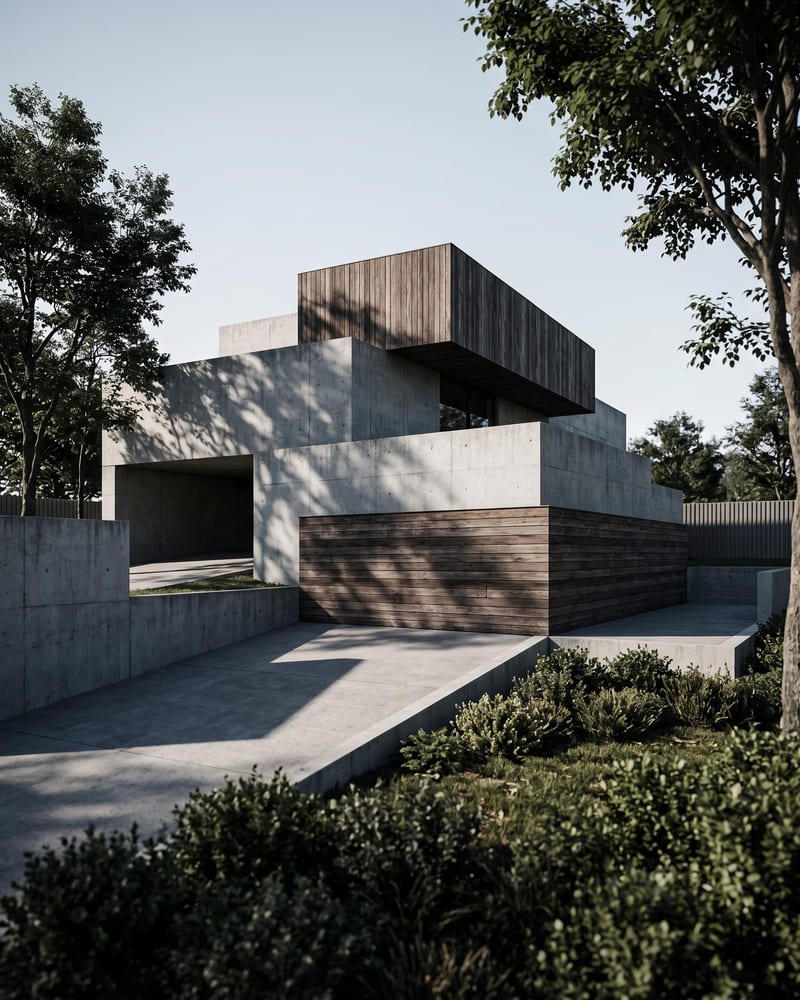
Turn an architecture sketch into four architectural renders from different perspectives and a timelapse video of the space coming together.
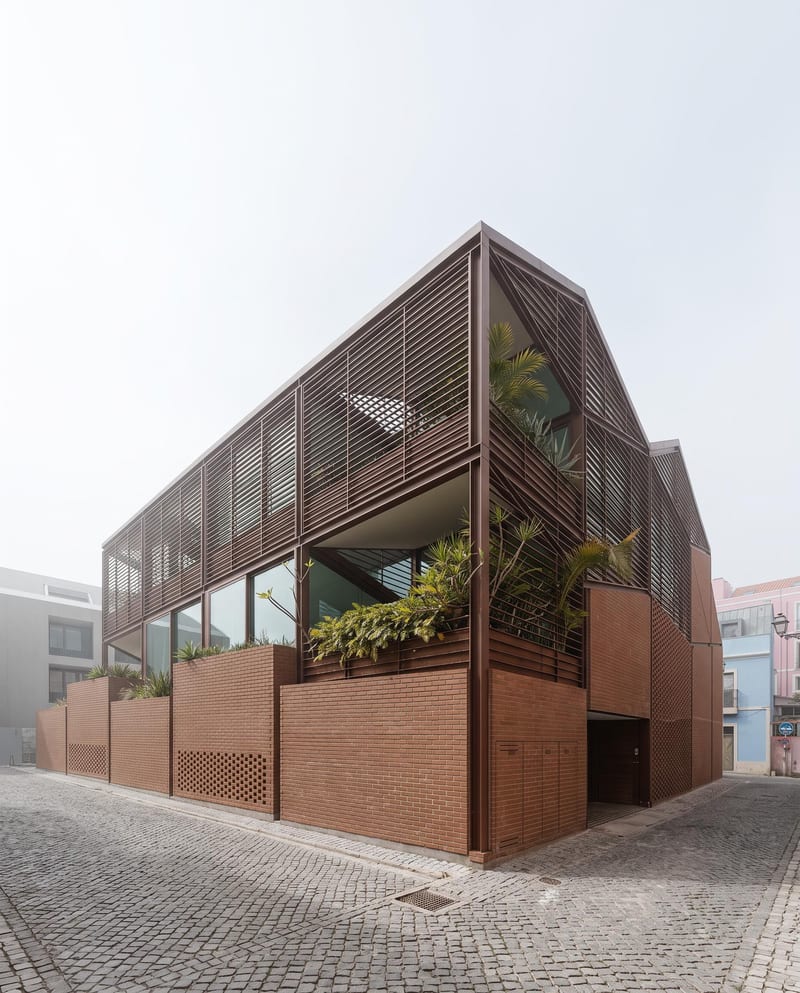
Turn a floor plan and reference render into additional architectural views, a close-up render, and an interior walkthrough video.
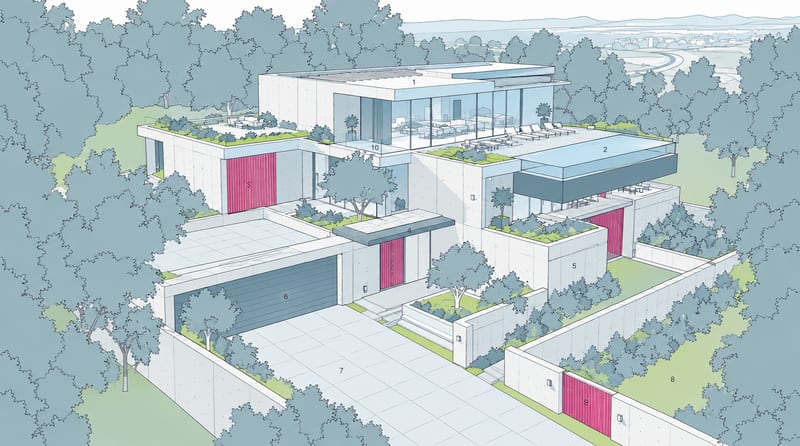
Combine a source image with a render-style reference to create a generated image inspired by the reference’s materials, lighting, and atmosphere.