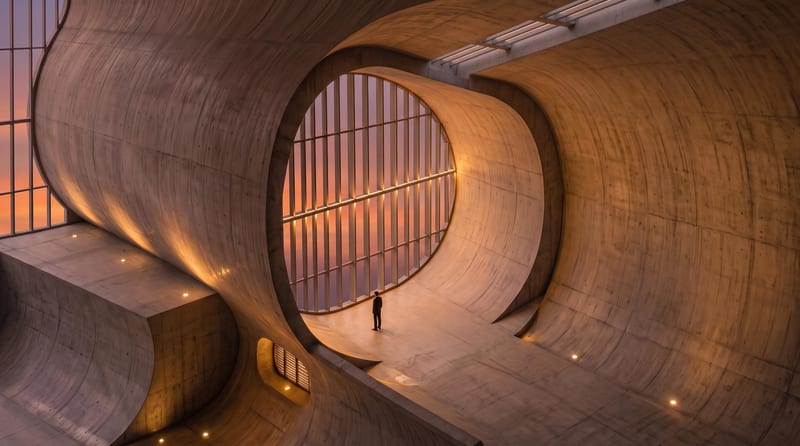
Recipev2
Plan to Render & Walkthrough
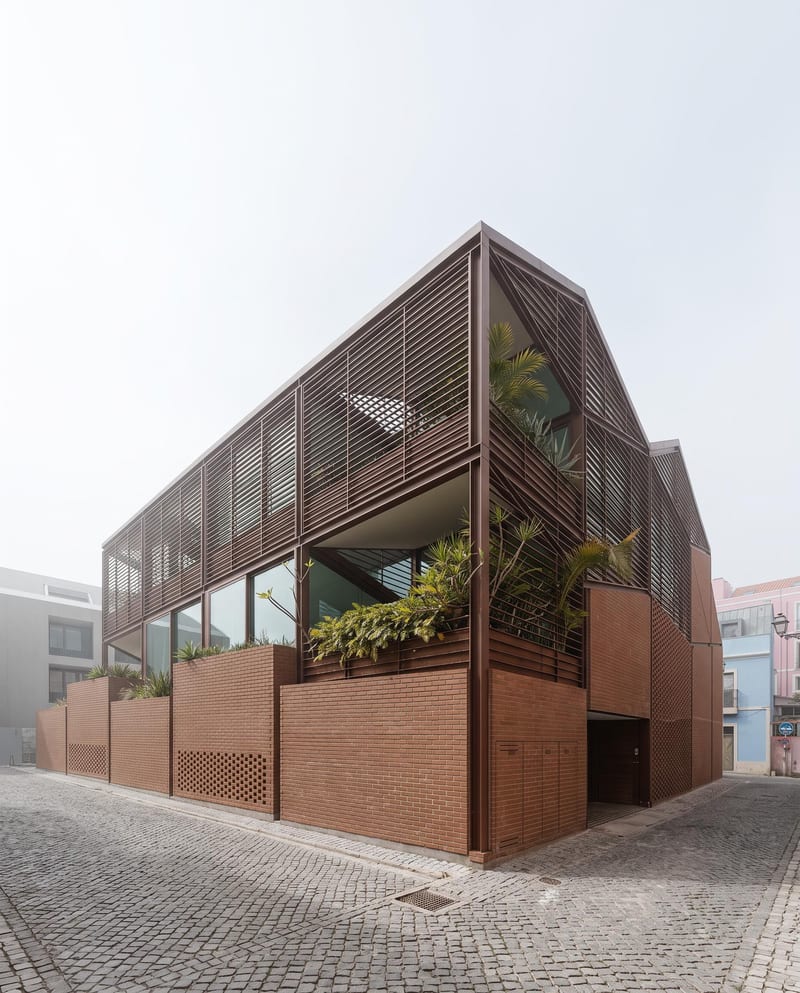
Additional Render
One click, whole workflow
Recipes are here. Package a whole workflow and run it in one click
Explore recipesArchitecture visualization
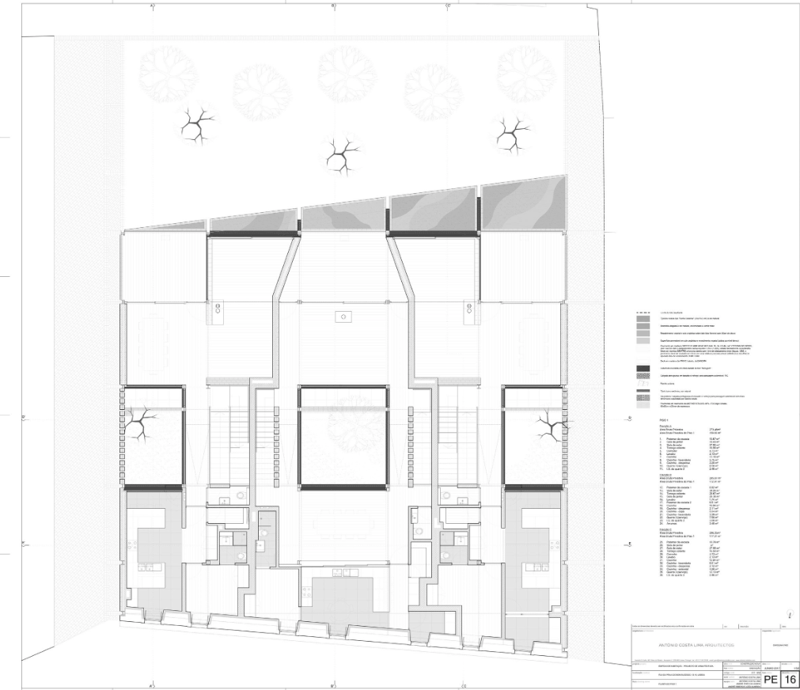
Turn a floor plan and reference render into additional architectural views, a close-up render, and an interior walkthrough video.
Additional Render
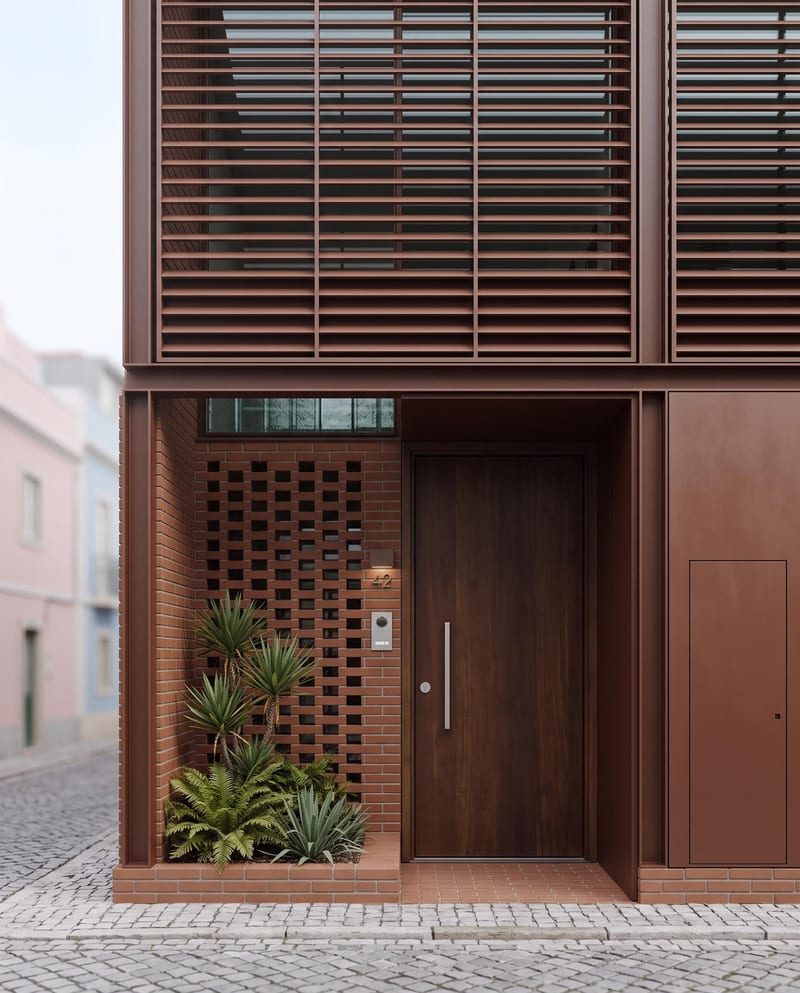
A recipe turns a reusable workflow into a simple set of inputs and outputs. Start with a community recipe and make it your own in Fuser.

1. Choose a recipe
Find a workflow for the result you want. Review what it does and how to use it before opening it in Fuser.
2. Make it your own
Check the recipe’s available inputs. Add your own text or media where supported, or start with the saved defaults.
3. Run and refine
Run it in Fuser and review the result on your canvas. Tweak the inputs to try another direction.
Use the plan and reference render together to develop multiple presentation views of an architectural space.
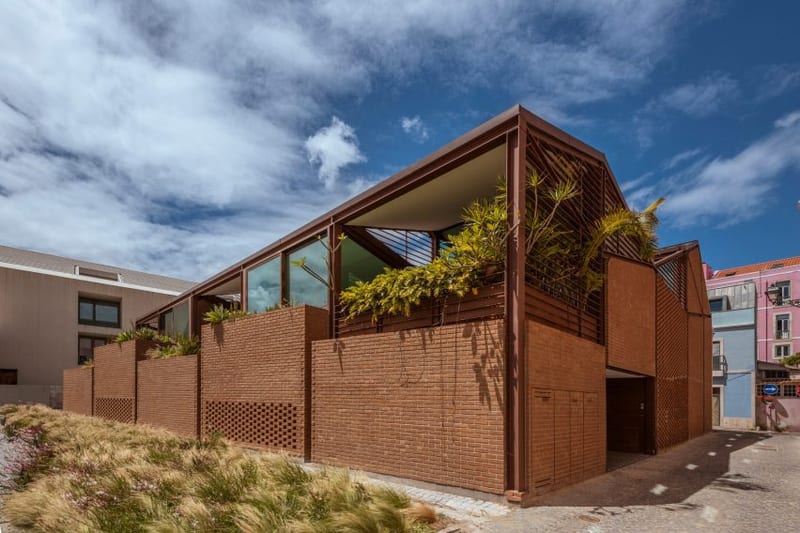
It uses an architecture plan and an architecture render to produce three outputs: an additional render, a close-up render, and an interior walkthrough video. Together, these outputs provide still and moving views of the architectural concept.
It is suited to people presenting or reviewing architectural spaces, including designers, visualization teams, and clients discussing a project. The outputs support both focused detail views and a broader walkthrough format.
Prepare two image inputs: an architecture plan and an architecture render. The plan provides the architectural source, while the reference render supplies a rendered view to use with it.
Yes. Architecture Plan and Architecture Render are exposed inputs that you can change in Fuser. A new input combination can be used to create another saved recipe run with the same three output types.
The saved example shows the two connected image inputs and their resulting additional render, close-up render, and interior walkthrough video. It represents one saved example rather than a live generation on this page.
The additional render and close-up render can support still-image reviews, while the interior walkthrough video can help communicate movement through the space. The architecture plan remains useful as source context alongside those outputs.
Yes. Its outputs include two images—an additional render and a close-up render—and one video: an interior walkthrough. The recipe is designed around combining a plan and a reference render into these three presentation formats.
Bring an architecture plan and reference render into Fuser to create additional still views and an interior walkthrough video.
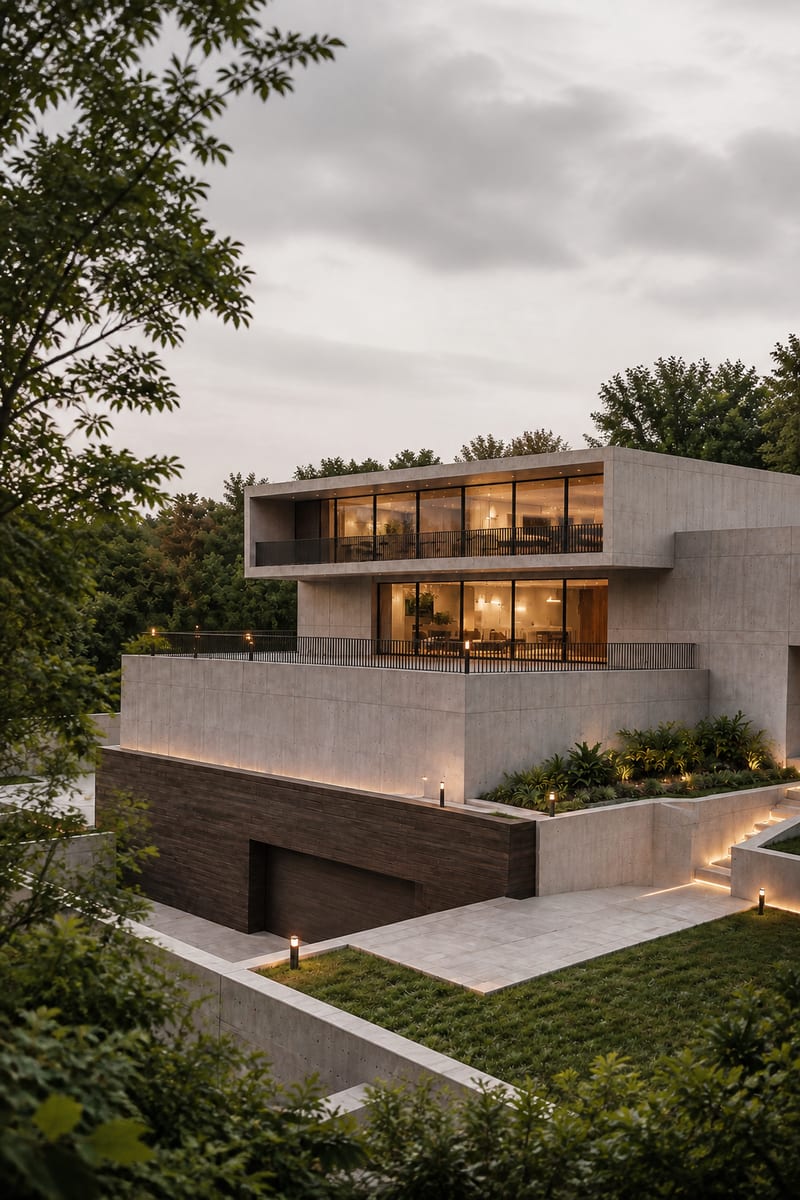
Transform an image into a photorealistic architectural render with an elevated viewpoint, layered urban foregrounds, and soft overcast light.
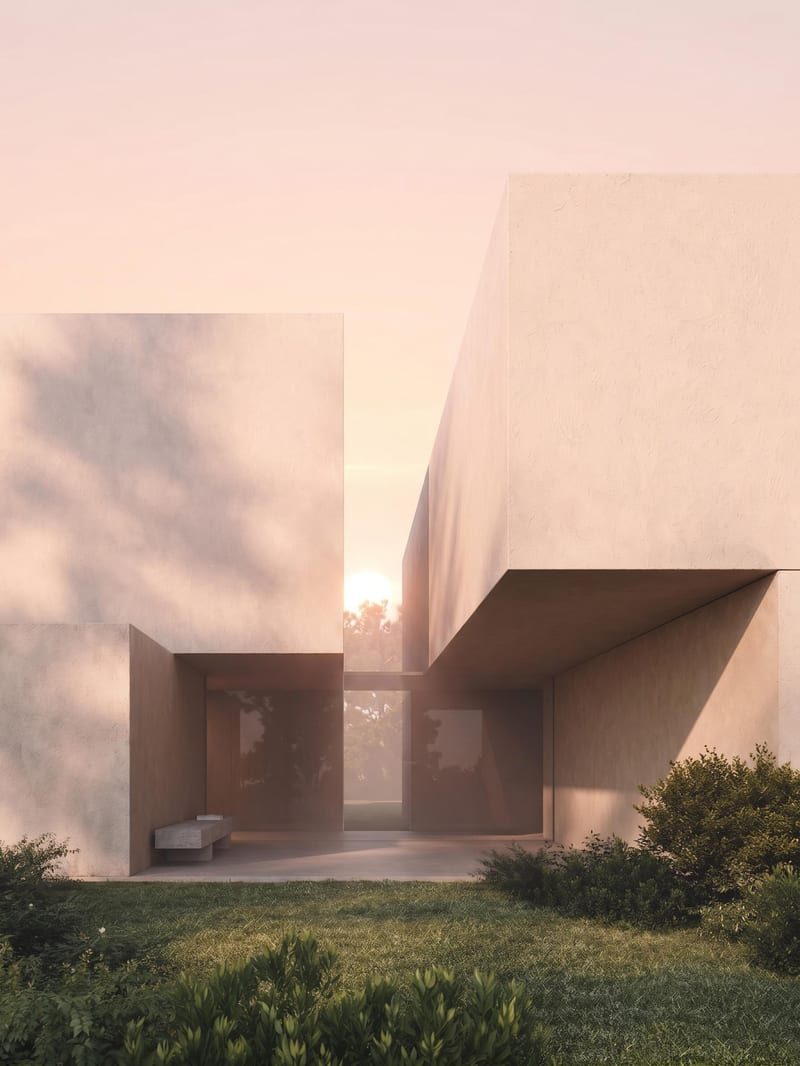
Upload an architectural render to create sunrise, midday, sunset, and nighttime versions of the same scene.
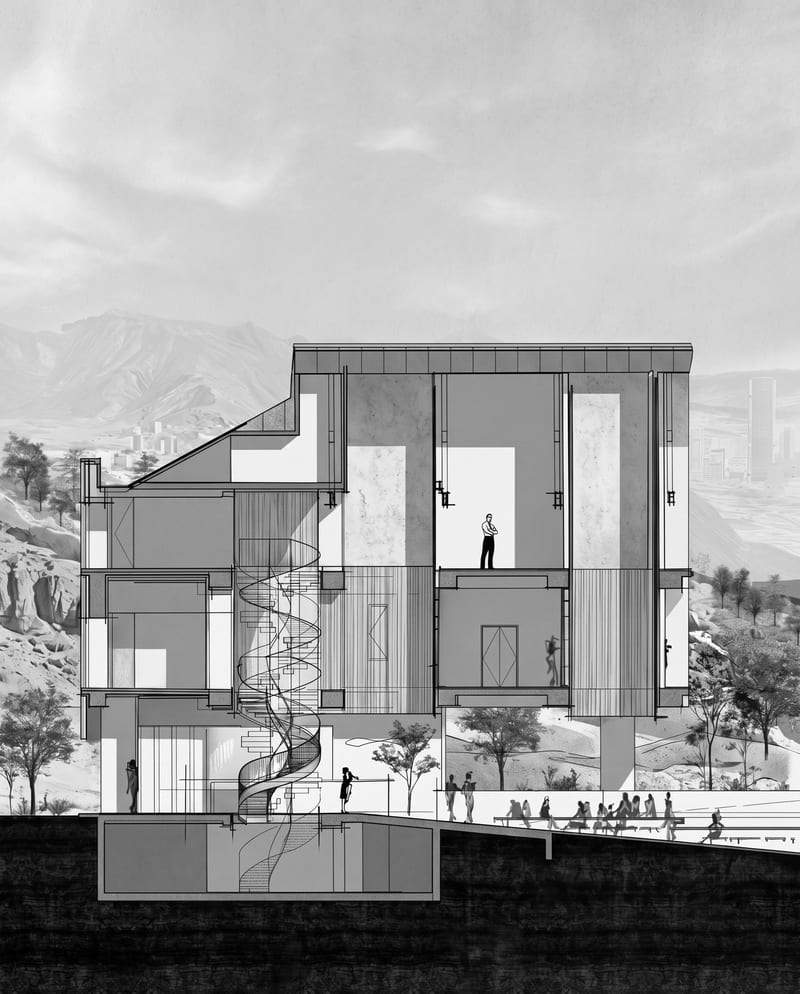
Transform an architectural section into a cinematic monochrome image while preserving its architecture, textures, landscape, and atmosphere.