Recipev2
Polished Product Turntable Animation
0:00 / 0:00
Turntable Video
One click, whole workflow
Recipes are here. Package a whole workflow and run it in one click
Explore recipesProduct presentation
Turn one product image into a turntable video against a minimalist backdrop for focused product presentation.
Turntable Video
A recipe turns a reusable workflow into a simple set of inputs and outputs. Start with a community recipe and make it your own in Fuser.
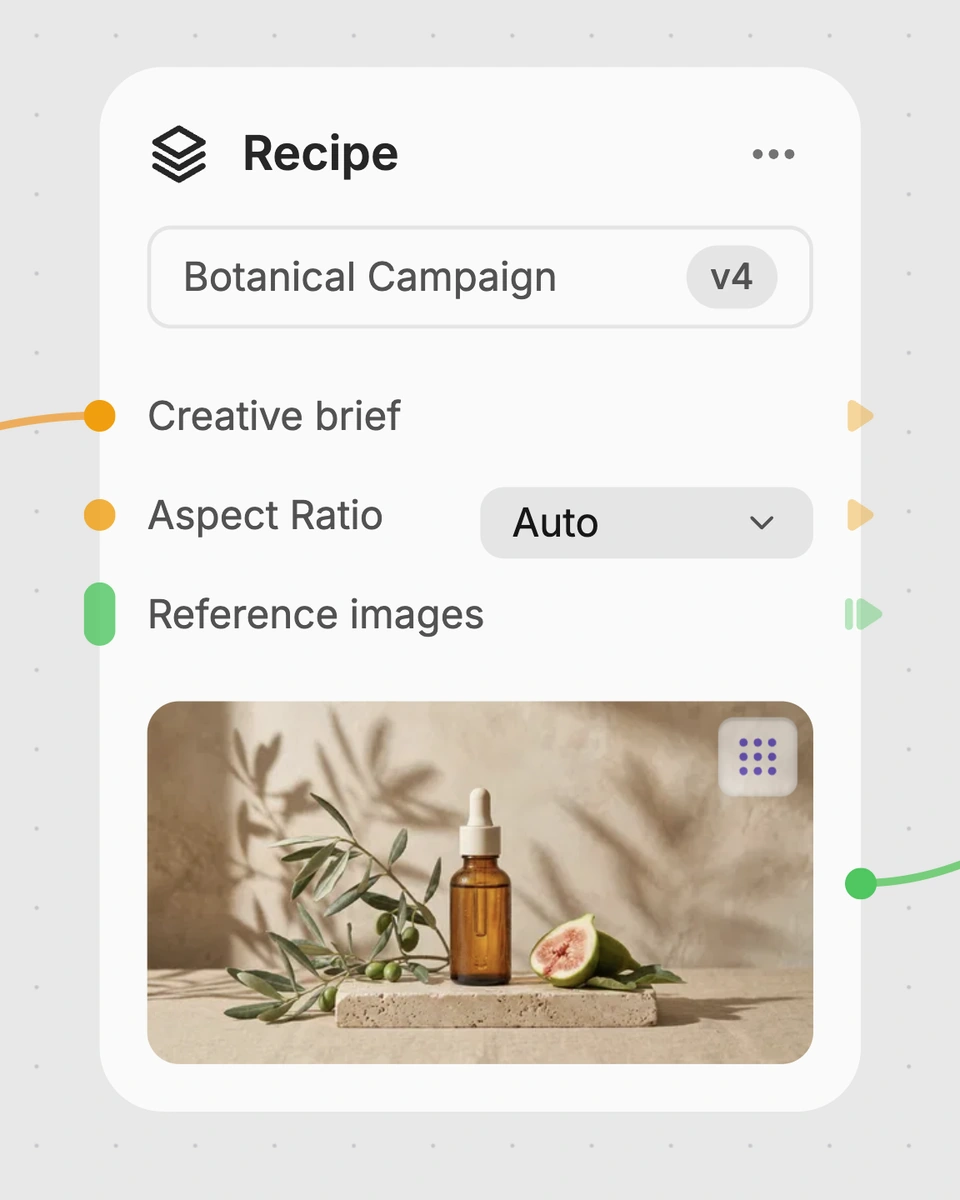
1. Choose a recipe
Find a workflow for the result you want. Review what it does and how to use it before opening it in Fuser.
2. Make it your own
Check the recipe’s available inputs. Add your own text or media where supported, or start with the saved defaults.
3. Run and refine
Run it in Fuser and review the result on your canvas. Tweak the inputs to try another direction.
Use the resulting turntable video in product-focused social and content workflows.
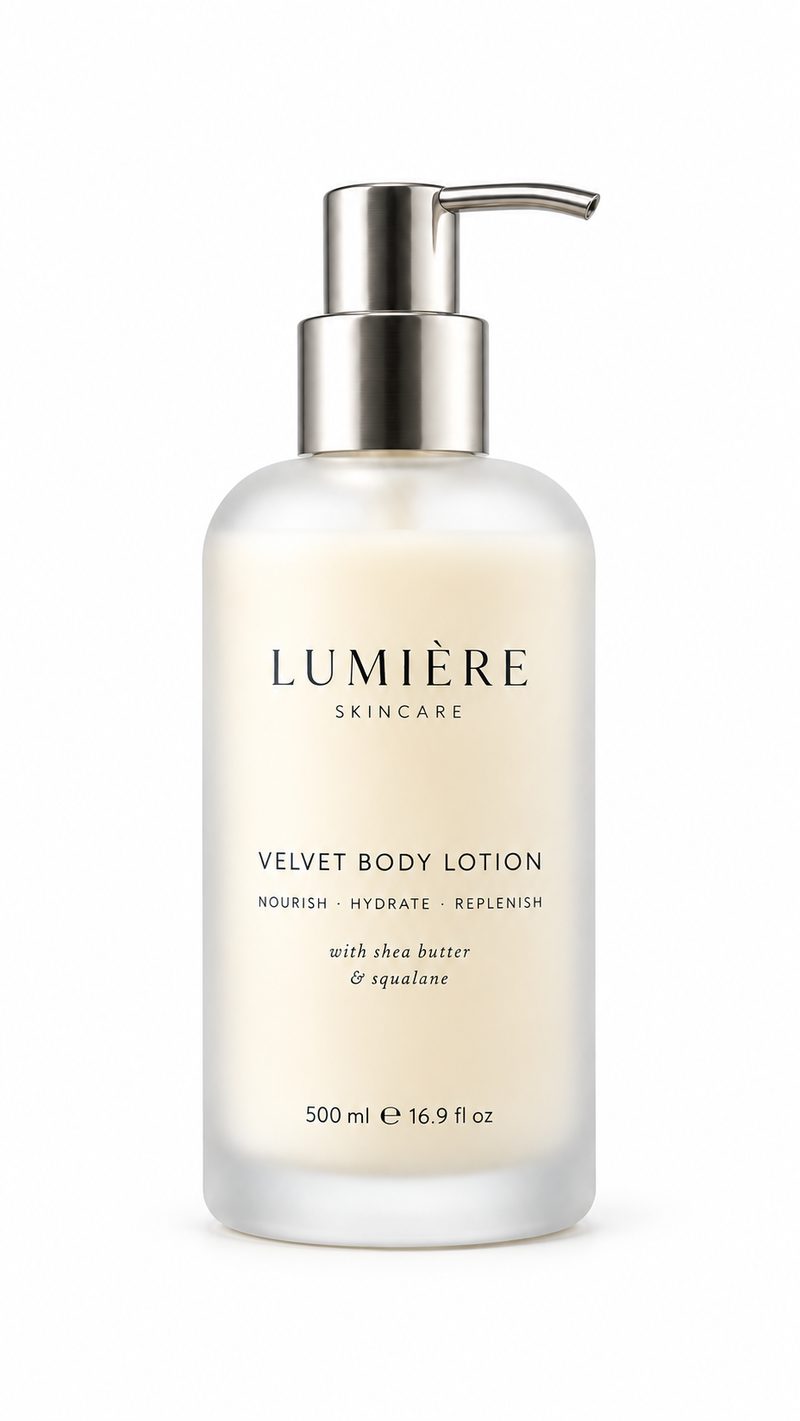
It uses one Product Image input to create a Turntable Video. The product is presented against a minimalist backdrop, making the output suitable for product-focused social and content work.
It is useful for product marketers, content teams, and creators who need a video presentation from a product image. The output can support social posts, launch concepts, catalog updates, and internal creative review.
Prepare an image of the product you want to present. A clear product image is the most relevant starting point because the recipe has one exposed input: Product Image.
Yes. In Fuser, replace the exposed Product Image input with the product image you want to use. There are no other exposed inputs listed for this recipe.
The saved example shows a Product Image connected to the recipe and a Turntable Video as the output. It demonstrates the saved default workflow rather than a live generation or a guarantee about a new run.
The video can support product-focused social content, launch announcements, ecommerce content drafts, catalog refreshes, and campaign concepting. These are suggested applications for the output, not separate features of the recipe.
The recipe accepts an image and produces a video, so the available customization is limited to changing the Product Image input. The presentation is designed around a minimalist backdrop and should be assessed against the needs of your specific product content.
Bring a product image to Fuser and use this recipe to create a focused turntable video for social and content work.
Develop pitches, campaign assets and interactive client work in Fuser. Combine AI generation, editable design and reusable processes across your agency.
Create social graphics, carousel artwork and short videos with a recognizable brand style. Keep copy editable and recurring content easier to produce in Fuser.
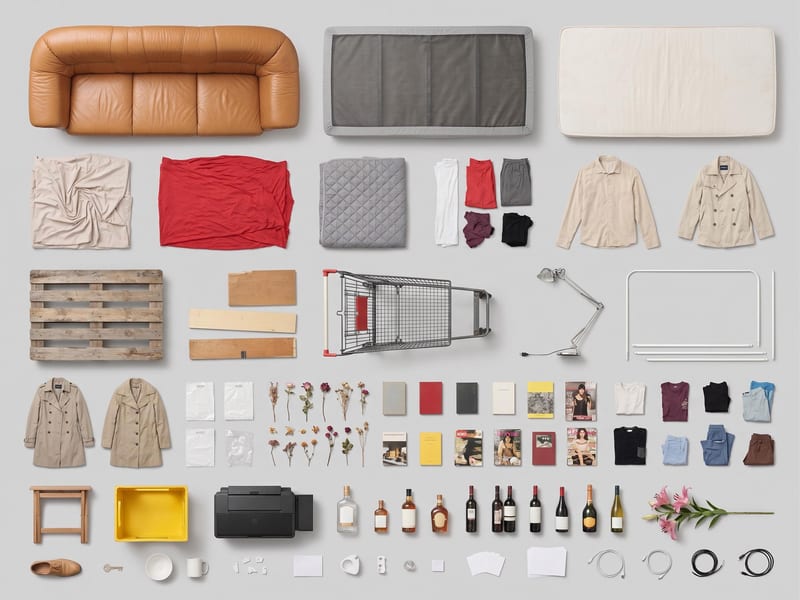
Use one source image to create a clean, top-down grid layout of its objects.
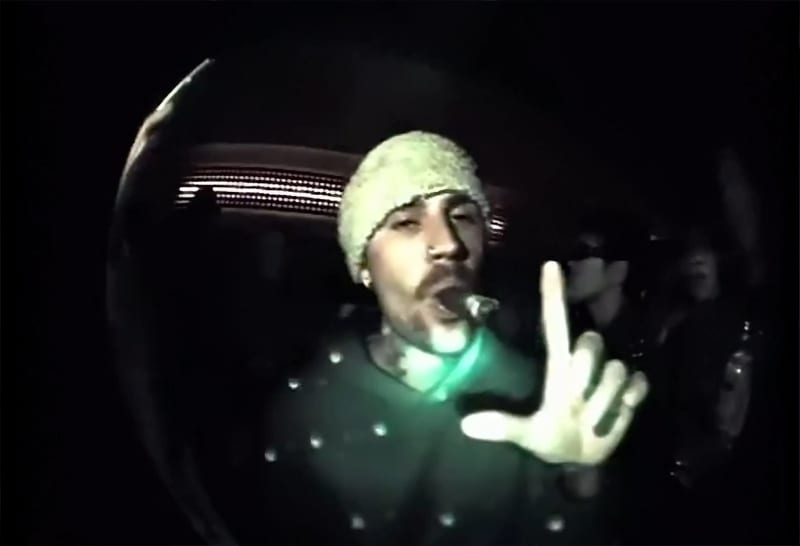
Use three character reference images to create a video that puts a chosen person into the recipe’s Justin Bieber role.
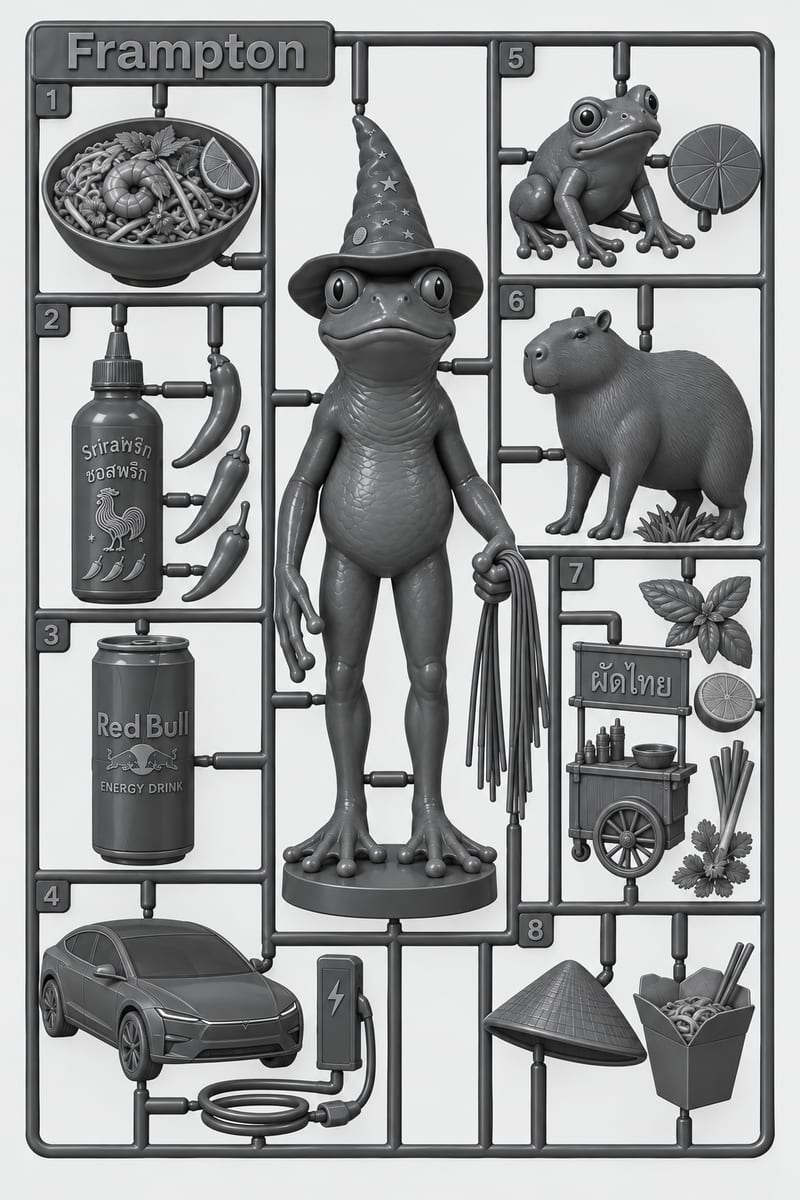
Add your photo, name, and interests to create a personalized model kit image for LA Tech Week content.