Recipev2
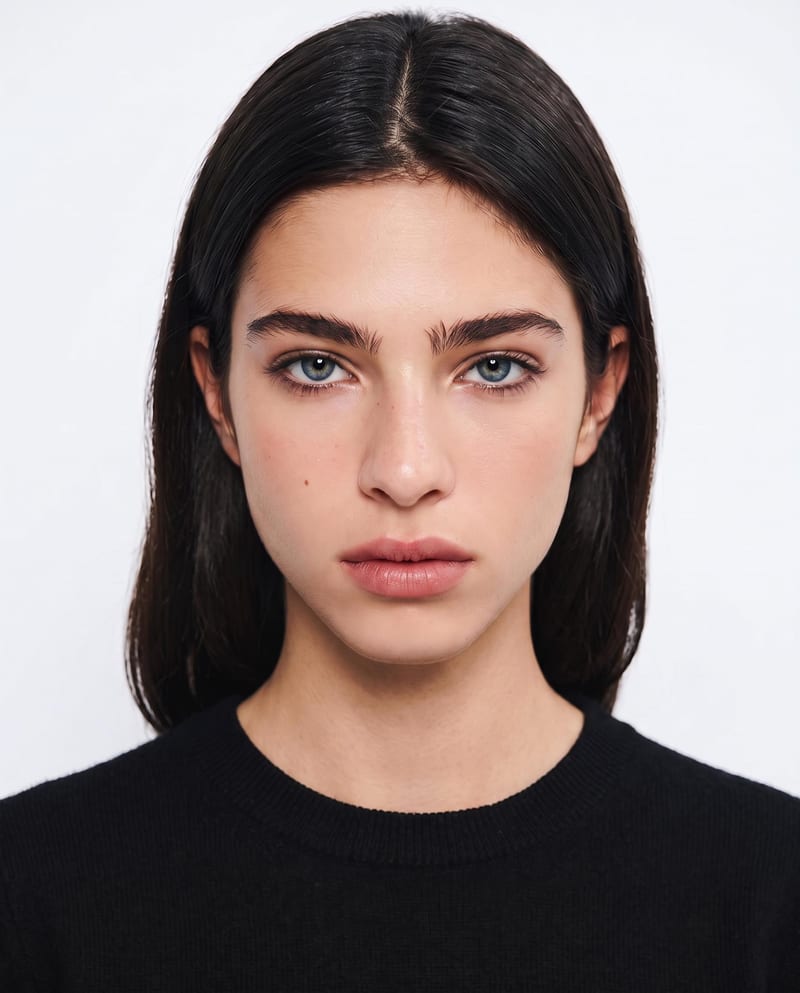
US Passport Photo
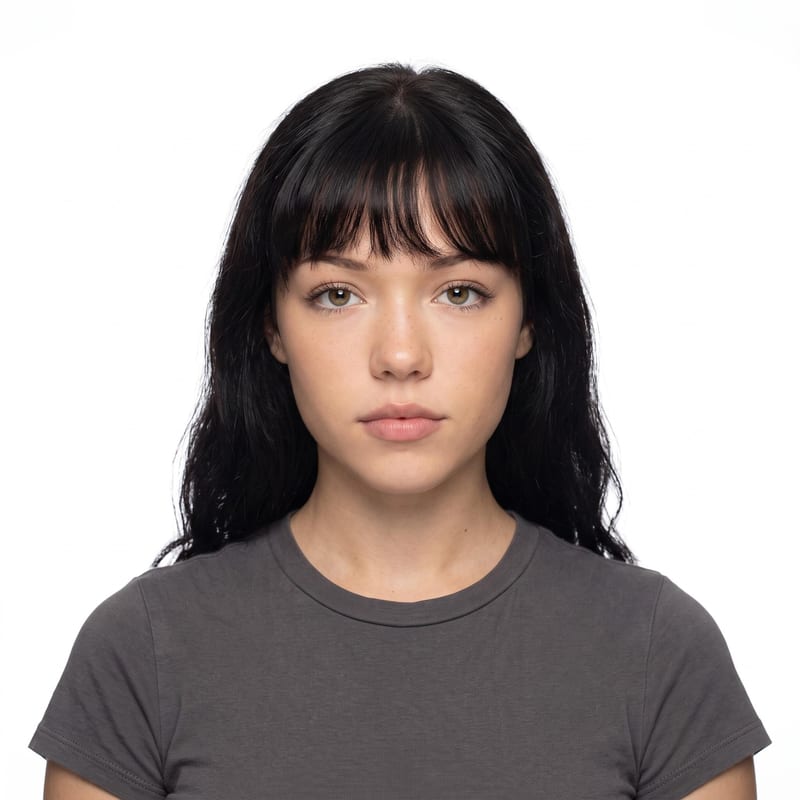
US Passport Photo
One click, whole workflow
Recipes are here. Package a whole workflow and run it in one click
Explore recipesUS passport photography
Upload one portrait to create a centered US passport-style photo with a white background and passport-ready proportions.
US Passport Photo
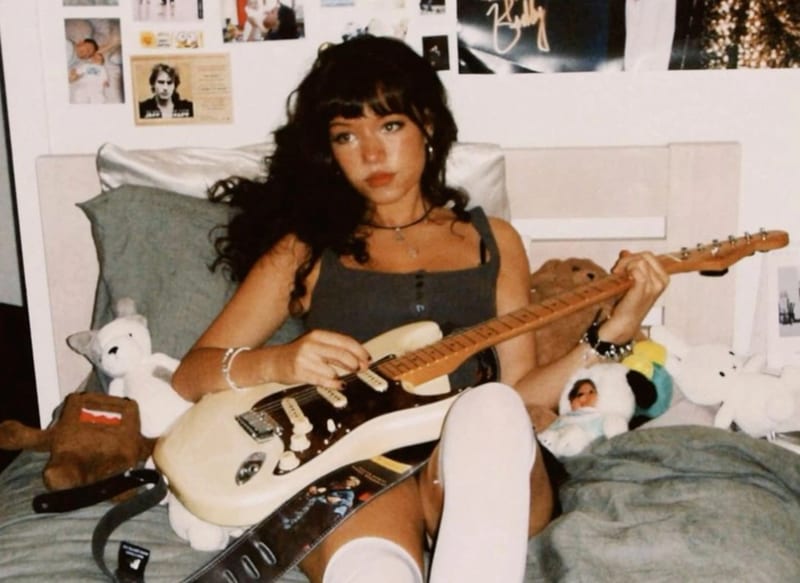
A recipe turns a reusable workflow into a simple set of inputs and outputs. Start with a community recipe and make it your own in Fuser.

1. Choose a recipe
Find a workflow for the result you want. Review what it does and how to use it before opening it in Fuser.
2. Make it your own
Check the recipe’s available inputs. Add your own text or media where supported, or start with the saved defaults.
3. Run and refine
Run it in Fuser and review the result on your canvas. Tweak the inputs to try another direction.
Use the portrait-to-photo workflow when you need a clean, consistent passport-style image for personal preparation or document-related tasks.
It transforms one portrait image into a US passport-style photo with a white background, natural expression, centered composition, and passport-ready proportions. The saved page shows a default example rather than a live generation.
It is intended for people preparing a clean passport-style image from an existing portrait. It can also help with early document-photo preparation, but you should verify any final image against the requirements of the organization receiving it.
You need one portrait image. Portrait Image is the recipe’s exposed input, so you can change it in Fuser when using the recipe.
The output is an image labeled US Passport Photo. The recipe is designed to present the portrait with a white background, natural expression, centered framing, and passport-ready proportions.
Yes. Replace the exposed Portrait Image input in Fuser with the portrait you want to process. The saved example uses one particular portrait, while a new run uses the image you provide.
The recipe creates a US passport-style image with passport-ready proportions, but acceptance can depend on the current requirements of the relevant authority. Check those requirements before submitting the output.
The available editable input is Portrait Image, so customization starts by choosing a different portrait. The recipe’s described output remains a centered, white-background US passport-style photo rather than a general-purpose portrait edit.
Bring a portrait image to Fuser and turn it into a centered US passport-style photo with a white background and passport-ready proportions.
Develop pitches, campaign assets and interactive client work in Fuser. Combine AI generation, editable design and reusable processes across your agency.
Create social graphics, carousel artwork and short videos with a recognizable brand style. Keep copy editable and recurring content easier to produce in Fuser.
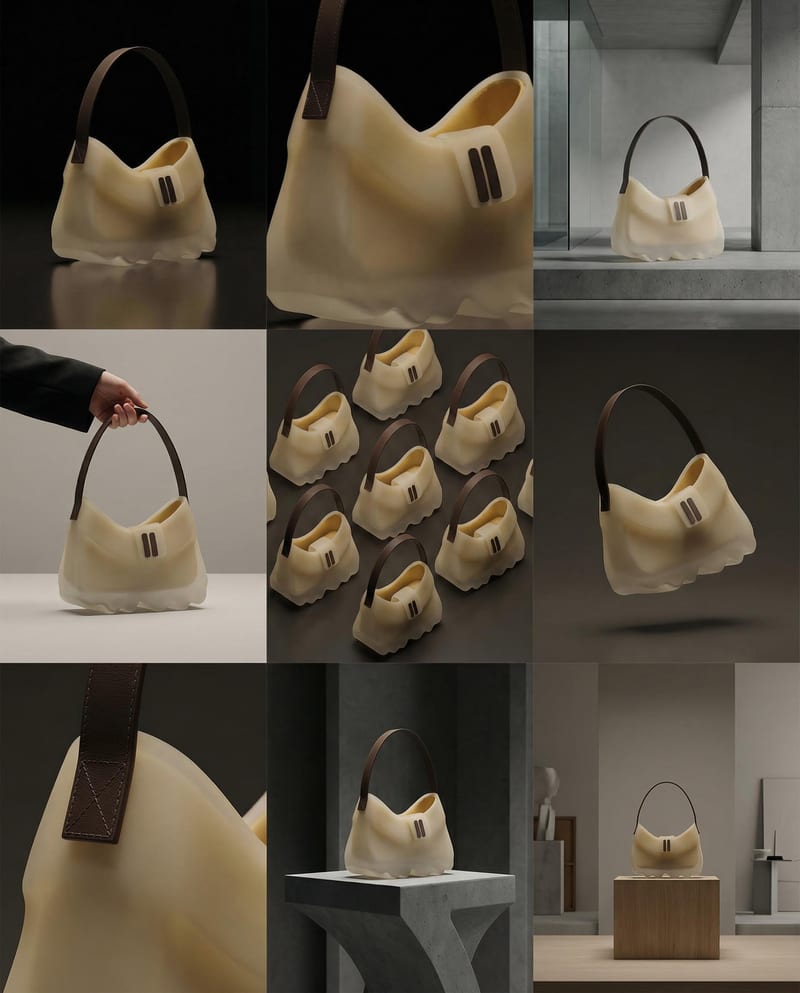
Turn a product image into a product photography grid for fashion campaign concepts and content planning.
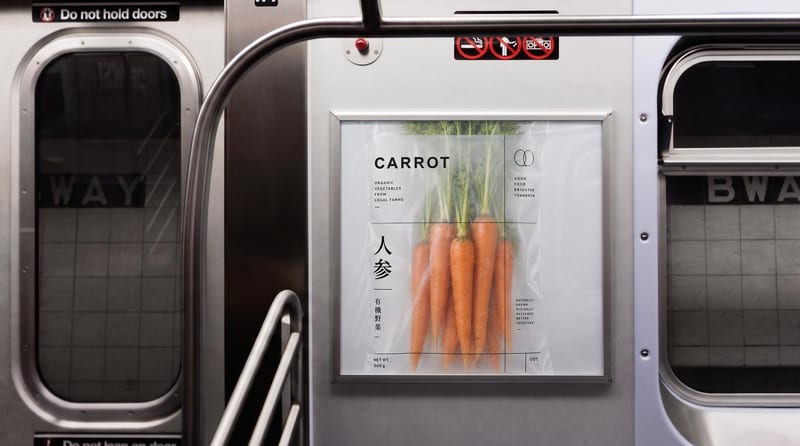
Place one image on subway, wall, platform, and billboard signage mockups.
Upload one portrait to explore six makeup style variations while preserving your identity and facial features.

