Recipev14
Commercial Montage
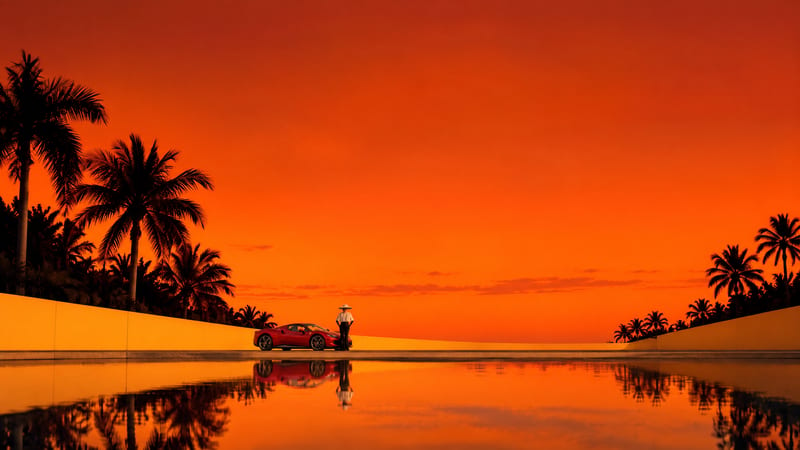
Scene 1
One click, whole workflow
Recipes are here. Package a whole workflow and run it in one click
Explore recipesCommercial montage
Turn a source image and chosen video duration into six scene images and a commercial montage video.
Scene 1
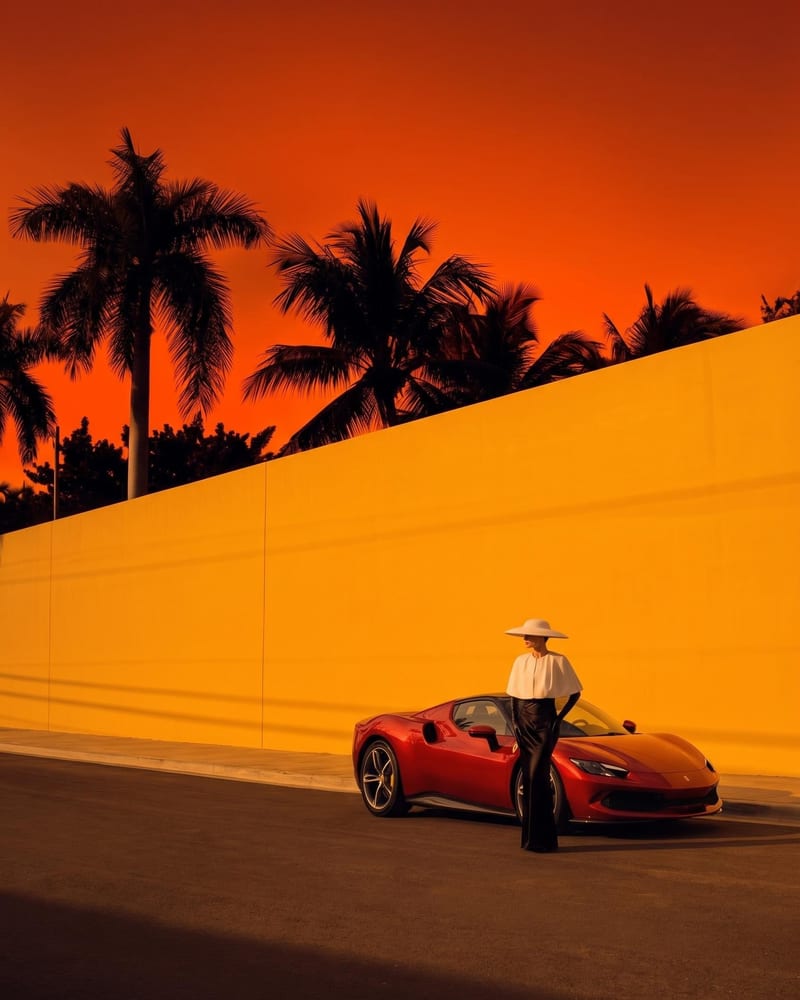
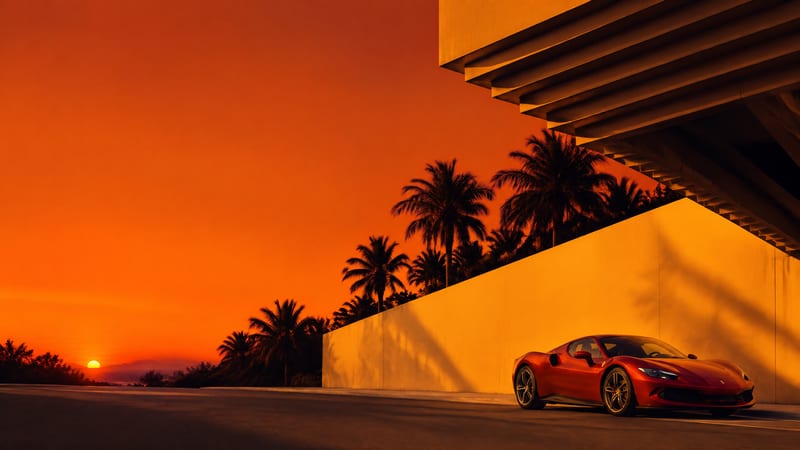
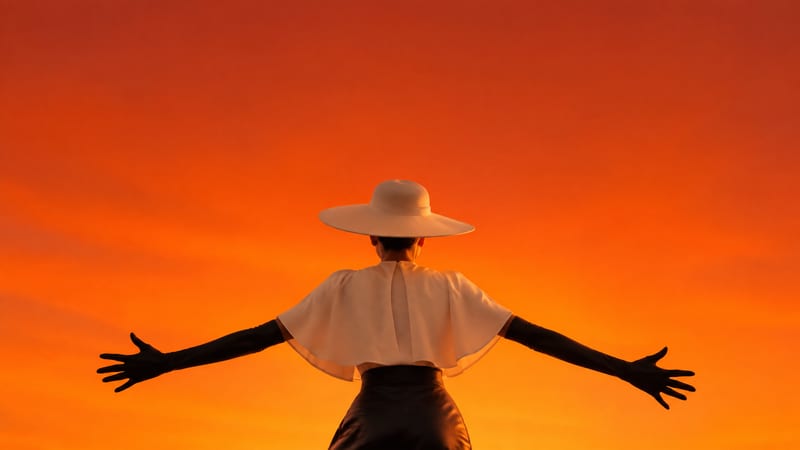
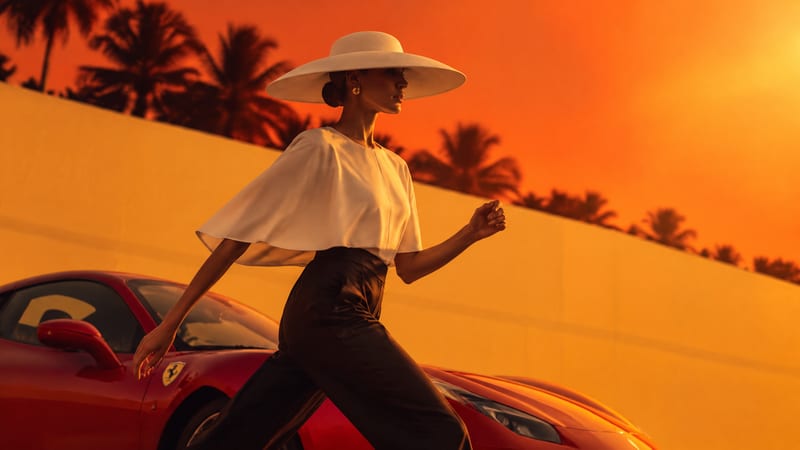
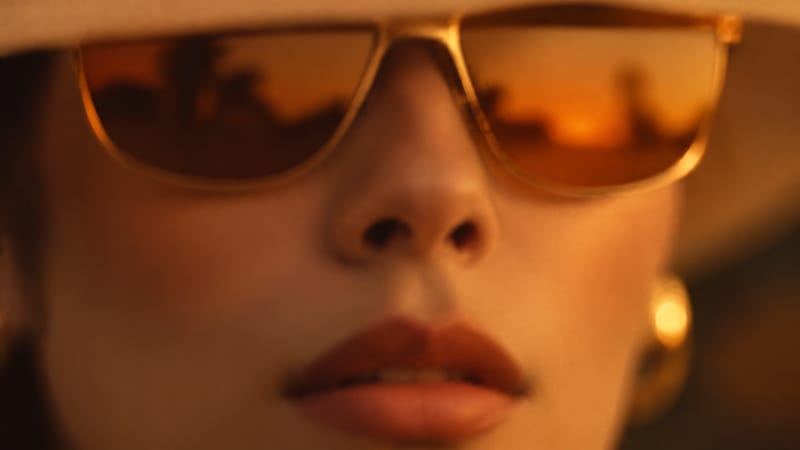
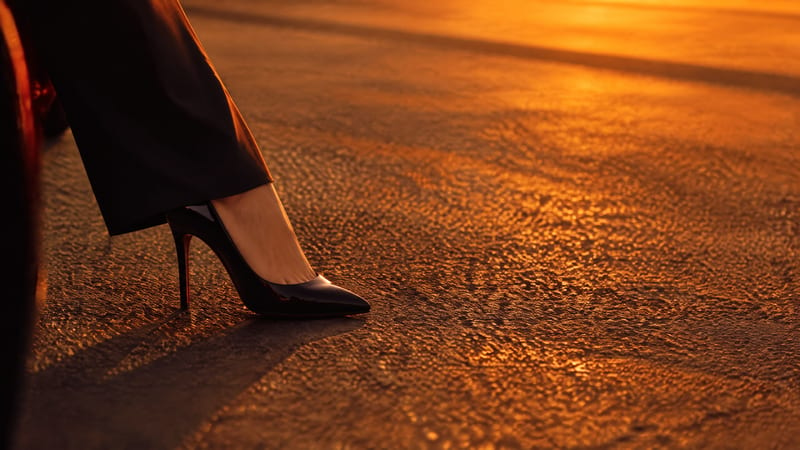
A recipe turns a reusable workflow into a simple set of inputs and outputs. Start with a community recipe and make it your own in Fuser.

1. Choose a recipe
Find a workflow for the result you want. Review what it does and how to use it before opening it in Fuser.
2. Make it your own
Check the recipe’s available inputs. Add your own text or media where supported, or start with the saved defaults.
3. Run and refine
Run it in Fuser and review the result on your canvas. Tweak the inputs to try another direction.
Use the source image and montage output across commercial, photographic, and visual presentation workflows.
It uses a source image and a video-duration value to produce six scene image outputs and one commercial montage video. The recipe description positions the result as a dynamic, polished montage with seamless transitions, engaging pacing, and a cohesive cinematic style.
It is suited to people preparing advertising concepts, photography presentations, illustration showcases, or other visual marketing materials. The outputs can support both still-image review and a commercial montage presentation.
You can change the exposed Source Image input and edit the Video Duration text input in Fuser. The saved example uses a duration value of 10; a new run can use a different value.
The saved example shows the recipe connected to one source image and a video duration of 10. Its outputs are six labeled scene images and a Commercial Montage Video, so it demonstrates the saved input-to-output setup rather than a live run.
Prepare the image you want to use as the source and decide how long the montage should be. The recipe exposes only those two inputs, so the source image is the main visual starting point and the duration text sets the requested video length.
The outputs can help with campaign concepts, presentations, and visual reviews, especially when you need both scene images and a montage video. The recipe creates these specified outputs from one source image; broader campaign production would require additional work outside this recipe.
Log in to Fuser to replace the saved source image, set a video duration, and use this recipe for your next visual concept.
Develop pitches, campaign assets and interactive client work in Fuser. Combine AI generation, editable design and reusable processes across your agency.
Create product images, lifestyle scenes and campaign assets for your next ecommerce launch. Keep branding editable and reuse creative setups in Fuser.
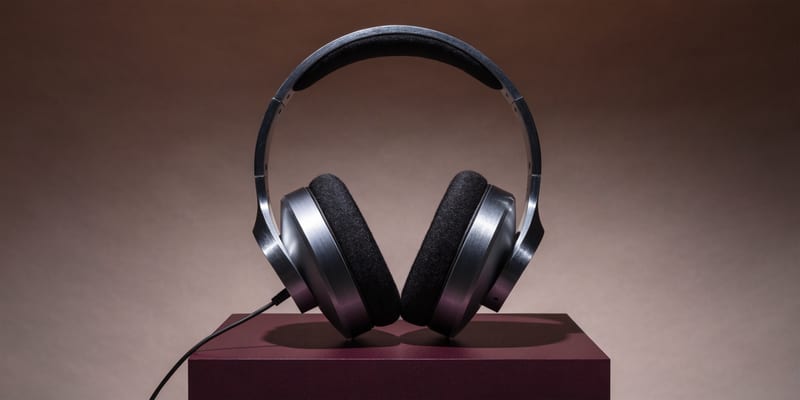
Develop campaign concepts, image and video ads, and editable channel layouts. Create meaningful creative variations in Fuser without rebuilding every asset.
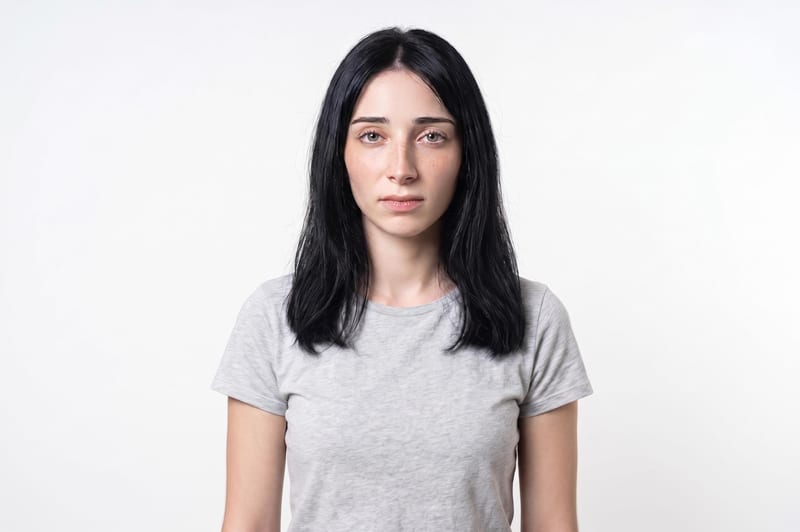
Upload one unretouched face photo to reduce blemishes, smooth uneven texture, and refine skin tone in two retouched outputs.
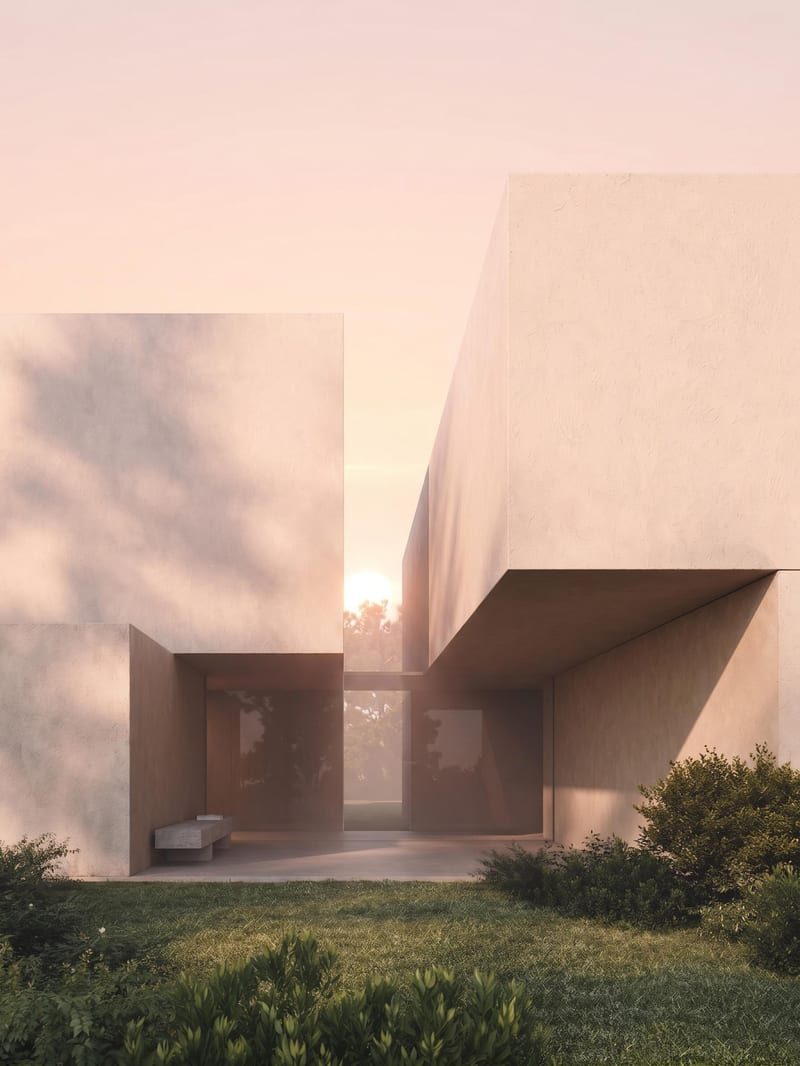
Upload an architectural render to create sunrise, midday, sunset, and nighttime versions of the same scene.
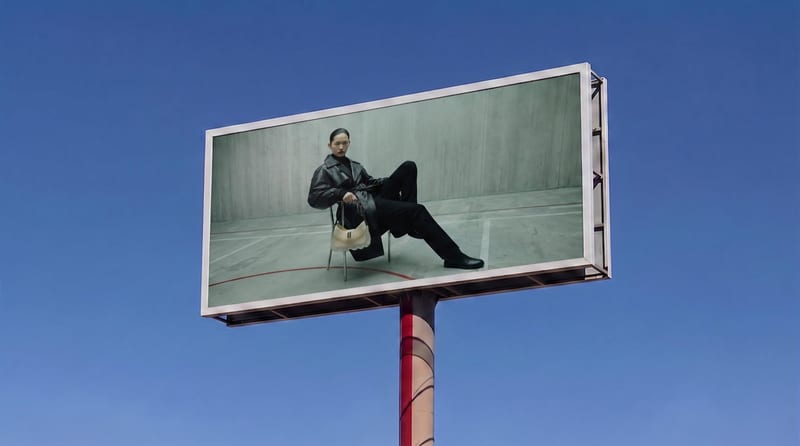
Place a source image onto a billboard screen for a realistic visualization with perspective, lighting, reflections, and scene integration.

