One click, whole workflow
Recipes are here. Package a whole workflow and run it in one click
Explore recipesOne click, whole workflow
Recipes are here. Package a whole workflow and run it in one click
Explore recipesbyGoogle DeepMind / Google
Grounded, sound-on clips and plain-language edits that keep your character and scene intact from the first take to the last
You work like a director: write the shot, add the references or footage that anchor it, then set the length and frame. Draft cheap, and commit once the take holds.
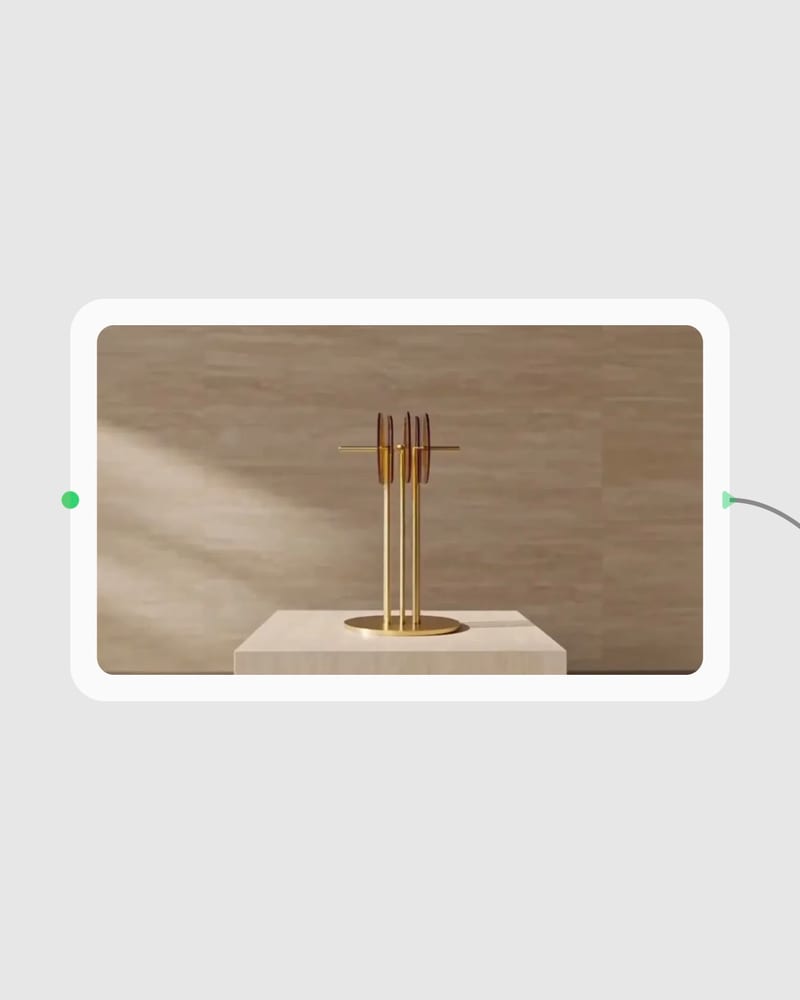
Write a shot plan with sound
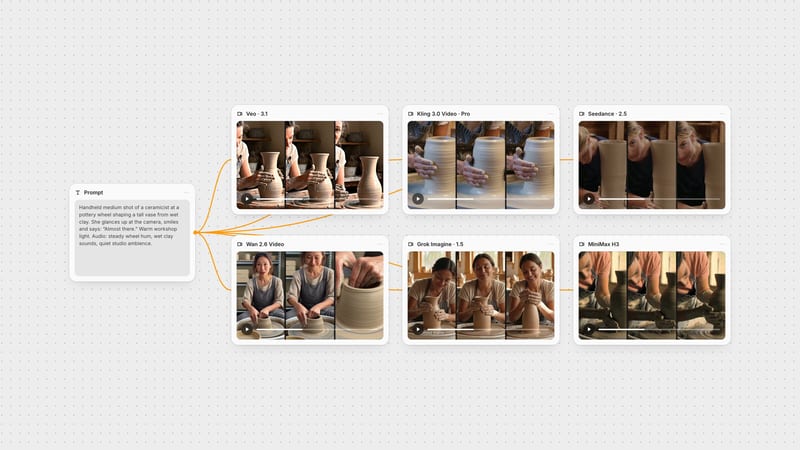
Name the subject, one or two actions, the camera move and the audio: quoted dialogue, ambience, effects, or 'no music'.
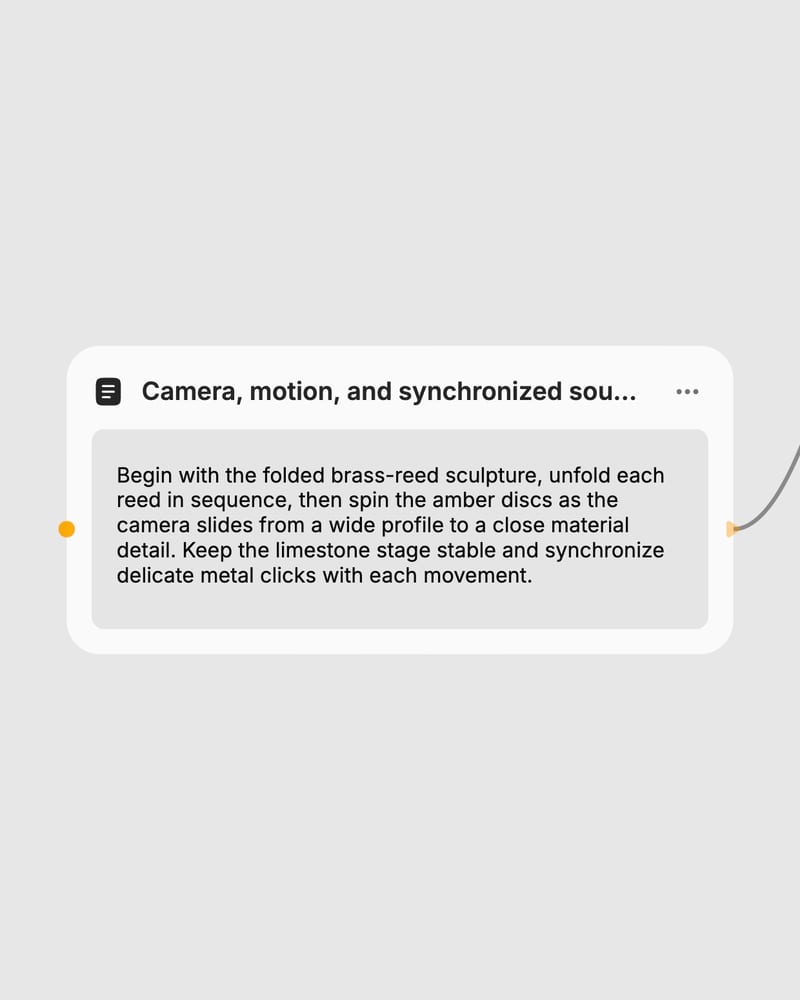
Attach references or footage
Add up to five reference images to lock a character or place, or drop in a clip of up to 10 seconds and describe only the change.
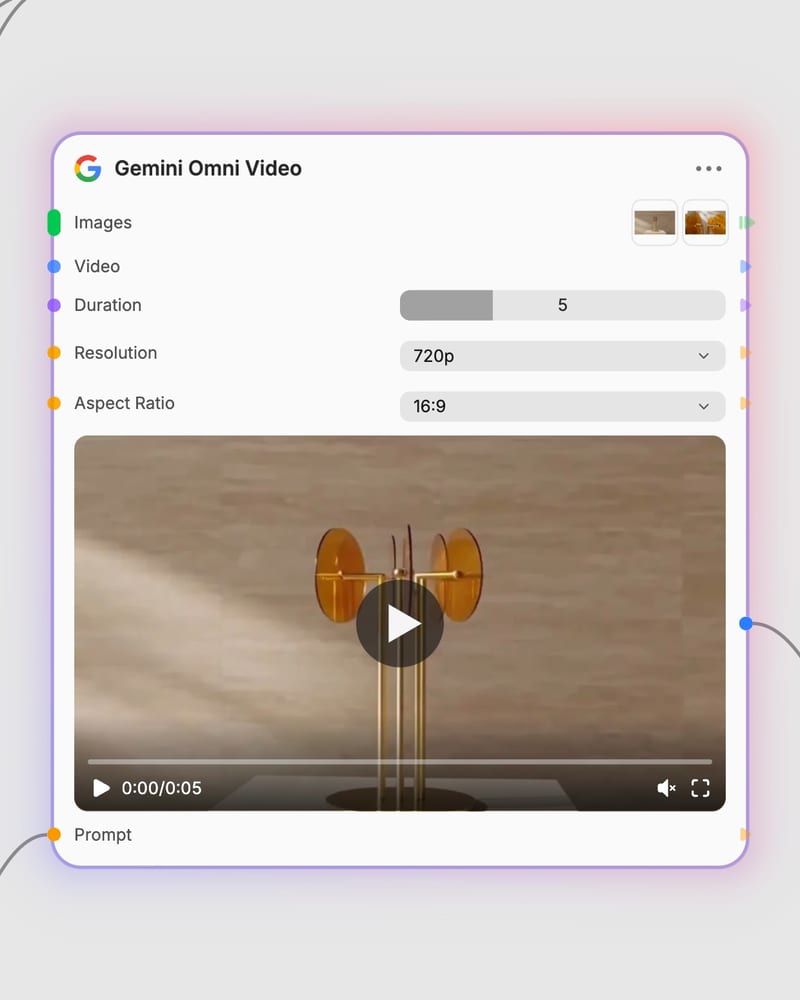
Set length, frame and resolution
Pick 3 to 10 seconds, 16:9 or 9:16, and draft at 360p before committing the winning take to a higher tier.
Two ways in: reference images that lock a character, product or place, and existing footage you revise by describing only the change. Either route comes back with synced audio built in.
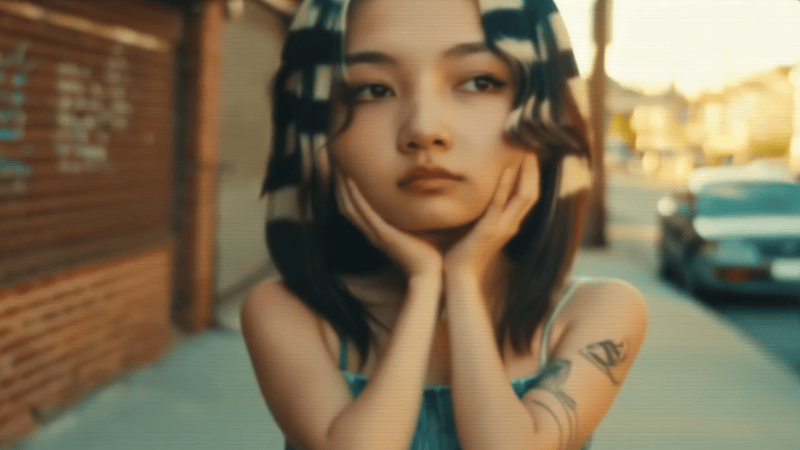
Short, naturalistic clips with synced sound: industrial documentary, luxury product, weightless surrealism, vertical social motion and light-led architecture.
Clips run 3 to 10 seconds, and a 360p draft tier makes testing cheap, so ad, product, previs and social teams can judge pacing first and spend on a higher resolution only for the winner.
Generated clips run from 3 to 10 seconds in whole-second steps. Source clips for editing are also limited to 10 seconds in public preview, and an edit keeps the source's duration, so the duration control is ignored in that mode.
Yes, audio is generated with the picture: ambience, effects, music and speech. Put spoken lines in quotation marks for lip-synced dialogue, name the sounds you want, or write 'no music' or 'no dialogue' to exclude them. If you plan to score a silent clip yourself, this is not the best fit.
720p is the native generation. The 1080p and 4K options are upscaled from it, so they look sharper but not more detailed. A 360p draft tier is there for cheap iteration, and cost rises with resolution and duration.
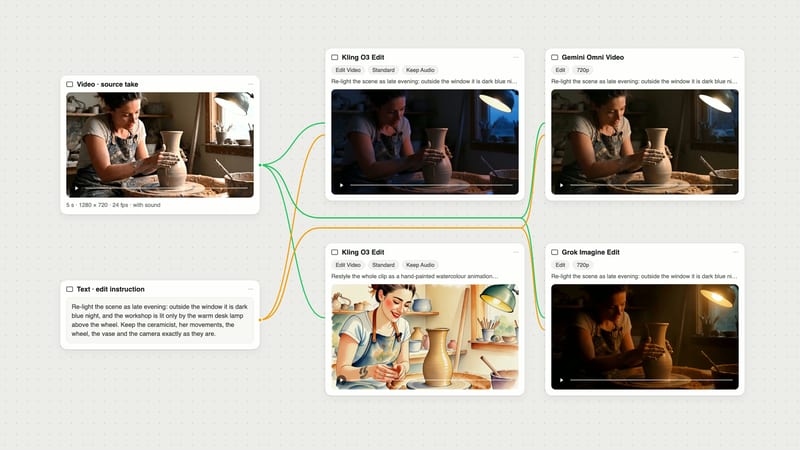
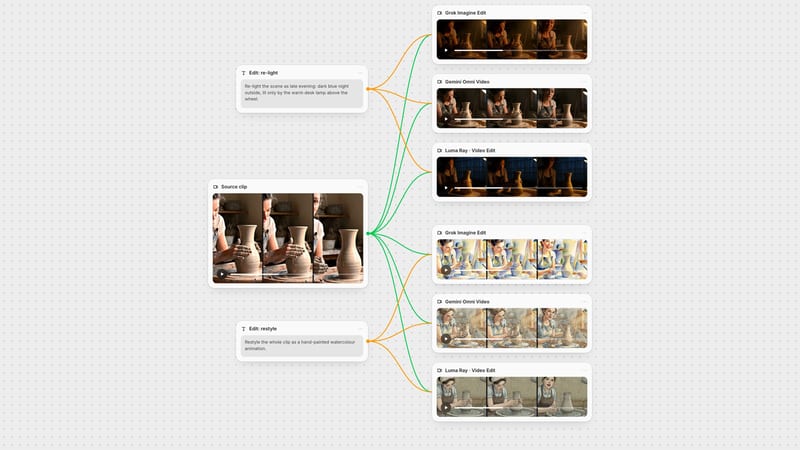
Yes. Upload a clip of up to 10 seconds and describe only the change, such as a new background or a swapped object. Swaps work best when the new element moves like the old one; very different motion can trigger a full regeneration.
You can attach up to 5 reference images to lock a character, product or location, and say in the prompt what each one is for. Output is 16:9 or 9:16 only, so square and cinemascope framing are not available.
It struggles with clips longer than 10 seconds, dense multi-action choreography, and close hand-and-prop interactions such as eating, where props can vanish or change. Packing too many actions into one clip can break character consistency, and strict content filters may block edgy or conflict-heavy prompts.
Grounded, sound-on clips and plain-language edits that keep your character and scene intact from the first take to the last
Develop pitches, campaign assets and interactive client work in Fuser. Combine AI generation, editable design and reusable processes across your agency.
Develop film treatments, character and environment concepts, storyboards and motion studies. Connect image, video and 3D exploration in Fuser.
Create social graphics, carousel artwork and short videos with a recognizable brand style. Keep copy editable and recurring content easier to produce in Fuser.
Develop storyboard frames, shot variations and video studies from your references. Compose clear boards and explore movement in one Fuser project.