Recipev2
Car Render Showcase
Car Render
One click, whole workflow
Recipes are here. Package a whole workflow and run it in one click
Explore recipesAutomotive Design
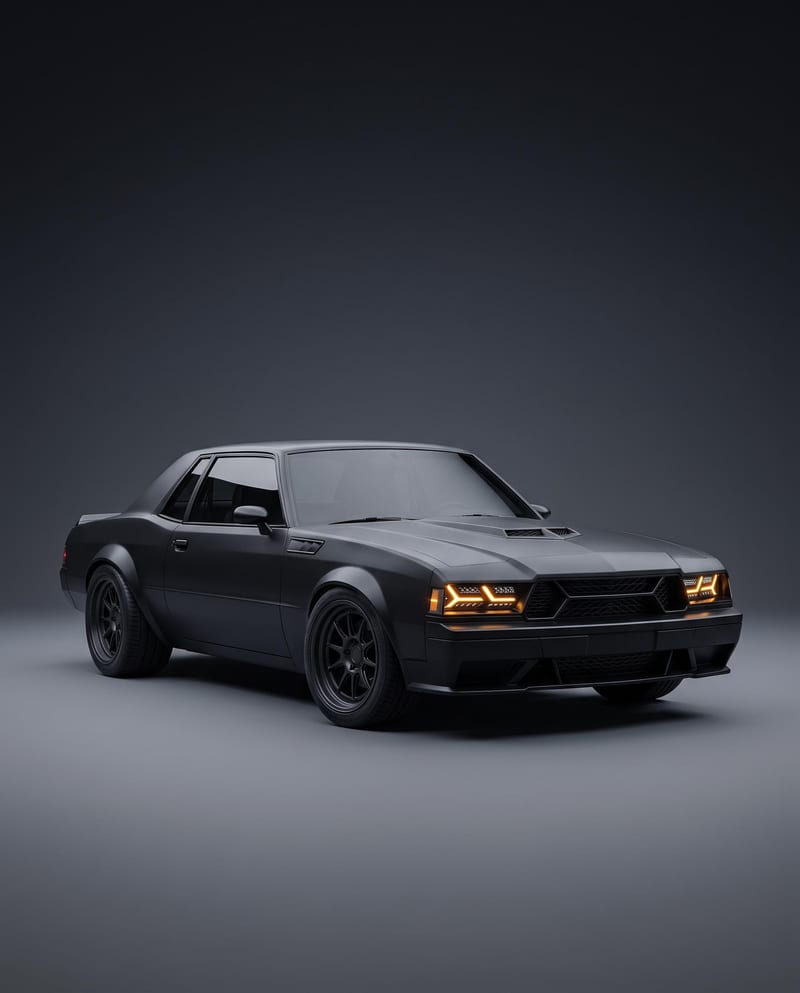
Turn a car reference image into a cinematic car render image and showcase video with full-body views, angles, and close-ups.
Car Render
A recipe turns a reusable workflow into a simple set of inputs and outputs. Start with a community recipe and make it your own in Fuser.

1. Choose a recipe
Find a workflow for the result you want. Review what it does and how to use it before opening it in Fuser.
2. Make it your own
Check the recipe’s available inputs. Add your own text or media where supported, or start with the saved defaults.
3. Run and refine
Run it in Fuser and review the result on your canvas. Tweak the inputs to try another direction.
Use the image and video outputs to present automotive design concepts across creative and product-focused workflows.
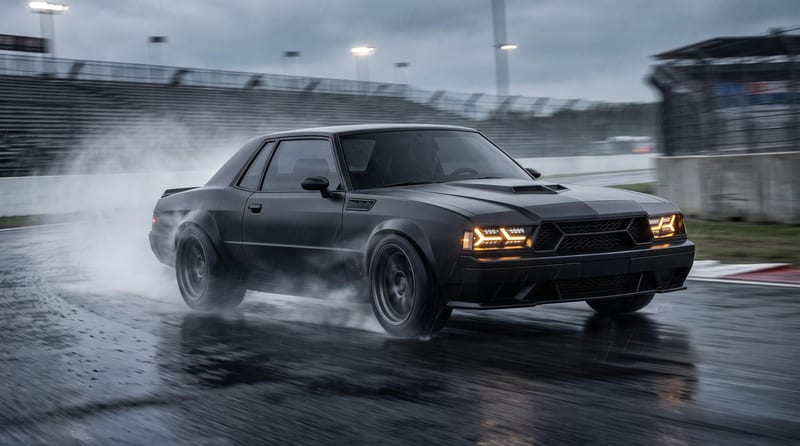
It transforms a Car Reference image into two outputs: a Car Render image and a Car Render Video. The showcase focuses on full-body views, multiple angles, and close-ups of the vehicle’s key design features.
It is suited to automotive designers, industrial design teams, illustrators, and film or entertainment creatives presenting a vehicle concept. The outputs support both still-image presentation and cinematic video storytelling.
Prepare one image of the car you want to showcase and add it as the Car Reference input. The saved example uses that single image as the source for both the Car Render and Car Render Video outputs.
Yes. Car Reference is the exposed editable input, so you can replace the saved example’s image with your own car reference in Fuser. The resulting image and video will be based on the reference you provide.
The saved example demonstrates the recipe’s two output formats: a Car Render image and a Car Render Video. Together, they show how one car reference can be presented through polished full-body views, multiple angles, and detailed close-ups.
The outputs can support design reviews, product concept presentations, automotive portfolios, creative pitches, and early film or entertainment visual development. They are presentation assets for communicating a vehicle concept rather than evidence of a production-ready vehicle.
The recipe has one exposed input, Car Reference, so customization begins with choosing a different source image. The page’s saved example shows one completed input-to-output result; a new run may present the supplied vehicle differently.
Bring a Car Reference image into Fuser and create a car render image plus showcase video for your next design presentation.
Develop pitches, campaign assets and interactive client work in Fuser. Combine AI generation, editable design and reusable processes across your agency.
Create product images, lifestyle scenes and campaign assets for your next ecommerce launch. Keep branding editable and reuse creative setups in Fuser.
Develop film treatments, character and environment concepts, storyboards and motion studies. Connect image, video and 3D exploration in Fuser.
Create studio-style product images, lifestyle scenes and motion studies. Combine reference-led generation with precise, editable composition in Fuser.
Develop storyboard frames, shot variations and video studies from your references. Compose clear boards and explore movement in one Fuser project.
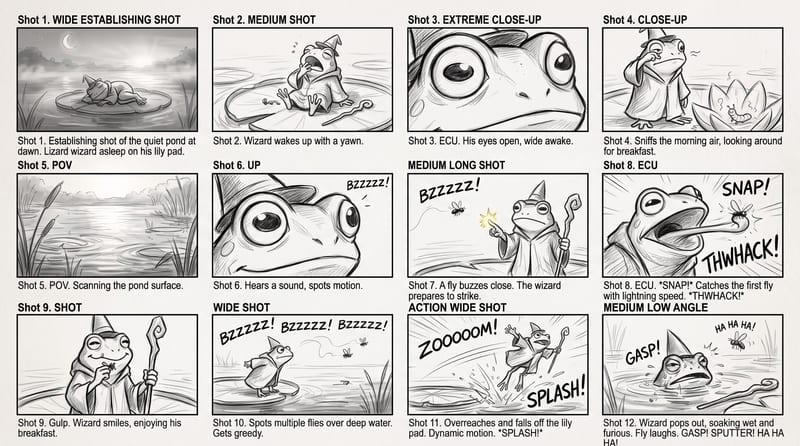
Use a rough story brief and visual reference to create a storyboard image showing the story’s sequence of actions.
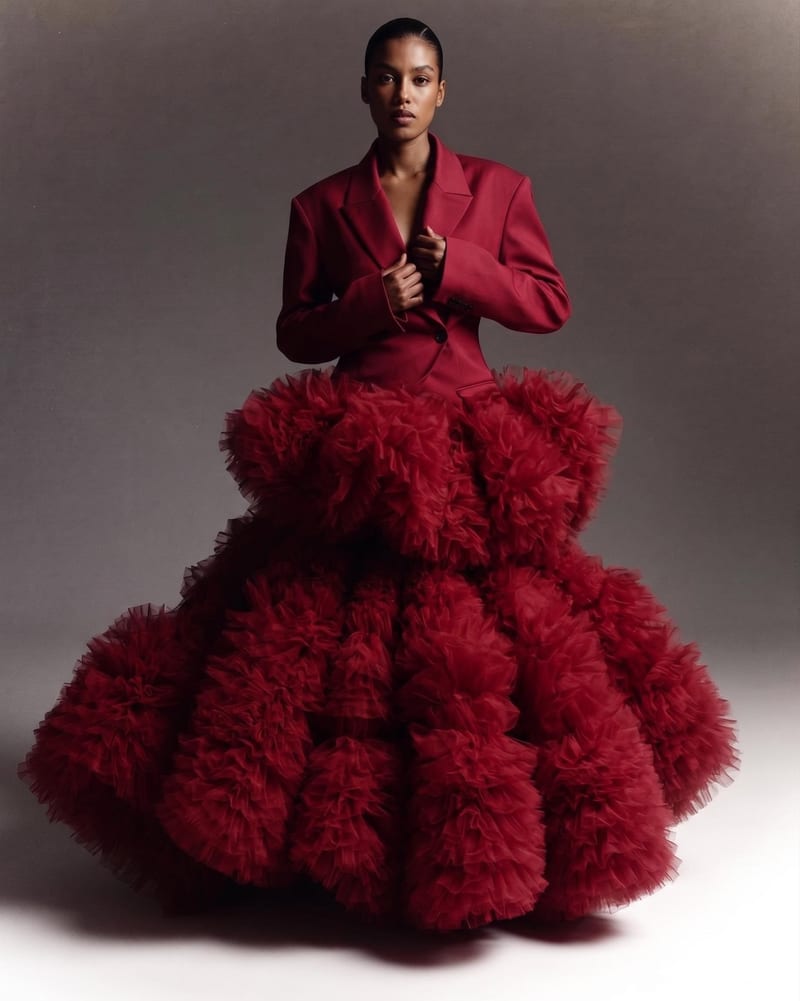
Combine two garment reference images into one blended style image with a cohesive fashion direction.
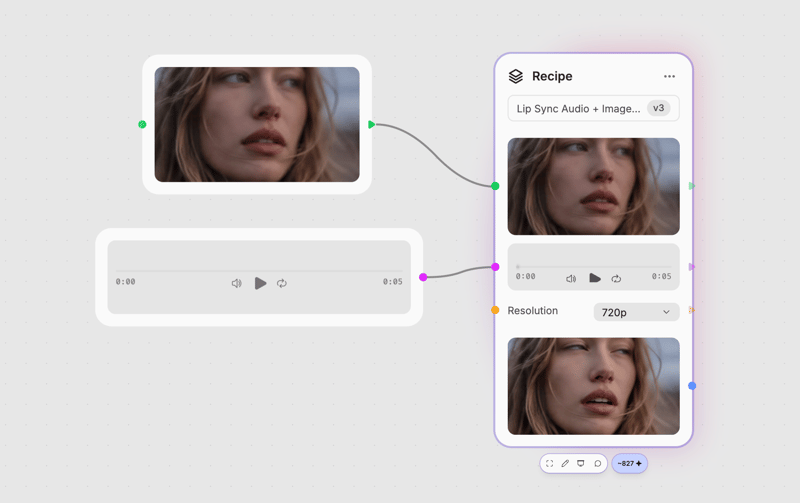
Combine an image and audio clip to create a video of the pictured person speaking the provided audio.