Recipev2
Trims & Embellishments
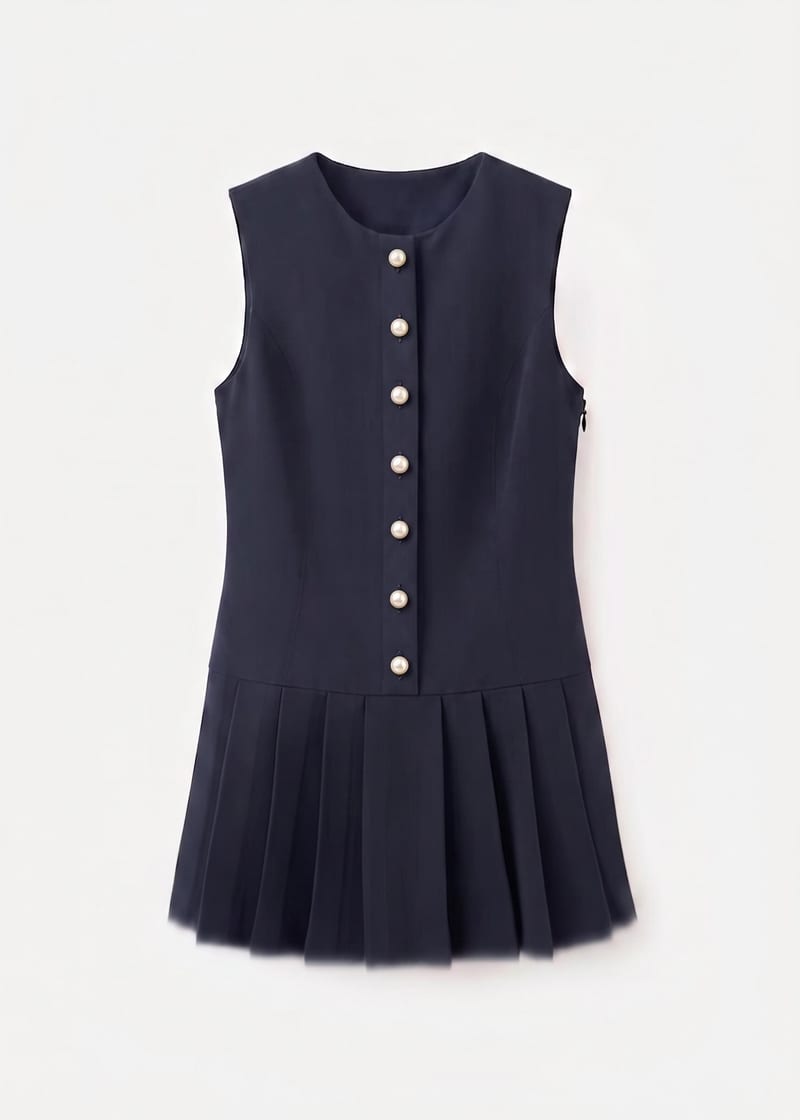
Embellished Garment
One click, whole workflow
Recipes are here. Package a whole workflow and run it in one click
Explore recipesFashion garment embellishment
Use a garment image, placement instruction, and reference image to create an embellished garment preview.
Embellished Garment
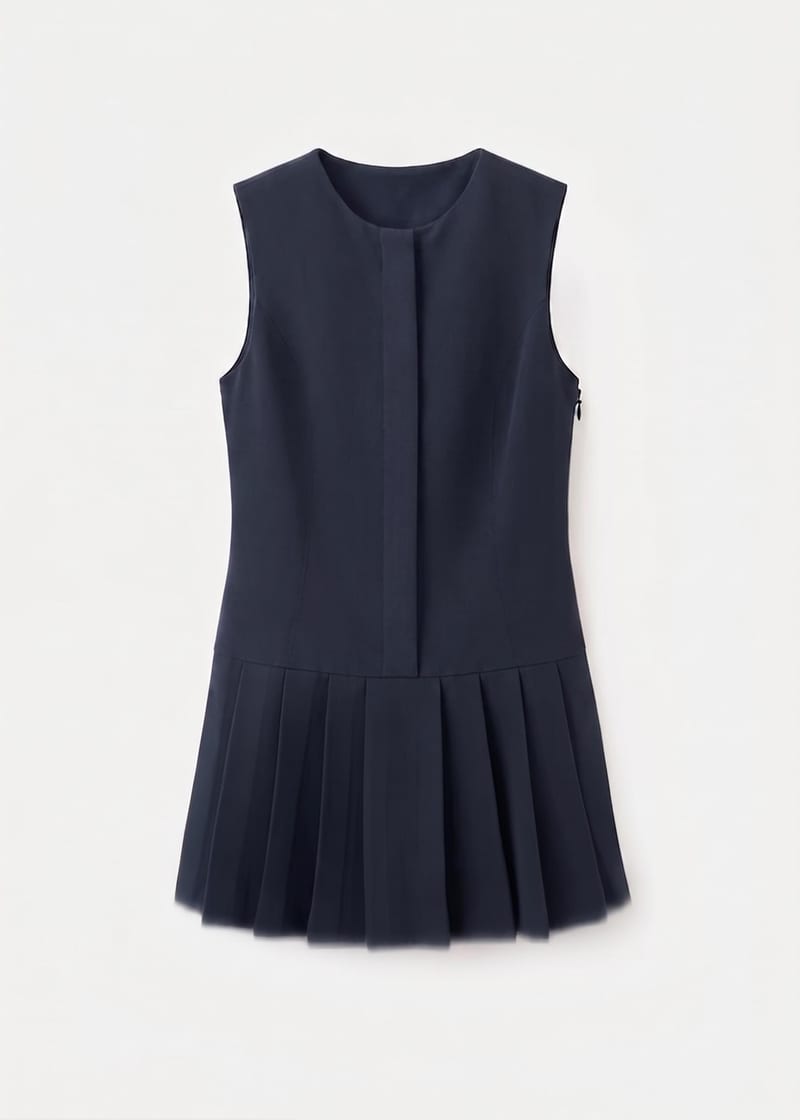
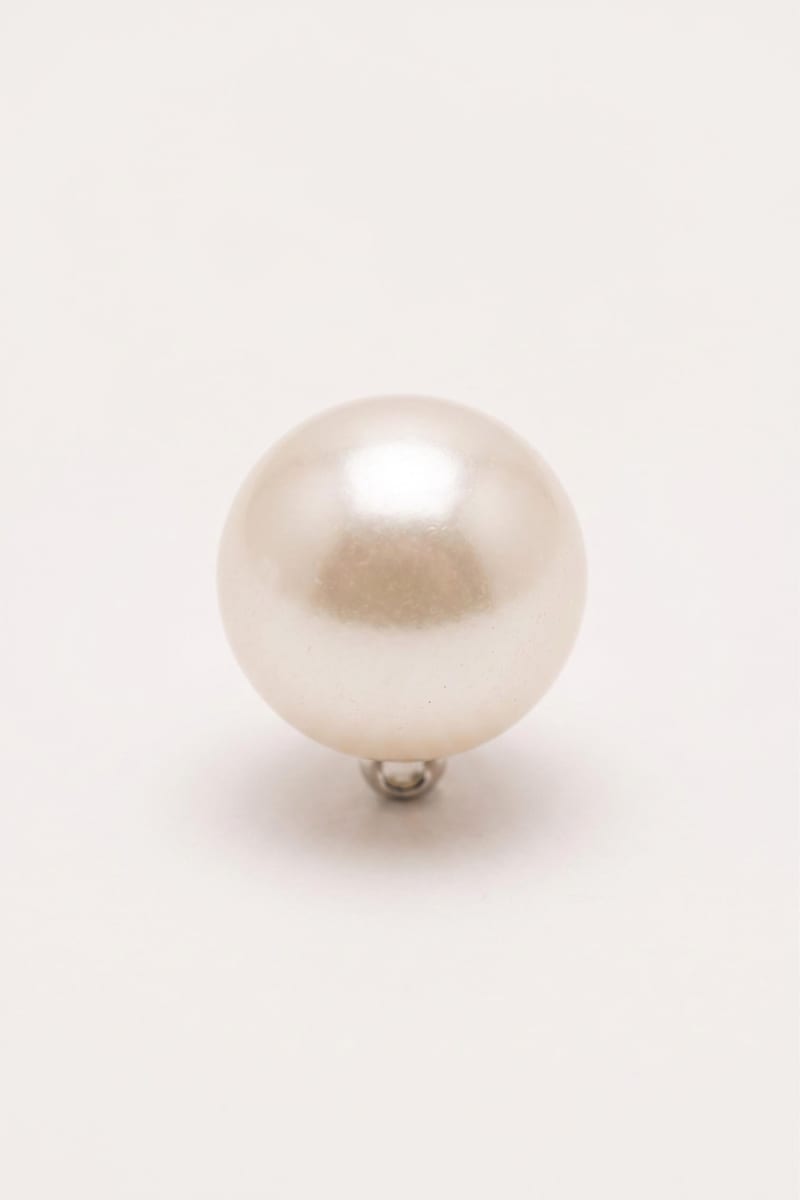
A recipe turns a reusable workflow into a simple set of inputs and outputs. Start with a community recipe and make it your own in Fuser.

1. Choose a recipe
Find a workflow for the result you want. Review what it does and how to use it before opening it in Fuser.
2. Make it your own
Check the recipe’s available inputs. Add your own text or media where supported, or start with the saved defaults.
3. Run and refine
Run it in Fuser and review the result on your canvas. Tweak the inputs to try another direction.
Use the garment image, written instructions, and reference image to plan and communicate decorative garment details.
It uses a garment image, written embellishment instructions, and a reference image to create an embellished garment image. The saved example is set up for a line of pearl buttons placed where buttons should naturally be.
It can help fashion designers, stylists, and teams reviewing garment decoration ideas. The output is a visual preview for discussing trims and embellishments, rather than a construction specification.
Prepare an image of the garment, a short instruction describing the trim or embellishment and its placement, and a reference image. The saved instruction specifically requests a line of pearl buttons, but you can replace it with another supported decorative direction.
Yes. The Garment Image, Trims & Embellishments Instructions, and Trims & Embellishments Reference are exposed inputs that you can change in Fuser. Use the instruction field to describe the decorative detail and where it should be placed.
The recipe produces one image labeled Embellished Garment. In the saved example, the connected inputs represent a garment image, a pearl-button placement instruction, and a reference image; a new run uses the inputs you provide.
The recipe description covers decorative details such as buttons, pearls, embroidery, lace, and ribbons. Your written instruction and reference image should make the intended treatment clear for the garment you provide.
Use the embellished garment image to review a trim concept, compare decorative directions, prepare a presentation, or communicate an idea to a design or styling team. It should be treated as a visual concept rather than a detailed production or construction document.
Bring a garment image, a clear embellishment instruction, and a reference image to Fuser to develop a decorative garment concept.
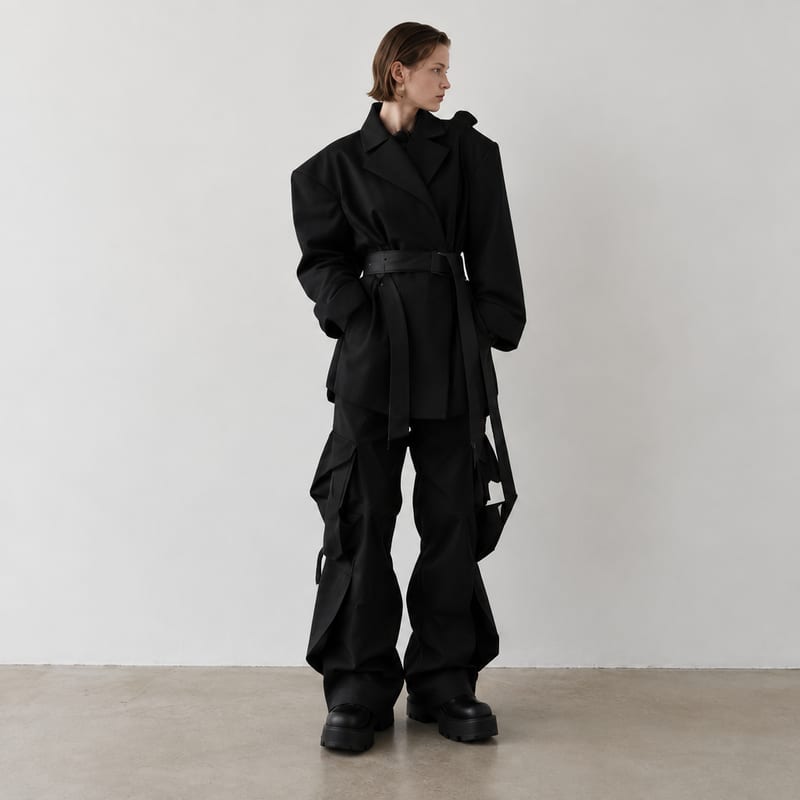
Generate fashion design images guided by up to five fashion reference images.
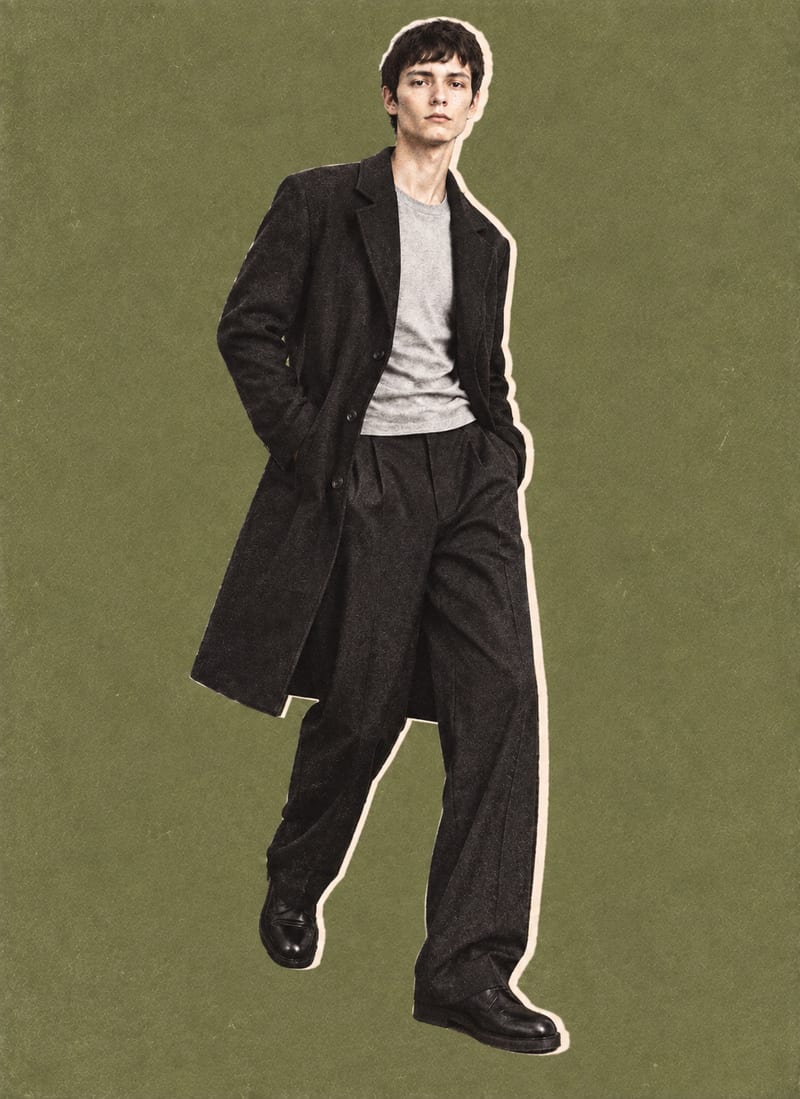
Combine a model image, lie-flat clothing shot, and background color into editorial-style fashion collage outputs.
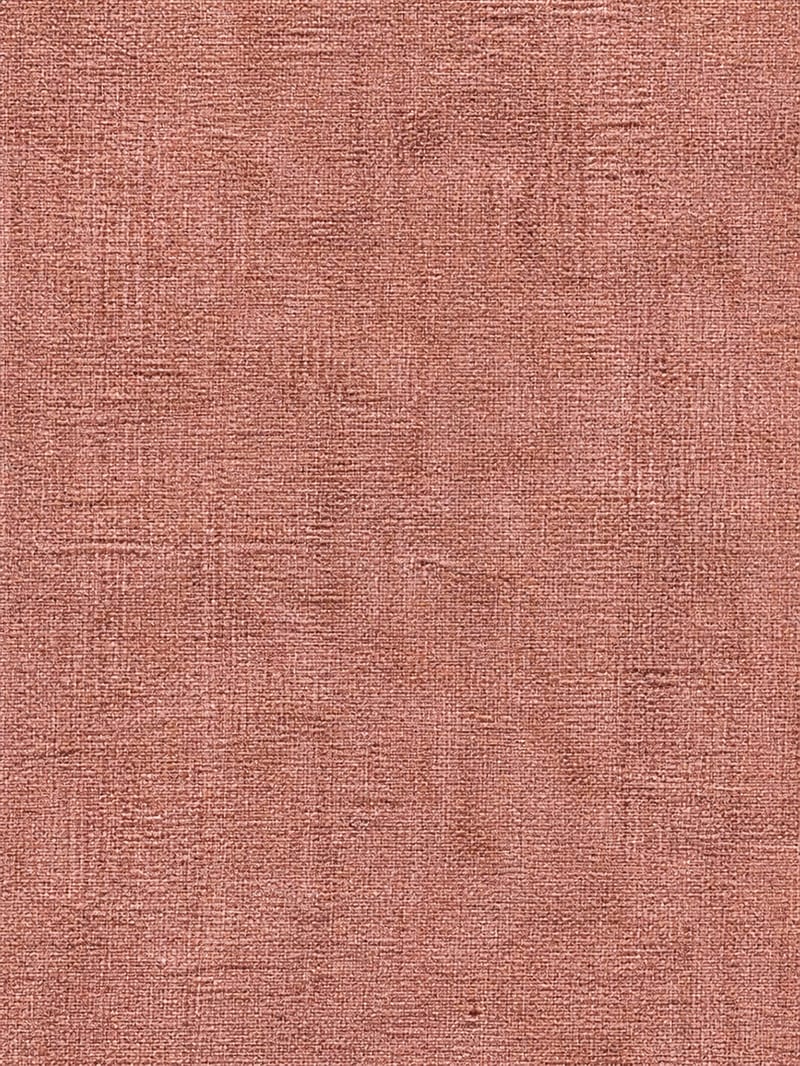
Upload a simple texture image to create a richly detailed surface with material-specific grain, imperfections, patterns, and micro-details.
