Recipev2
Texture Detailer
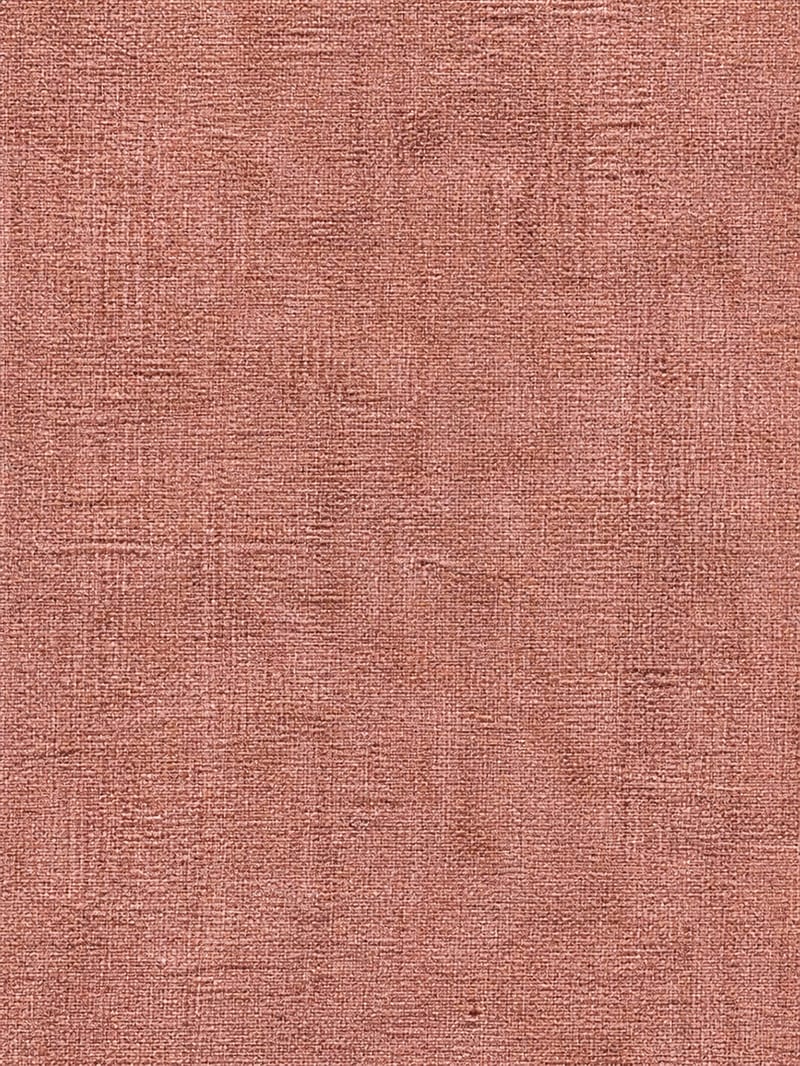
Detailed Texture
One click, whole workflow
Recipes are here. Package a whole workflow and run it in one click
Explore recipesTexture Detailer
Upload a simple texture image to create a richly detailed surface with material-specific grain, imperfections, patterns, and micro-details.
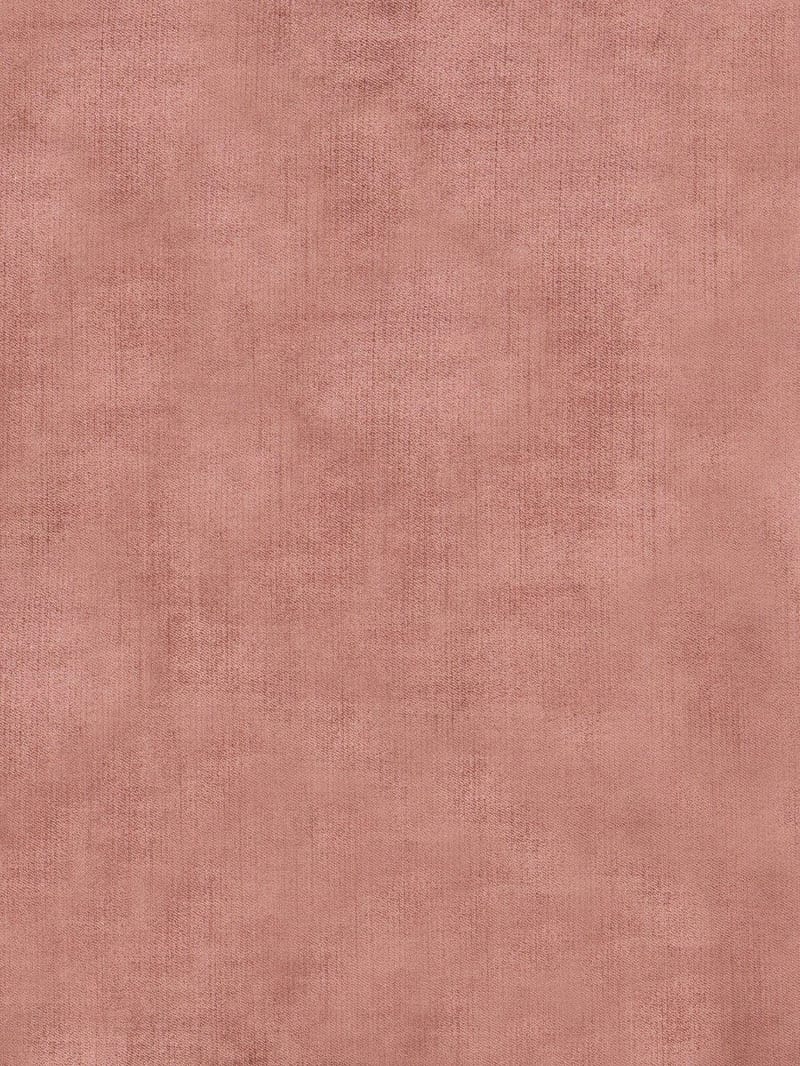
Detailed Texture
A recipe turns a reusable workflow into a simple set of inputs and outputs. Start with a community recipe and make it your own in Fuser.

1. Choose a recipe
Find a workflow for the result you want. Review what it does and how to use it before opening it in Fuser.
2. Make it your own
Check the recipe’s available inputs. Add your own text or media where supported, or start with the saved defaults.
3. Run and refine
Run it in Fuser and review the result on your canvas. Tweak the inputs to try another direction.
Use the recipe to develop more expressive surface references for fashion, streetwear, wallpapers, and backplates.
It transforms a simple Source Image into a Detailed Texture with richer material-specific grain, imperfections, patterns, and micro-details. The recipe is intended for people developing fashion, streetwear, wallpaper, or backplate surface references.
Prepare one image for the Source Image input. A simple texture or surface image is the most relevant starting point because the recipe is designed to add detail while preserving the source's original look.
The recipe produces one image labeled Detailed Texture. It is intended to show a more richly detailed version of the source surface, including material-specific grain, imperfections, patterns, and micro-details.
Yes. Source Image is the exposed editable input in Fuser, so you can replace the saved example's image with another simple texture before using the recipe. The saved page example is a default input-to-output example, not a live run.
The saved example shows one Source Image connected to one Detailed Texture output. It demonstrates the intended transformation from a simpler surface to a more detailed material treatment; a new run uses the Source Image you provide.
Yes. Its material-detailing focus can support textile studies, garment surface references, apparel concepts, and streetwear presentation work. The result is a texture image rather than a complete garment or campaign composition.
Yes. A simple surface can be developed into a more intricate Detailed Texture for wallpaper or backplate concept work. The recipe does not add separate layout, framing, or design controls beyond the Source Image input.
Bring a simple texture into Fuser and explore a richer material treatment for fashion, streetwear, wallpapers, or backplates.
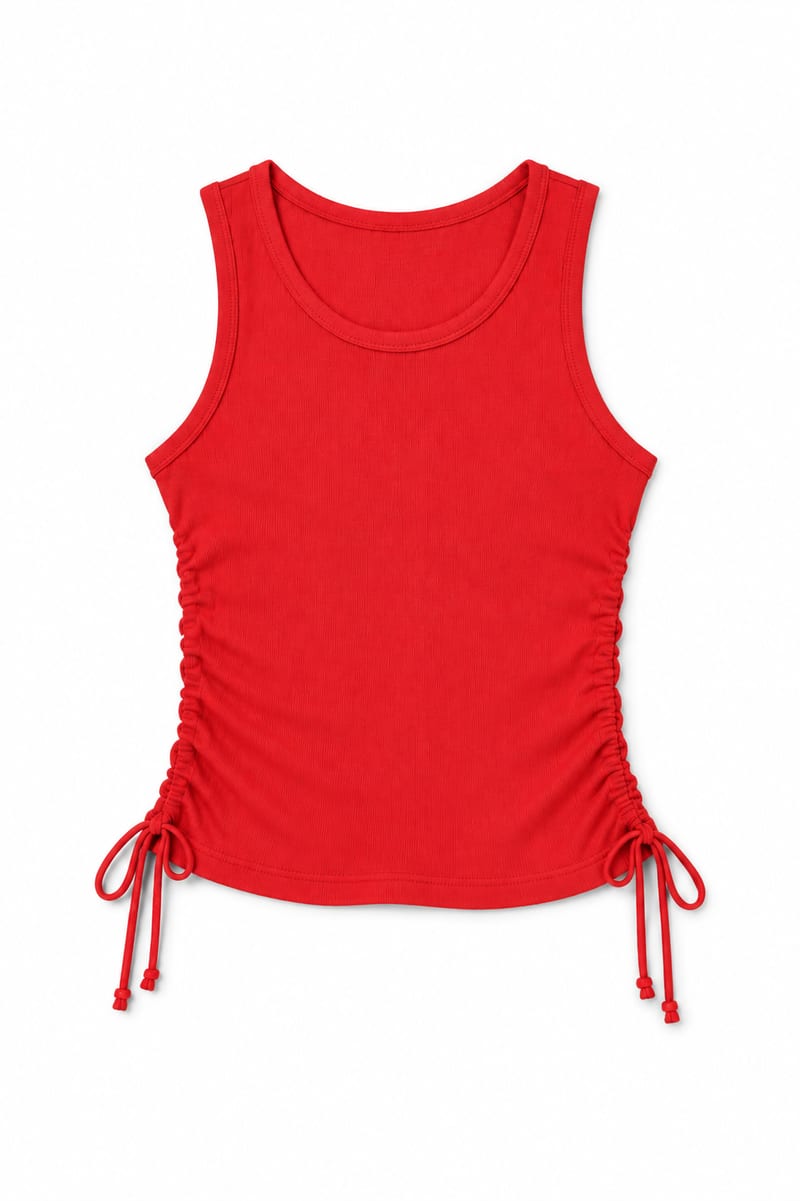
Transform an image of a clothing item into a website-ready photo with a background color you choose.
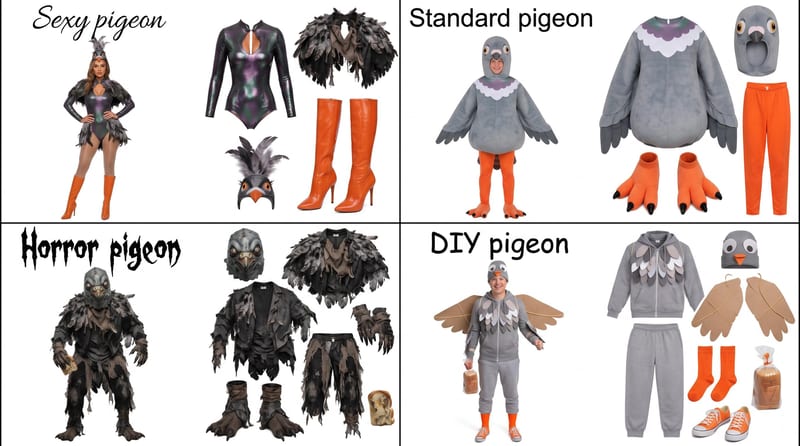
Enter a Halloween costume idea, such as pigeon, to create a grid showing four distinct costume options.
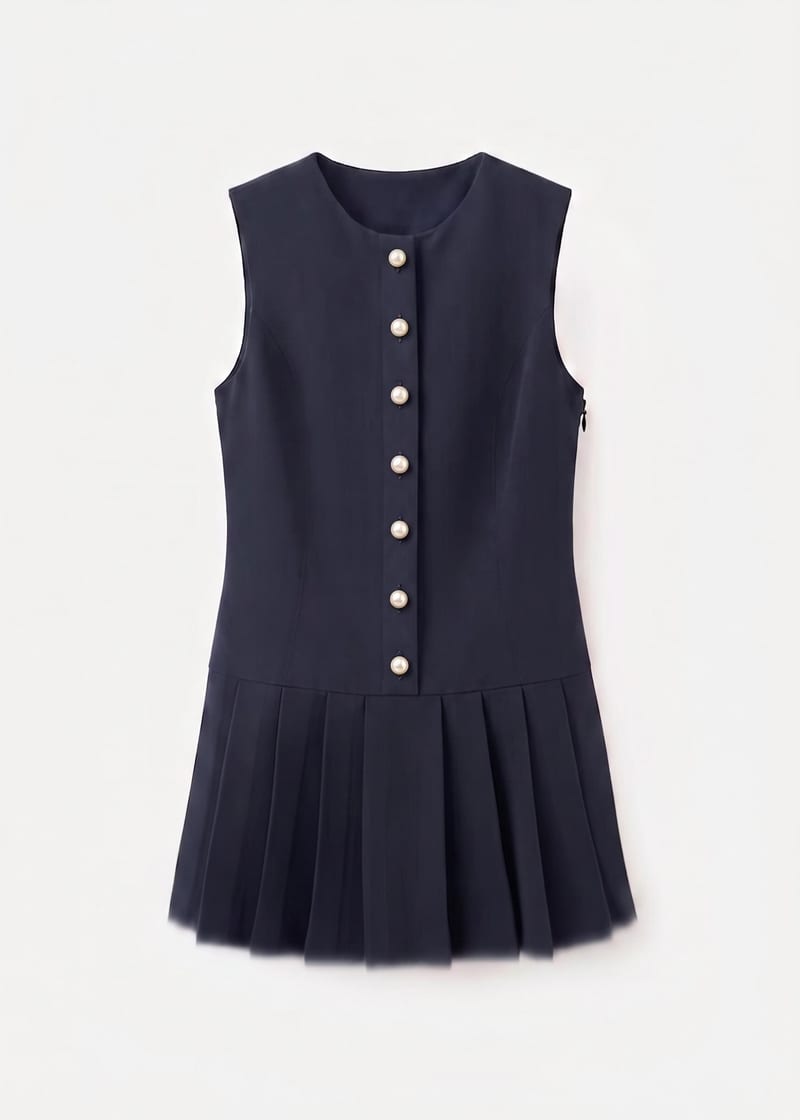
Use a garment image, placement instruction, and reference image to create an embellished garment preview.
