Recipev4
Turn it Into a Horse
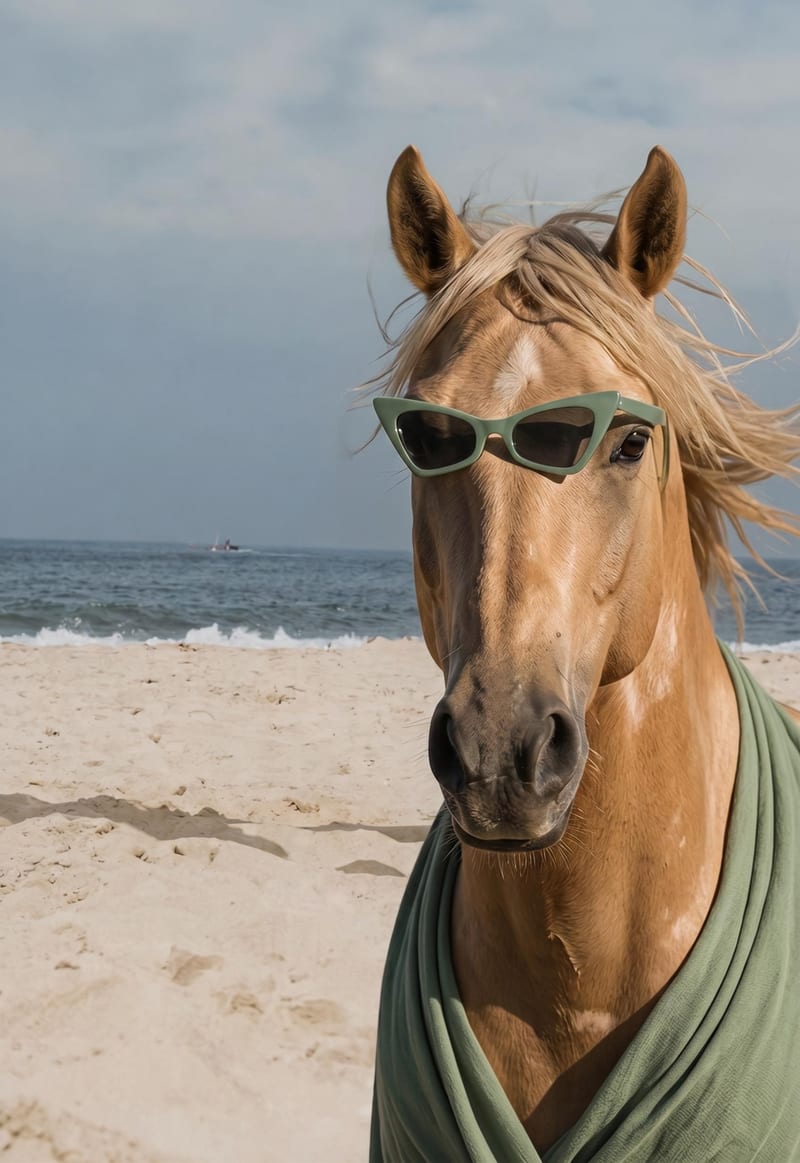
Horse Image
One click, whole workflow
Recipes are here. Package a whole workflow and run it in one click
Explore recipesImage transformation
Upload an image, and this recipe transforms its subject into a horse image for playful social posts, memes, or DIY zines.
Horse Image
A recipe turns a reusable workflow into a simple set of inputs and outputs. Start with a community recipe and make it your own in Fuser.
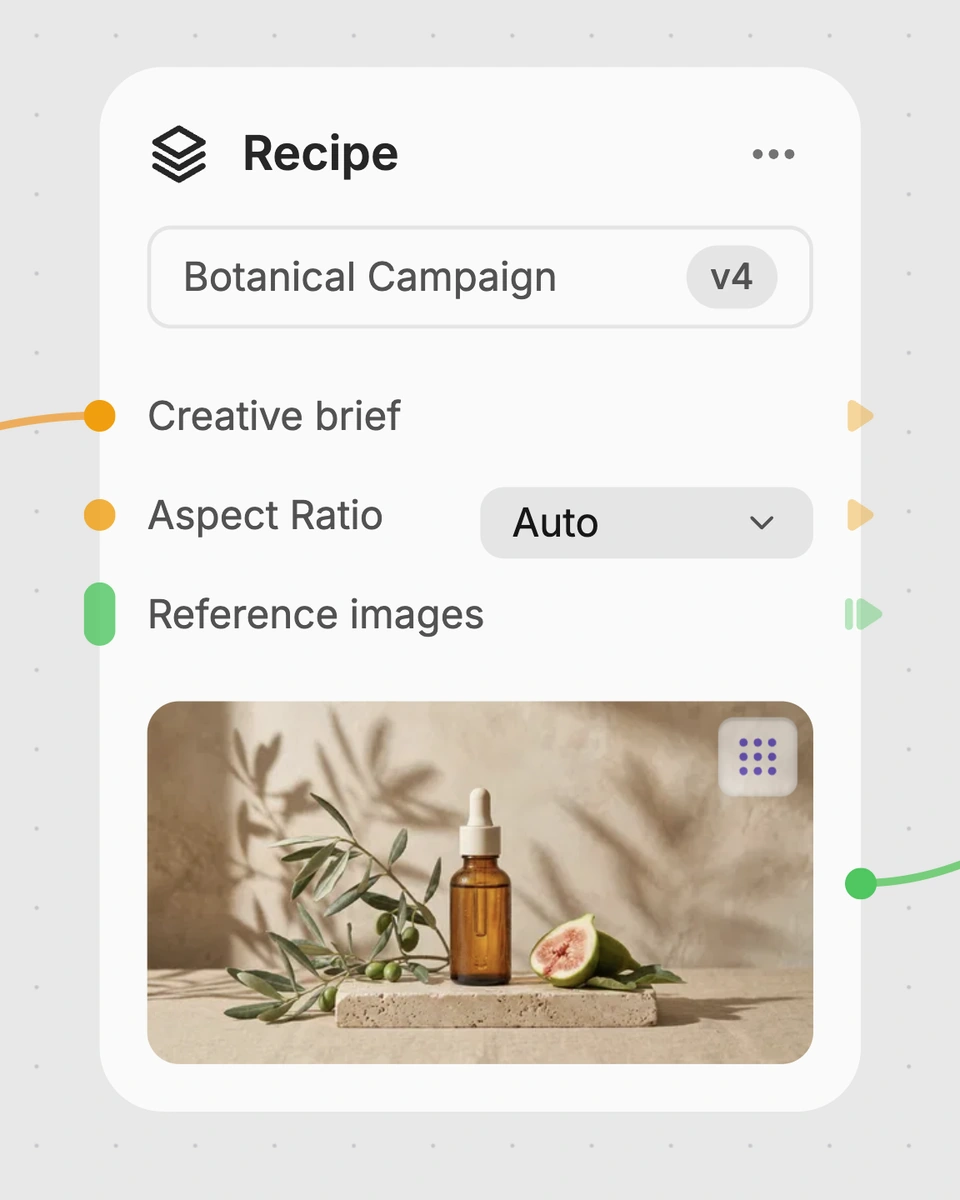
1. Choose a recipe
Find a workflow for the result you want. Review what it does and how to use it before opening it in Fuser.
2. Make it your own
Check the recipe’s available inputs. Add your own text or media where supported, or start with the saved defaults.
3. Run and refine
Run it in Fuser and review the result on your canvas. Tweak the inputs to try another direction.
Create playful horse transformations for social content, memes, and handmade creative projects.
It takes one Image input and transforms the image subject into a horse. The resulting output is labeled Horse Image.
It is suited to people making playful social content, memes, and DIY zines. It can also help anyone exploring a humorous or surreal image transformation.
You need an image to use as the recipe’s Image input. The saved recipe exposes that image input in Fuser, where you can replace it with your own image.
Yes. The Image input is editable in Fuser, so you can change the source image before using the recipe. No other editable inputs are listed for this recipe.
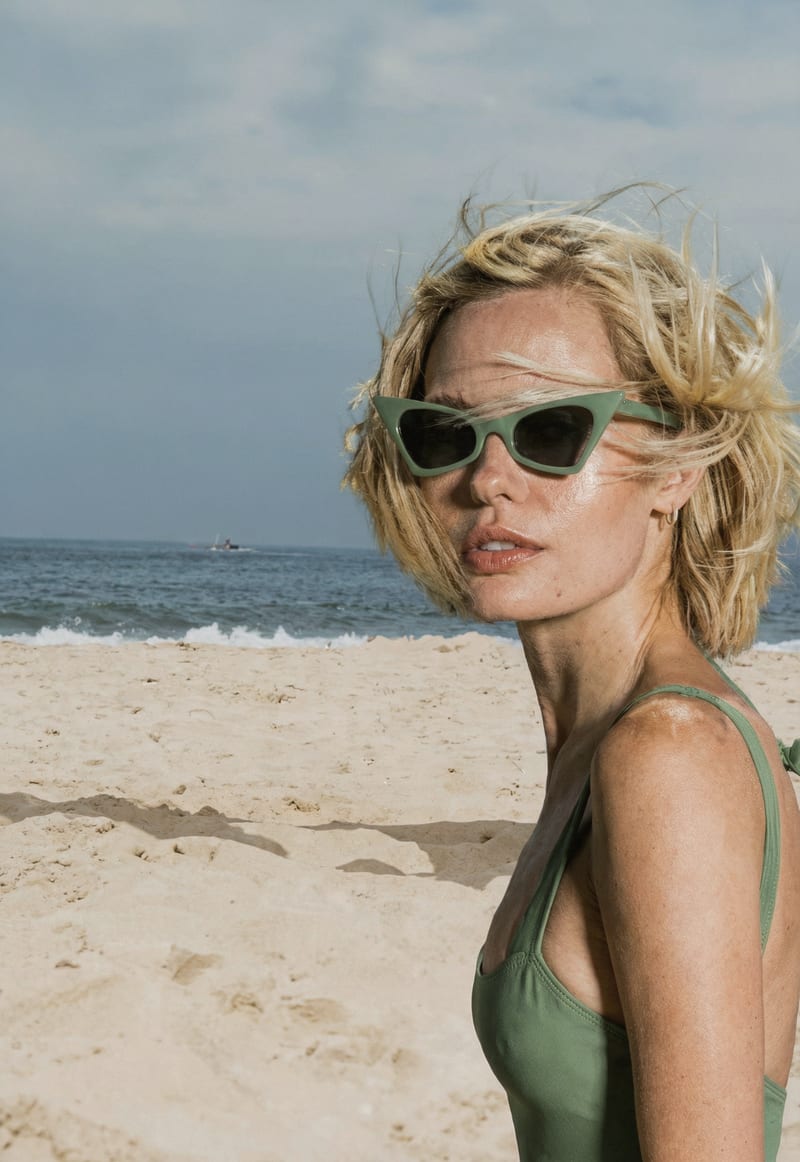
The saved example shows an Image connected to a Horse Image output. It demonstrates the recipe’s intended input-to-output transformation and is not a live run.
Yes. The recipe is categorized for Social & Content, Memes, and Zines & DIY, making the Horse Image suitable as a starting point for those kinds of projects.
The recipe names one editable input, Image, and one output, Horse Image. It does not expose additional inputs for specifying a different subject transformation or other customization.
Bring an image to Fuser and use this recipe to create a horse version of its subject.
Develop pitches, campaign assets and interactive client work in Fuser. Combine AI generation, editable design and reusable processes across your agency.
Create social graphics, carousel artwork and short videos with a recognizable brand style. Keep copy editable and recurring content easier to produce in Fuser.
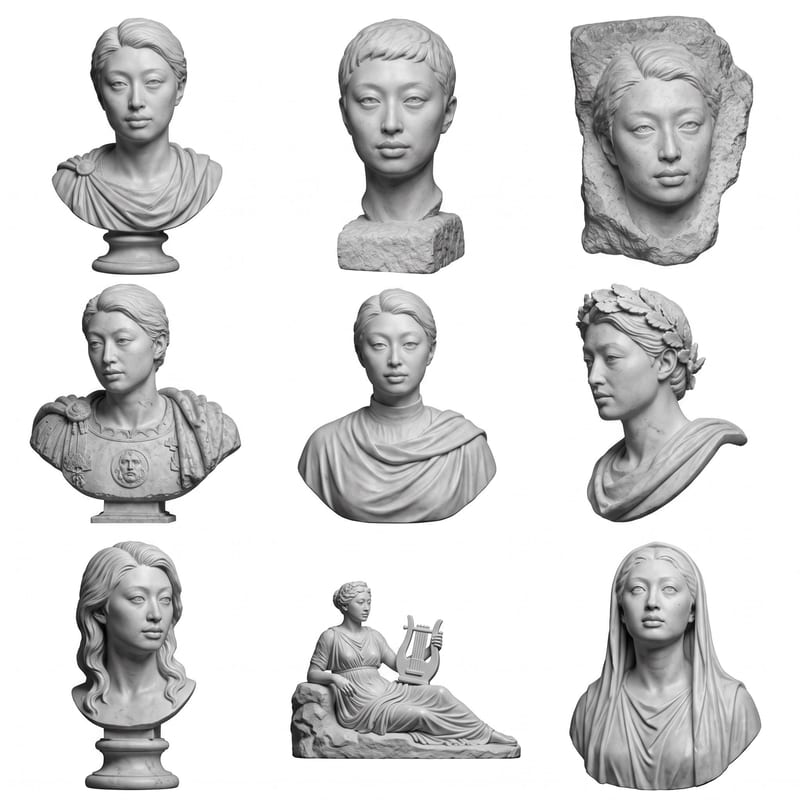
Upload a headshot, selfie, or photo to create a grid of Roman bust options.
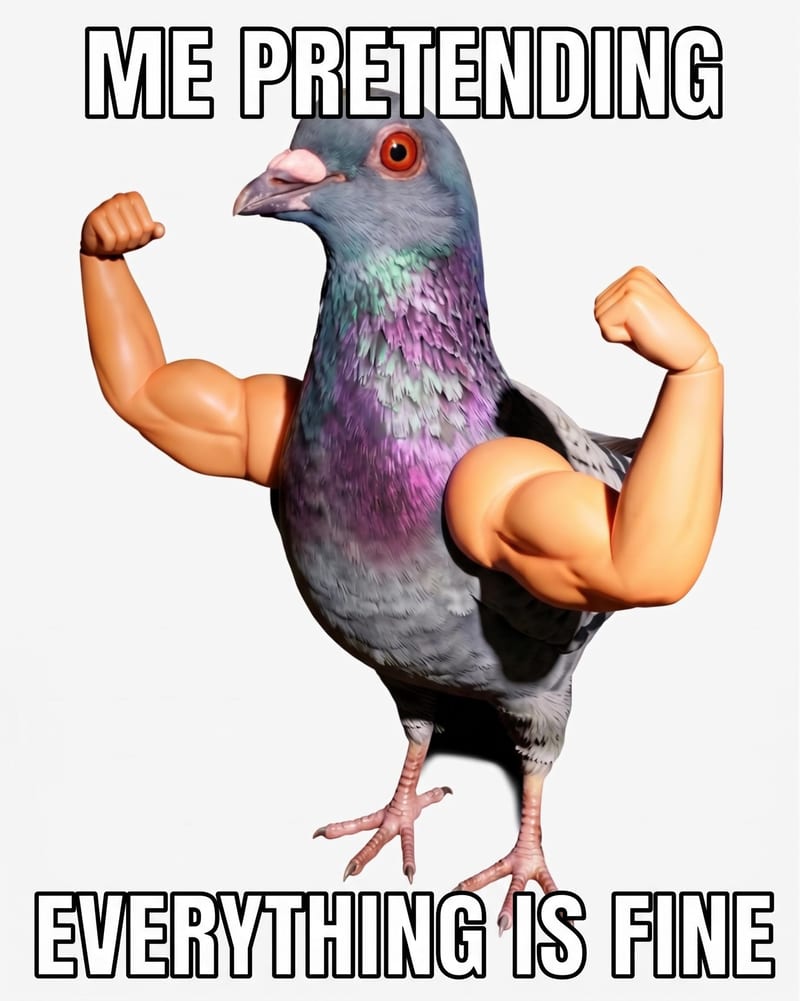
Add custom meme text to a source image and receive a meme image for social and community content.
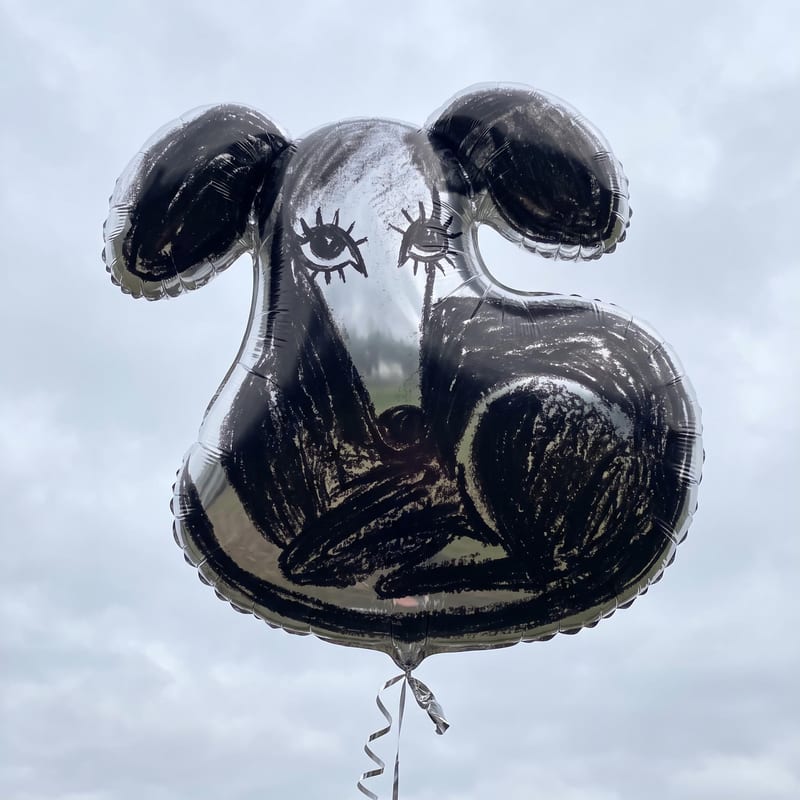
Turn an image, sketch, or logo into a mylar balloon image for playful social posts, memes, and illustrations.