Recipev3
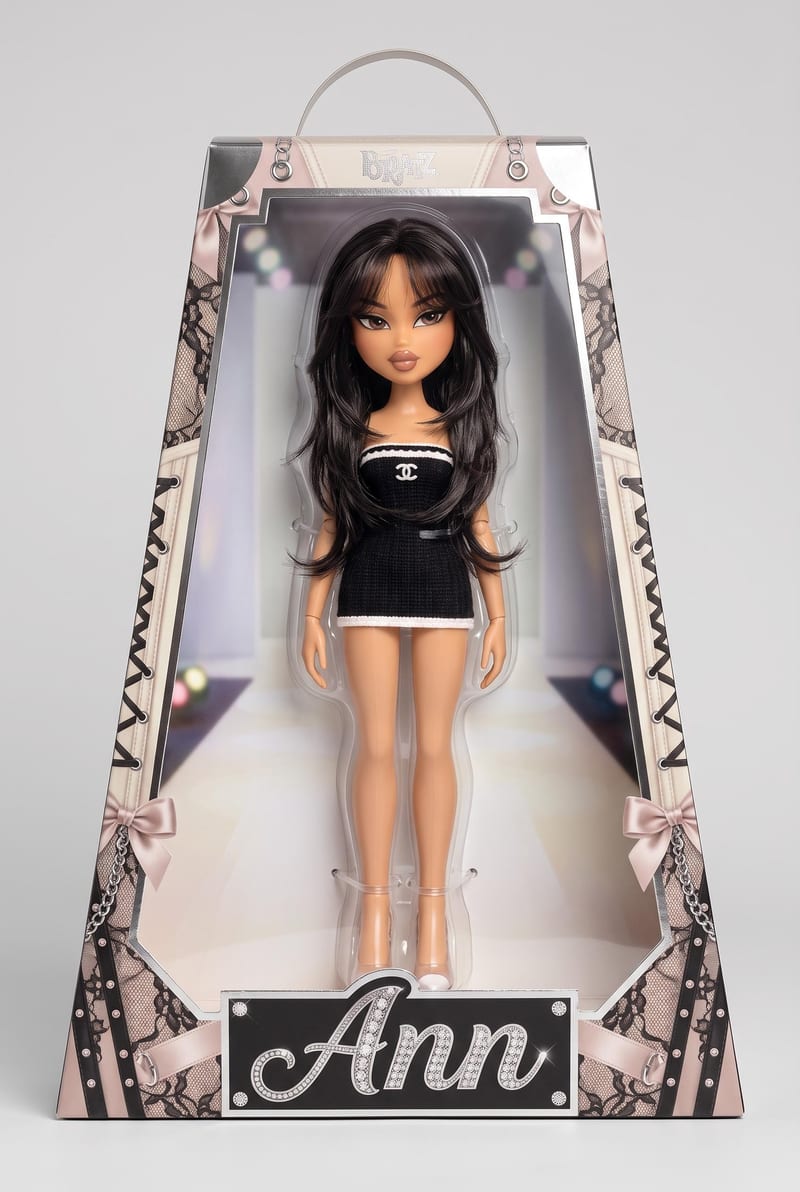
Turn yourself into a Bratz style Doll
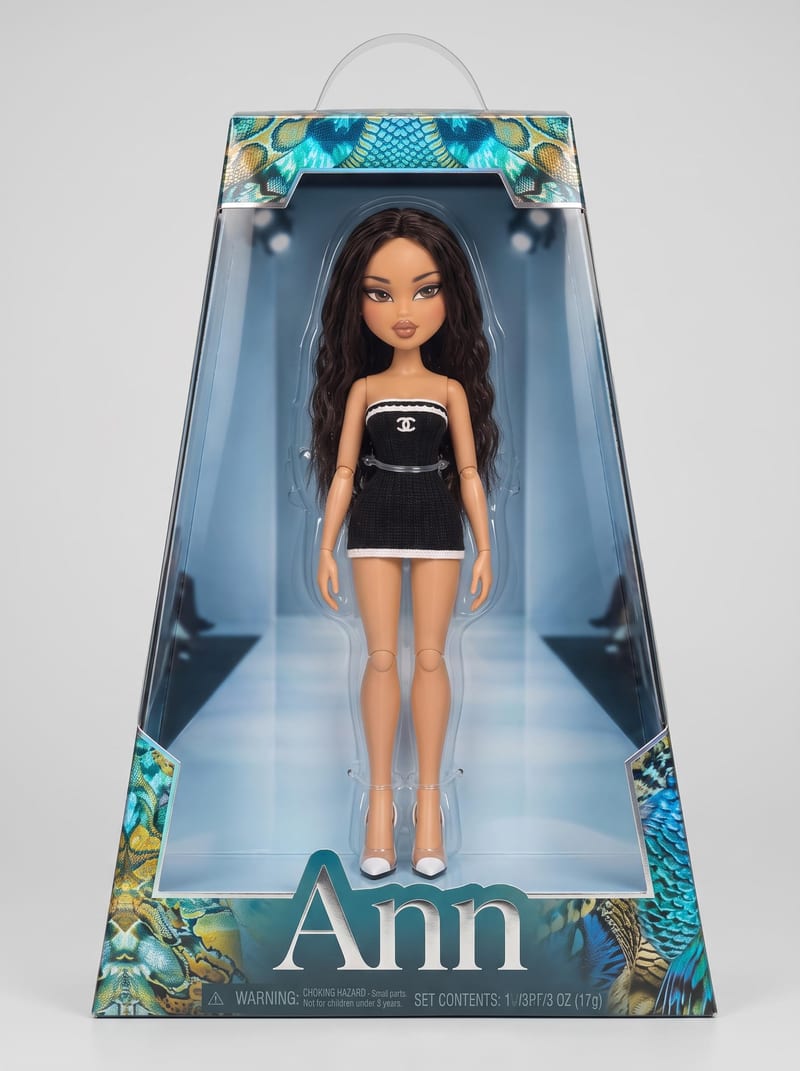
Doll 1
One click, whole workflow
Recipes are here. Package a whole workflow and run it in one click
Explore recipesBratz-style doll portraits
Combine a photo of yourself, an outfit picture, and a doll name to create three Bratz style doll images.
Doll 1
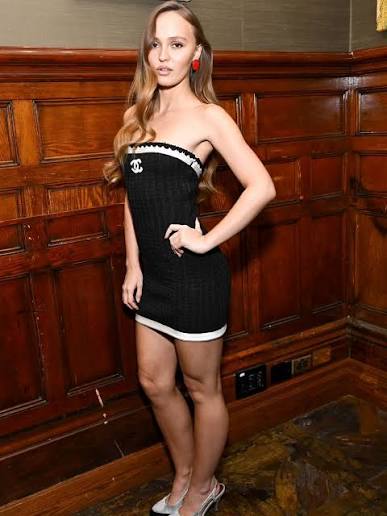
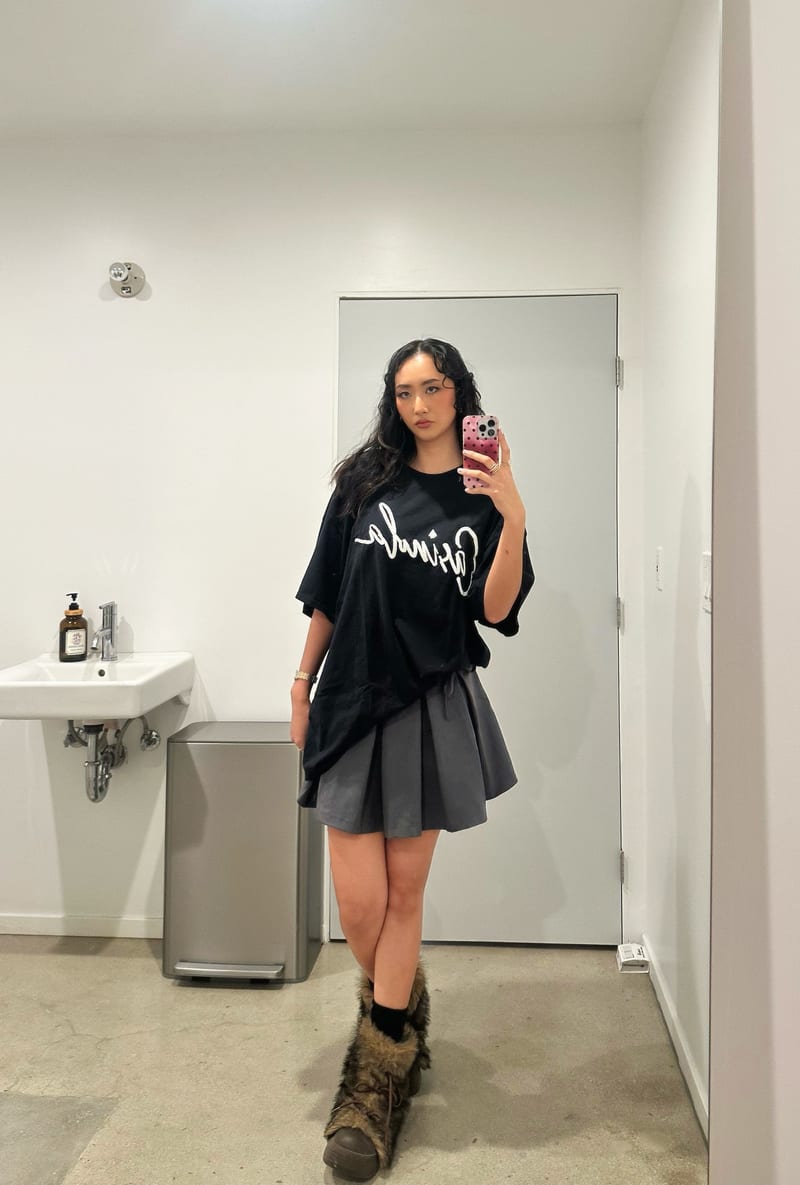
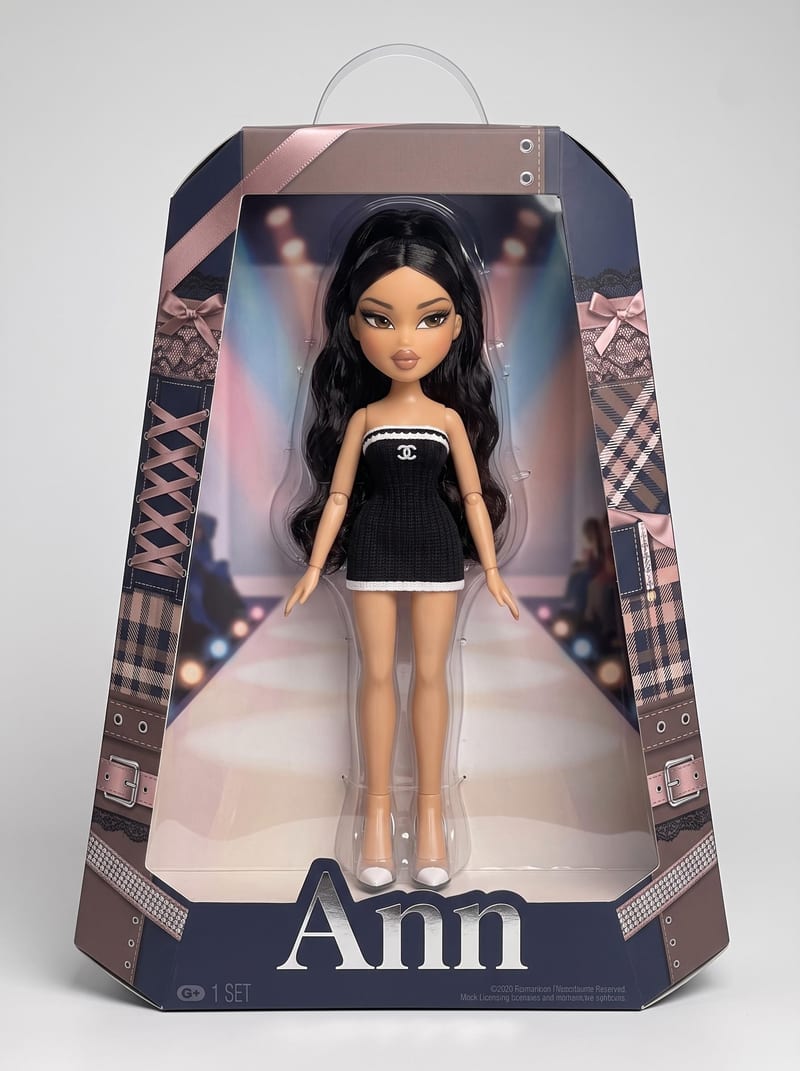
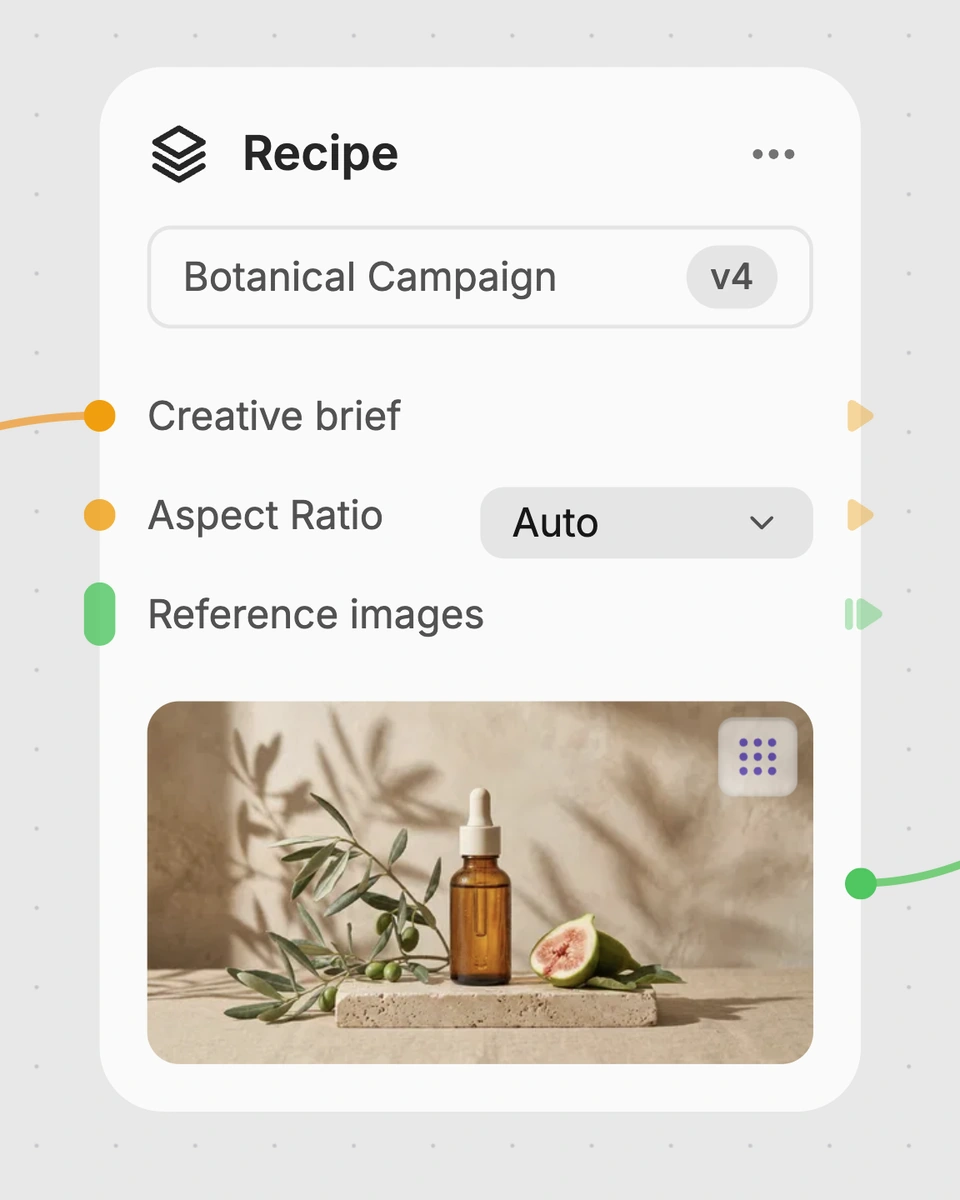
A recipe turns a reusable workflow into a simple set of inputs and outputs. Start with a community recipe and make it your own in Fuser.
1. Choose a recipe
Find a workflow for the result you want. Review what it does and how to use it before opening it in Fuser.
2. Make it your own
Check the recipe’s available inputs. Add your own text or media where supported, or start with the saved defaults.
3. Run and refine
Run it in Fuser and review the result on your canvas. Tweak the inputs to try another direction.
Create personalized doll images for creative projects, keepsakes, and toy-focused concepts using the inputs you choose.
It transforms a photo of a person into Bratz style doll images while using an outfit picture and a chosen doll name as inputs. Each run provides three image outputs labeled Doll 1, Doll 2, and Doll 3.
It is suited to people creating personalized doll portraits, toy and collectibles concepts, or character artwork. Anyone with a suitable personal photo, outfit picture, and doll name can prepare the inputs.
You need three inputs: a photo of yourself, an outfit picture, and a doll name. The saved example uses “Ann” as the doll name; for a new run, you can replace that text and provide your own images in Fuser.
Yes. The recipe exposes the personal photo, outfit picture, and doll name as editable inputs in Fuser, so you can change each one before using the recipe. The saved example remains the version shown with the name “Ann” and its connected images.
The recipe has three image outputs: Doll 1, Doll 2, and Doll 3. The saved example demonstrates that one set of connected inputs produces three doll image results, while a new run uses the inputs you choose.
Yes. An outfit picture is one of the recipe’s named image inputs, so it can be included when preparing a doll concept around a particular look. The recipe does not expose separate controls for changing other aspects of the result.
The images can support personalized portraits, gift concepts, character development, and toy or collectibles projects. They are image outputs for creative use rather than a physical doll or a complete product specification.
Bring a personal photo, an outfit picture, and a name together in Fuser to make a three-image Bratz style doll set.
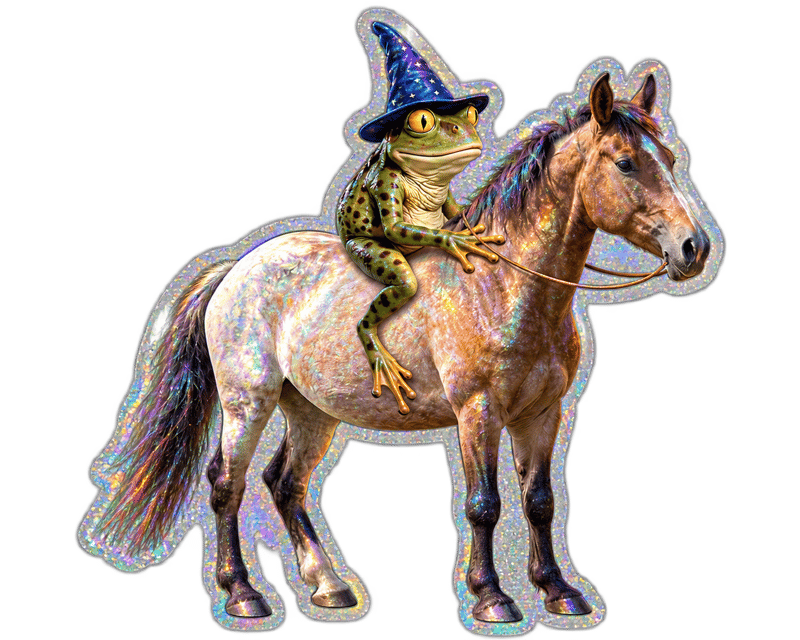
Upload an image and turn it into a die-cut sticker version for toy and collectible ideas.
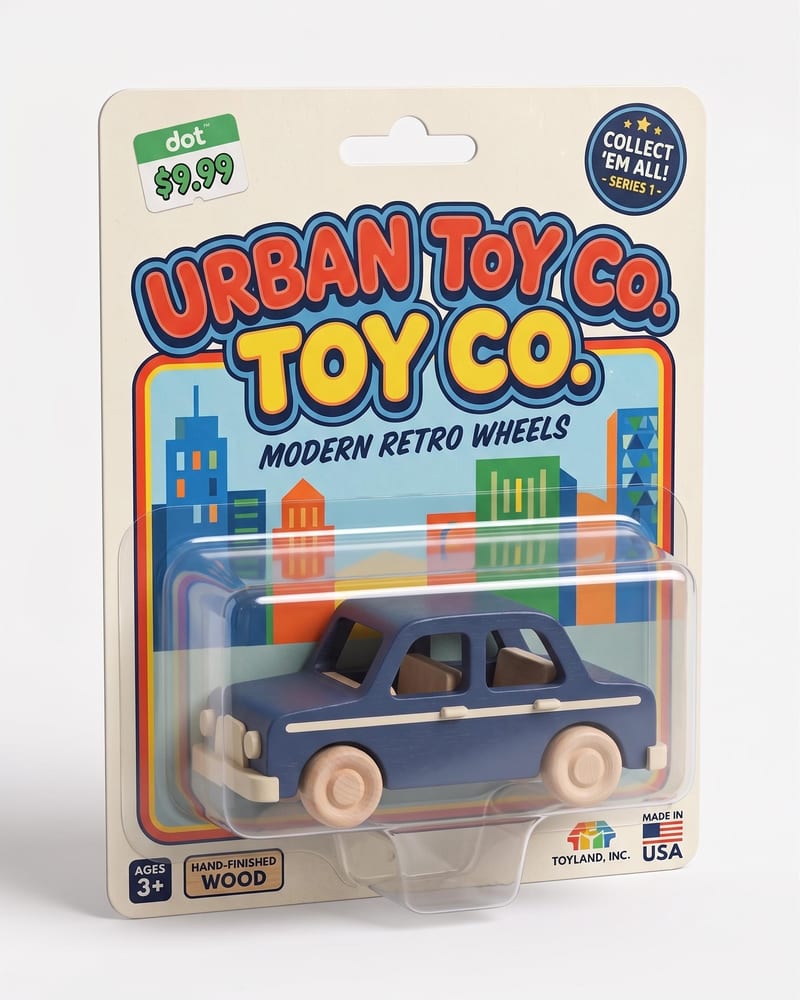
Turn a character or product image into a realistic toy package with molded plastic vacuum-form packaging and a polished retail-ready look.
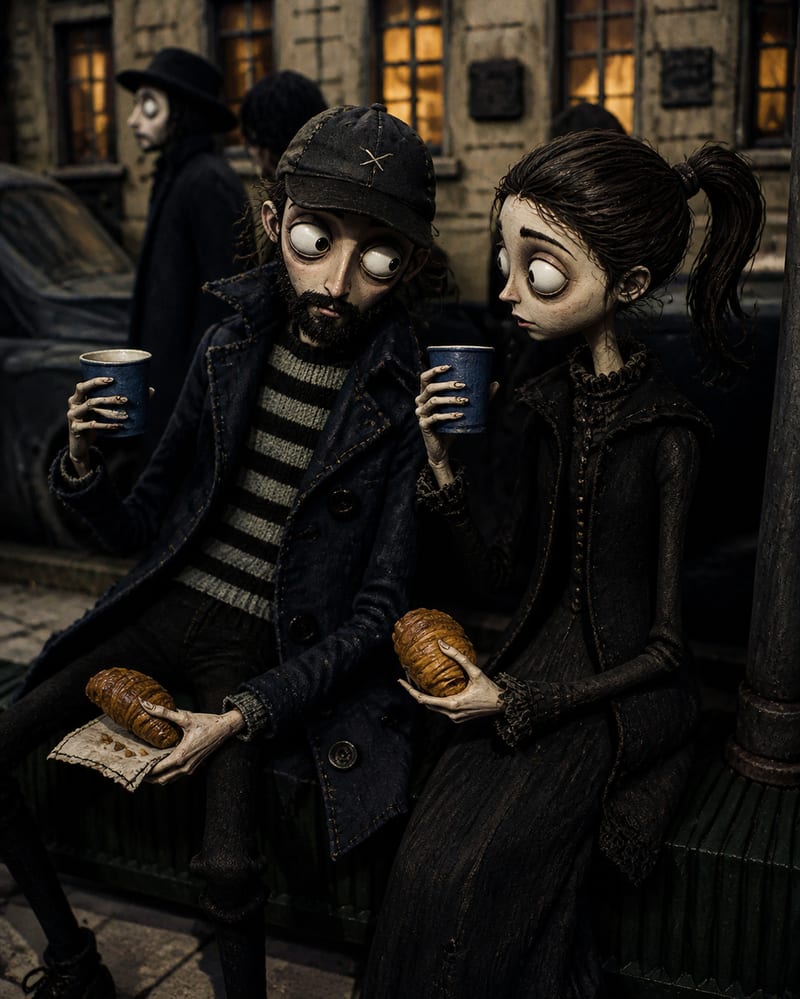
Transform a source image into a handcrafted Coraline-inspired stop-motion world with stitched textures, puppet characters, and miniature details.