Recipev2
Toy Packaging (Vacuum Form)
Vacuum-Form Toy Packaging
One click, whole workflow
Recipes are here. Package a whole workflow and run it in one click
Explore recipesToy Packaging
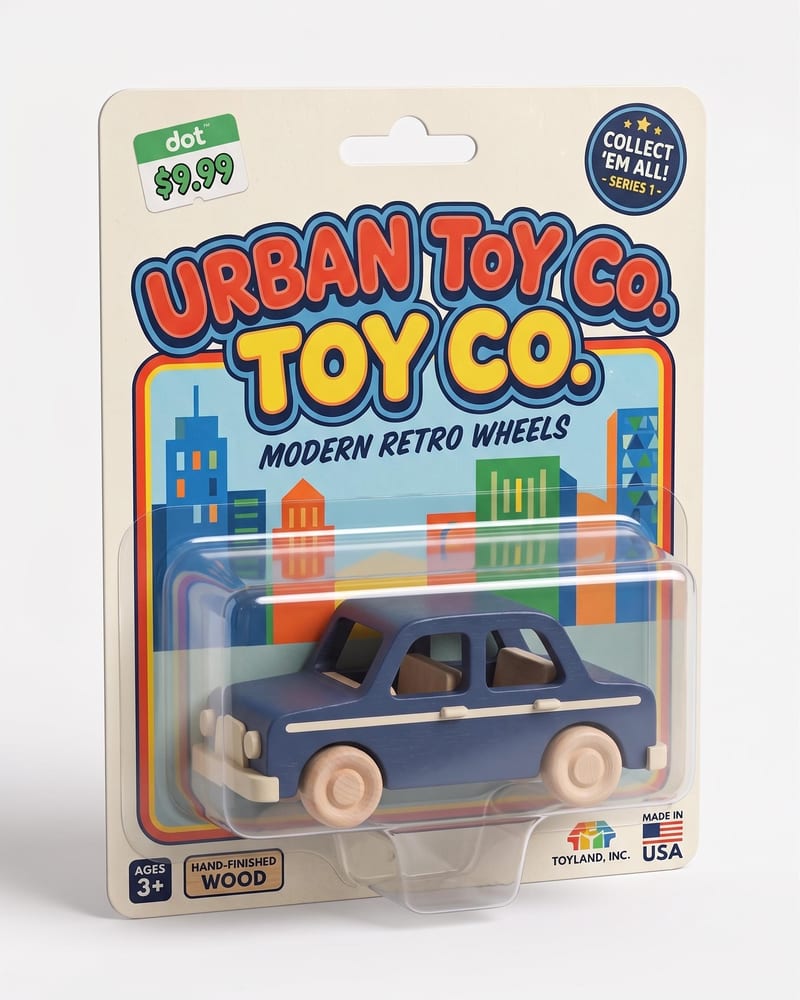
Turn a character or product image into a realistic toy package with molded plastic vacuum-form packaging and a polished retail-ready look.
Vacuum-Form Toy Packaging
A recipe turns a reusable workflow into a simple set of inputs and outputs. Start with a community recipe and make it your own in Fuser.

1. Choose a recipe
Find a workflow for the result you want. Review what it does and how to use it before opening it in Fuser.
2. Make it your own
Check the recipe’s available inputs. Add your own text or media where supported, or start with the saved defaults.
3. Run and refine
Run it in Fuser and review the result on your canvas. Tweak the inputs to try another direction.
Use a character or product image to explore toy packaging concepts across development, presentation, and collectible design.
It transforms one character or product image into a vacuum-form toy packaging image. The intended result is a realistic package presentation with molded plastic packaging and a polished retail-ready look.
It can help toy designers, collectible creators, product teams, and anyone exploring how a character or product might be presented as a packaged toy. It is suited to concept development and presentation rather than a complete packaging production workflow.
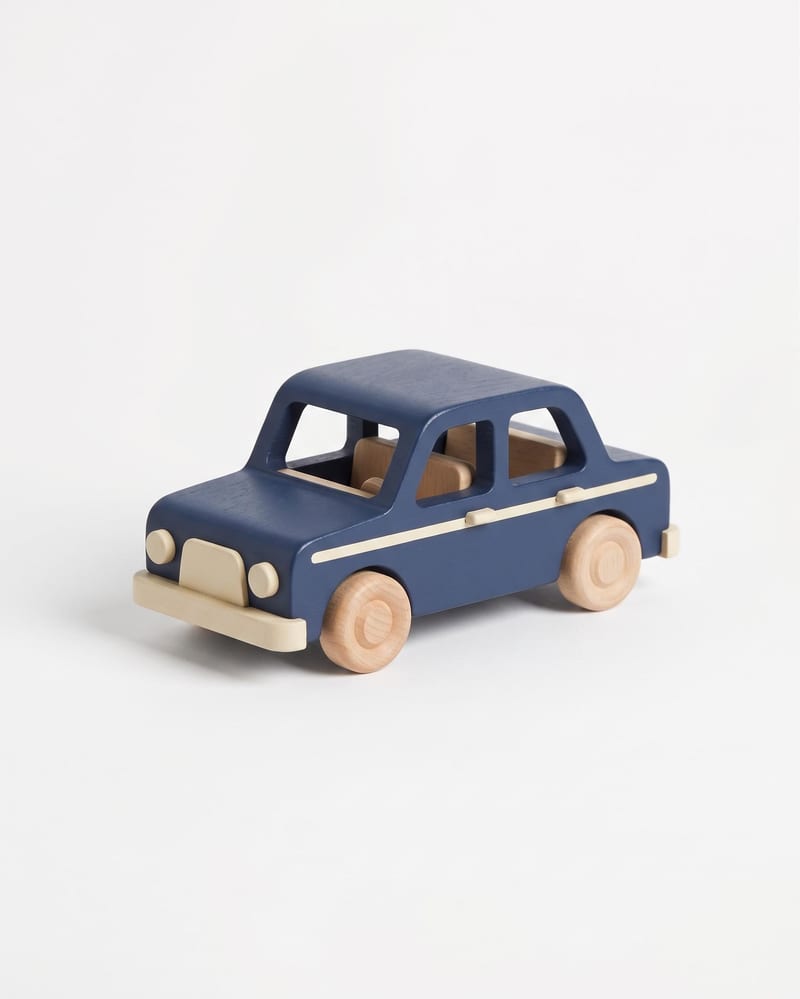
Prepare one image of the toy, character, or product you want to package. The recipe exposes the Toy Image input, which you can change in Fuser before creating a new result.
The saved output is an image labeled Vacuum-Form Toy Packaging. It demonstrates the selected toy image presented as molded plastic vacuum-form packaging; a new run uses the Toy Image you provide.
Yes. The recipe description supports both character images and product images, so either can be used as the Toy Image input. The saved example is only one input-to-output example, not a limit on the subjects you can try.
You can change the exposed Toy Image input in Fuser to explore packaging for a different character or product. No additional editable inputs are listed for this recipe.
It is useful for toy packaging concepts, collectible presentation, merchandising exploration, and early retail-style visual studies. The output is an image concept, so it does not replace finalized packaging design or manufacturing specifications.
Bring a character or product image into Fuser and explore its vacuum-form toy packaging presentation.
Create product images, lifestyle scenes and campaign assets for your next ecommerce launch. Keep branding editable and reuse creative setups in Fuser.
Create studio-style product images, lifestyle scenes and motion studies. Combine reference-led generation with precise, editable composition in Fuser.
Develop pitches, campaign assets and interactive client work in Fuser. Combine AI generation, editable design and reusable processes across your agency.
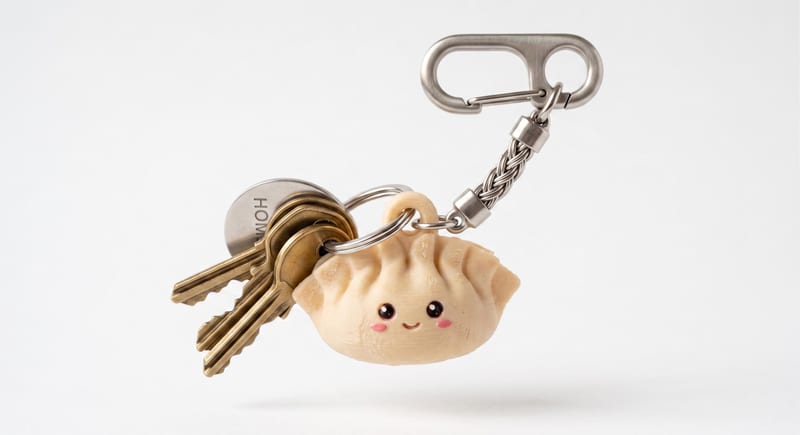
Describe a cute keychain or charm in text and create a 3D mesh that can be downloaded as an STL file.

Upload an image and turn it into a die-cut sticker version for toy and collectible ideas.
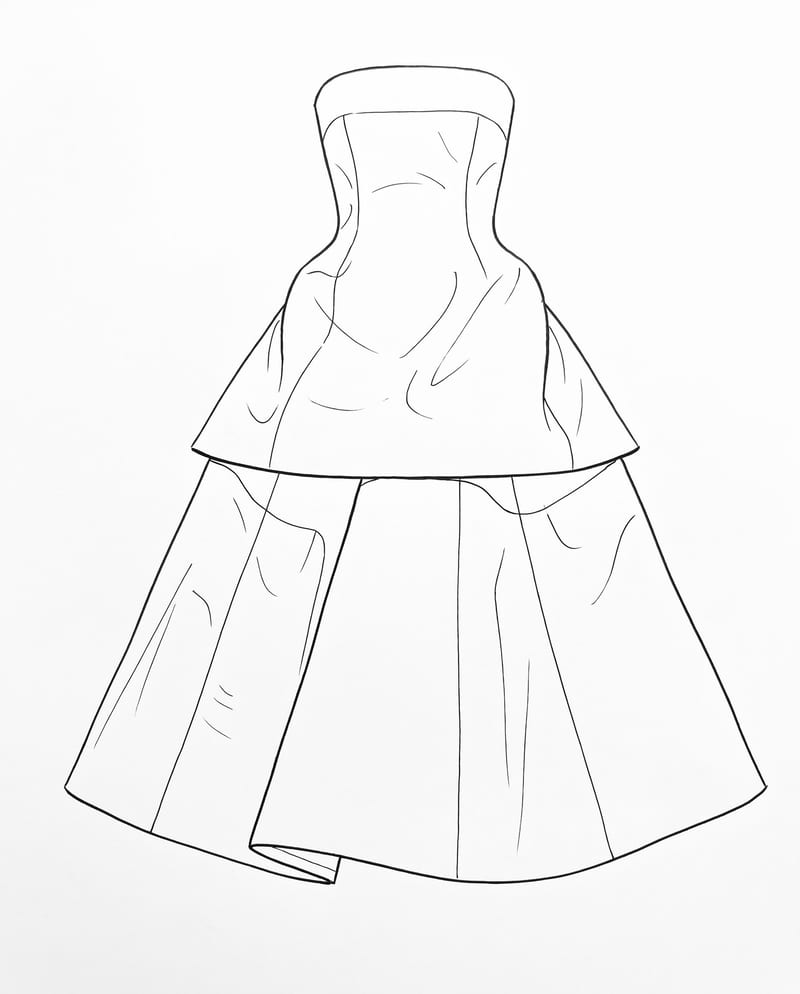
Upload a garment image to create a clean 2D sketch that retains key design details, silhouette, and proportions.