Recipev2
Vehicle Consistency Lock
Vehicle Sheet
One click, whole workflow
Recipes are here. Package a whole workflow and run it in one click
Explore recipesVehicle reference sheets
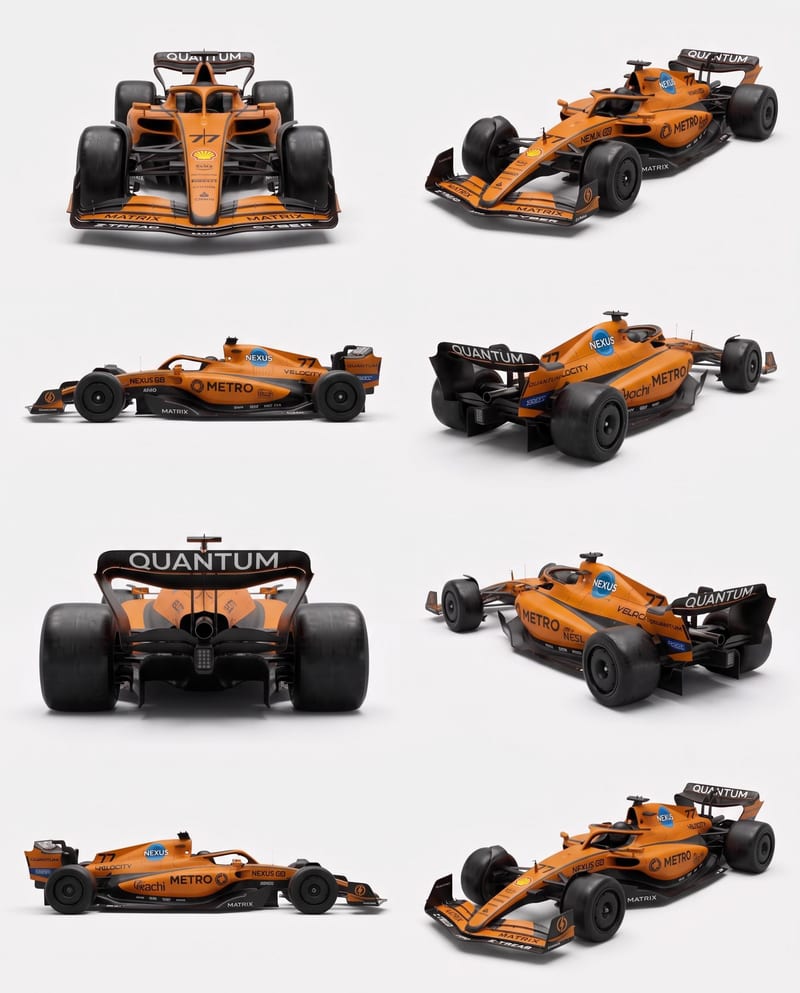
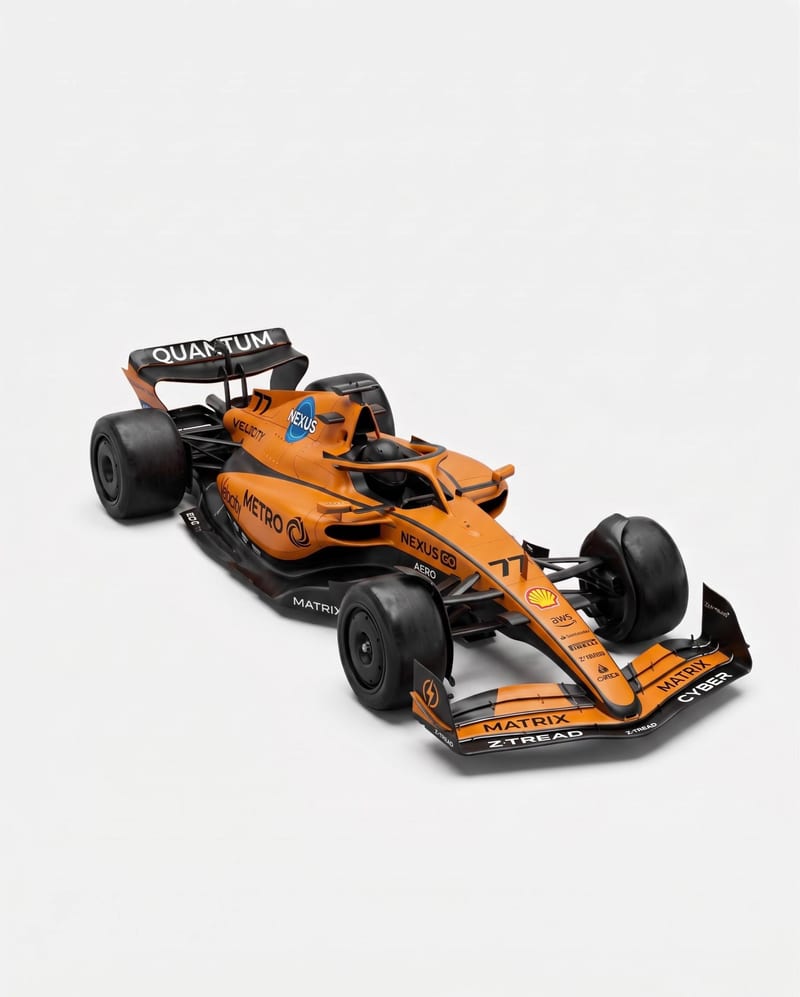
Upload vehicle reference images to create a clean eight-angle sheet that preserves distinctive details across a structured layout.
Vehicle Sheet
A recipe turns a reusable workflow into a simple set of inputs and outputs. Start with a community recipe and make it your own in Fuser.
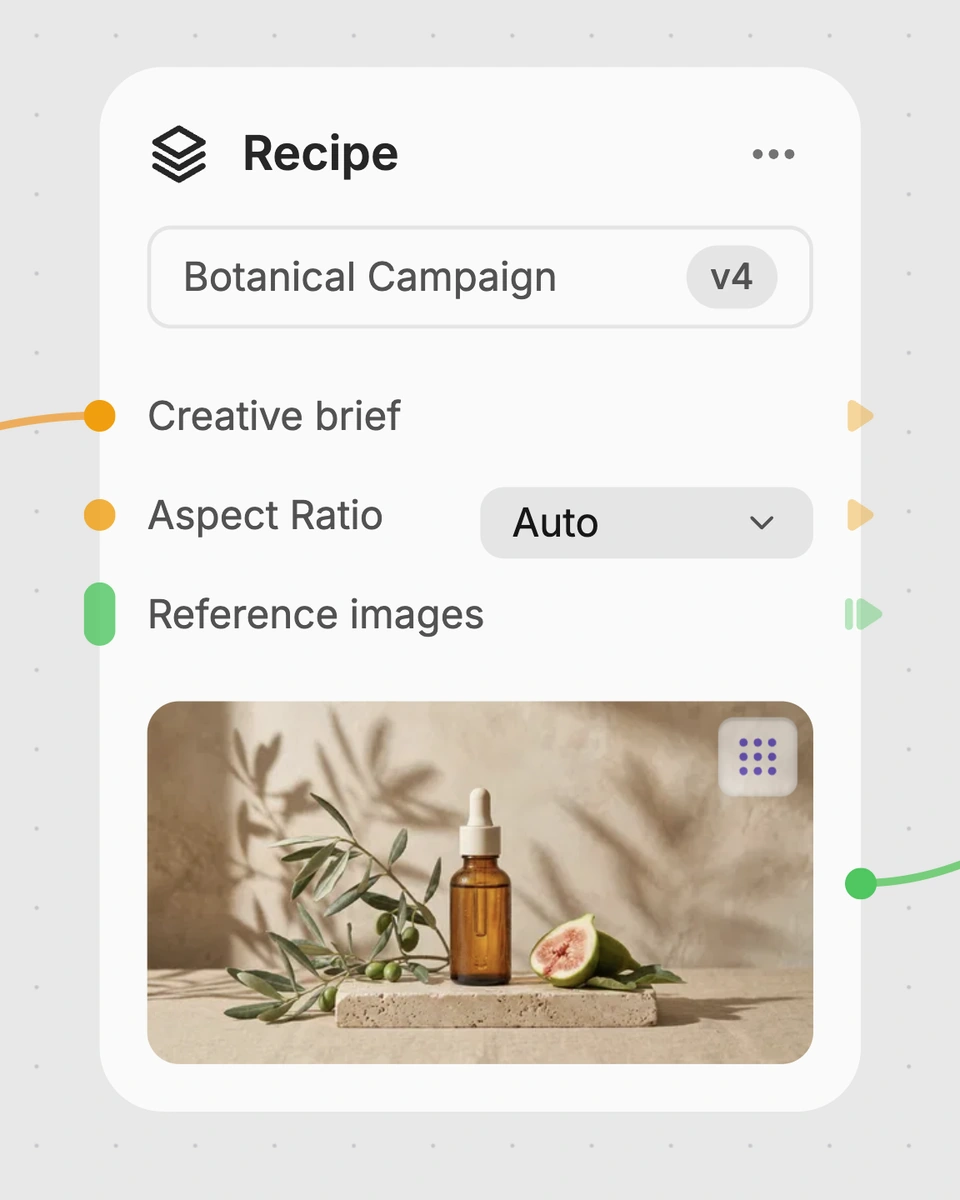
1. Choose a recipe
Find a workflow for the result you want. Review what it does and how to use it before opening it in Fuser.
2. Make it your own
Check the recipe’s available inputs. Add your own text or media where supported, or start with the saved defaults.
3. Run and refine
Run it in Fuser and review the result on your canvas. Tweak the inputs to try another direction.
Use the sheet to organize vehicle details for visual development, planning, and presentation.
It is designed for people working with vehicle concepts, including game artists, illustrators, and product or industrial design teams. The resulting sheet brings multiple vehicle angles into one organized image for reference and presentation.
Prepare the vehicle reference images you want the recipe to use. Reference Images are the exposed input in Fuser, so you can replace them with images for a different vehicle when creating a new run.
The saved example shows Reference Images connected to a Vehicle Sheet output. That output is described as a clean two-row, four-column layout containing eight vehicle angles while preserving distinctive details.
Yes. You can change the exposed Reference Images input in Fuser and use the recipe with another vehicle. The saved example represents one set of inputs, while a new run uses the images you provide.
The editable input is Reference Images, so customization comes from choosing which vehicle images to provide. The recipe's described output remains a Vehicle Sheet organized as eight angles in two rows and four columns.
The sheet can support game asset planning, illustration reference, vehicle concept development, industrial design review, production handoff, and portfolio presentation. It is most useful when several views need to be considered together.
No. The output is a visual Vehicle Sheet, not a stated source of measurements, specifications, or engineering documentation. Use it to organize and compare vehicle imagery rather than as a substitute for technical records.
Bring your vehicle images together in an eight-angle sheet for visual development, review, or presentation.
Develop pitches, campaign assets and interactive client work in Fuser. Combine AI generation, editable design and reusable processes across your agency.
Create product images, lifestyle scenes and campaign assets for your next ecommerce launch. Keep branding editable and reuse creative setups in Fuser.

Explore game characters, props and environments, develop 3D starting points and build playable web experiments. Shape your game’s art direction in Fuser.
Create studio-style product images, lifestyle scenes and motion studies. Combine reference-led generation with precise, editable composition in Fuser.
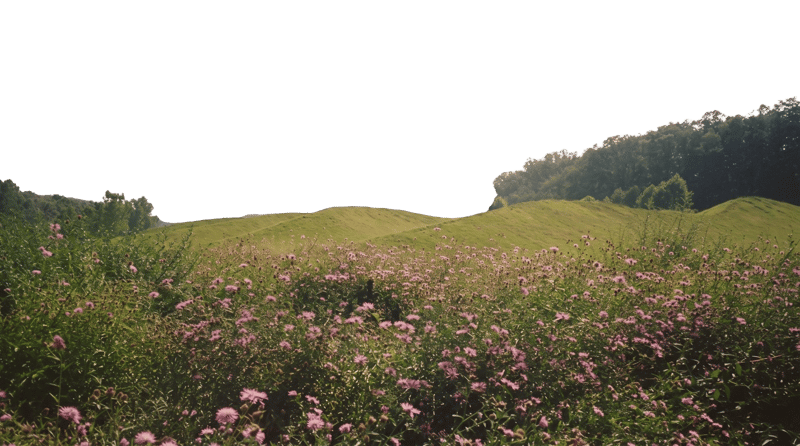
Turn a source image into an environment-only background for Unreal Engine projection cards and related visual development work.
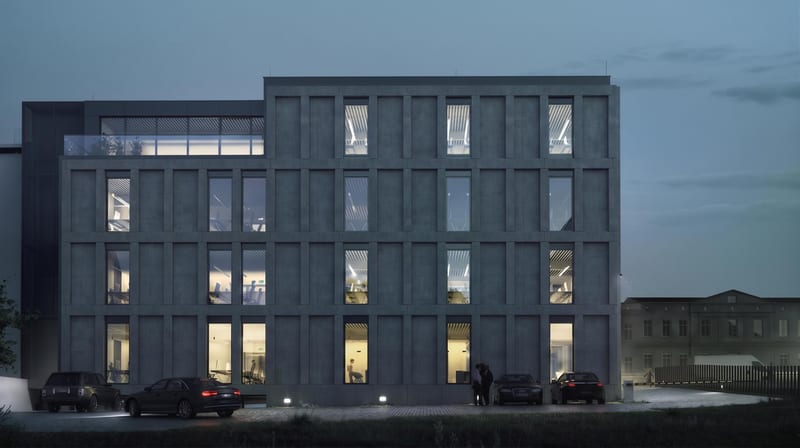
Upload a façade image, identify a target window and wall, and set its window-to-wall ratio for an adjusted output image.

Turn a source image into a Roblox-style recreation that keeps its original scene, composition, subjects, and key visual details.