Recipev2
Zine Maker
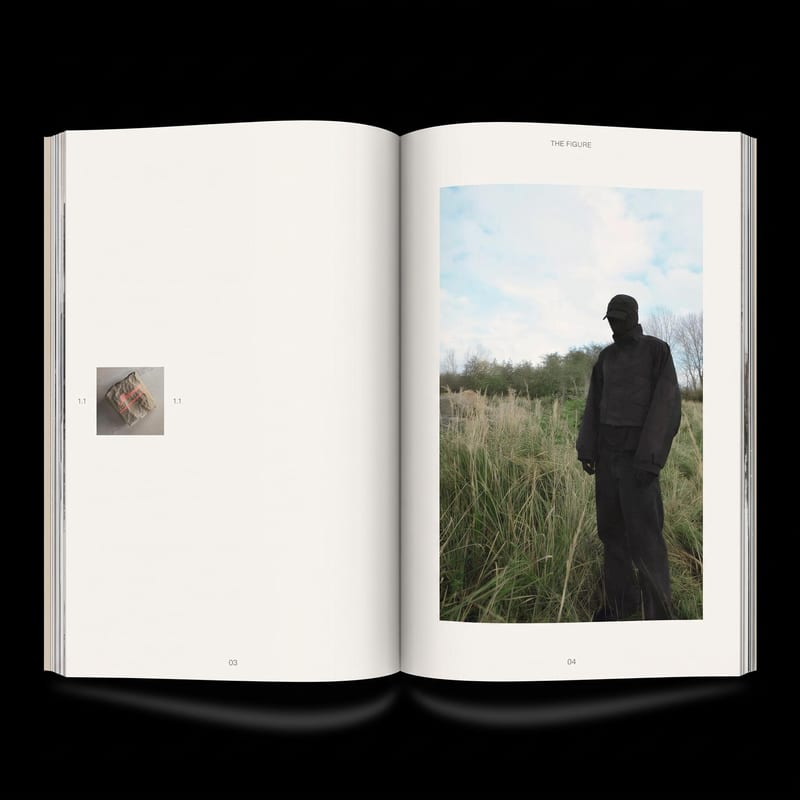
Zine Option 01
One click, whole workflow
Recipes are here. Package a whole workflow and run it in one click
Explore recipesZines & DIY
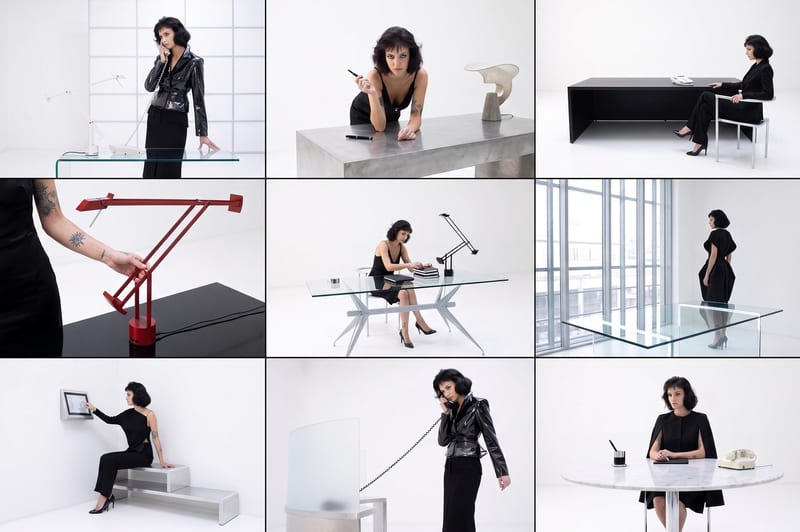
Add image(s) to generate two zine layout options for editorial and DIY publishing projects.
Zine Option 01
A recipe turns a reusable workflow into a simple set of inputs and outputs. Start with a community recipe and make it your own in Fuser.

1. Choose a recipe
Find a workflow for the result you want. Review what it does and how to use it before opening it in Fuser.
2. Make it your own
Check the recipe’s available inputs. Add your own text or media where supported, or start with the saved defaults.
3. Run and refine
Run it in Fuser and review the result on your canvas. Tweak the inputs to try another direction.
Explore different editorial and DIY publishing tasks by supplying the images you want to develop into zine layout options.
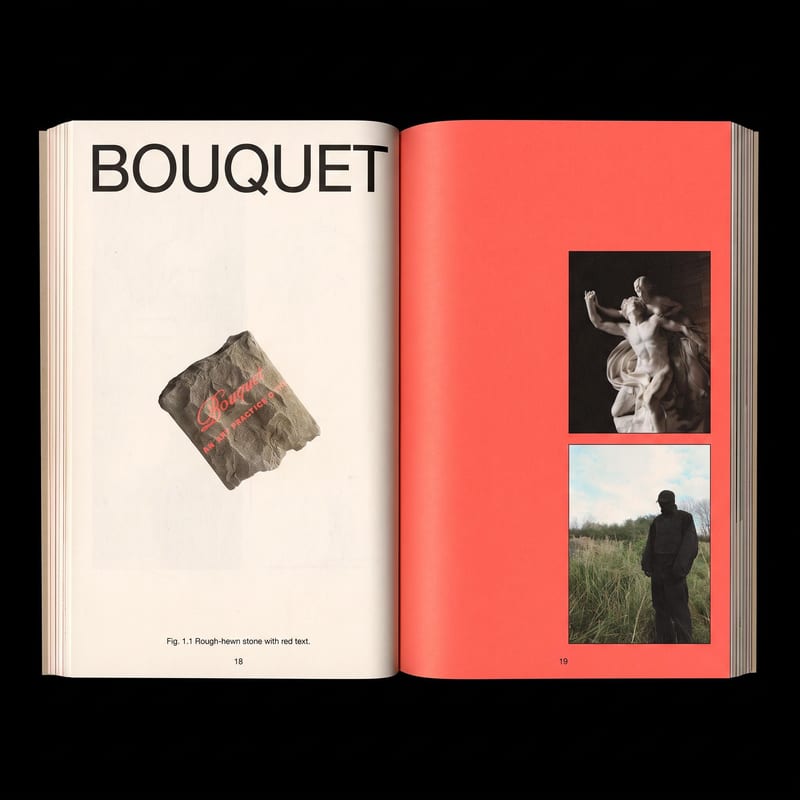
Zine Maker takes Image(s) as its input and generates two image outputs labeled Zine Option 01 and Zine Option 02. It is intended for exploring zine layouts from visual material.
It can help people developing zines, photo-led publications, editorial concepts, and other DIY publishing projects. It is especially relevant when the starting material is a set of images rather than written content.
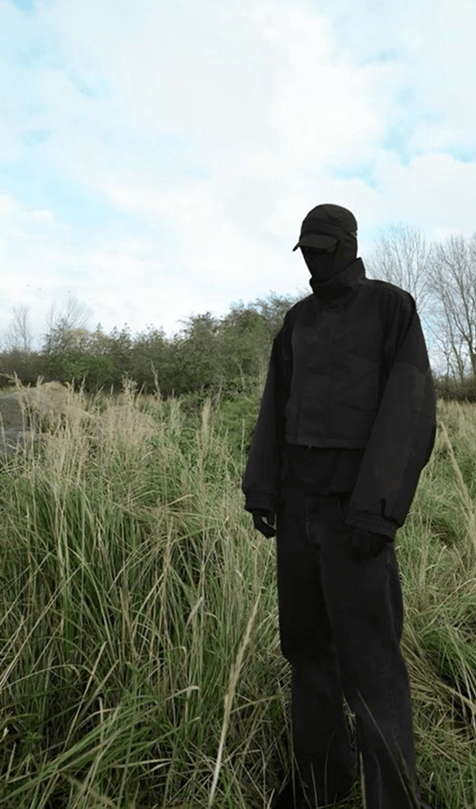
Prepare the image or images you want to use as the basis for the zine layouts. The exposed input is labeled Image(s), so you can replace those images in Fuser when creating a new run.
The saved example shows Image(s) connected to two image outputs: Zine Option 01 and Zine Option 02. Those outputs represent the recipe’s saved default example, rather than a live generation for your project.
Yes. Image(s) is the editable input exposed by this recipe, so you can provide different images in Fuser. The recipe’s listed inputs do not include separate editable fields for text, titles, or layout settings.
The recipe includes two outputs, Zine Option 01 and Zine Option 02, allowing the image input to result in two layout options. This makes the recipe useful for comparing different directions from the same starting images.
Use it for zines, image-led editorial projects, DIY publications, photo series, and early visual concepts. It is focused on generating image-based layout options, so projects requiring additional content types or publishing specifications may need further work outside this recipe.
Bring your own image(s) to Fuser and explore two generated zine layout options for your next editorial or DIY publishing project.
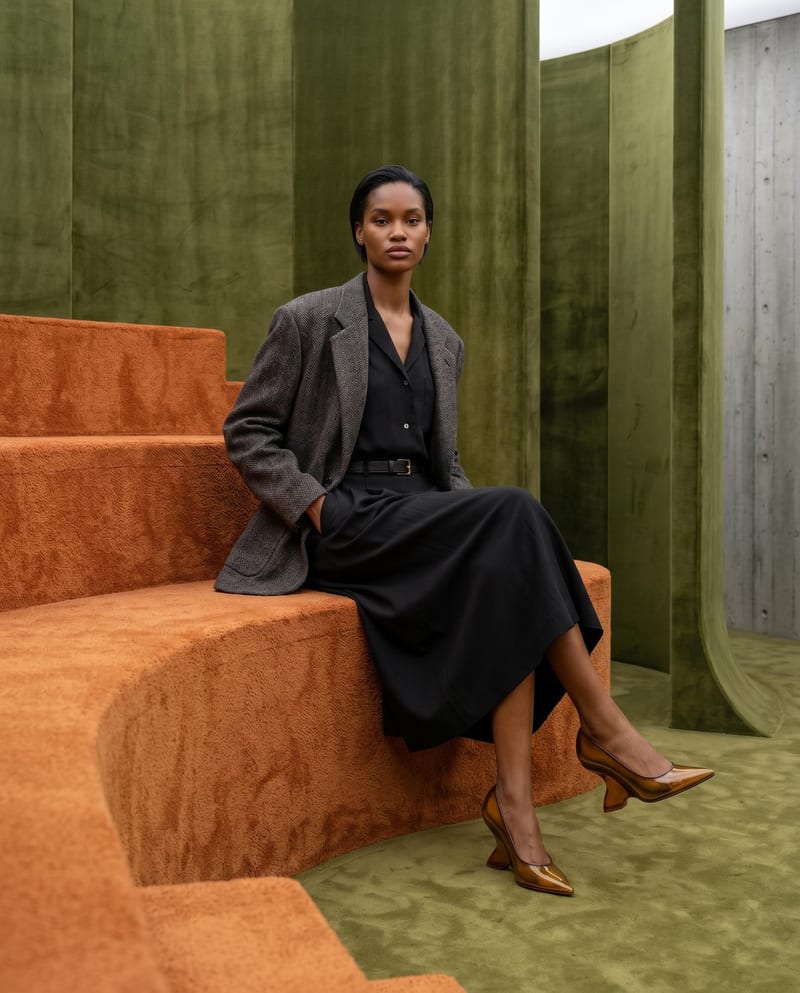
Combine model, accessory, location, and pose inputs into a fashion photography composition.
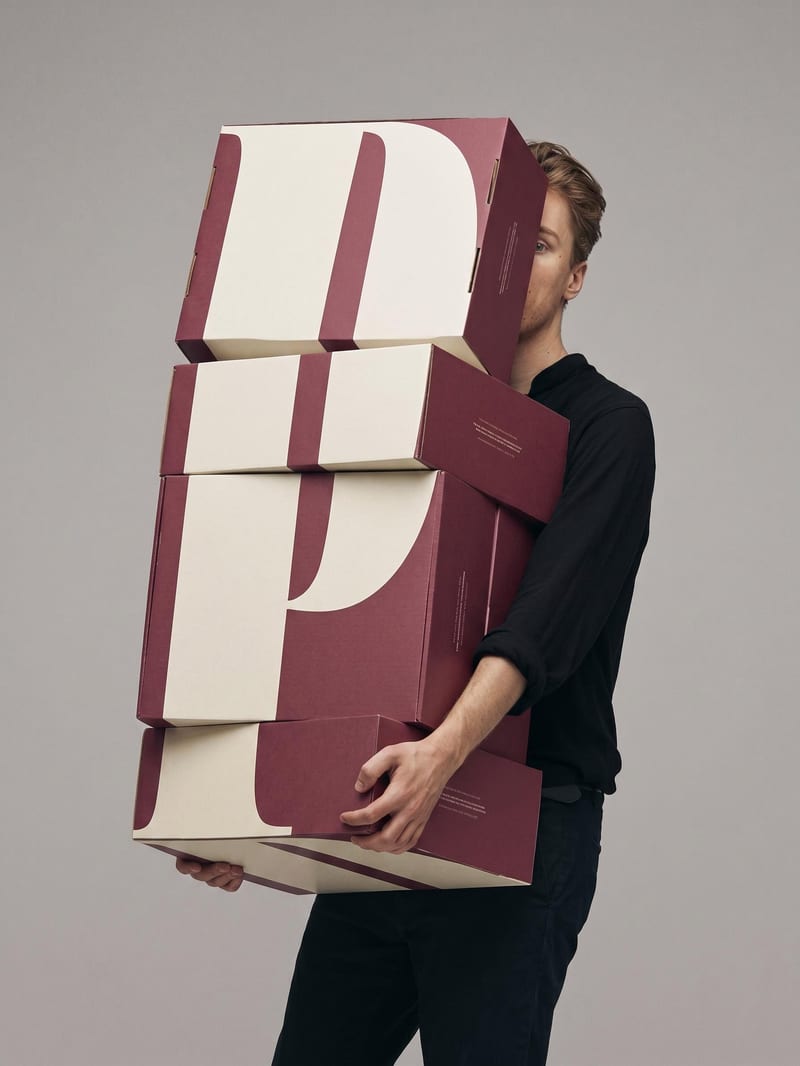
Upload a book or magazine page picture or scan to extract a clean, full-bleed version of its image.
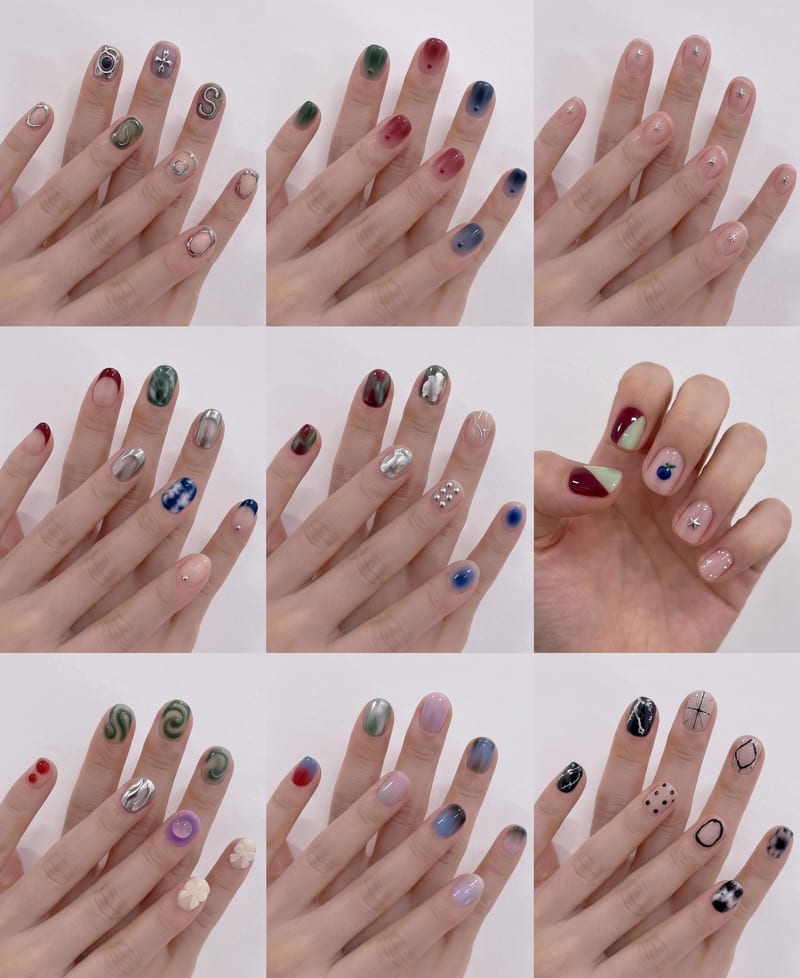
Upload a hand image and reference nail style to create a 3×3 grid of new nail design options.