Blob tracker boxes
LiveVideo
Detect
Sensitivity
Min size
Max blobs
Box color
Labels
Connect lines
Show video
One click, whole workflow
Recipes are here. Package a whole workflow and run it in one click
Explore recipesVideo detection
Add a video and get a result with detection boxes over bright, dark, or moving blobs, plus optional labels and connecting lines.
Runs in your browser. Your files are never uploaded.
A tool is a small app you describe in plain words. Try this one here, then keep it on your Fuser canvas and connect it to the rest of your work.
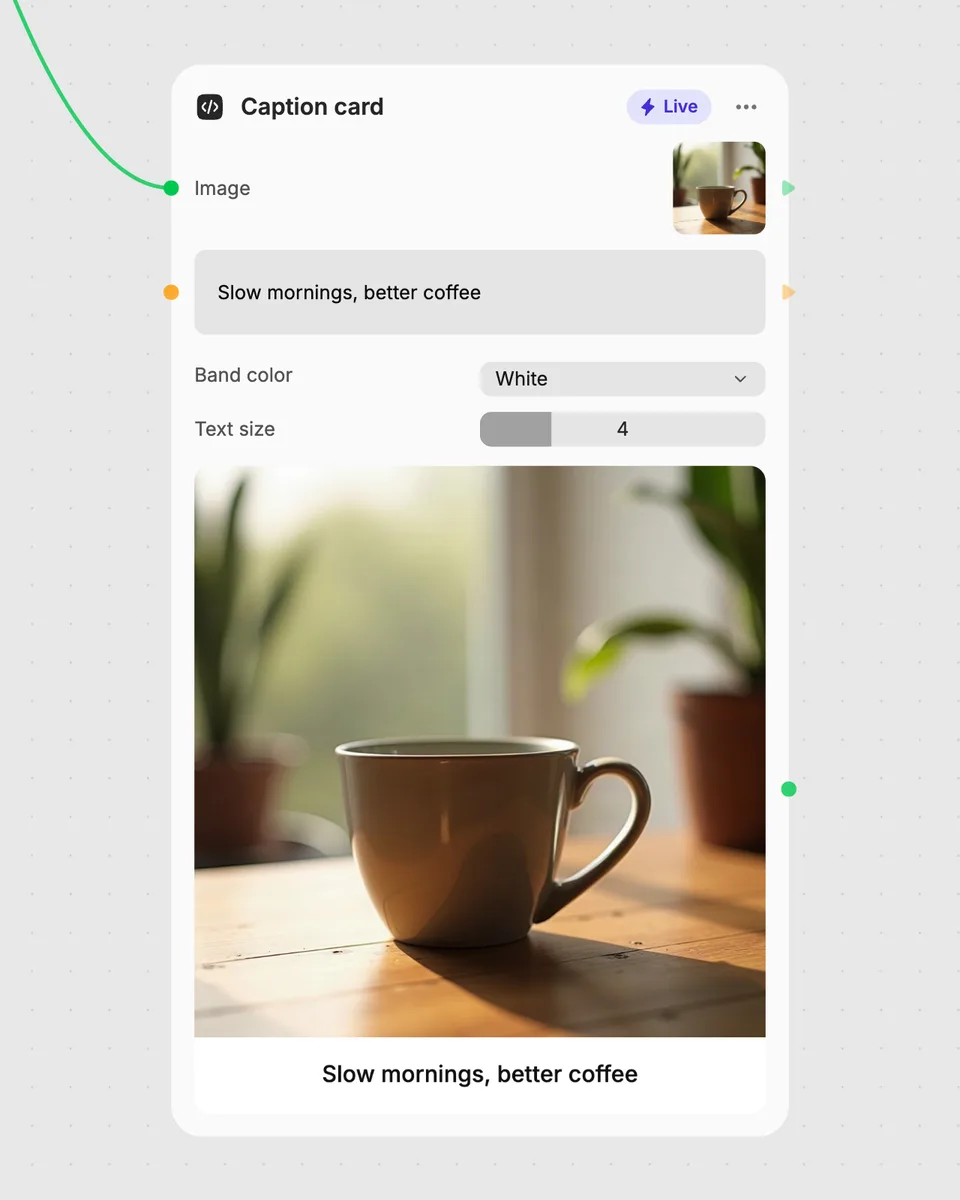
1. Try it here
Add your own file or text and adjust the controls. Live tools run in your browser, so nothing is uploaded.
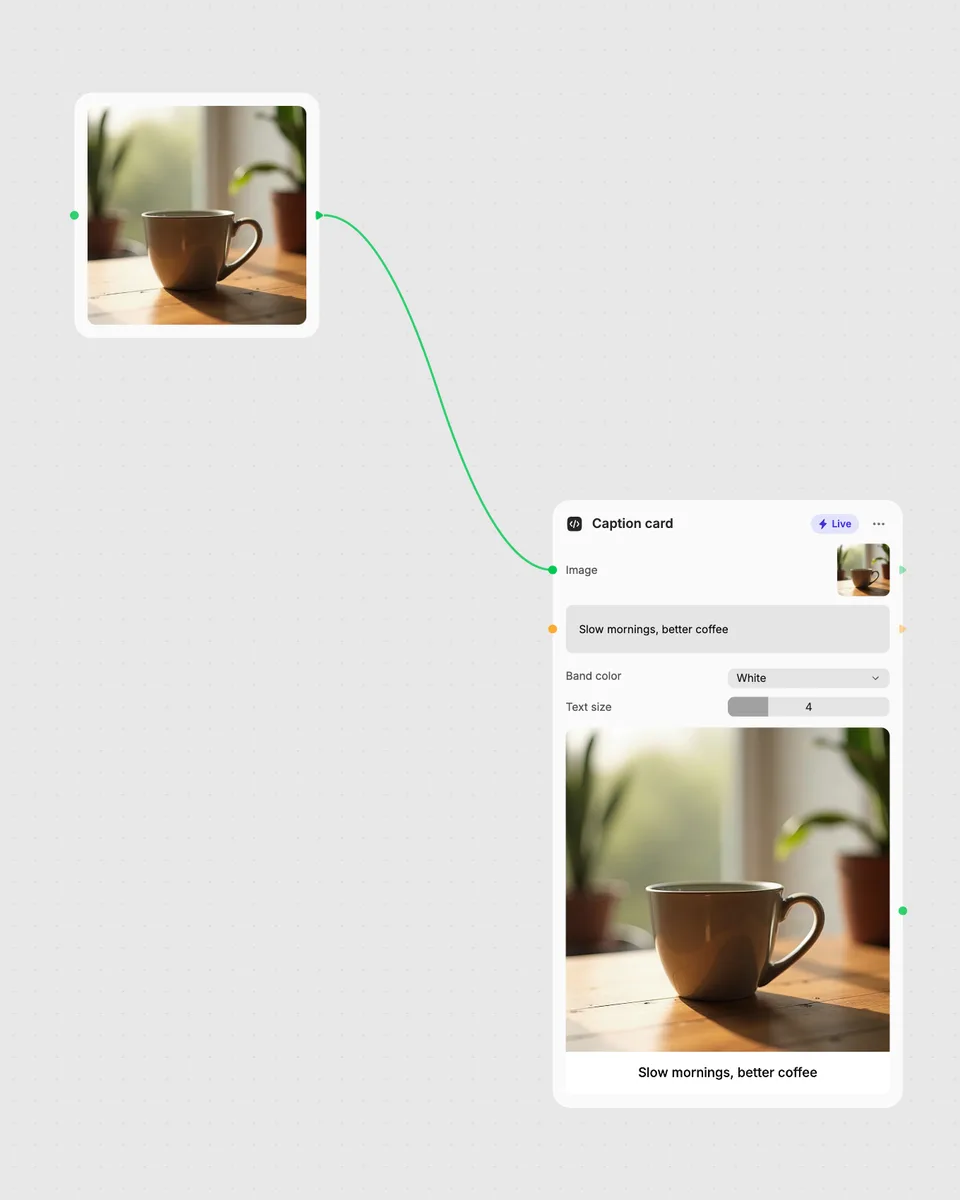
2. Open it in Fuser
Sign up free and the tool opens on your canvas with this example wired in, ready to connect to images, video or text from other nodes.
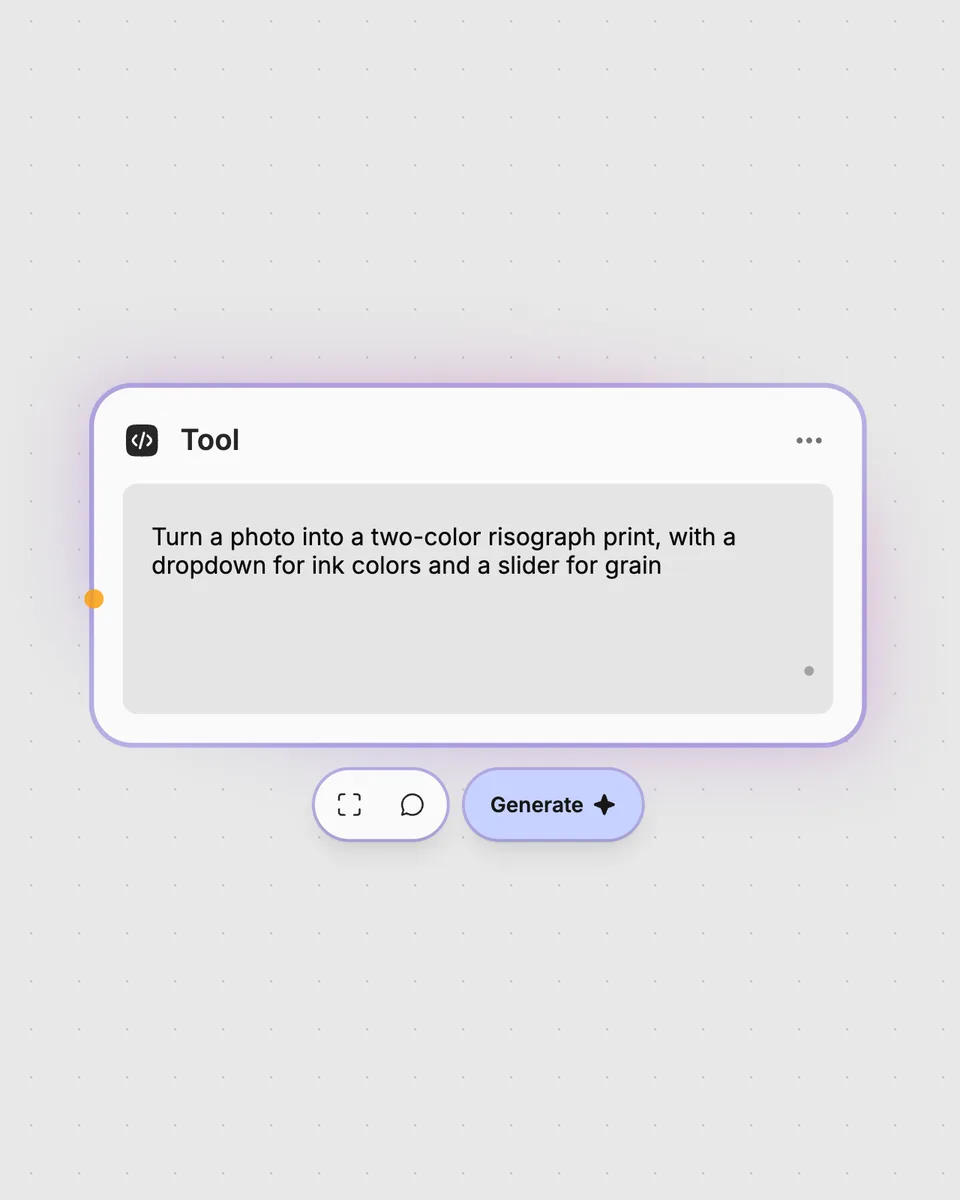
3. Describe your own
Need something different? Describe the tool you want and Fuser builds it, with the controls you asked for.
Adjust detection and overlay controls to shape the annotated video for different visual analysis and design tasks.
It takes one video and returns a video with detection squares over bright, dark, or moving blobs. You can also show labels, connect detected blobs with lines, and choose whether the original video remains visible.
Provide one video to the tool. The result updates in your browser as you change the detection mode and other controls.
Detect chooses bright, dark, or motion detection. Sensitivity, Min size, and Max blobs adjust detection behavior, while Box color, Labels, Connect lines, and Show video change the overlay appearance.
No account is needed to try the tool on this page, and it runs free in your browser. Downloading more than once or opening it in Fuser asks you to sign up.
Open the tool in Fuser and use its video result with other nodes in a larger workflow. You can adjust the controls here first, then combine the blob-overlay video with other video-processing steps.
Run it in Fuser, tune the detection overlay, and combine its video result with other nodes in your workflow.
Choose a video, set its start and end points, and get a trimmed video result directly in your browser.
Upload a video to create a reversed version, with an optional switch to reverse its sound as well.
Upload a video and adjust glitch controls to create a datamoshed result with pixel distortion, streaks, and color bleed.