QR code generator (simple)
LiveURL
Error correction
Quiet zone
Invert
One click, whole workflow
Recipes are here. Package a whole workflow and run it in one click
Explore recipesText utility
Enter text to create a QR code image, with controls for error correction, quiet zone size, and inversion.
Runs in your browser. Your files are never uploaded.
A tool is a small app you describe in plain words. Try this one here, then keep it on your Fuser canvas and connect it to the rest of your work.
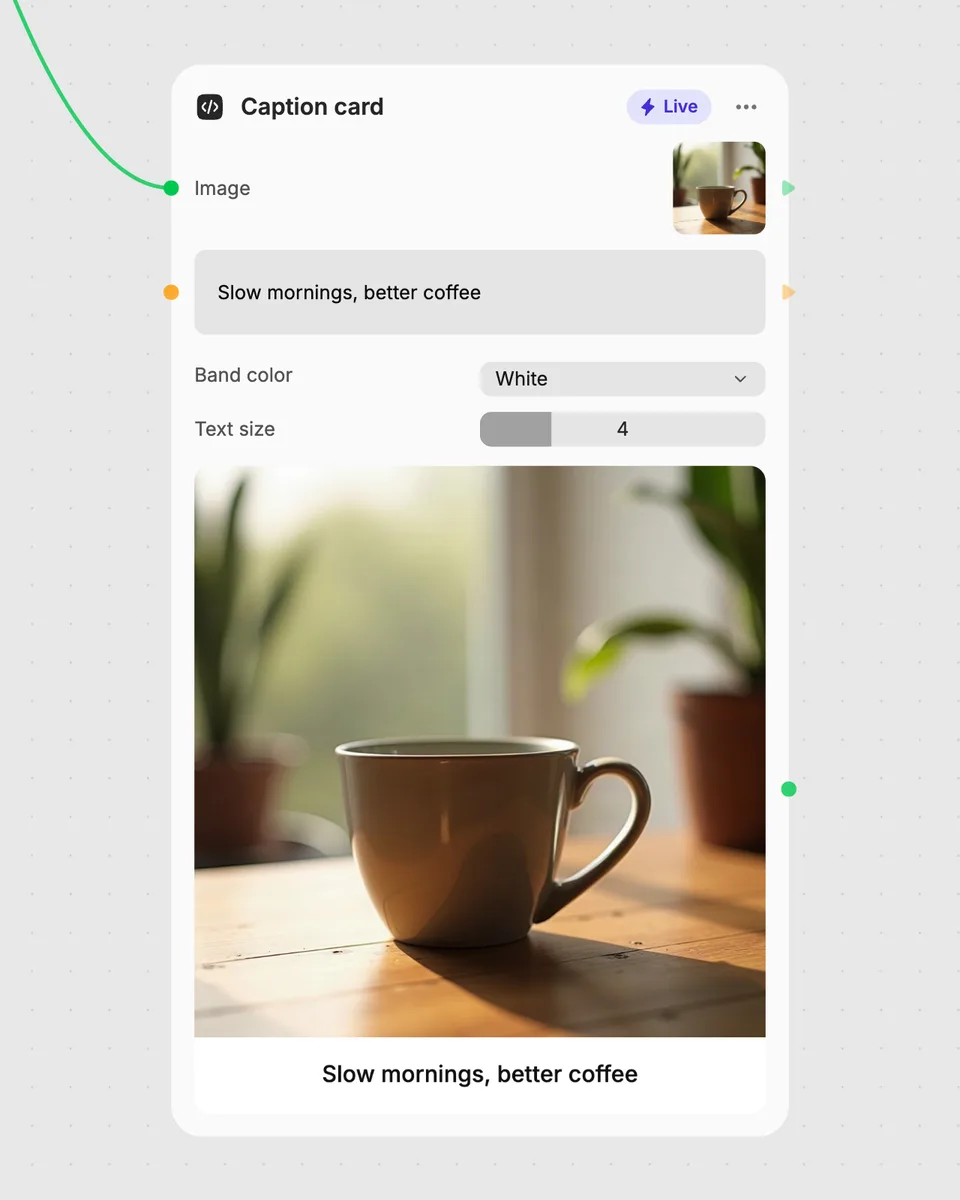
1. Try it here
Add your own file or text and adjust the controls. Live tools run in your browser, so nothing is uploaded.
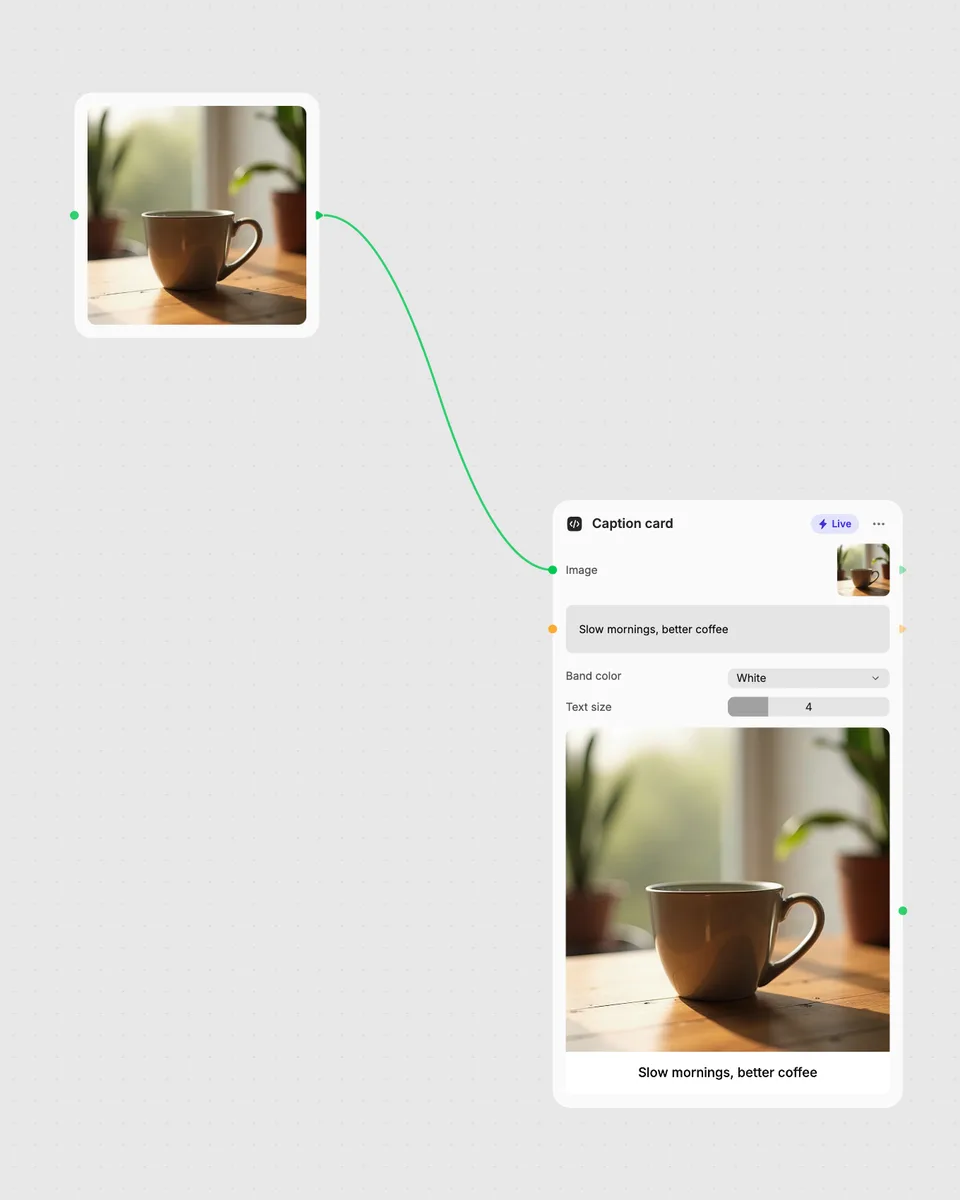
2. Open it in Fuser
Sign up free and the tool opens on your canvas with this example wired in, ready to connect to images, video or text from other nodes.
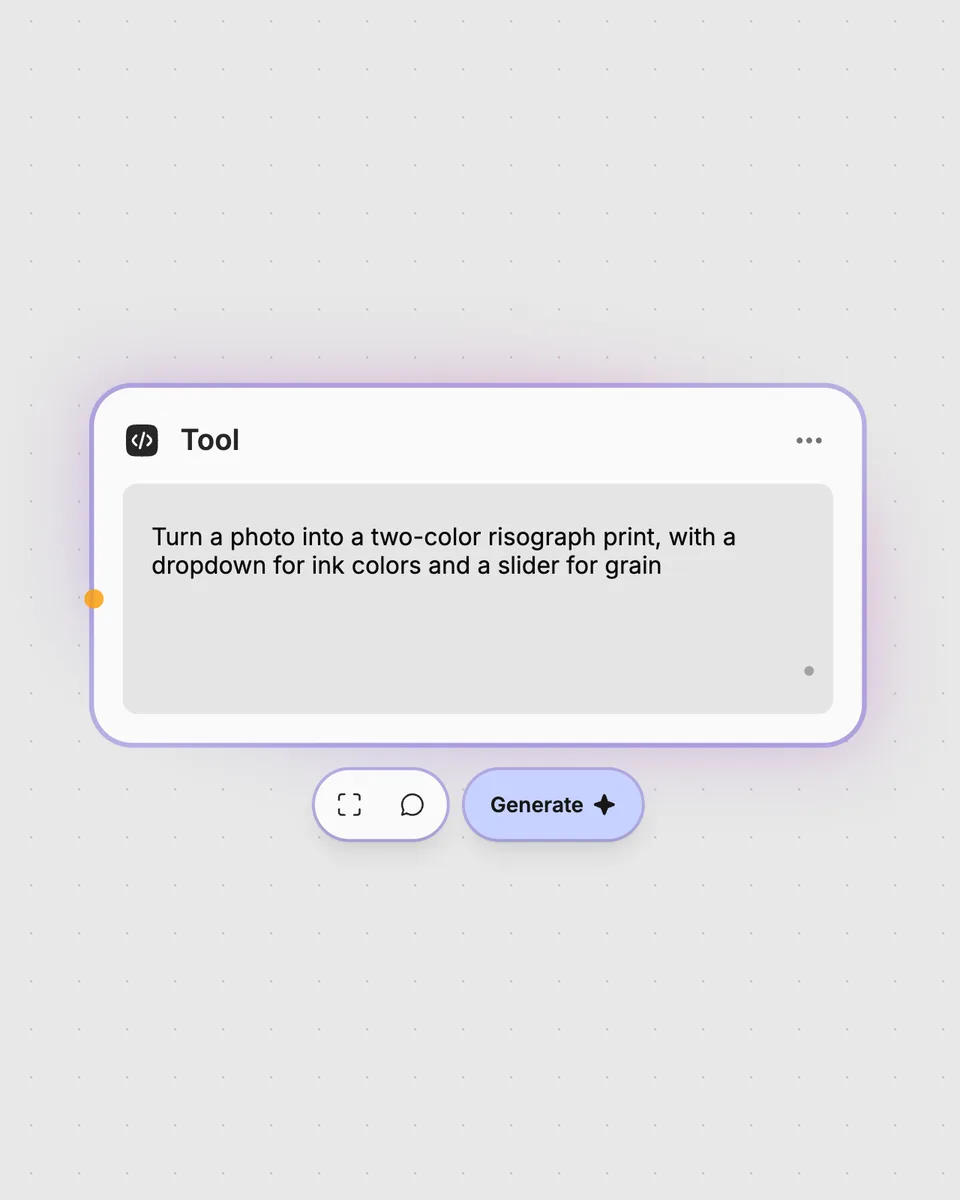
3. Describe your own
Need something different? Describe the tool you want and Fuser builds it, with the controls you asked for.
Turn different kinds of text into QR code images for sharing, labeling, and organizing information.
It takes the text you enter in the Content field and produces one QR code image. The result updates in your browser as you adjust the controls.
Error correction provides four selectable settings labeled 0, 1, 2, and 3. Quiet zone changes the margin from 0 to 10, while Invert switches the QR image between its regular and inverted presentation.
Enter the complete text you want represented in the Content field, such as a URL, contact details, or instructions. The tool accepts one text input.
No account is needed to try the tool on this page, and it runs free in your browser. Downloading more than once or opening it in Fuser asks you to sign up.
Yes. Open the tool in Fuser and combine its QR code image result with other nodes in a larger workflow.
Open the live tool, enter your text, tune its controls, and combine the resulting image with other Fuser nodes.
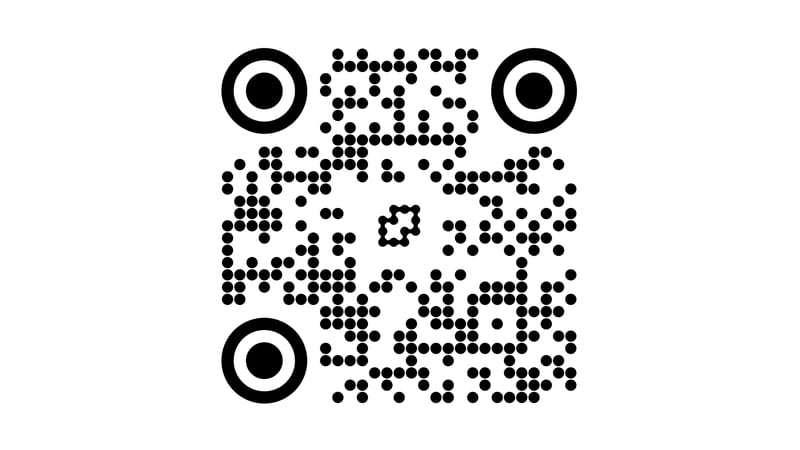
Enter a URL and optionally add a logo to generate a QR code with adjustable dots, colors, margins, and background.
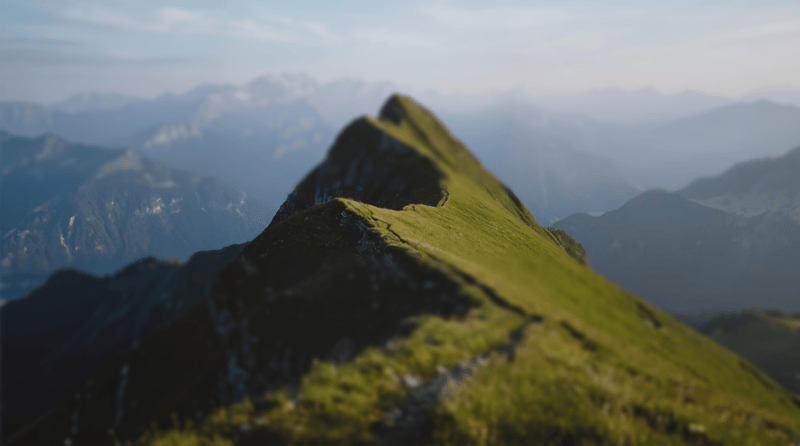
Upload an image, choose a blur style and adjust its settings to produce a blurred image.
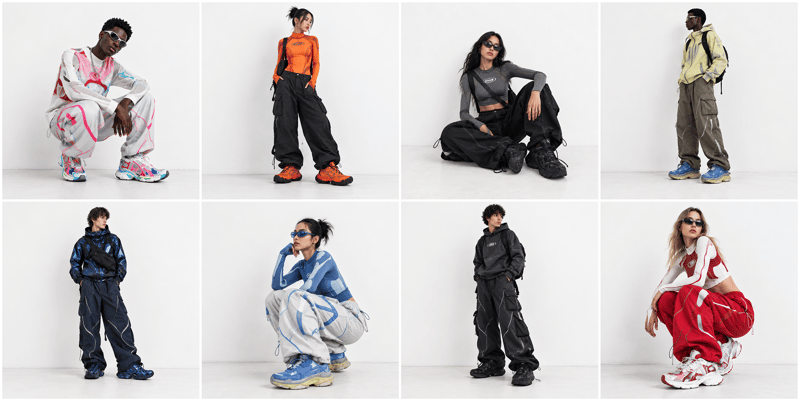
Arrange multiple images into one grid image, with controls for columns, padding, fit, and an optional background color.