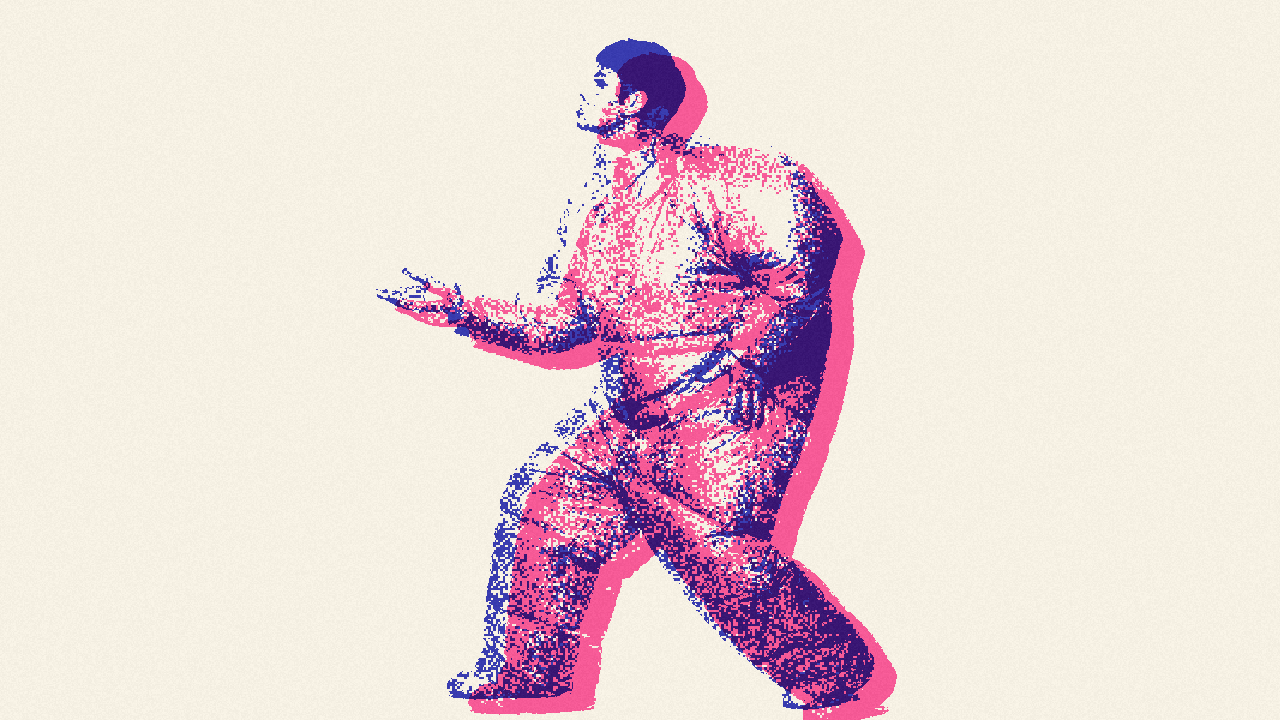
Risograph two-color
LiveImage
Dark ink
Light ink
Dark amount
Light amount
Grain
Shift X
Shift Y
Seed
One click, whole workflow
Recipes are here. Package a whole workflow and run it in one click
Explore recipesImage effect
Turn one image into a two-color risograph result with selectable inks, adjustable thresholds, grain, and horizontal or vertical misregistration.
Runs in your browser. Your files are never uploaded.
A tool is a small app you describe in plain words. Try this one here, then keep it on your Fuser canvas and connect it to the rest of your work.
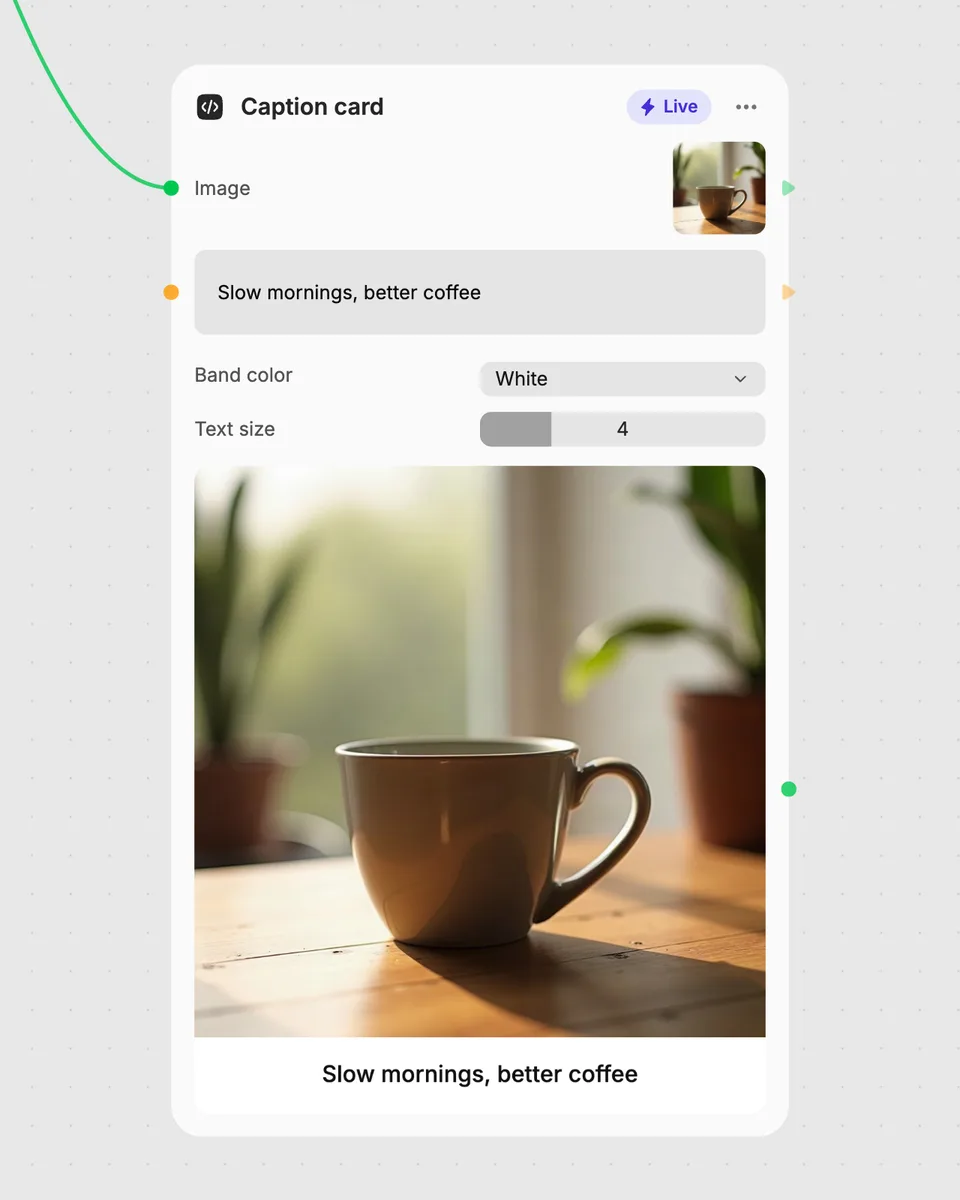
1. Try it here
Add your own file or text and adjust the controls. Live tools run in your browser, so nothing is uploaded.
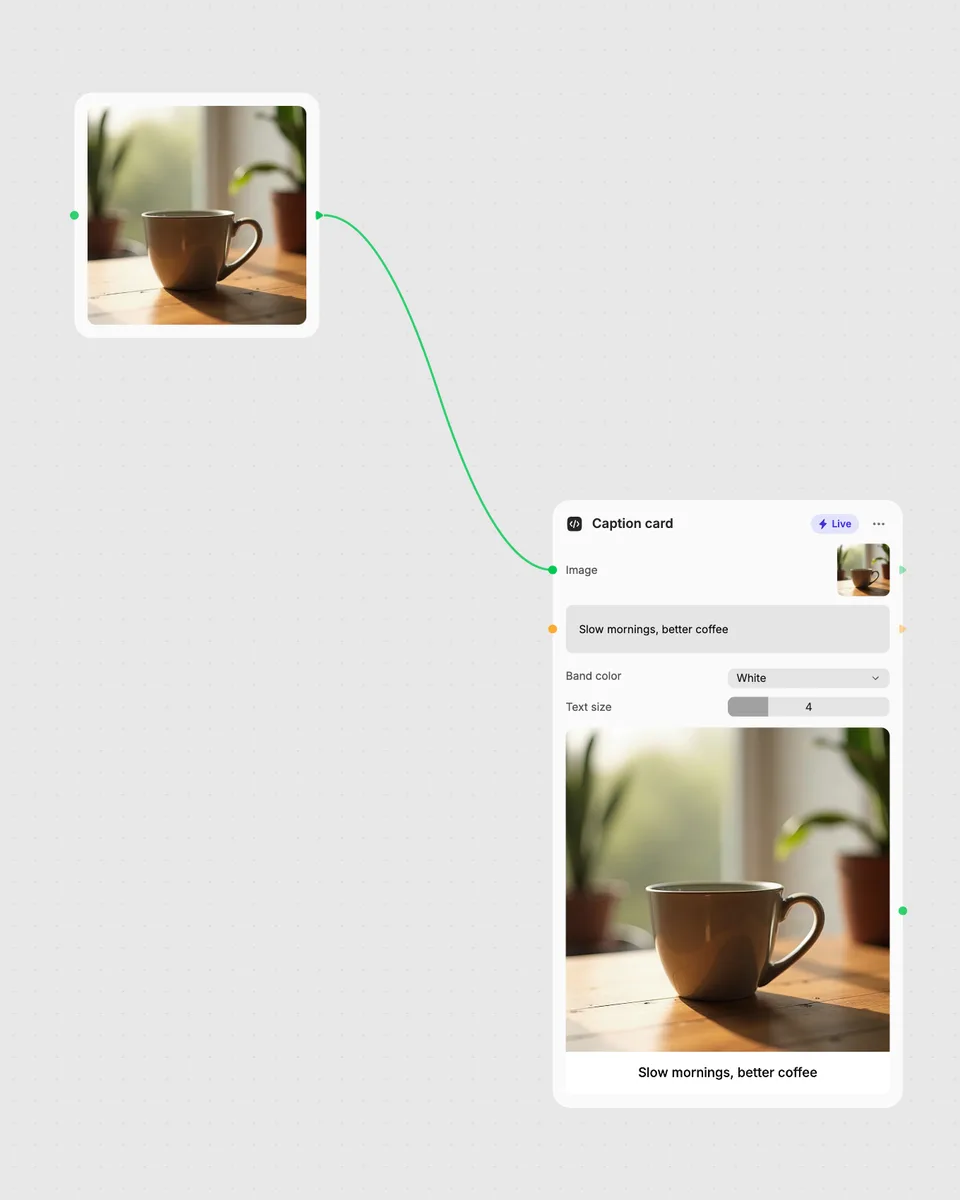
2. Open it in Fuser
Sign up free and the tool opens on your canvas with this example wired in, ready to connect to images, video or text from other nodes.
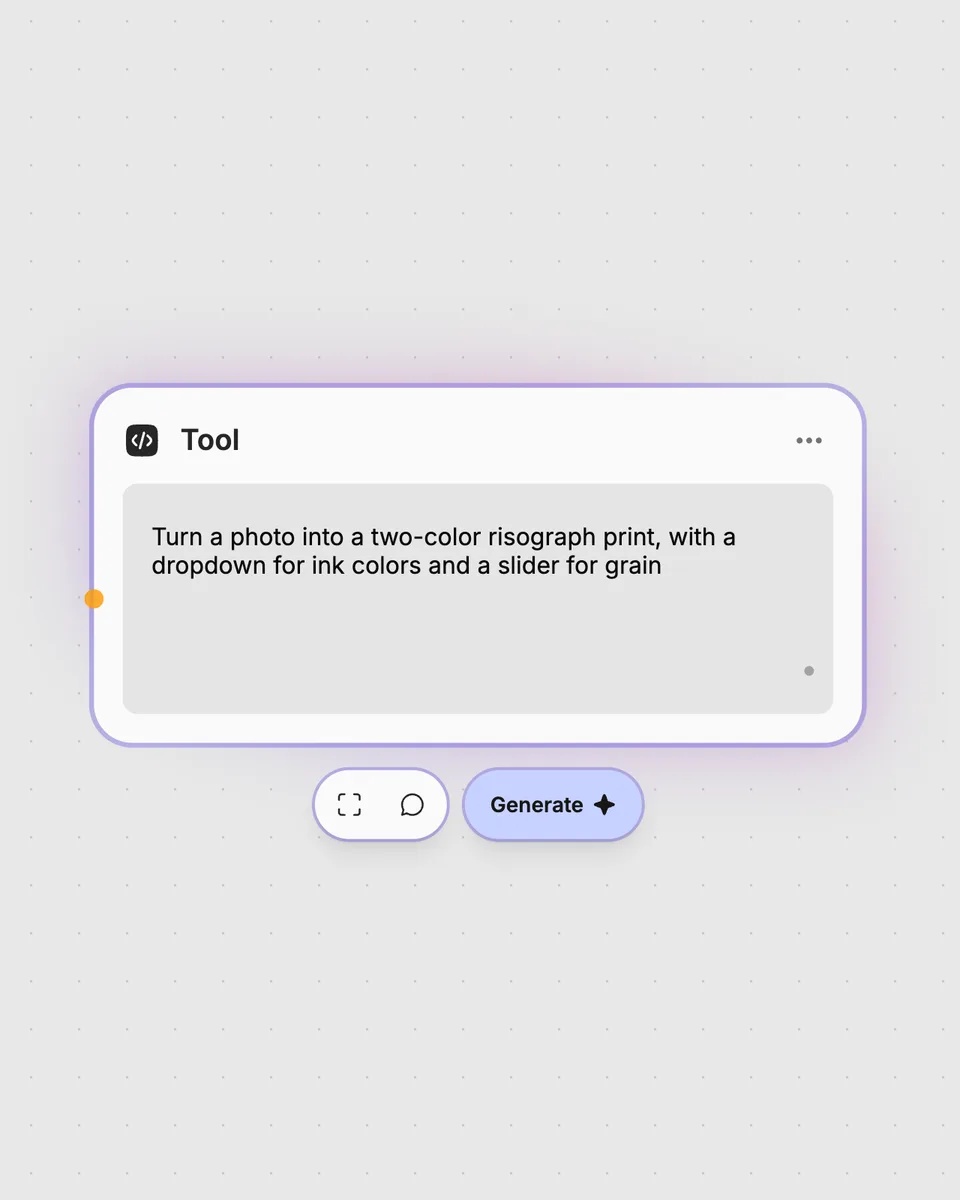
3. Describe your own
Need something different? Describe the tool you want and Fuser builds it, with the controls you asked for.
Create bold two-ink variations from a single image for print-inspired graphics and visual experiments.
It takes one image and produces one image result split across a dark ink and a light ink. You can choose both ink colors and adjust the tonal amounts, grain, and color shifting.
Provide a single image as the required input. The tool does not require multiple images.
Dark ink and Light ink choose the two colors. Dark amount and Light amount adjust each color’s threshold, Grain changes the grain setting, and Shift X and Shift Y control horizontal and vertical misregistration. Seed is an additional numeric control you can vary for the result.
Yes. The tool runs in your browser, updates as you move the controls, and is free to try on this page without an account. Downloading more than once or opening it in Fuser asks you to sign up.
Connect an image-producing node to this tool’s image input, then pass its image result to another node in your workflow. This lets you place the two-color treatment between other image steps.
Yes. As a Live tool, the image result updates in your browser while you move the sliders or change the dropdown selections.
Try the two-color result in your browser, then combine this node with other Fuser tools in a larger workflow.
Upload multiple images to create an animated GIF, then adjust frame duration and output size for the result.
Upload one image to detect and count separate objects, preview them, and receive metadata plus extracted object images.
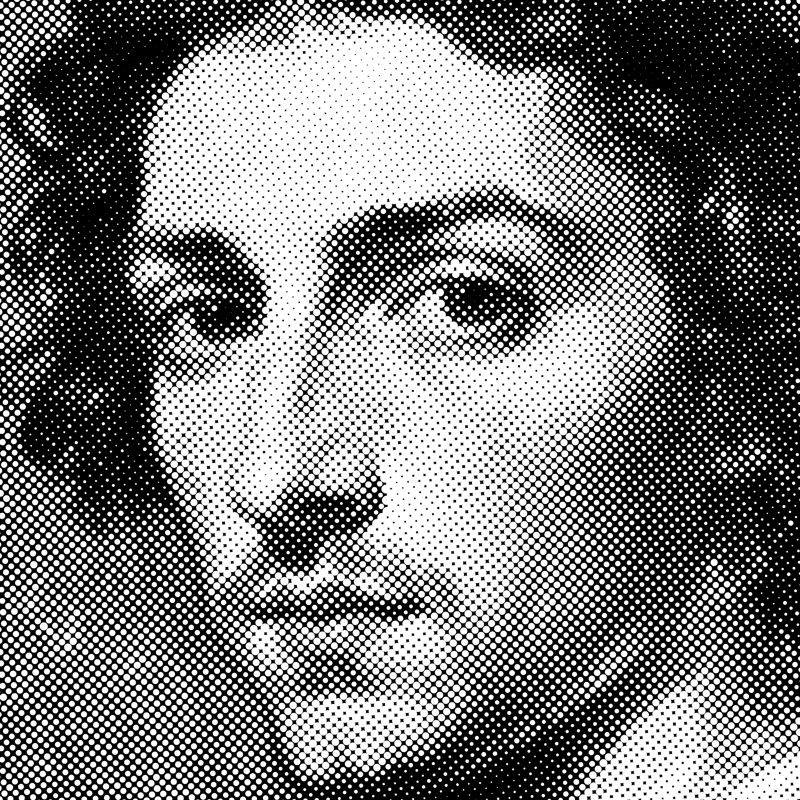
Turn an image into a halftone result with adjustable dot size, angle, color mode, and inversion.