Social reframe
LivePhoto
Detect threshold
Shadow allowance
Square fill
Portrait fill
Story fill
Story headroom
Seam feather
Square
Portrait
Story
One click, whole workflow
Recipes are here. Package a whole workflow and run it in one click
Explore recipesImage reframing
Upload one photo to create square, portrait, and story image results with adjustable detection, fill, headroom, and seam controls.
Square
Portrait
Story
Runs in your browser. Your files are never uploaded.
A tool is a small app you describe in plain words. Try this one here, then keep it on your Fuser canvas and connect it to the rest of your work.
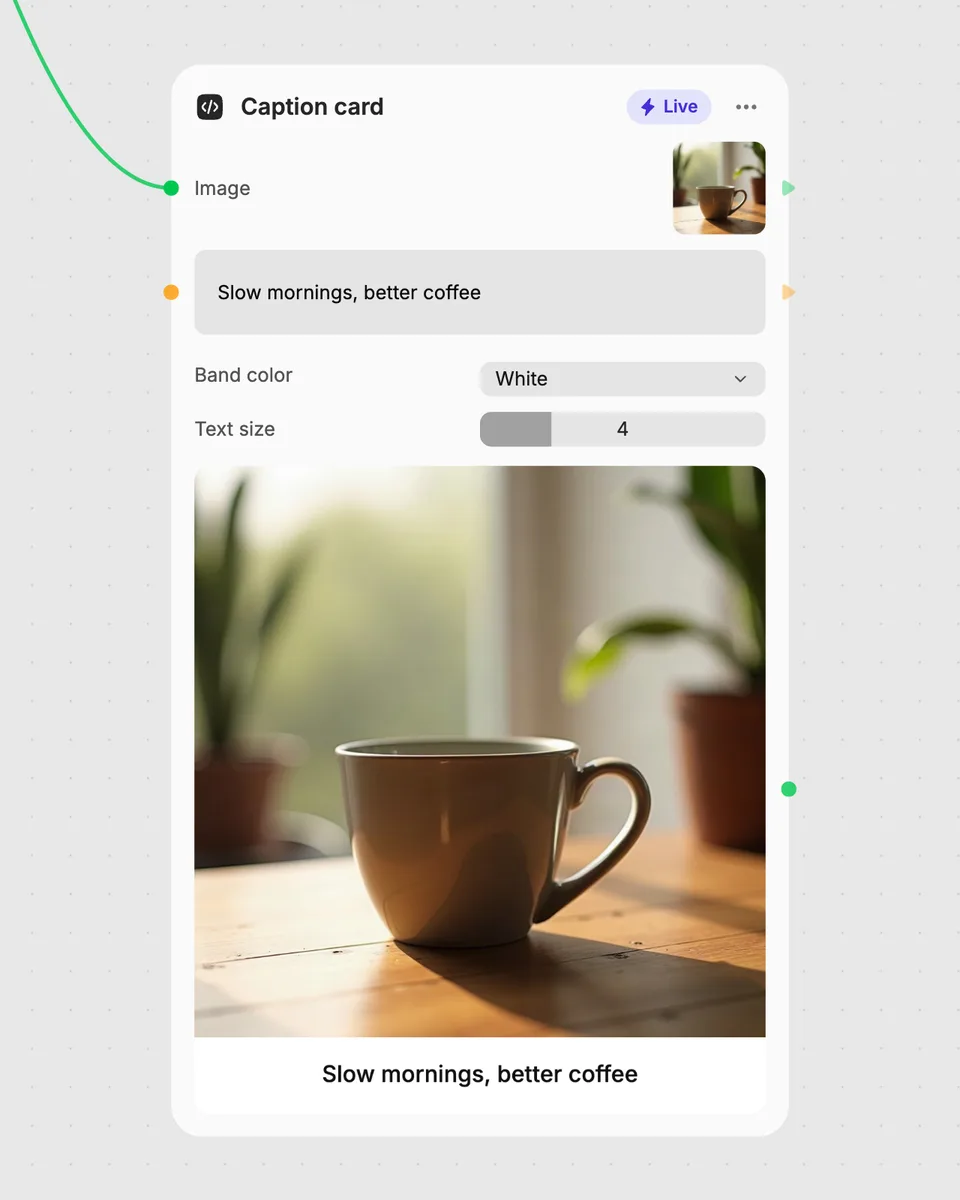
1. Try it here
Add your own file or text and adjust the controls. Live tools run in your browser, so nothing is uploaded.
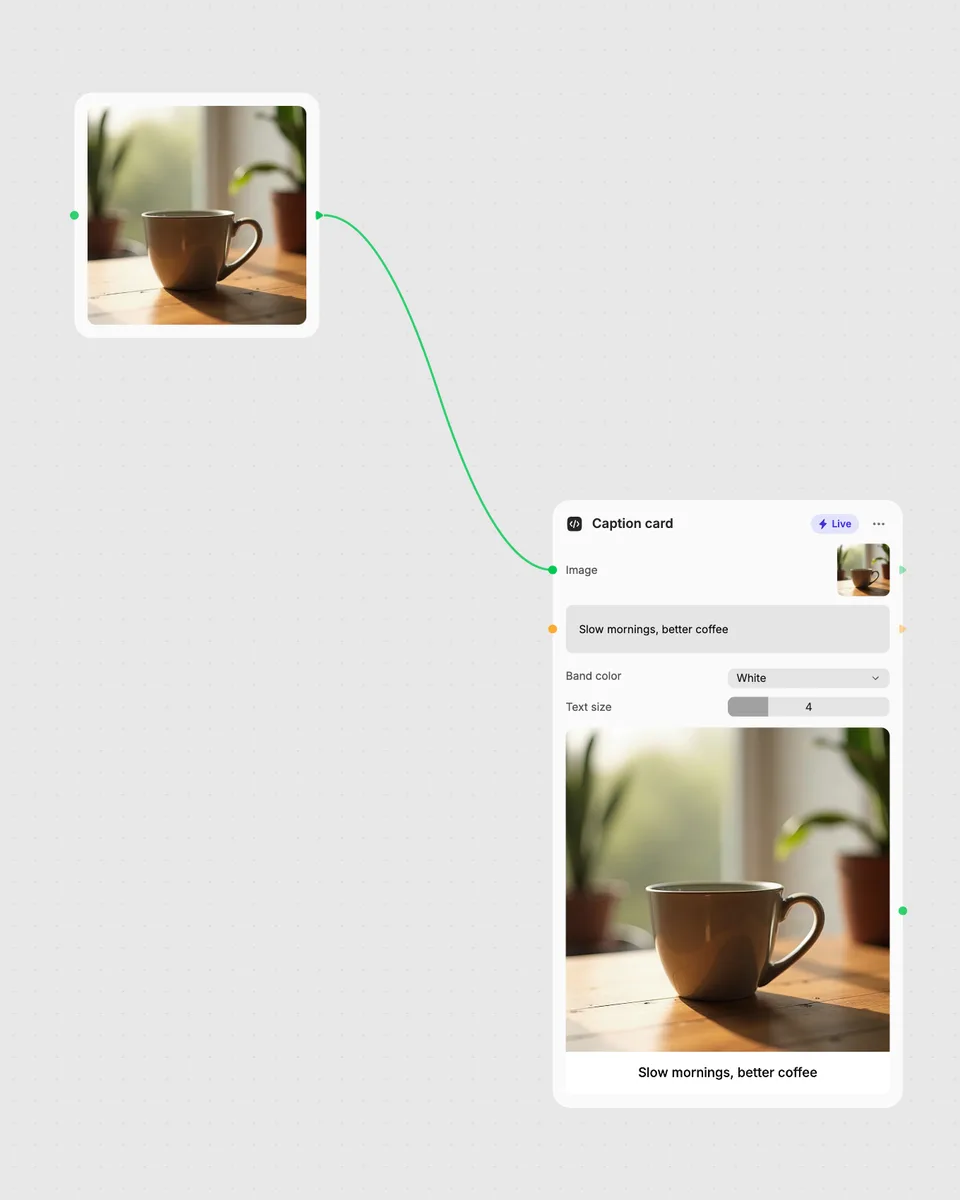
2. Open it in Fuser
Sign up free and the tool opens on your canvas with this example wired in, ready to connect to images, video or text from other nodes.
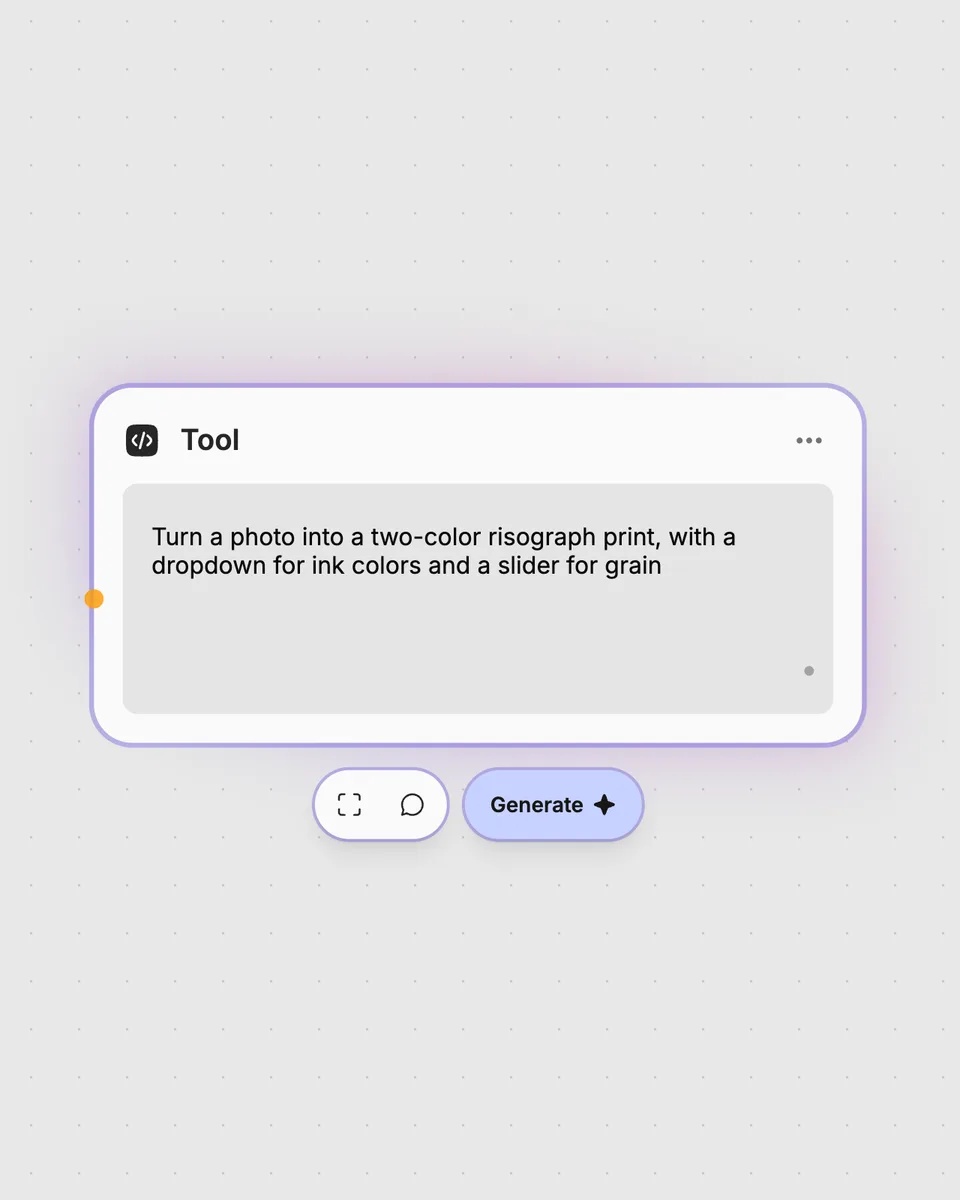
3. Describe your own
Need something different? Describe the tool you want and Fuser builds it, with the controls you asked for.
Create separate image results for square, portrait, and story layouts, then choose the version that fits your next use.
It takes one uploaded photo and produces three image results: square, portrait, and story. Sliders let you adjust detection, fill, shadow allowance, headroom, and seam feather.
The tool requires one photo as its input. Add the image you want to reframe, then review the square, portrait, and story results.
Detect threshold and Shadow allowance adjust detection-related settings. Square fill, Portrait fill, Story fill, Story headroom, and Seam feather adjust the corresponding framing or transition settings for the results.
Yes. You can try the tool on this page without an account, and the result updates as you move the controls. Downloading more than once or opening it in Fuser asks you to sign up.
Open the tool in Fuser and connect its image results to other nodes in your workflow. The square, portrait, and story outputs can each continue into the next step.
Try the photo reframe in your browser, adjust all three outputs live, and combine its results with other Fuser nodes.
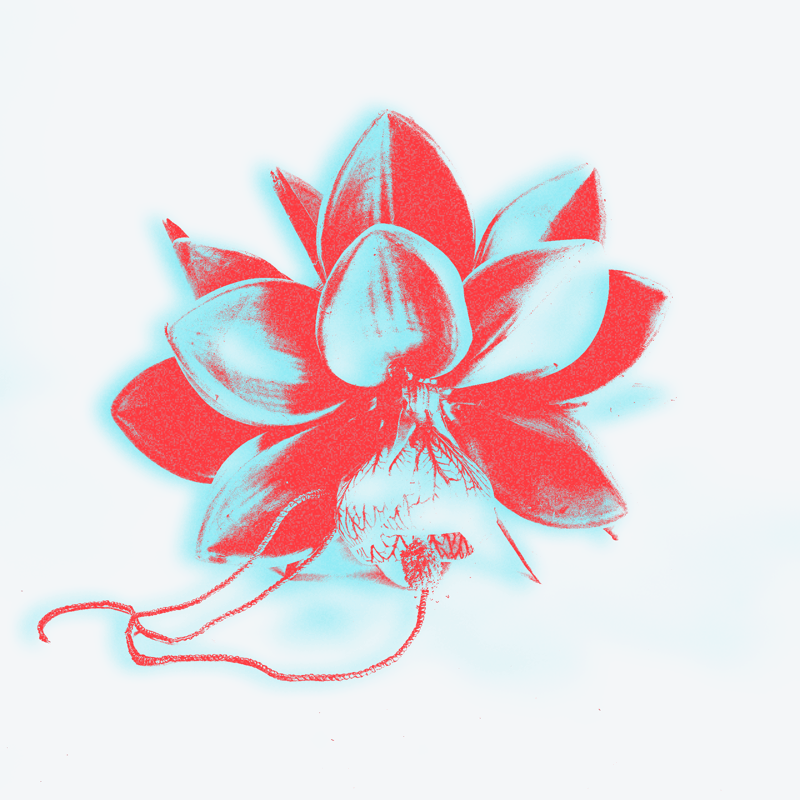
Upload an image and get a coral-and-cyan anaglyph-style result with adjustable threshold, glow, grain, and color shift.
Upload multiple images to create an animated GIF, then adjust frame duration and output size for the result.
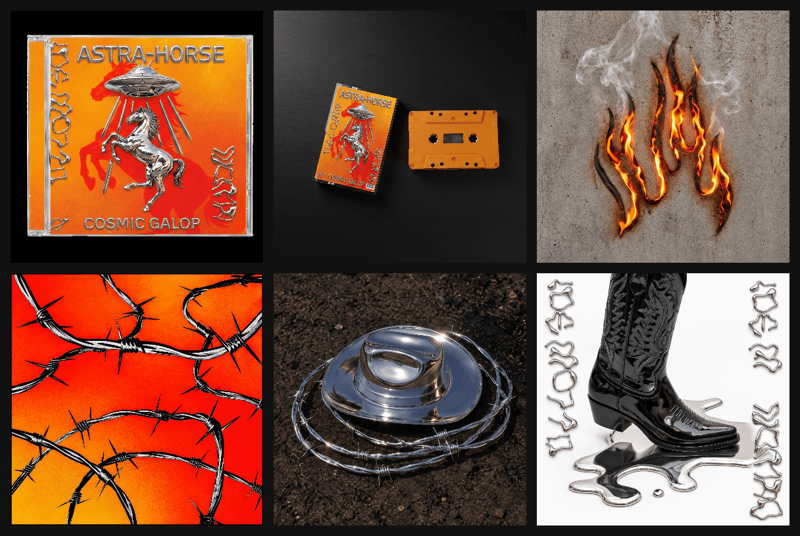
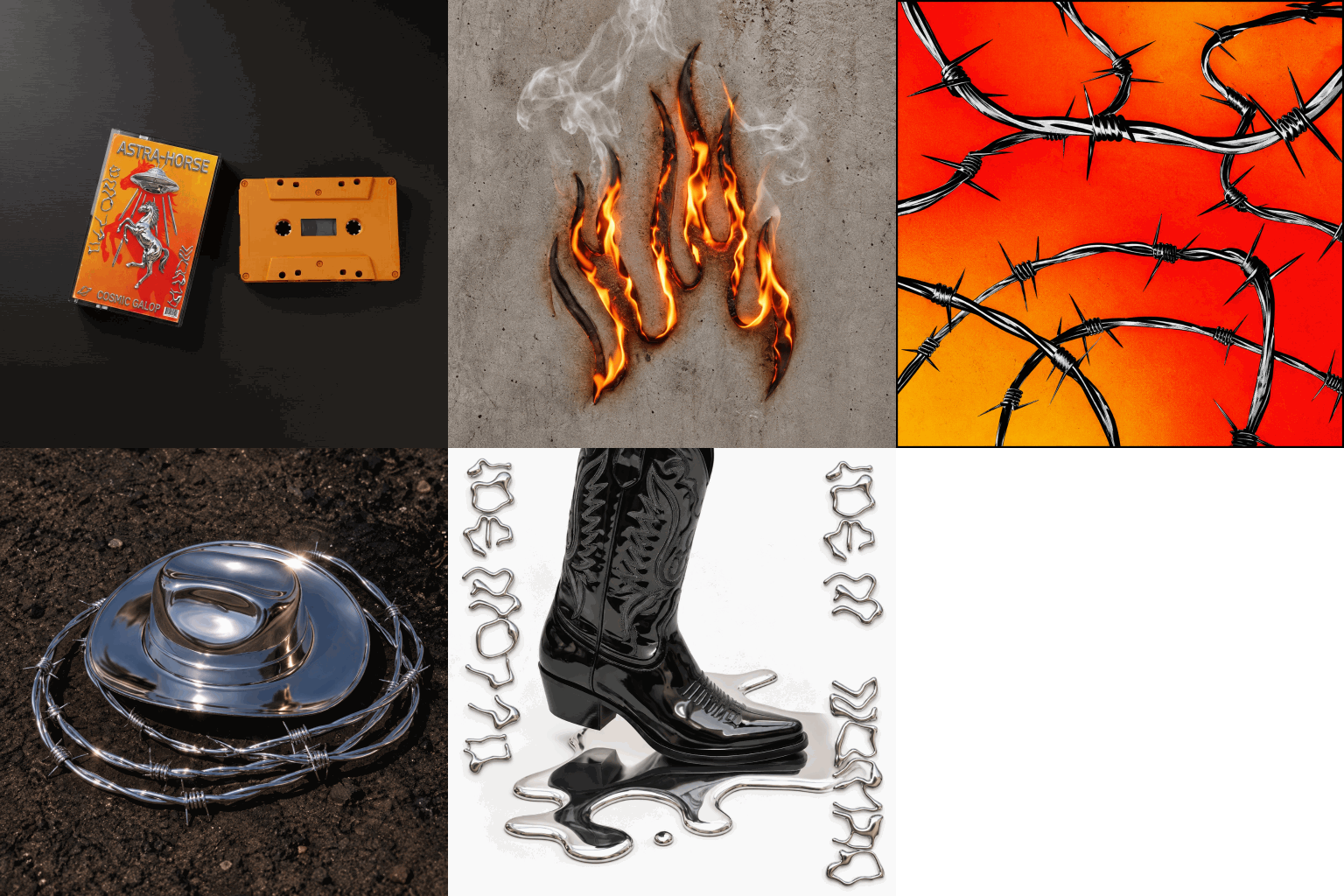
Arrange multiple images into a single contact sheet with adjustable columns, cell size, spacing, and background color.