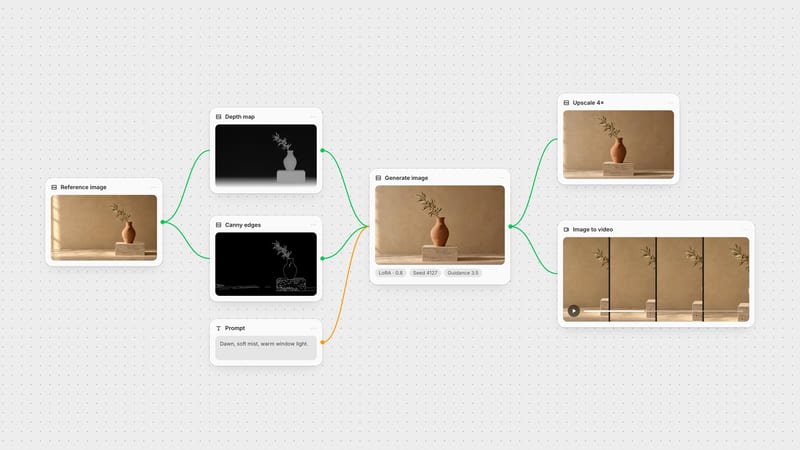
One click, whole workflow
Recipes are here. Package a whole workflow and run it in one click
Explore recipesOne click, whole workflow
Recipes are here. Package a whole workflow and run it in one click
Explore recipesExtract razor-sharp wireframe contours and locked structural silhouettes for precision ControlNet generation
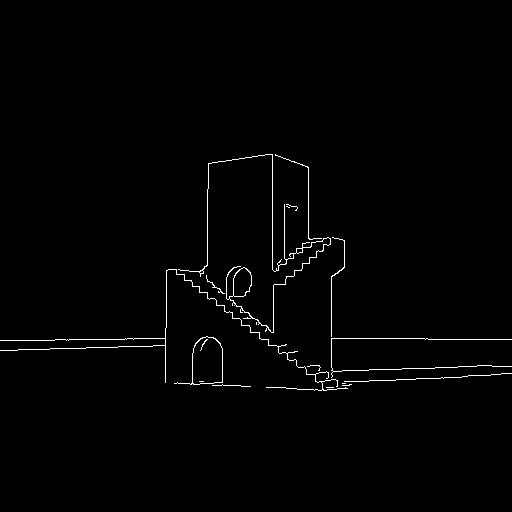
Transform source photos and graphic designs into rigid mathematical line maps in three calibrated steps.
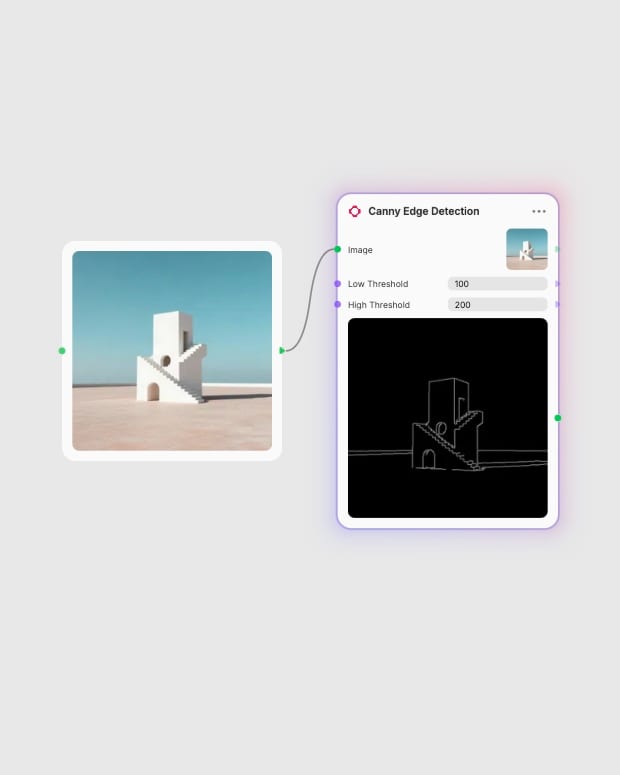
Supply source imagery
Upload a high-contrast photograph, packaging layout, or architectural elevation with defined lighting.
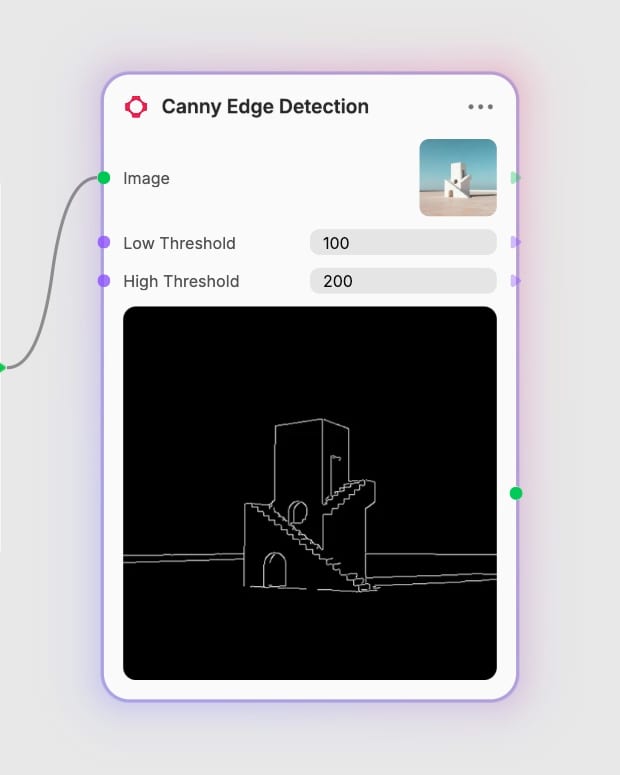
Balance dual thresholds
Set the low and high hysteresis values in a balanced ratio to capture essential silhouettes without surface noise.
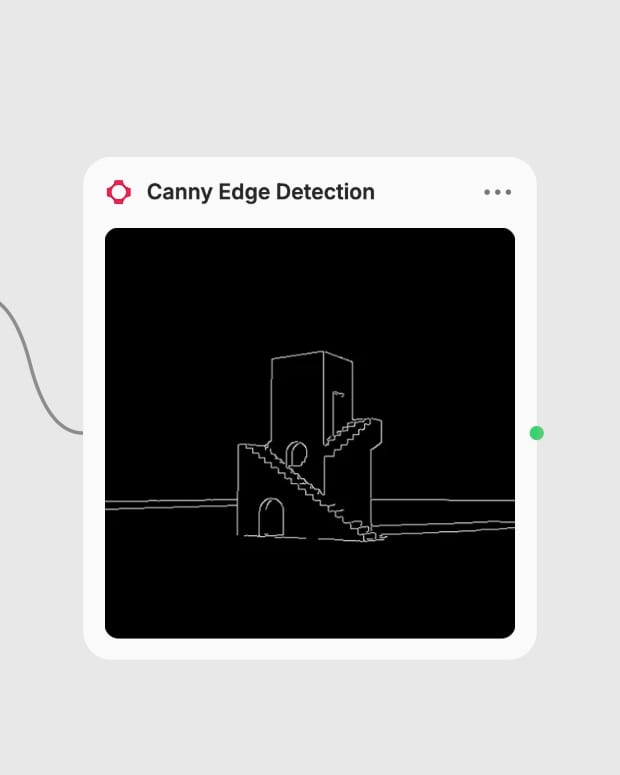
Generate binary wireframe
Produce a crisp, single-pixel white contour map over pure black ready to condition downstream generative models.
From dual-threshold hysteresis to single-pixel thinning, discover how deterministic edge extraction anchors generative geometry.
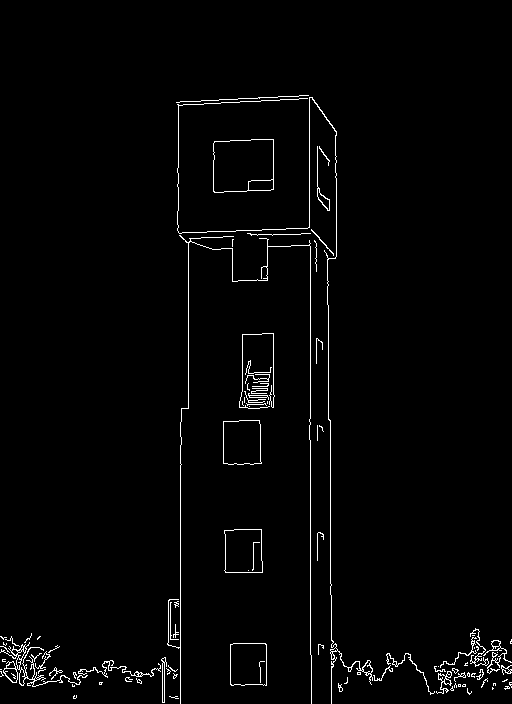
Dual-Threshold Hysteresis
Link continuous structural contours while filtering out background texture by pairing low and high gradient thresholds across complex architectural silhouettes.
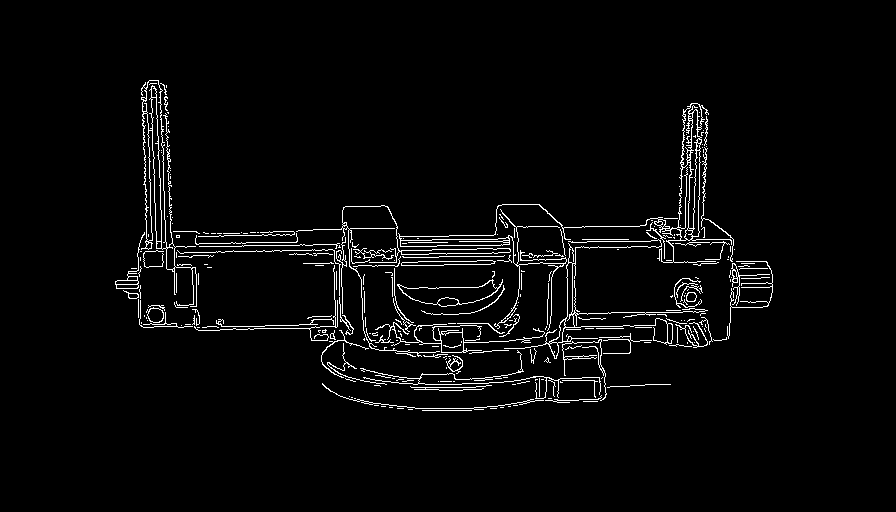
Single-Pixel Outline Thinning
Thin intensity gradients down to precise one-pixel-wide lines that preserve the mathematical curves and silhouette edges of industrial hardware.
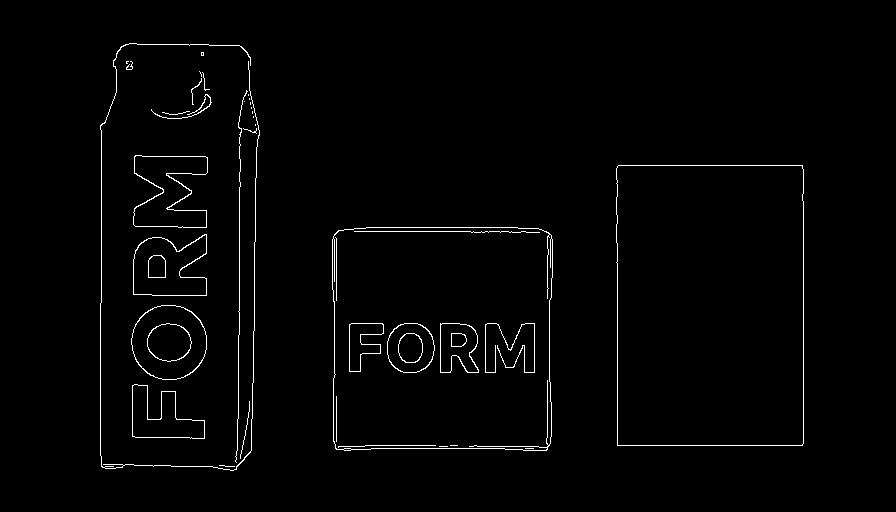
Packaging and Vector Alignment
Extract crisp outer boundaries from typography and packaging templates to guarantee exact 1:1 placement in downstream rendering pipelines.
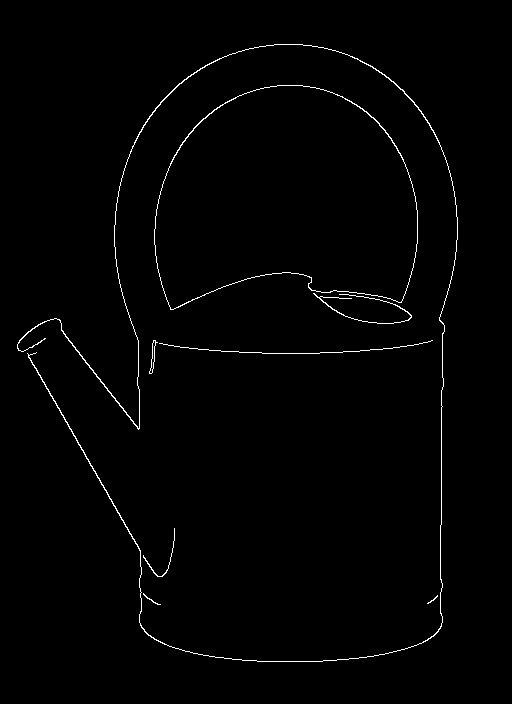
Binary High-Contrast Separation
Eliminate grayscale gradients and tonal shading to isolate pure boundary vectors against an absolute black ground.
Explore high-contrast source subjects spanning architecture, product engineering, and graphic identity translated into razor-sharp wireframes.
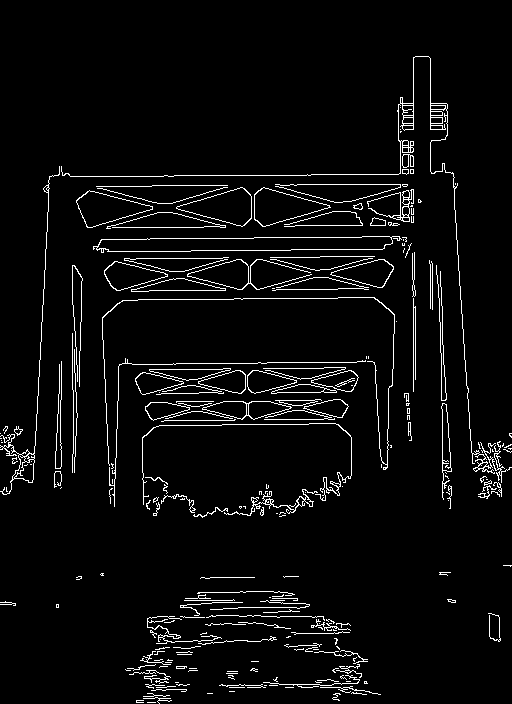
Cinematic industrial infrastructure with stark silhouette lines
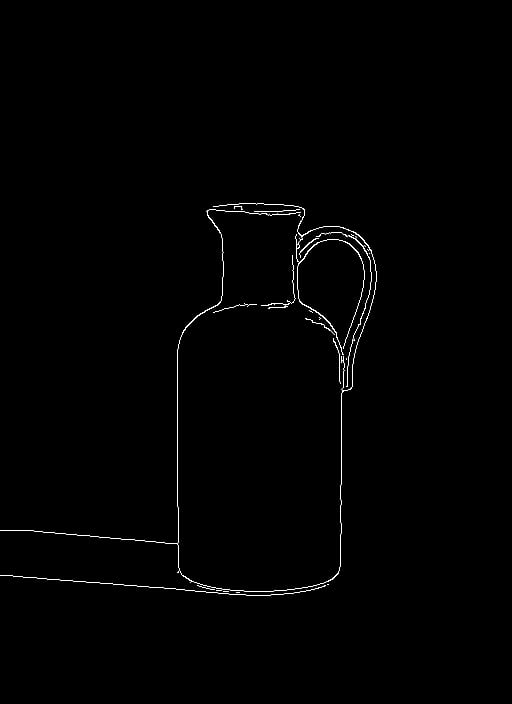
Minimalist ceramic product silhouette under directional sunlight
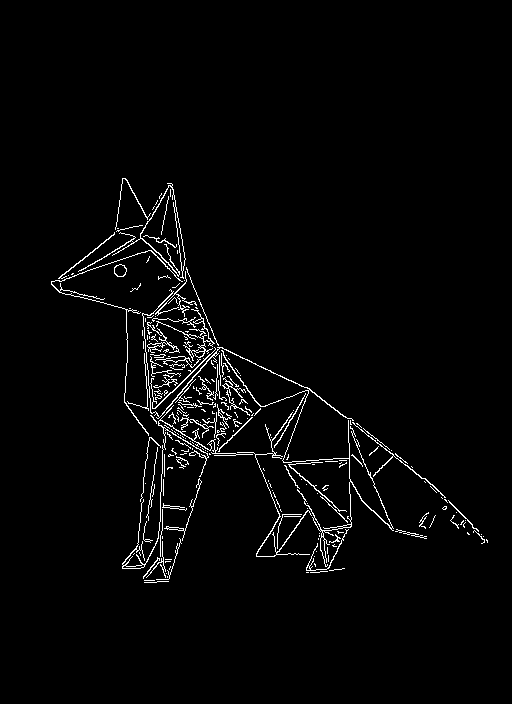
Graphic mechanical animal contour on saturated ground
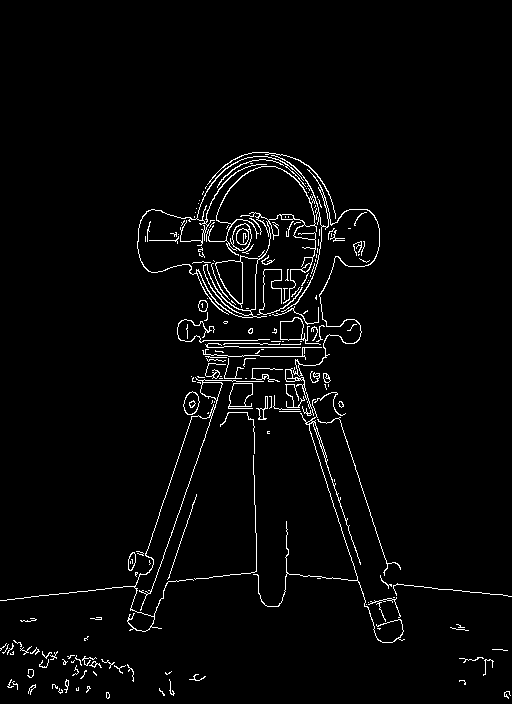
High-contrast technical instrument framing in natural dawn light
See how technical directors, packaging designers, and visual artists lock spatial compositions across generative workflows.
It extracts crisp, single-pixel wireframe outlines from images to guide ControlNet workflows in models like Stable Diffusion, SDXL, and FLUX. By locking the exact spatial boundaries and silhouettes of an input image, it allows you to generate new scenes, textures, and styles while rigidly preserving the original geometry.
The high threshold marks the minimum gradient intensity required to guarantee an edge, while the low threshold chains weaker adjacent gradients to strong boundaries. A standard hysteresis ratio sets the low threshold at approximately half the high threshold (such as 100 low and 200 high). Lowering the low threshold captures delicate details, while raising the high threshold isolates primary outer silhouettes.
Avoid Canny edge detection when working with human character poses, organic shading, or low-contrast images. Canny detects every minor crease in clothing and background texture, which can make downstream character renders stiff and cluttered. For human posing or depth estimation, specialized pose or depth estimators are more effective.
High-contrast images with clearly defined borders between subjects and backgrounds produce the cleanest line art. If your source image contains heavy background noise or fine textures like grass or gravel, applying a light Gaussian blur beforehand or increasing the high threshold helps prevent unwanted edge clutter.
Extract razor-sharp wireframe contours and locked structural silhouettes for precision ControlNet generation