One click, whole workflow
Recipes are here. Package a whole workflow and run it in one click
Explore recipesOne click, whole workflow
Recipes are here. Package a whole workflow and run it in one click
Explore recipesbyTencent ARC
Eliminate compression noise and restore crisp edges across illustrations, textures, and archival scans without altering original colors

From standard JPEG cleanups to high-ratio archival scaling, configure model architectures, tiling thresholds, and facial reconstruction in three straightforward steps.
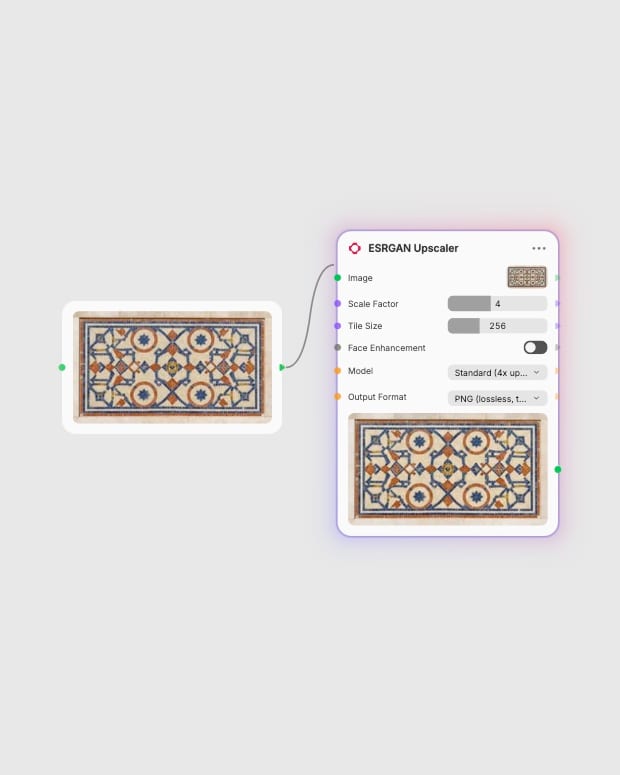
Upload source image
Select any compressed photo, concept art render, or 2D illustration up to 8x scale.
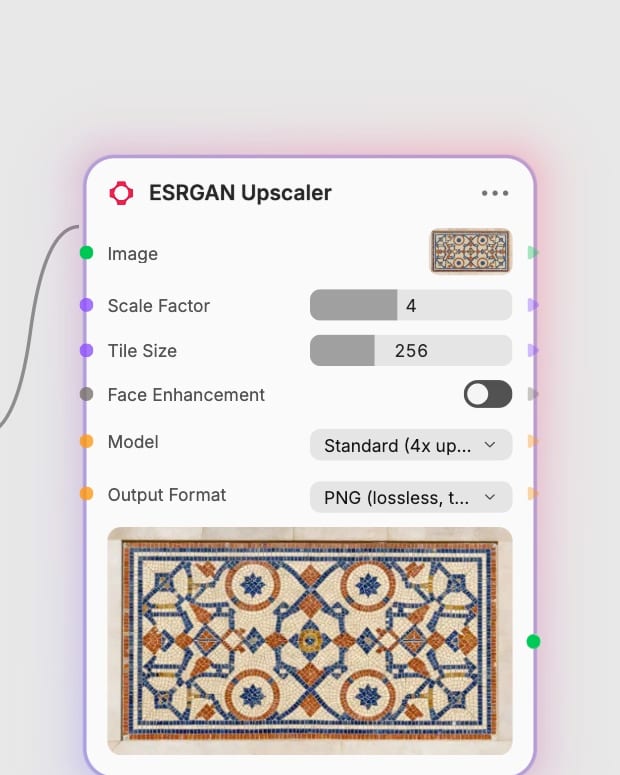
Choose network model
Select the specialized anime, wide-denoise, or general photographic model and toggle face enhancement.
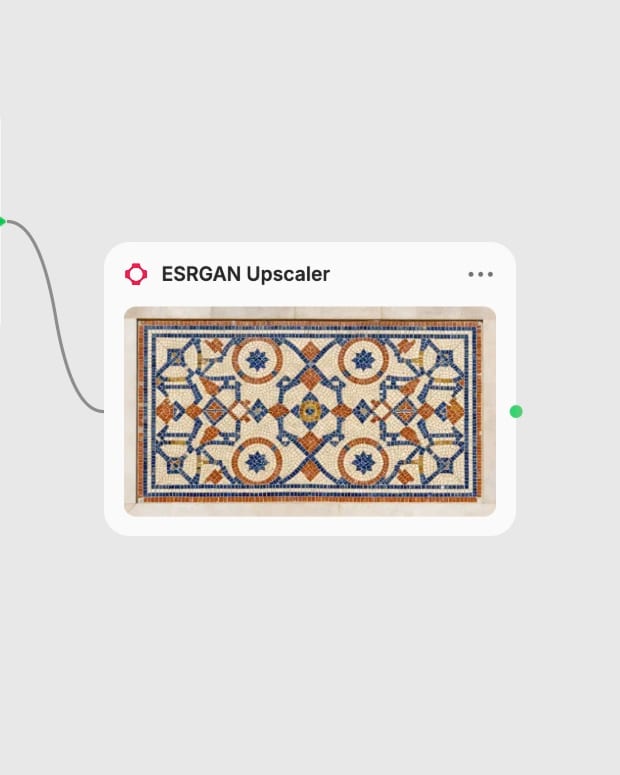
Export clean resolution
Download your artifact-free PNG or JPEG output with sharp boundaries and preserved source lighting.
Built on a residual-in-residual dense network, Real-ESRGAN delivers non-generative super-resolution with specialized sub-models for anime, denoising, and human faces.
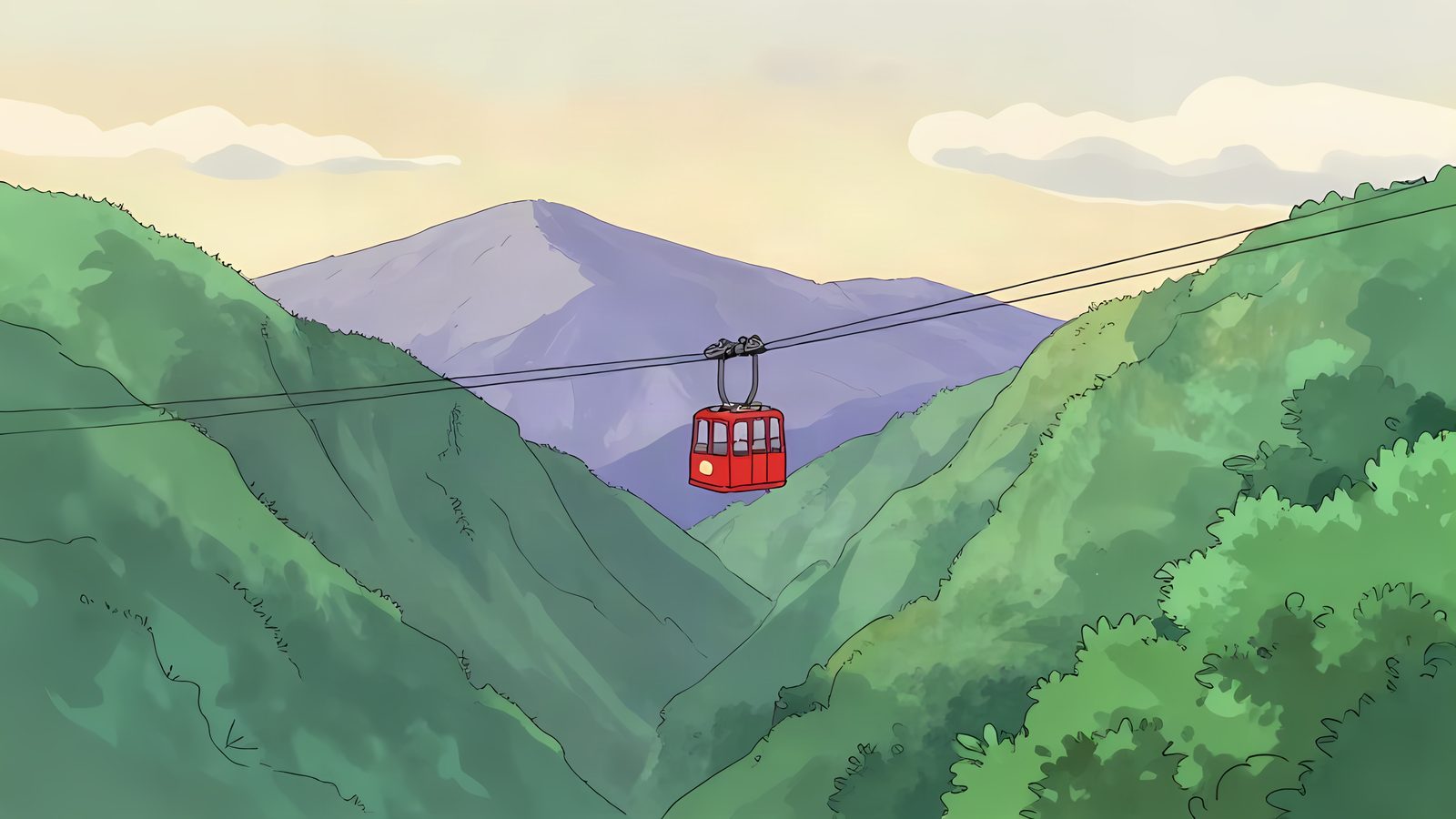
Dedicated Anime Architecture
The lightweight 6-block anime model eliminates ringing halos and compression noise while preserving razor-sharp contour line-art and pure flat fills.
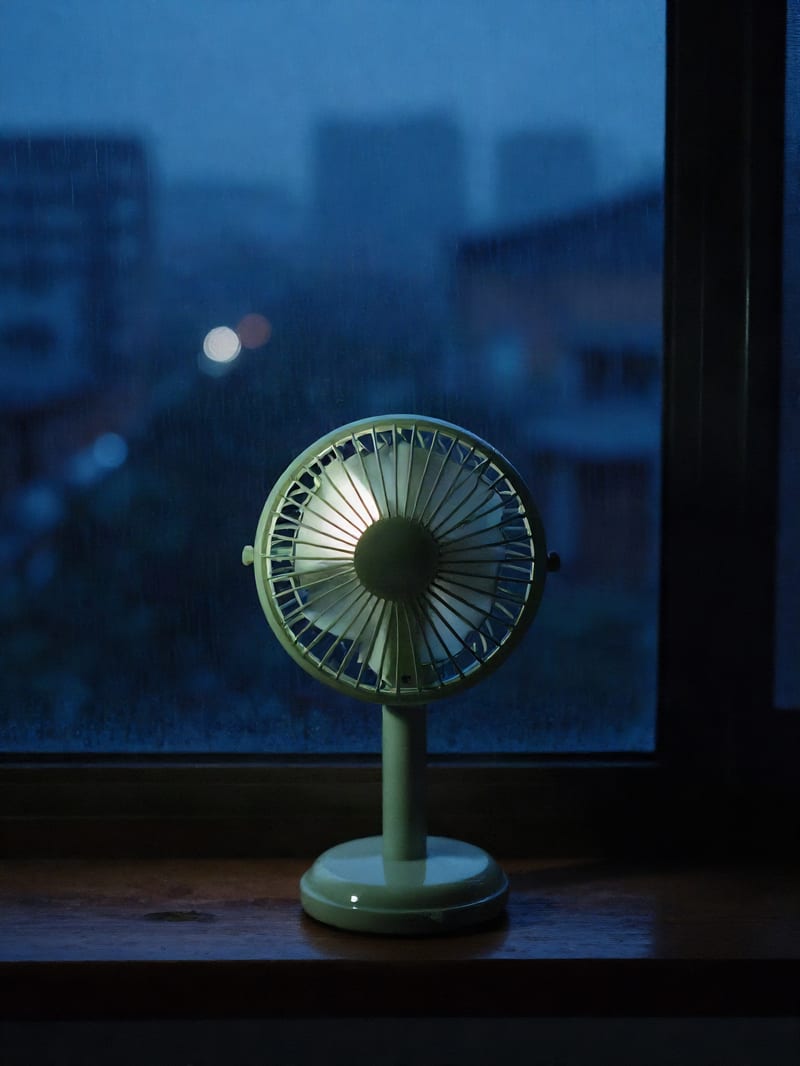
Real-World Denoising
The Wide Denoise pipeline cleans sensor noise and heavy JPEG blocking from vintage photos and low-light captures without blurring delicate micro-textures.
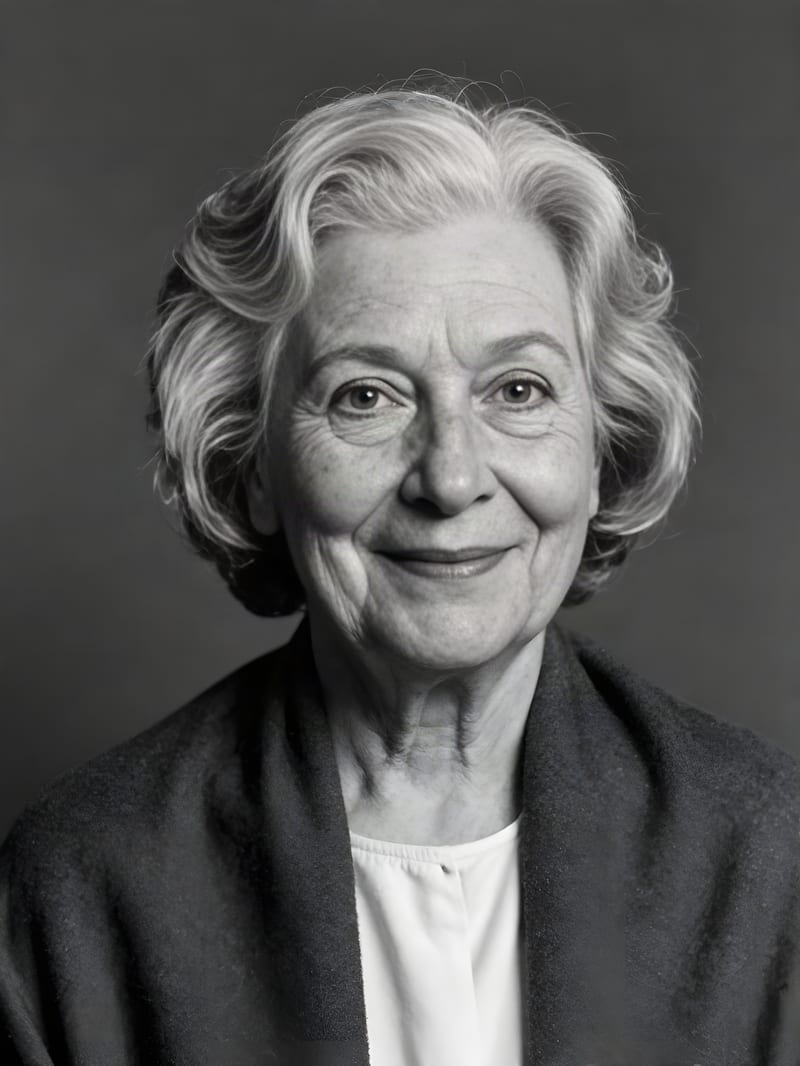
Blind Face Reconstruction
Toggle facial restoration to automatically detect and reconstruct eyes, teeth, and skin fidelity in blurry historical portraits and group photographs.
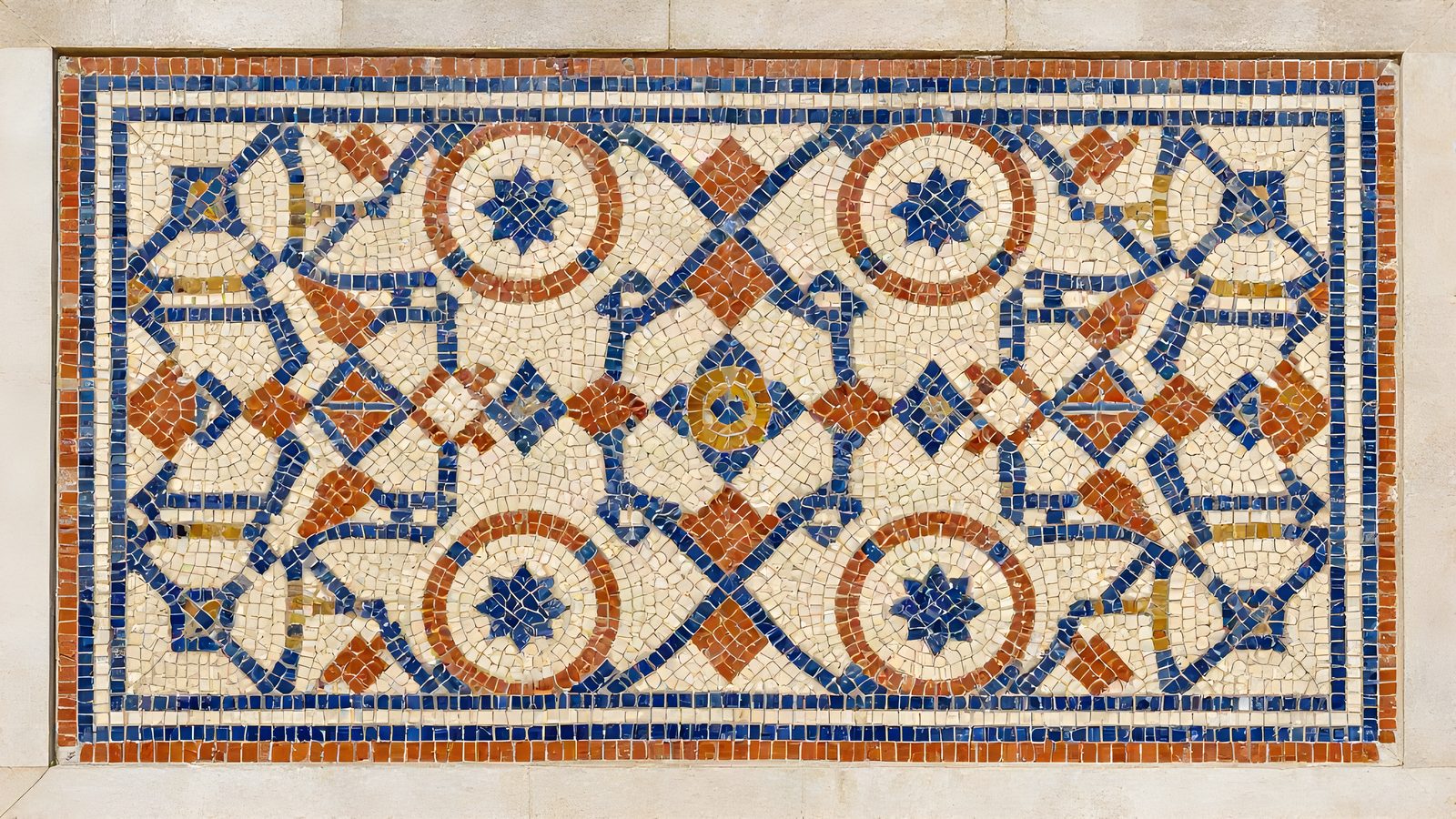
Configurable Tiling and Scaling
Scale images from 1x to 8x with Lanczos interpolation and configure tile sizes between 200 and 800 to eliminate GPU memory limits on high-resolution graphics.
Explore how diverse creative disciplines leverage super-resolution to sharpen product geometries, clean illustrative linework, and restore vintage archival slides.
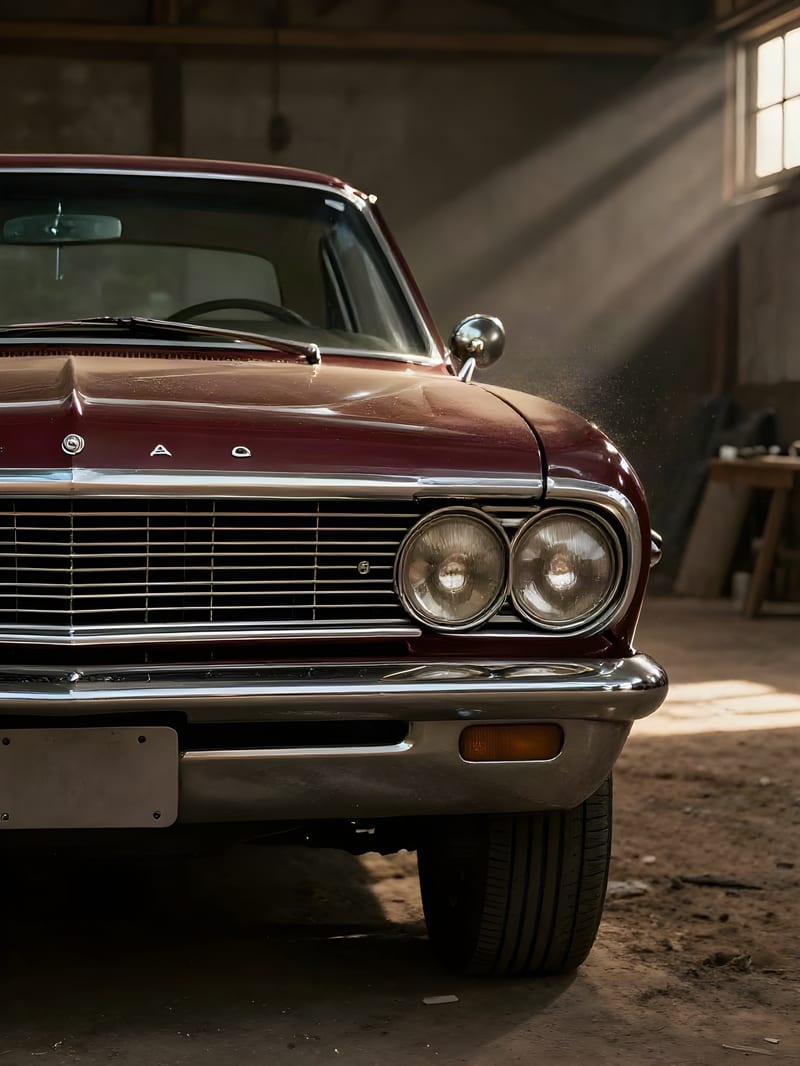
High-contrast cinematic still with restored dust and chrome detail
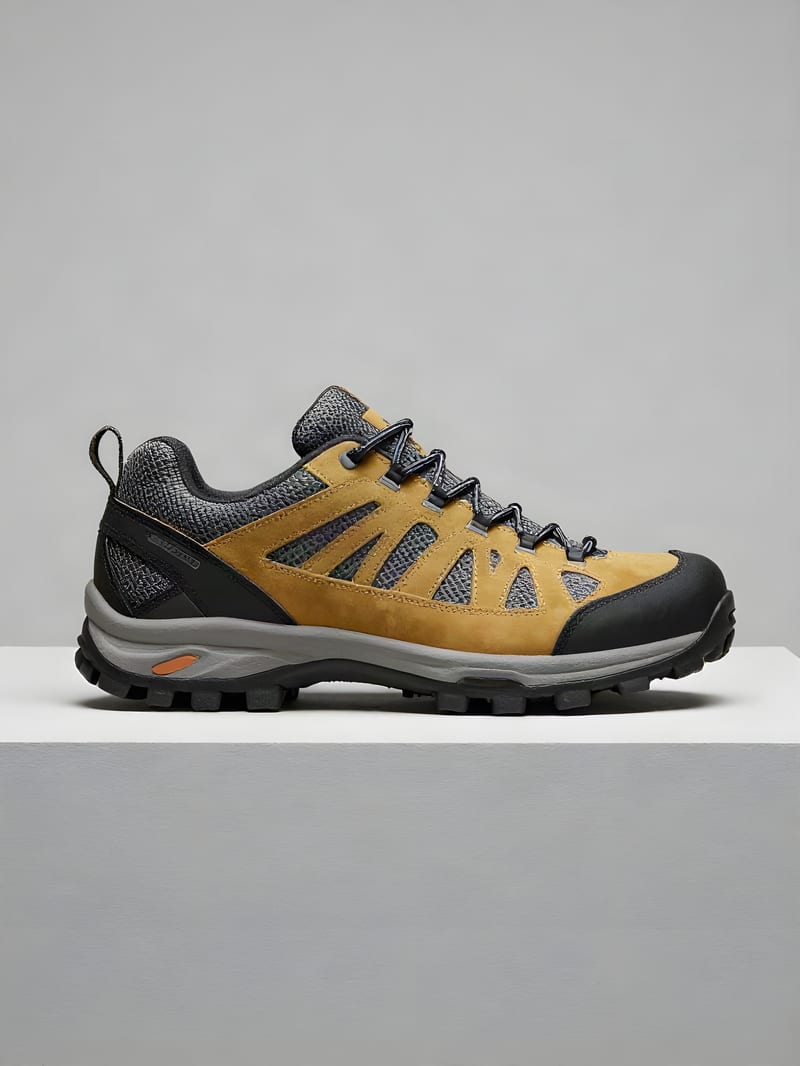
Macro product footwear with crisp material edges
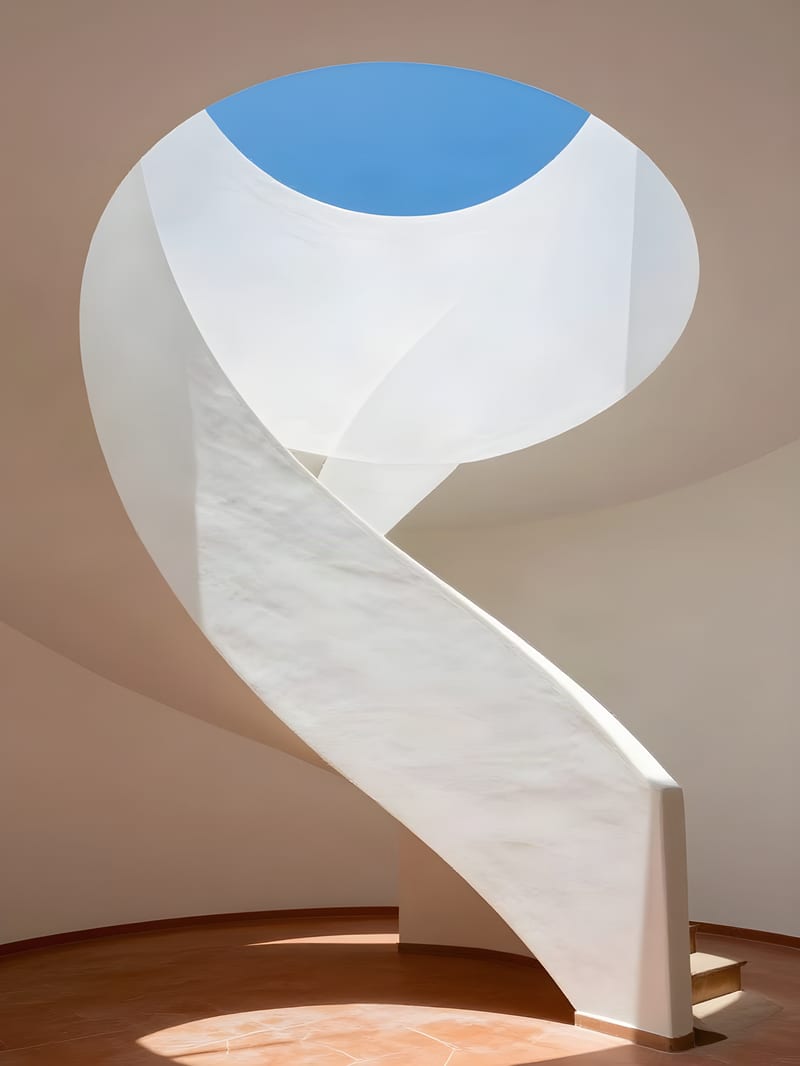
Architectural staircase geometry with crisp shadow definition

Dynamic action capture with frozen water spray droplets
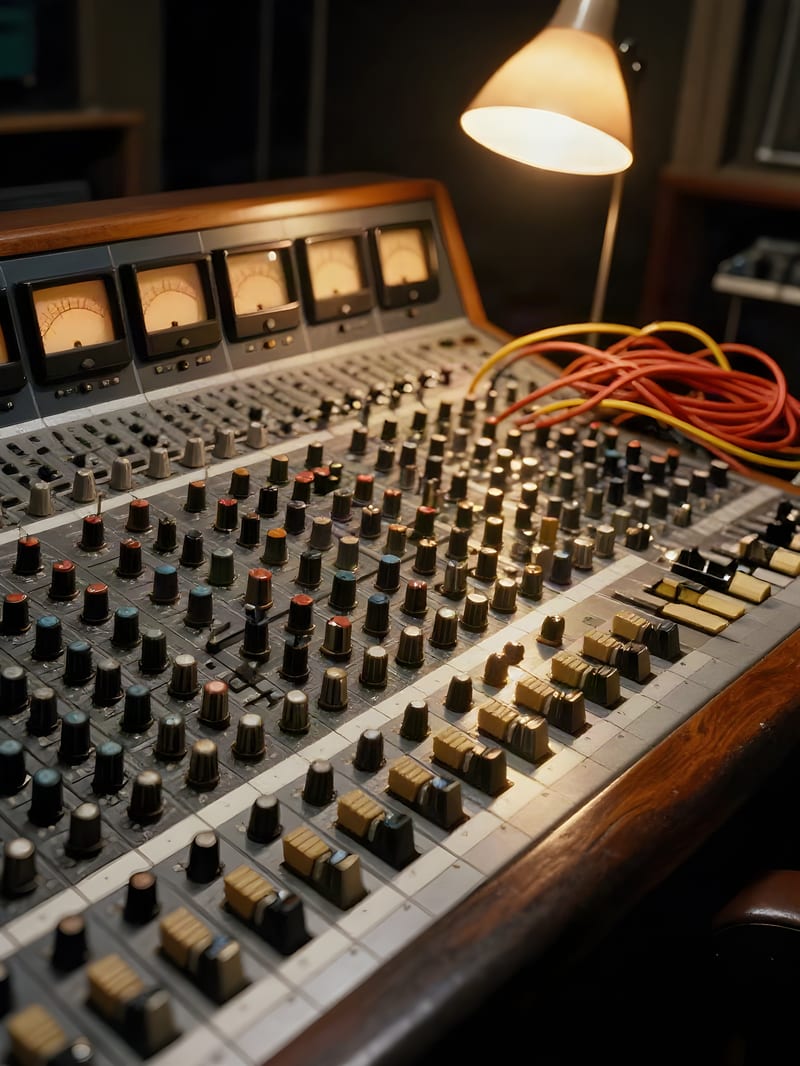
Archival studio console with sharp dial markings and cable details
From game asset designers and digital comic publishers to print production artists, see how creators use deterministic upscaling across their pipelines.
Real-ESRGAN is an enhanced super-resolution framework developed by Tencent ARC that models complex real-world corruptions like sensor blur, camera noise, and JPEG degradation. While the original ESRGAN was trained on clean, synthetically downsampled images, Real-ESRGAN uses a multi-stage degradation pipeline to reliably restore real-world degraded photos and digital graphics.
Choose the sub-model that matches your subject material: use RealESRGAN_x4plus as the standard default for general photography and natural scenery, RealESRGAN_x4_wdn_v3 for images with heavy sensor noise or JPEG compression blocks, and RealESRGAN_x4plus_anime_6B or RealESRGAN_x4_anime_v3 for 2D illustrations, manga, and line-art to prevent unwanted photo textures.
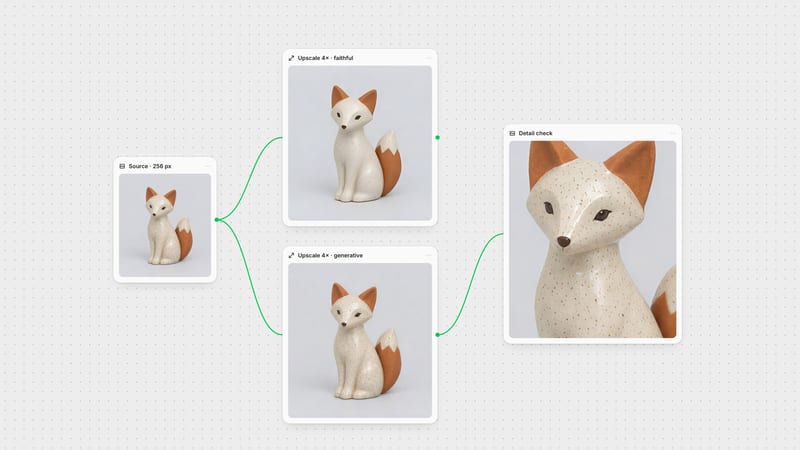
Real-ESRGAN is a structural, non-generative upscaler that preserves the exact layout, colors, and identity of the original image without hallucinating new visual elements. Diffusion upscalers creatively synthesize intricate new micro-details (like skin pores or textile weaves), whereas Real-ESRGAN focuses purely on sharpening existing edges, eliminating compression blocks, and preserving source fidelity.
Enable face enhancement whenever your source contains human faces, portraits, or group photos. This activates an integrated face restoration model (such as GFPGAN) that specifically reconstructs realistic eyes, teeth, and skin textures. Keep this option disabled for anime characters, stylized cartoons, or non-human subjects to avoid awkward realistic distortions.
Set the tile size parameter between 200 and 400 when processing high-resolution sources. While leaving the tile size at 0 processes images in a single unified GPU pass for optimal speed, enabling tiling divides larger compositions into manageable chunks to prevent memory limits.
Avoid using Real-ESRGAN when you require newly hallucinated photorealistic textures or when upscaling complex typographic logos. The underlying network can introduce subtle organic waviness to perfectly straight font vectors, and it will not generate complex new textures that were absent in the source.
Eliminate compression noise and restore crisp edges across illustrations, textures, and archival scans without altering original colors