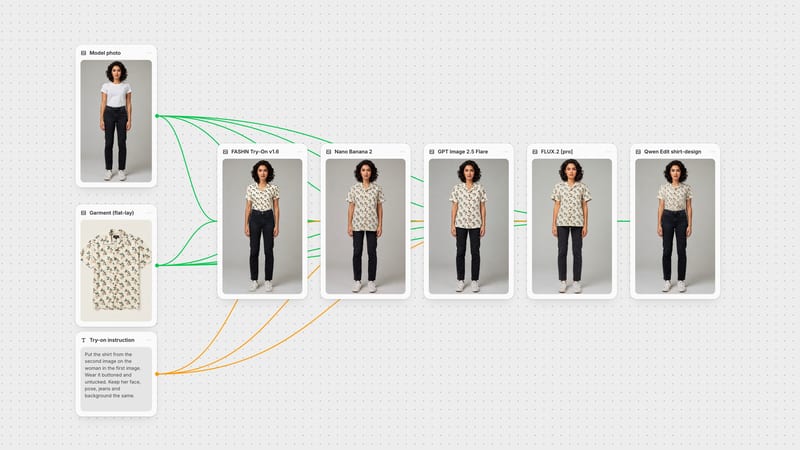
One click, whole workflow
Recipes are here. Package a whole workflow and run it in one click
Explore recipesOne click, whole workflow
Recipes are here. Package a whole workflow and run it in one click
Explore recipesbyFASHN
Swap any garment onto your model photo with true drape, crisp logos and untouched skin tone
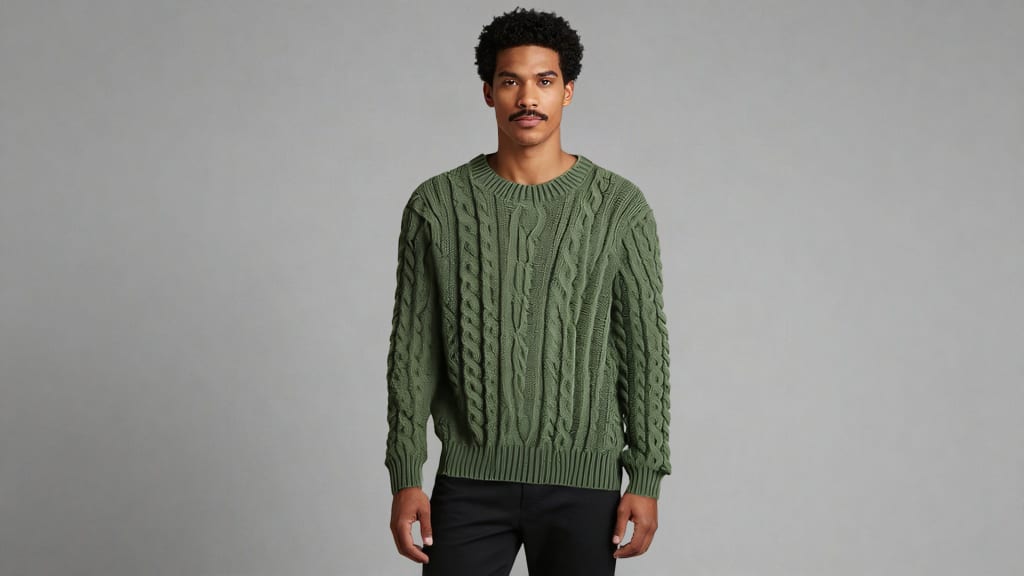
Two photos in, one decision about category, and the garment lands on your model with the pose, face and lighting left alone.
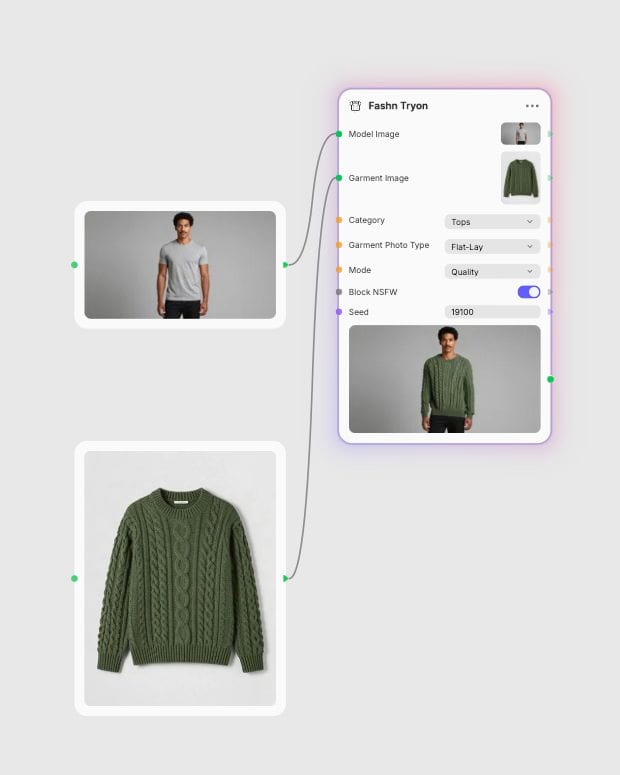
Select your model photo
Pick a well-lit, front-facing or three-quarter shot where the torso and legs are clear of crossed arms or hands.
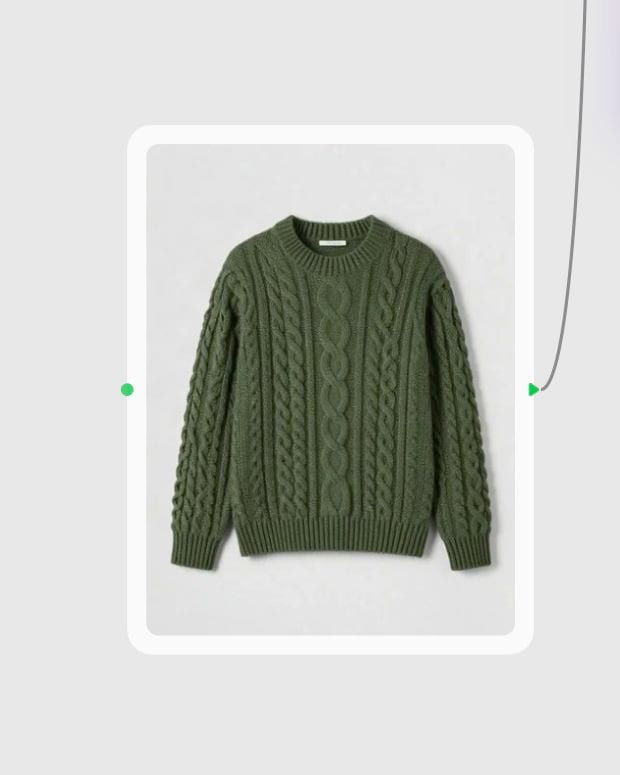
Upload the target garment
Add a clean flat-lay, ghost mannequin shot or on-model photo, and set the photo type to match.
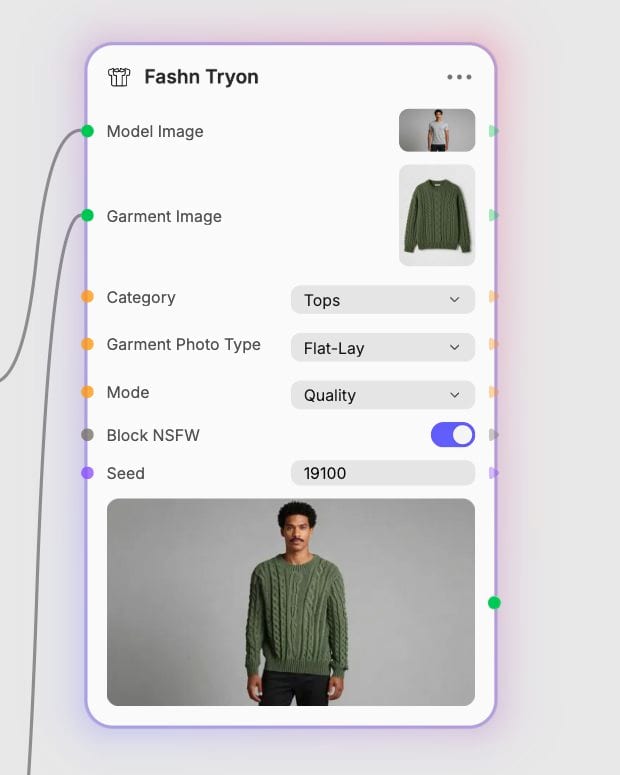
Set category and mode
Choose tops, bottoms or one-pieces, pick performance, balanced or quality, and generate the try-on.
Built for commercial apparel work: faithful prints and logos, believable drape, flexible garment references and a speed-versus-fidelity dial.
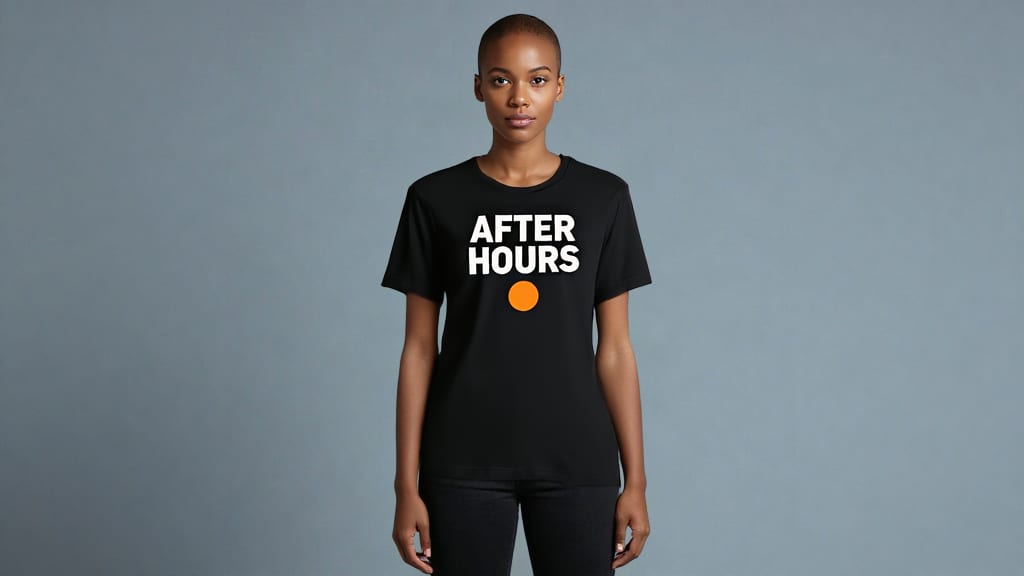
Logos and prints stay legible
Embroidery, knit texture, typography and screen-printed graphics carry over from the garment reference instead of smearing into mush. Deep chest folds can still warp very fine lettering, so give it a clean, uncrumpled source.
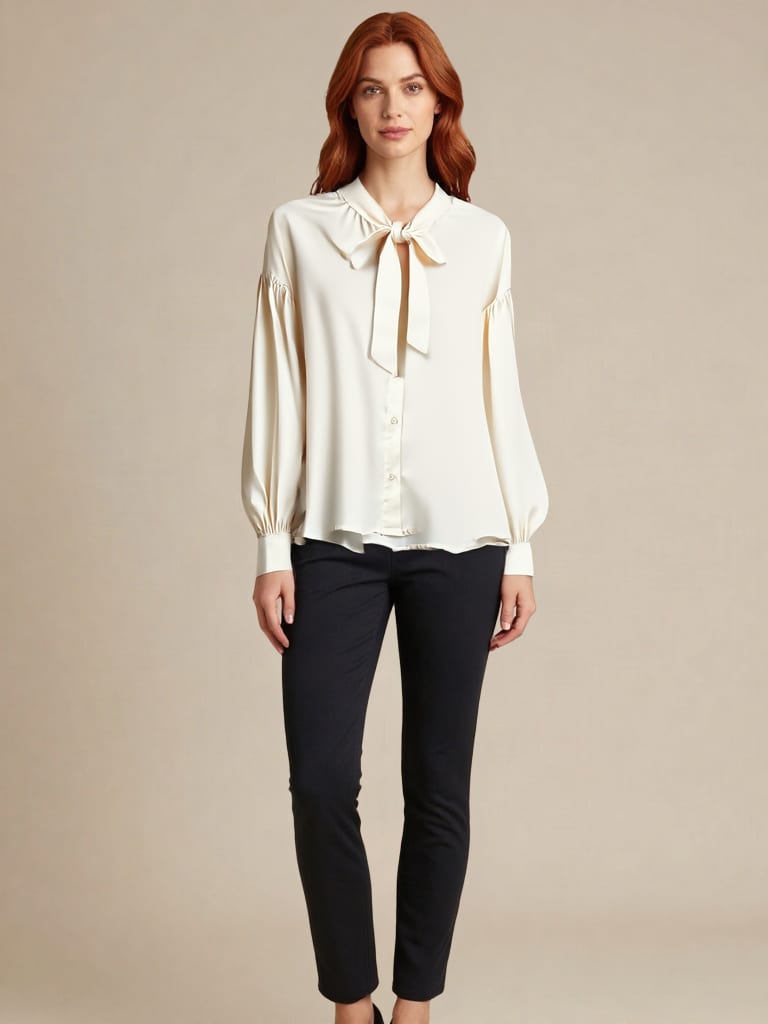
Natural drape and seam blending
Fabric conforms to shoulders, waist and limbs, with clean transitions at necklines, waistbands and cuffs. The model's identity, pose, skin tone and lighting stay exactly as shot.
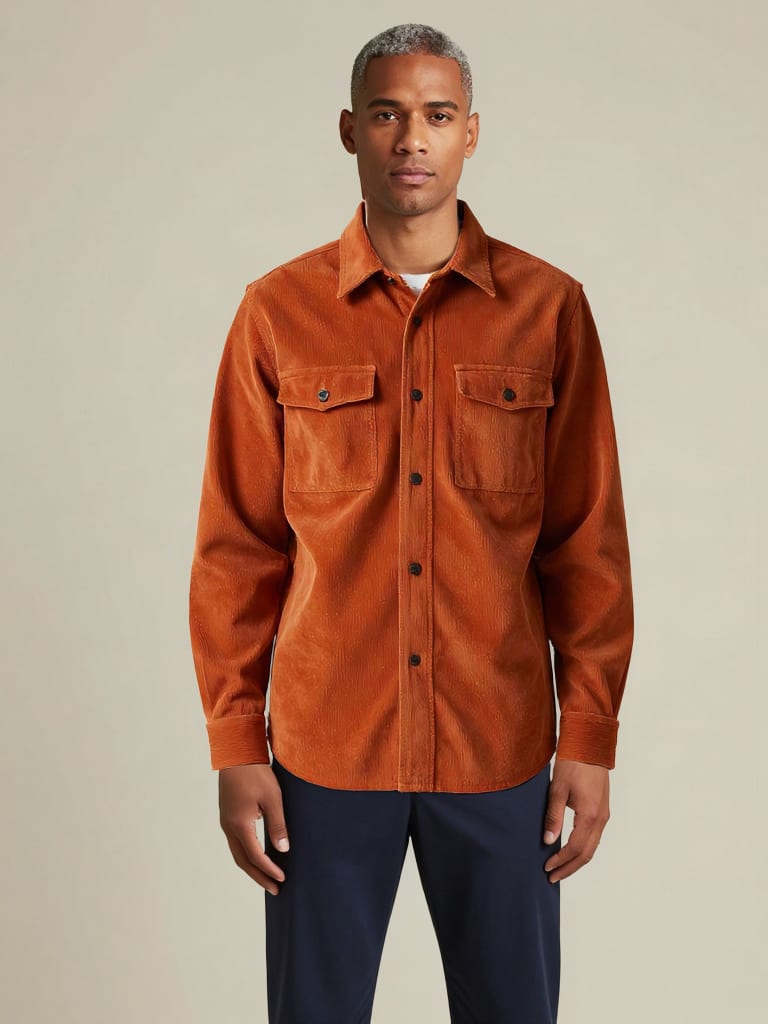
Flat-lay or on-model references
Feed it a product flat-lay, a ghost mannequin shot or a garment already worn by another model. Set the garment photo type so the transfer is tuned to the source rather than guessed.
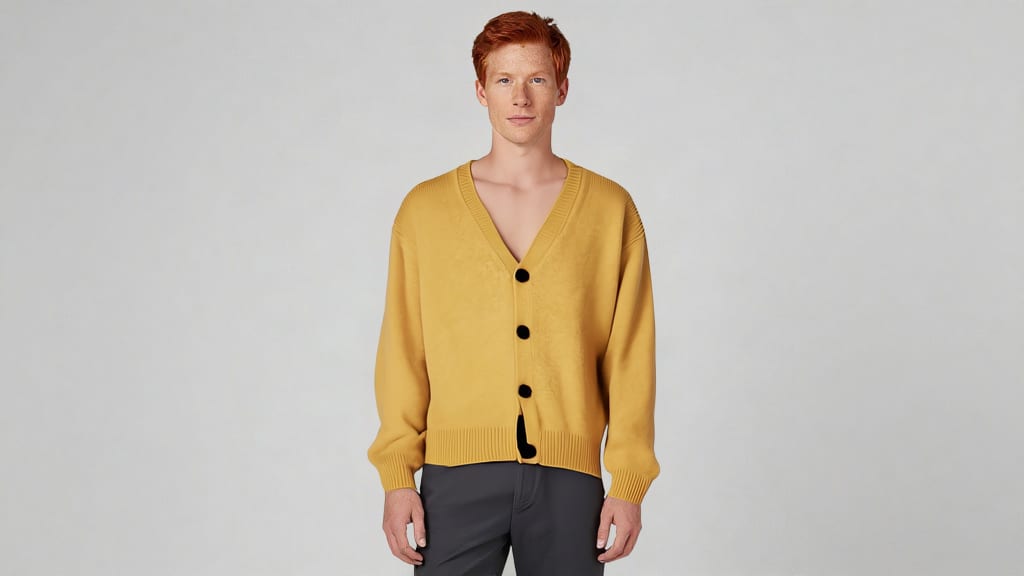
Performance to quality modes
Use performance mode for fast previews across a high-volume batch, balanced for everyday catalog work, and quality mode for client-facing hero renders. One category switch covers tops, bottoms and full one-pieces.
A gallery of try-on frames across outerwear, streetwear, leather, denim and evening wear, each showing garment detail surviving the swap.
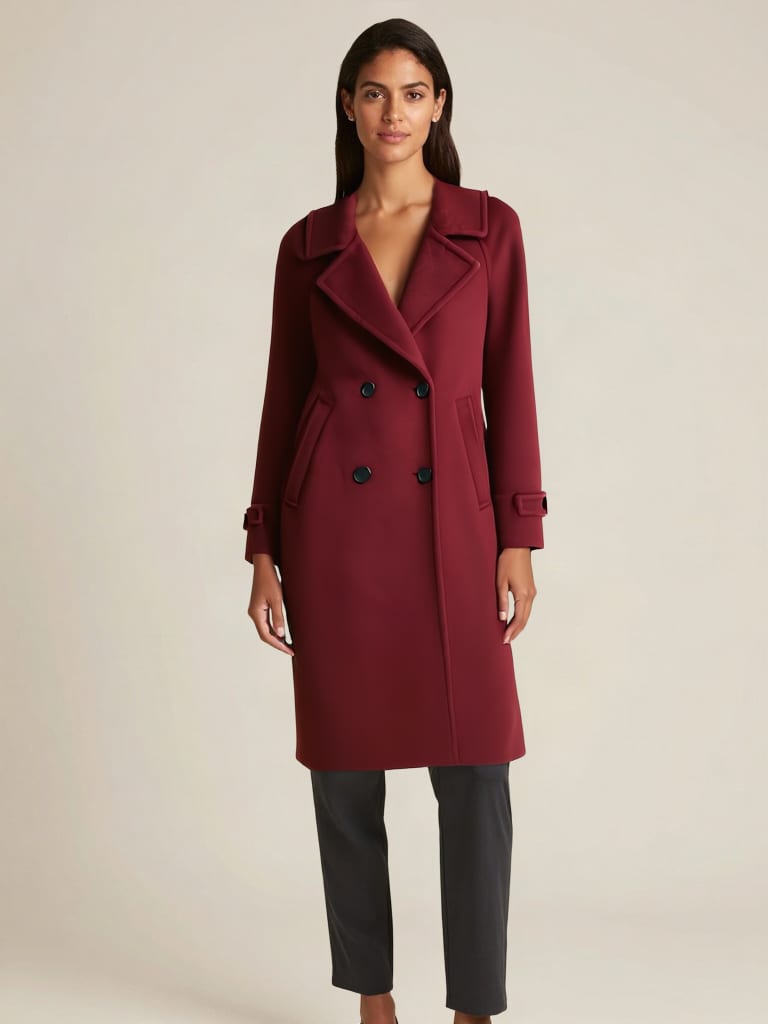
High-fashion outerwear lookbook frame
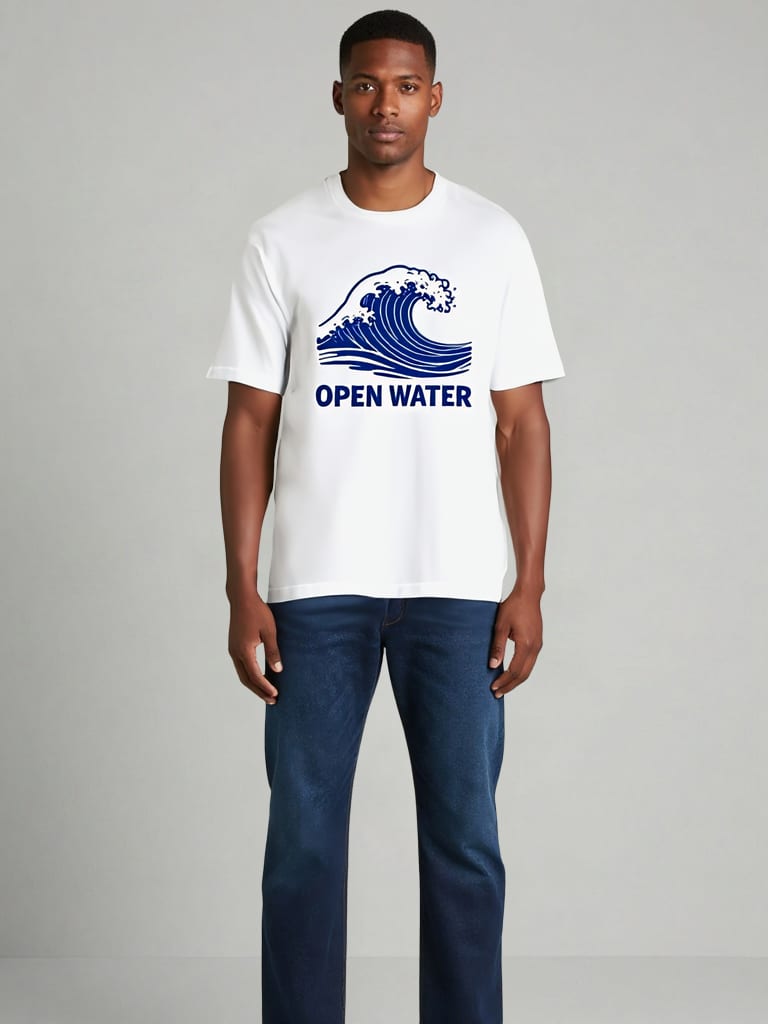
Streetwear graphic tee e-commerce mockup
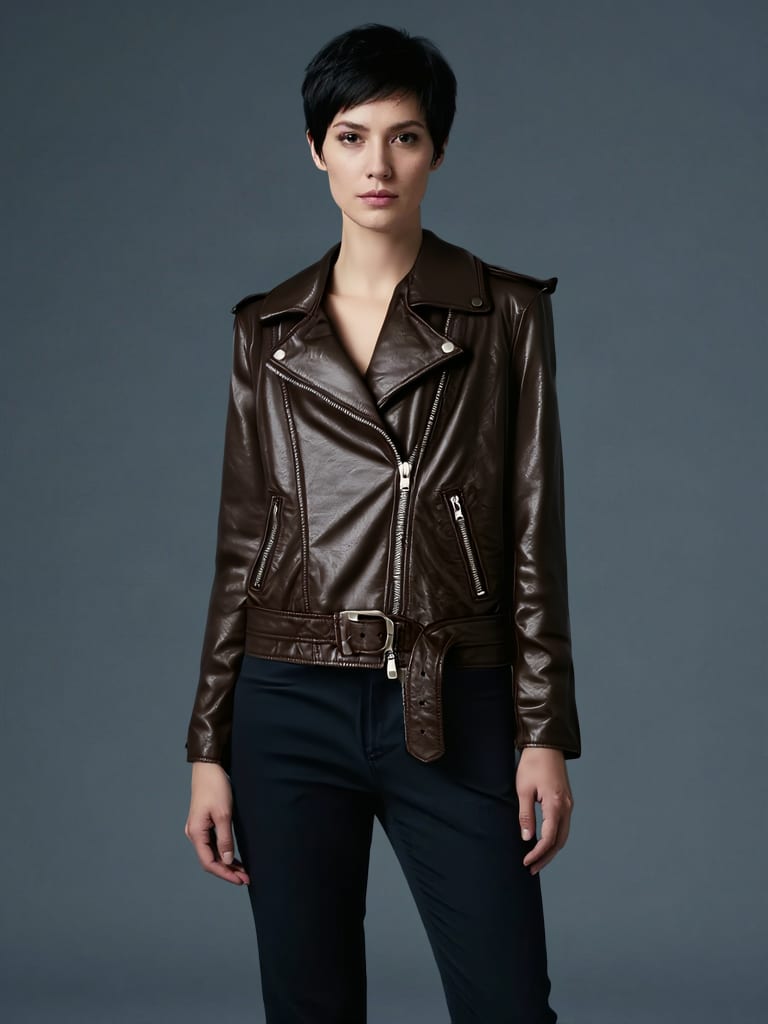
Cinematic leather outerwear sequence
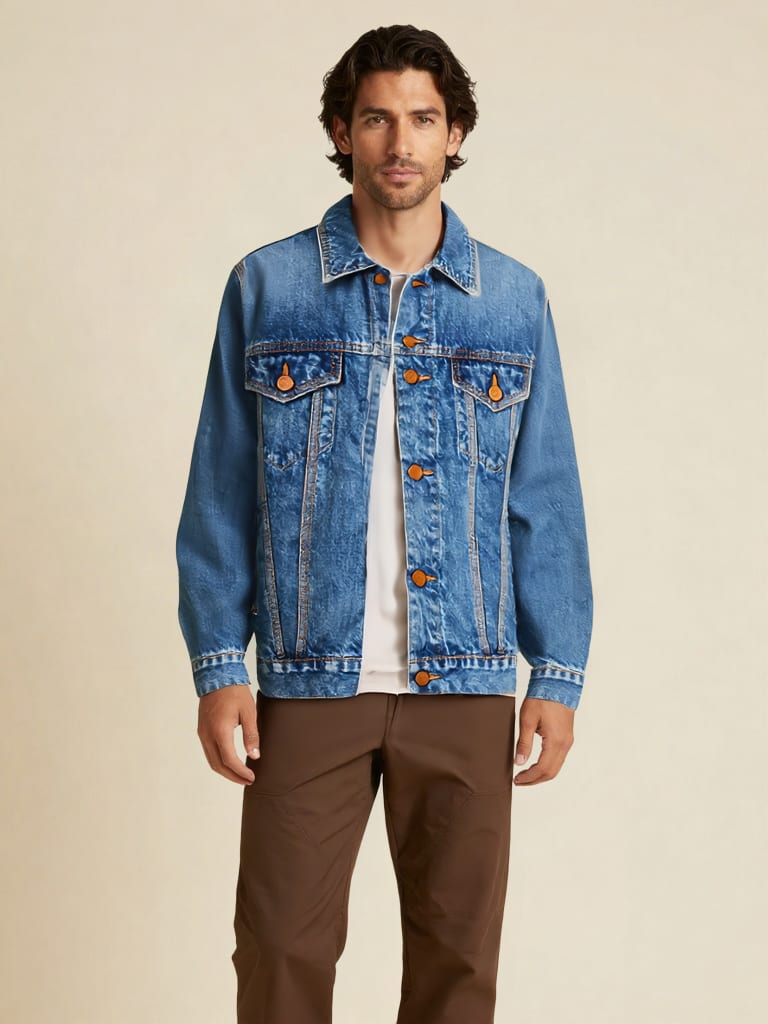
Archival denim workwear catalog shot
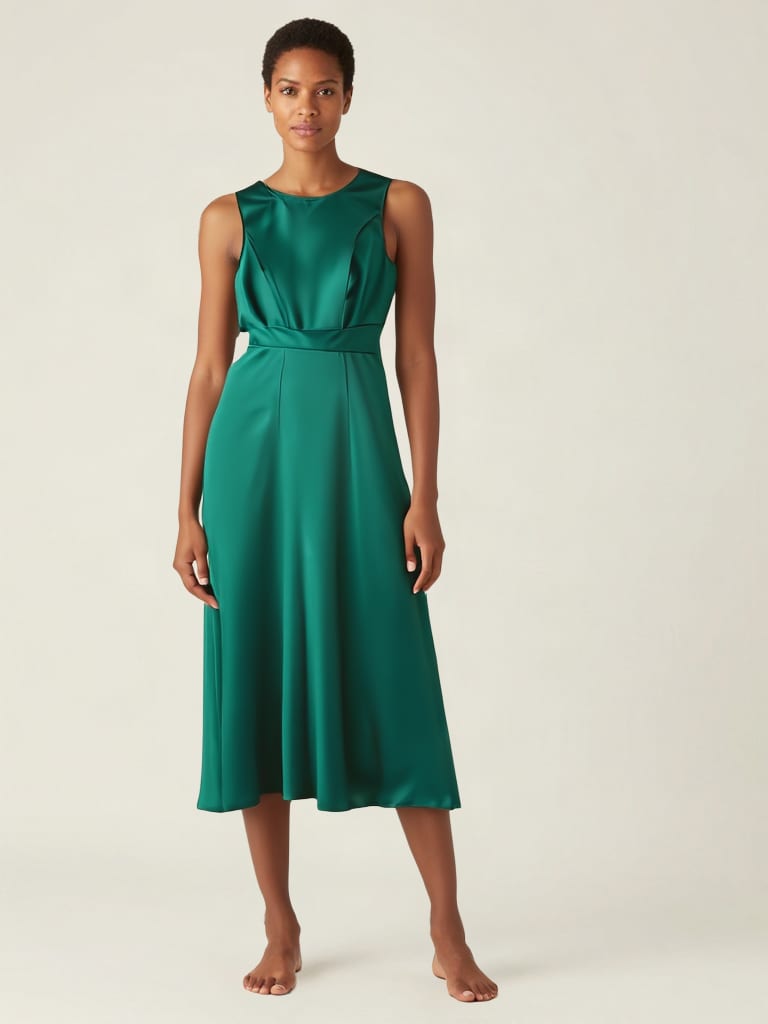
High-fashion evening wear campaign
Catalog teams, stylists, art directors, creators and print designers use it to see clothing on a body without booking another shoot.
It handles tops, bottoms and one-pieces such as dresses, jumpsuits and overalls. Set the category explicitly for ambiguous silhouettes like tunics, rompers or long cardigans rather than relying on auto.
No, accessories are a weak spot. Footwear, hats, bags, sunglasses and small jewelry are not what this model is built for, so use it for apparel only.
They trade speed for fidelity. Performance is the fastest and suits high-volume previews, balanced suits standard catalog generation, and quality is slower but best for client-facing hero shots.
Either works. Set the garment photo type to flat-lay for catalog product shots or ghost mannequins, and to model when the garment comes from a photo of a person wearing it. Choosing explicitly avoids auto-classification errors.
Use a well-lit, front-facing or three-quarter shot with the torso and legs clearly visible. Fitted or neutral undergarments give the cleanest warping, and arms or hands crossing the chest or waist can cause blending artifacts.
No. It needs an image of the garment, and complex layered looks such as an open blazer over a graphic tee are a known weak point. Text-prompted clothing changes are not supported.
Swap any garment onto your model photo with true drape, crisp logos and untouched skin tone