One click, whole workflow
Recipes are here. Package a whole workflow and run it in one click
Explore recipesOne click, whole workflow
Recipes are here. Package a whole workflow and run it in one click
Explore recipesbyMeta Superintelligence Labs
Posters, charts and QR codes with type that spells right, plus edits that change only the one thing you asked for
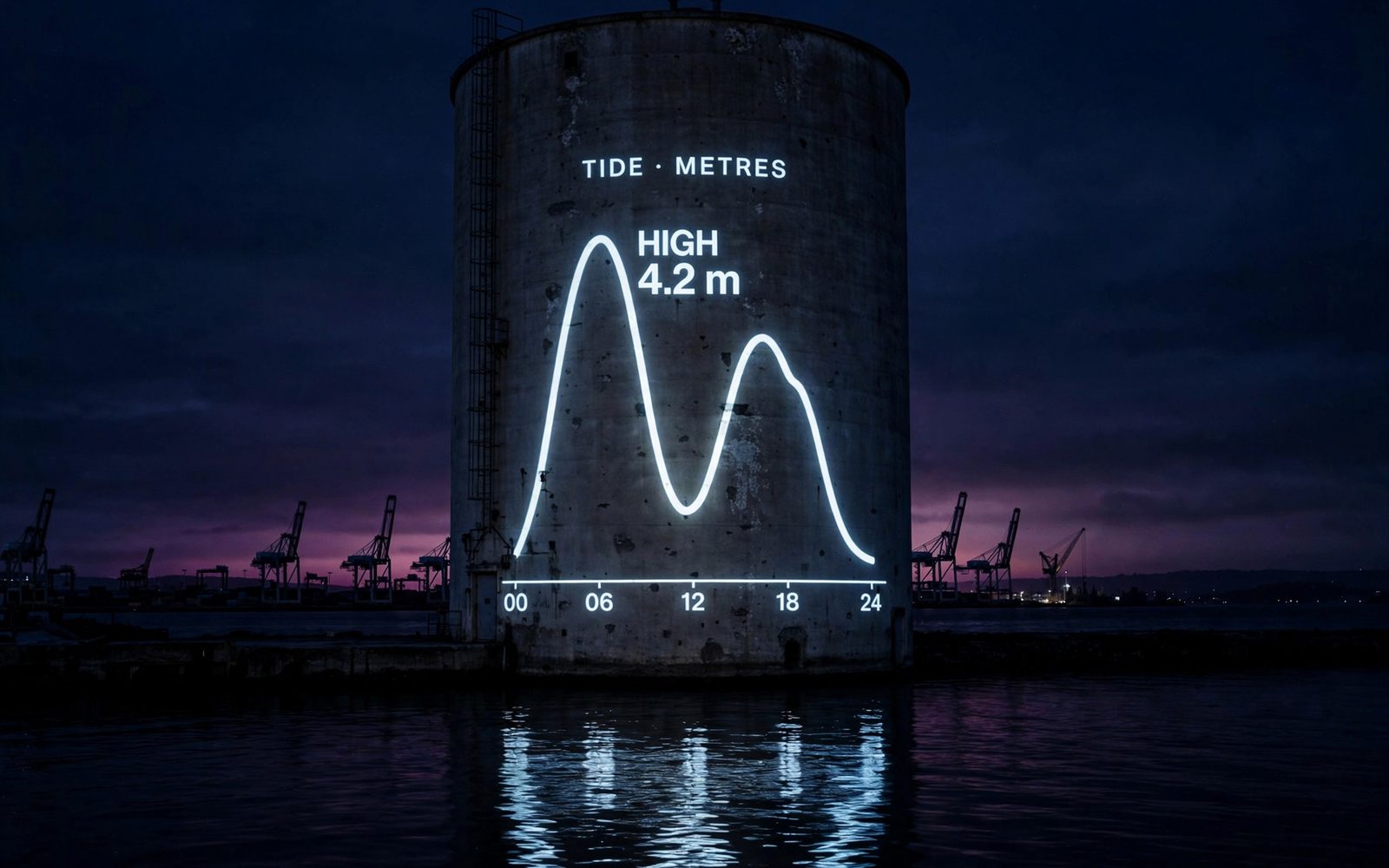
Brief it like a layout, not a mood: quote the words that must appear, name what each connected image contributes, and chain follow-up edits on the result.
Write the layout brief
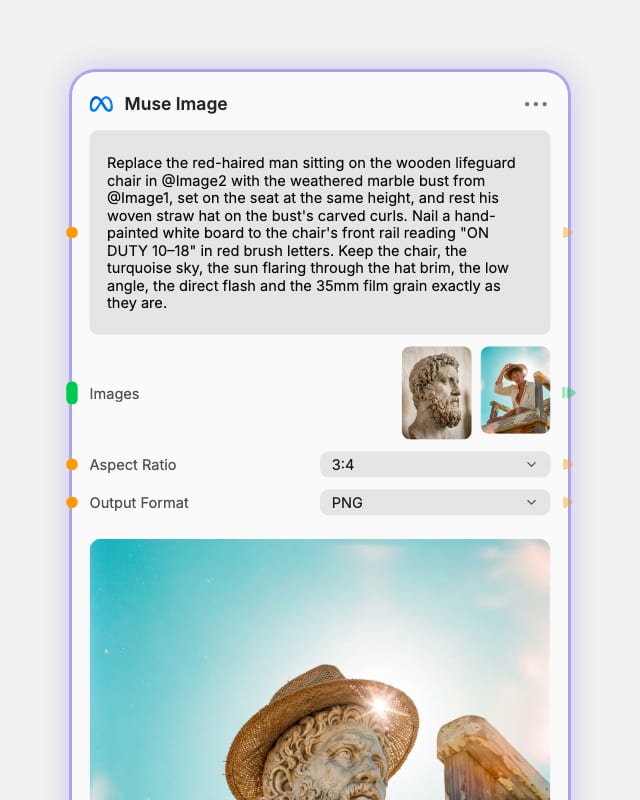
Describe the scene and layout, put headlines in quotes, or phrase one clear edit and name what must stay unchanged.
Attach reference images
Connect up to ten images as subject, setting or style sources, and refer to each by input order in your prompt.
Set ratio and render
Pick a ratio from 21:9 to 9:21 or leave Auto, choose PNG, WebP or JPEG, then render.
Built for images that have to say something exactly: legible type, believable charts, scannable codes, and edits that leave everything else alone.
Labels that spell right
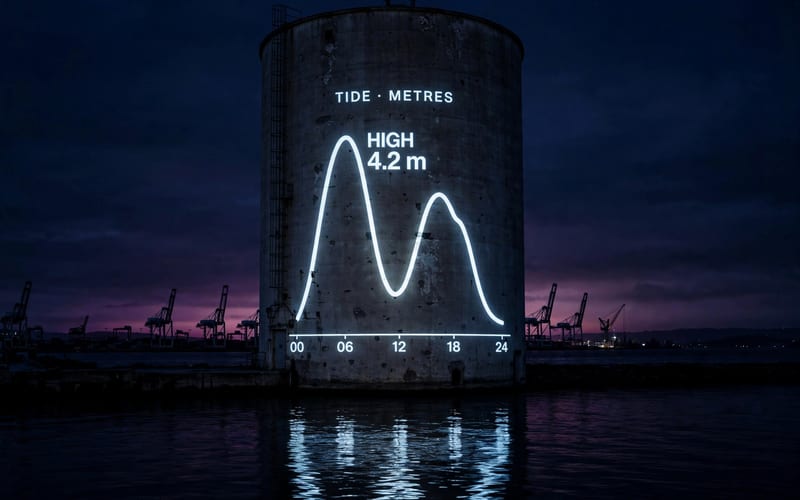
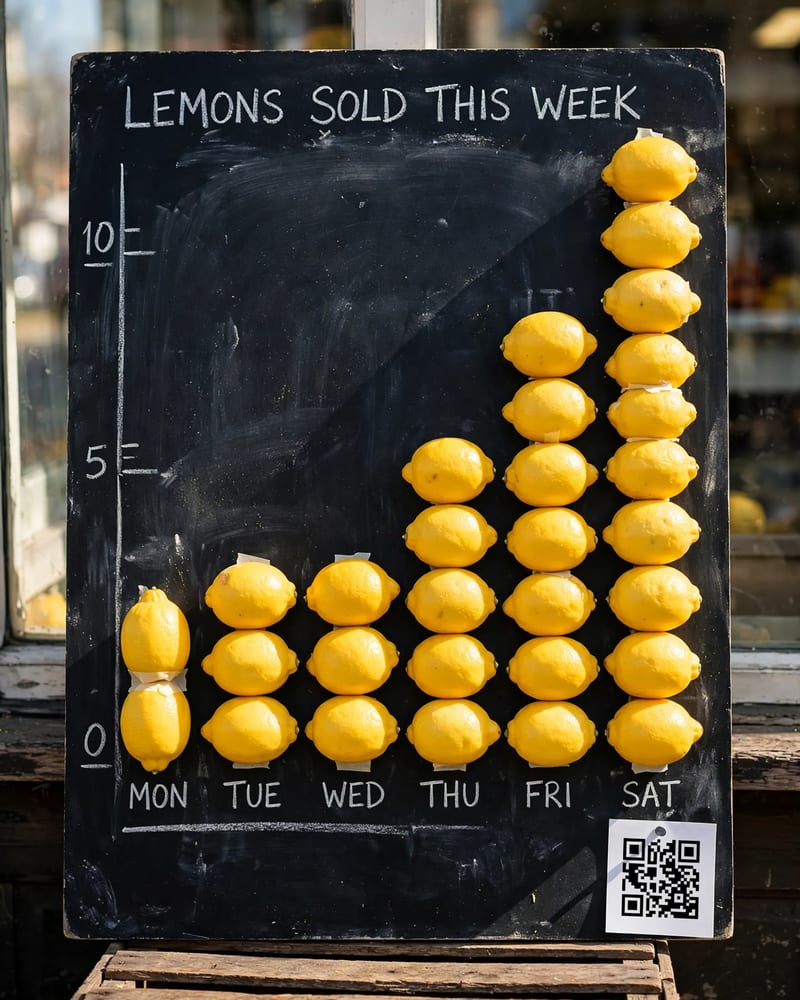
Quote short strings and headlines, axis labels and price cards come out correctly spelled most of the time. Bars are drawn by eye, not to scale, so for exact data or a QR code that scans, connect the real chart or code and let the model restyle it.
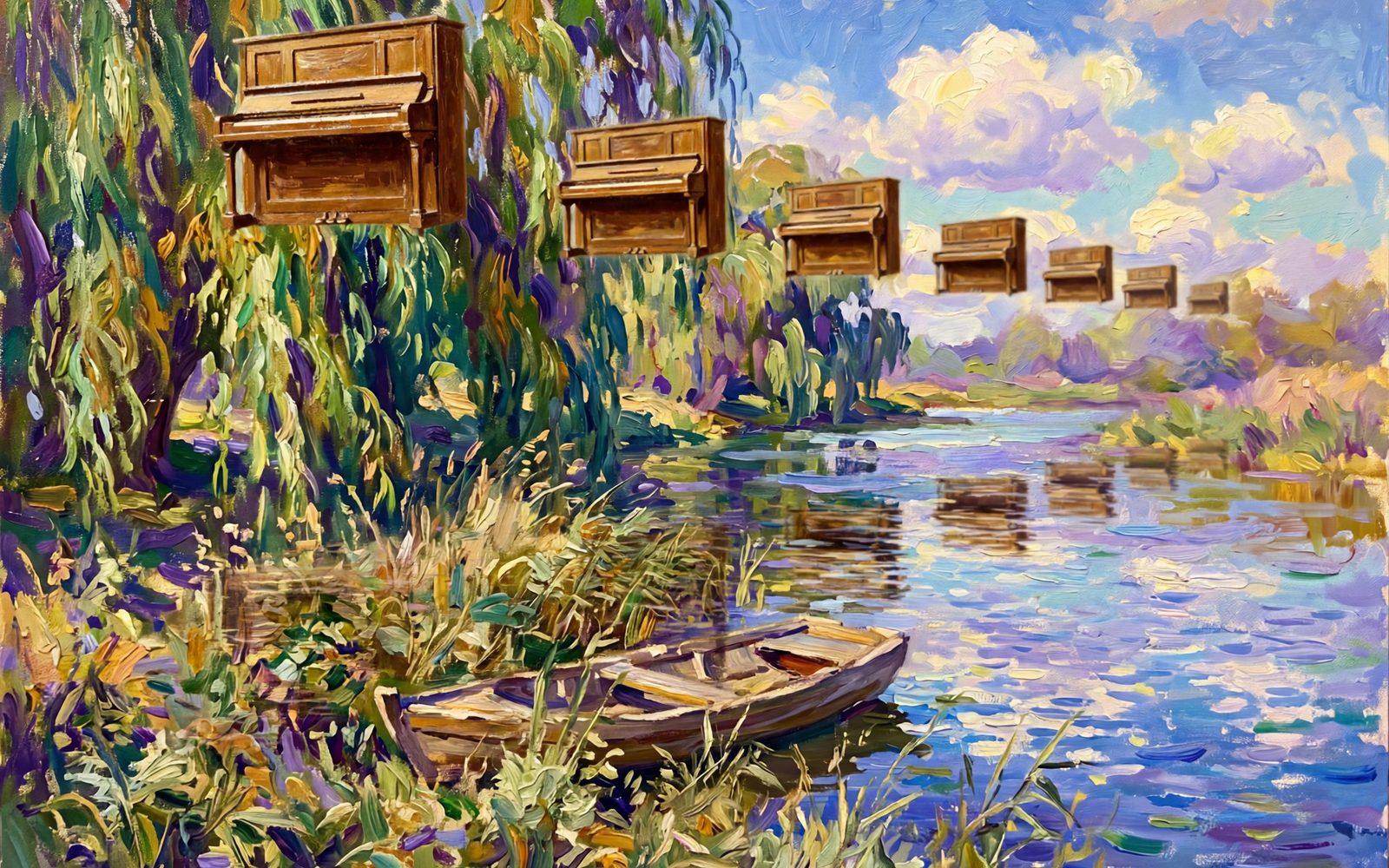
Multi-reference scene composition
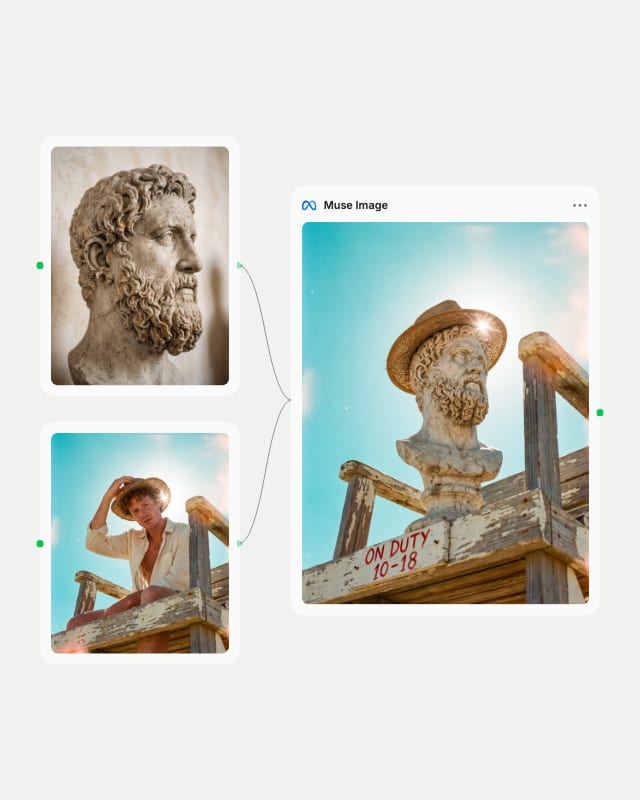
Switch to edit mode and combine up to 10 images, taking the subject from one and the setting from another. Name each by input order and ask the model to match the street's lighting.
One-change precision edits
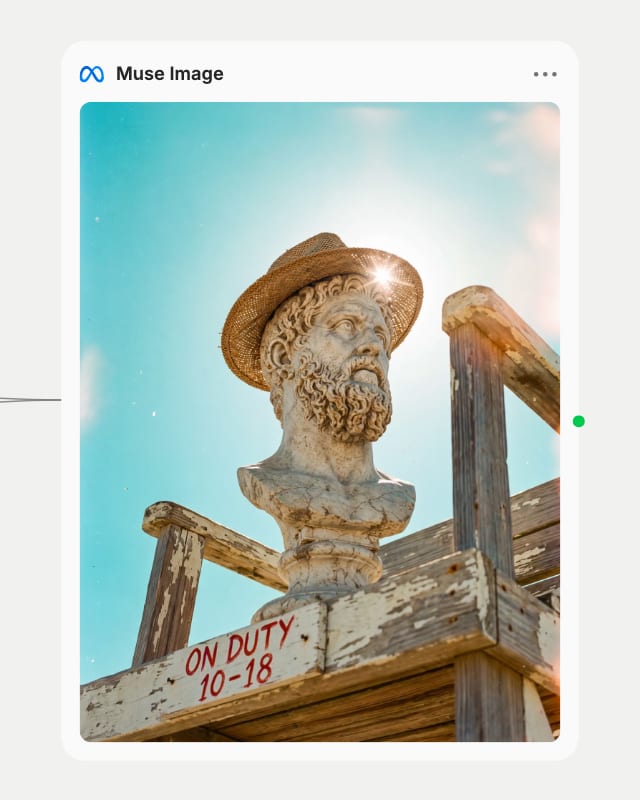
Edit mode regenerates the full image yet holds lighting and background steady, so a garment color swap or an added sign changes only that element. Chain edits by feeding each output back in.
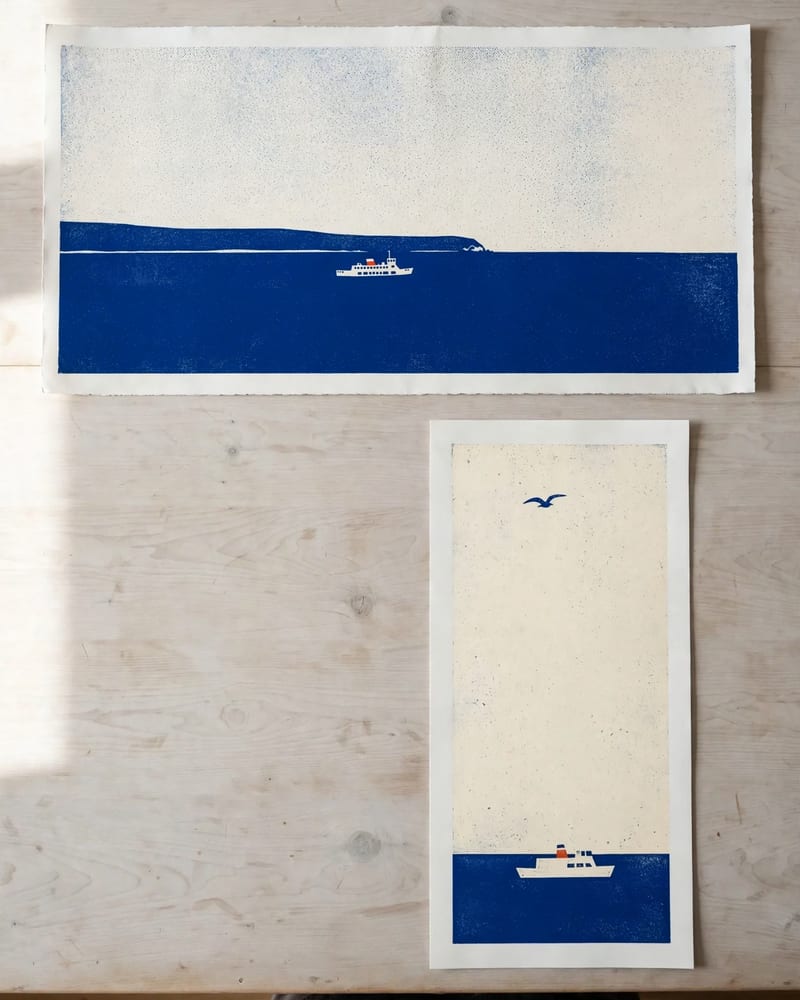
Ratios from 21:9 to 9:21
Ten aspect options include Auto, which lets the planner choose framing for posters and infographics. Lock a ratio when the image must slot into a fixed layout or match a source frame.
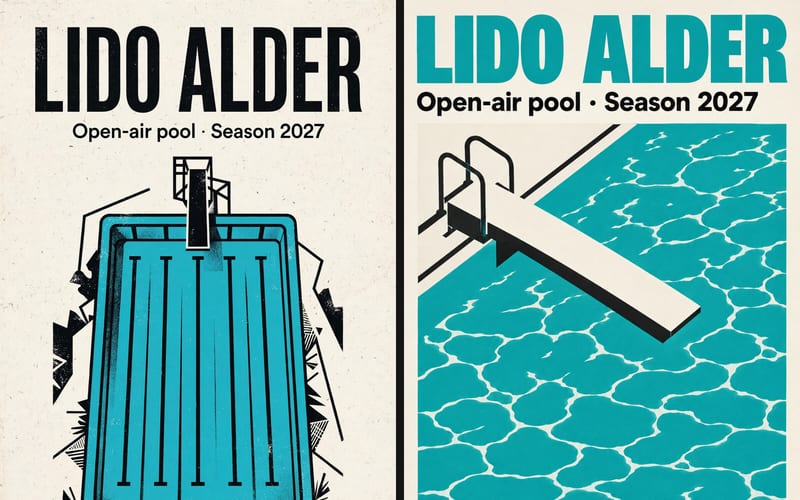
A gallery of literal, layout-faithful frames: a magazine cover, a product hero, an architectural concept, a film still and a record sleeve, each carrying small text that holds up.
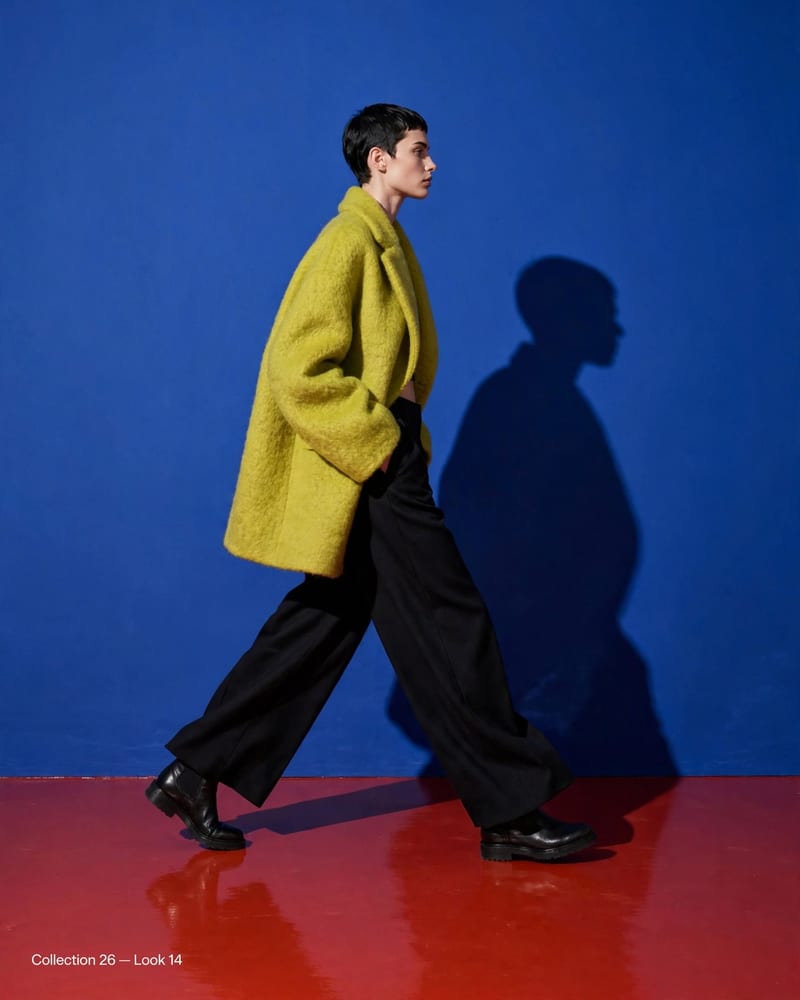
Editorial fashion campaign with electric color contrasts
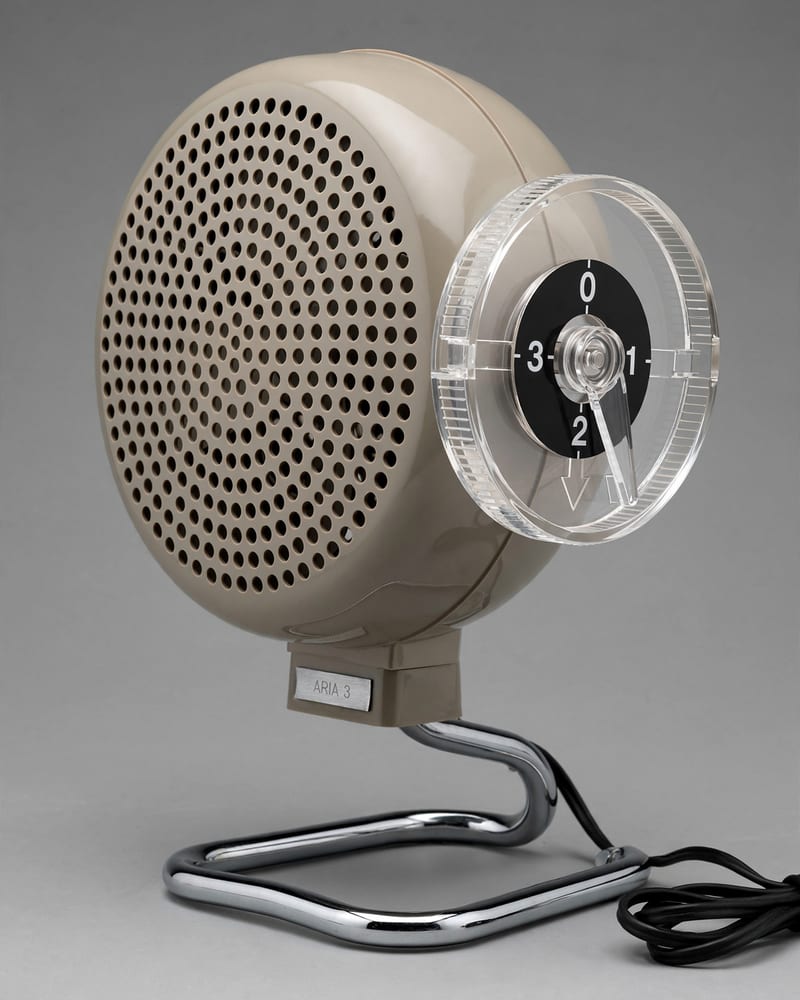
Industrial design hero capture
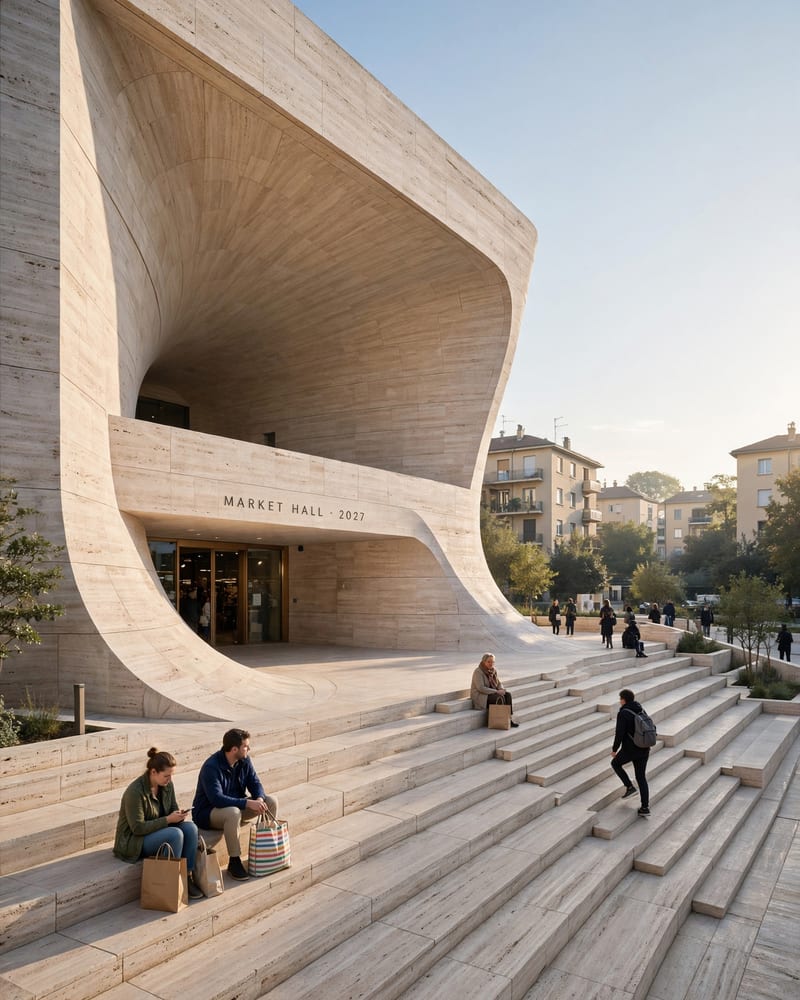
Architectural concept visual
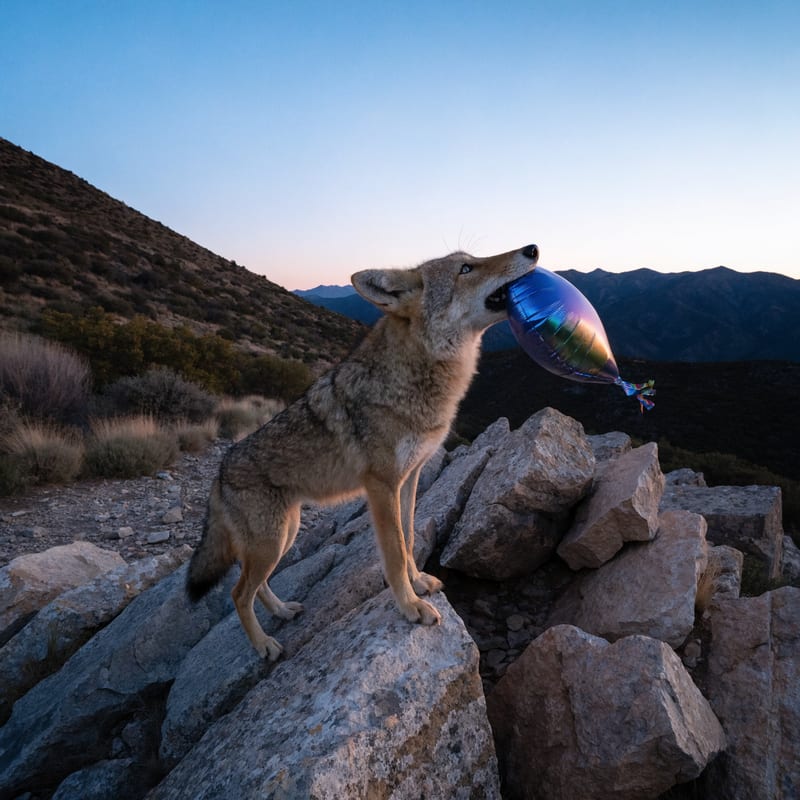
Cinematic film frame
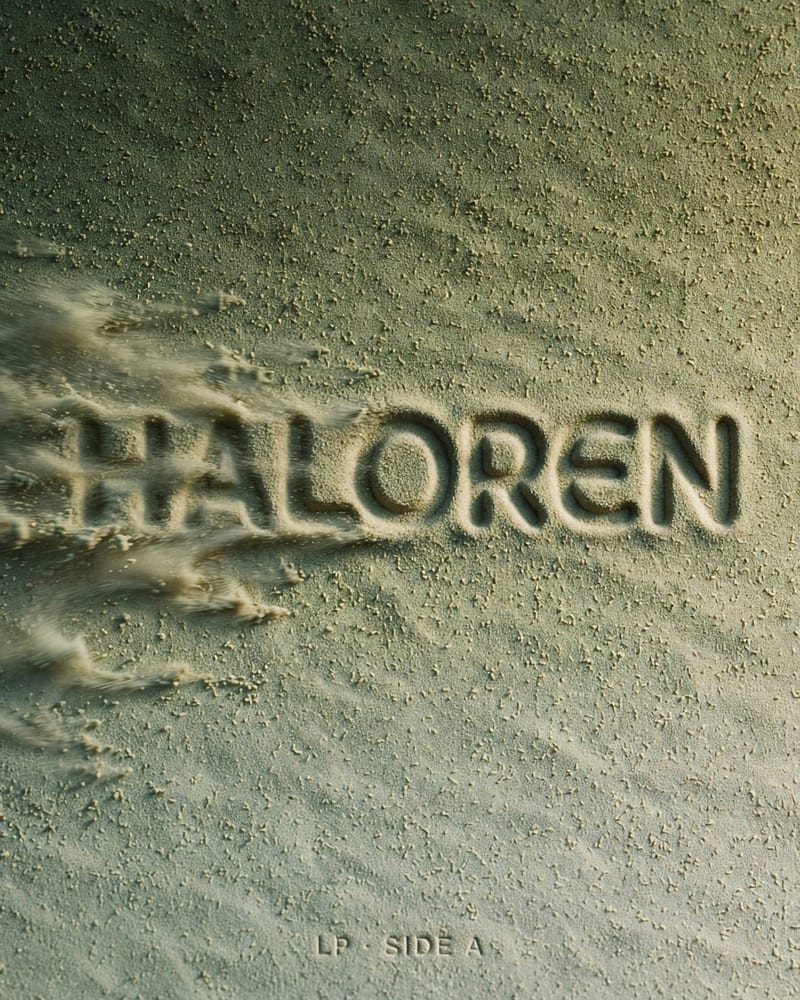
Album art graphic layout
Reached for by designers and marketers whose images carry copy, numbers or a product, and by anyone art-directing one controlled change at a time.
Text-to-image starts from nothing, while edit mode starts from one to ten images you connect. Use text-to-image for posters, infographics, product shots and QR graphics that need exact text and layout; it can't lock a specific subject or face. Edit mode changes, combines or restyles existing images, but needs at least one connected image and regenerates the whole frame, since there is no mask.
Use edit mode. Connect the photo, phrase one clear instruction, and name what to keep unchanged, such as the face, pose, background and lighting. Edits can drift a little if the region is described loosely, so be specific about what to change and avoid stacking many unrelated edits in one instruction.
Up to ten. Supply a subject, a setting and a style source as separate images, and refer to them by input order in the prompt (for example @Image1 and @Image2) so the model knows which element comes from where.
Text, mostly yes. Headlines, labels and short captions come out crisp and correctly spelled most of the time; wrap exact text in quotation marks and keep strings short. Long paragraphs are weak and some runs need a re-roll. Charts and QR codes are another matter: bars are drawn by eye, not to scale, and a QR code generated from text didn't scan in our tests. Connect a real chart or code instead, and Muse copies it faithfully.
Mask-based inpainting or outpainting, long passages of body text, exact pixel dimensions, tricky mirror and reflection physics, and stylized painterly illustration. Without style cues the look is polished, neutral realism, so add style direction when you want more character.
It was created by Meta Superintelligence Labs and released on 2026-07-07. It generates and edits images in one workflow, with output reaching about 1600px on the longest edge.
Posters, charts and QR codes with type that spells right, plus edits that change only the one thing you asked for