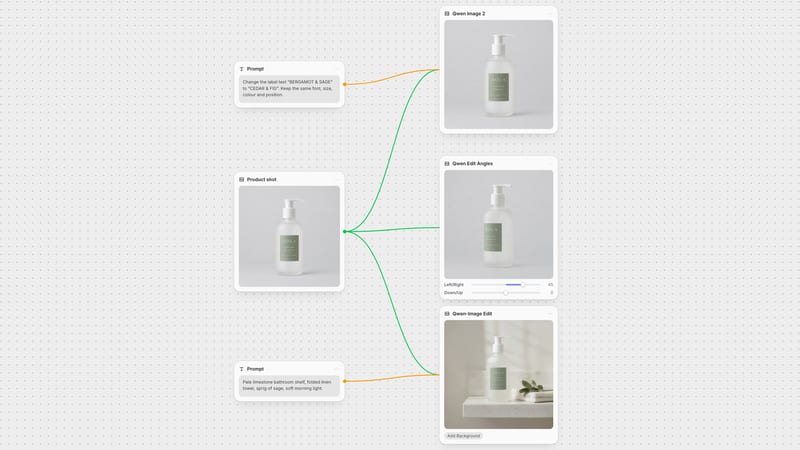
One click, whole workflow
Recipes are here. Package a whole workflow and run it in one click
Explore recipesOne click, whole workflow
Recipes are here. Package a whole workflow and run it in one click
Explore recipesbyAlibaba & dx8152
Rotate camera angles, shift elevations, and synthesize 3D perspective views from a single still photograph
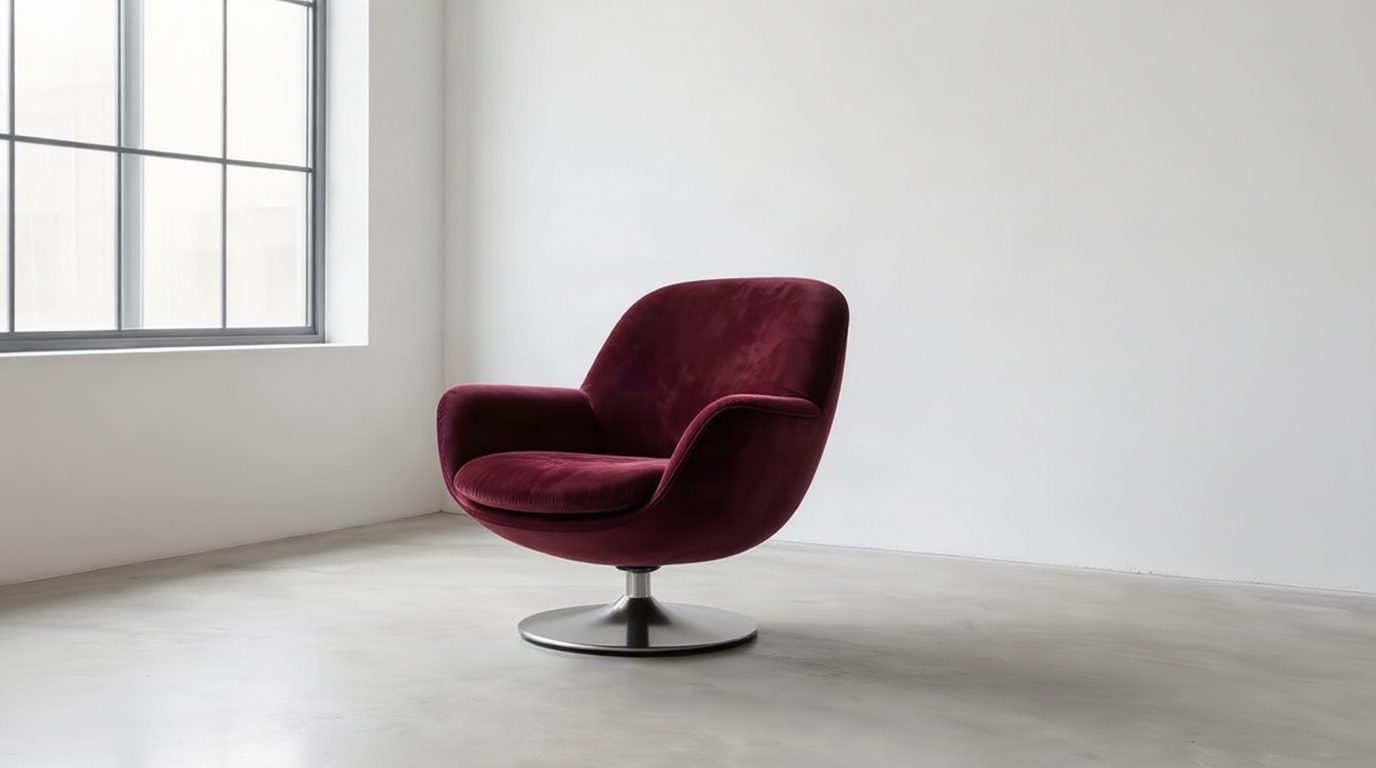
Transform single 2D images into multi-angle perspectives using precise horizontal rotation, vertical pitch, and forward camera movements.
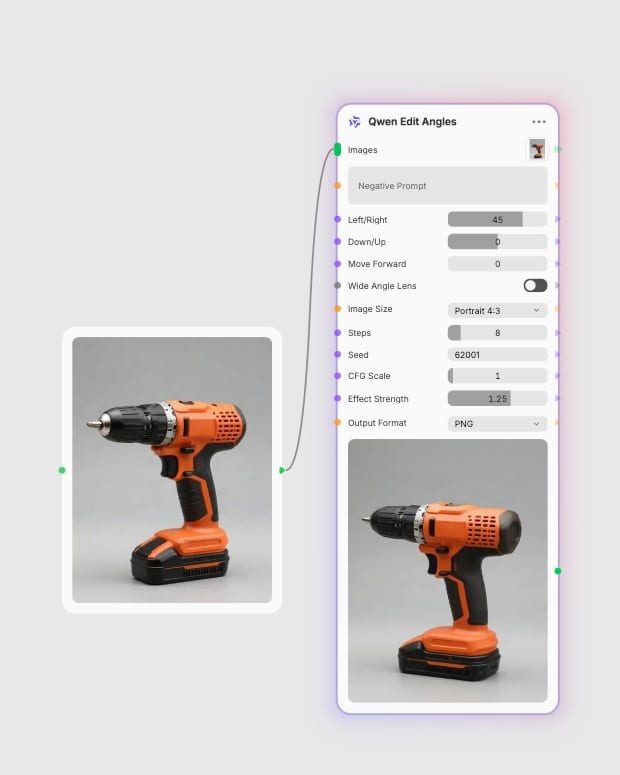
Upload source image
Provide a sharp, well-lit photograph or character portrait centered clearly within the frame.
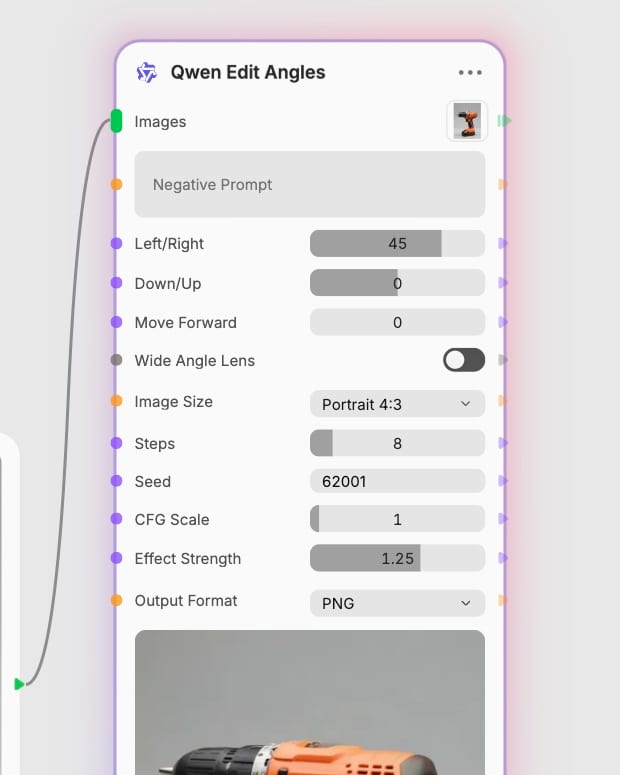
Dial camera coordinates
Adjust horizontal rotation from -90 to +90 degrees, set vertical pitch from bird's-eye to worm's-eye, or zoom forward.
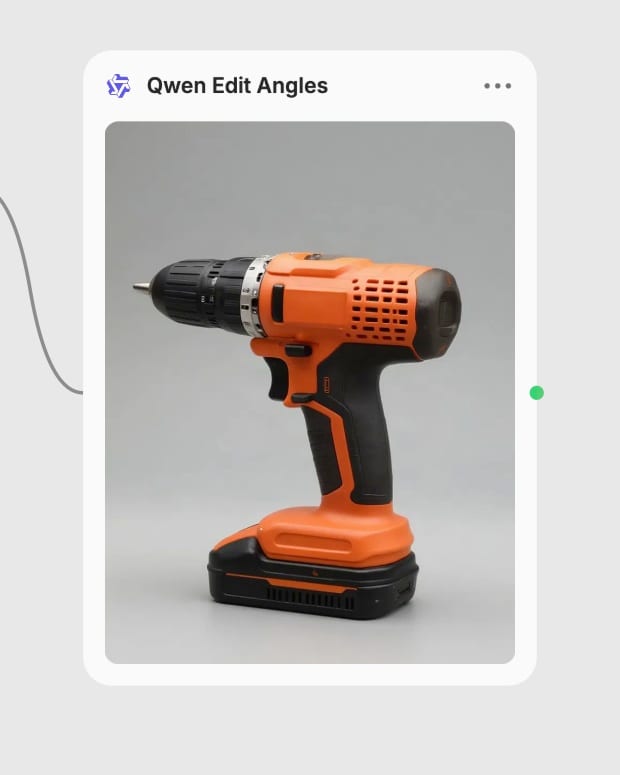
Synthesize new perspective
Run inference in 6 to 8 steps to recalculate 3D occlusion, ambient lighting, and realistic parallax.
Built on a 20B dual-encoder architecture trained on 3D Gaussian Splatting, delivering consistent parallax, occlusion, and lighting recalculation.
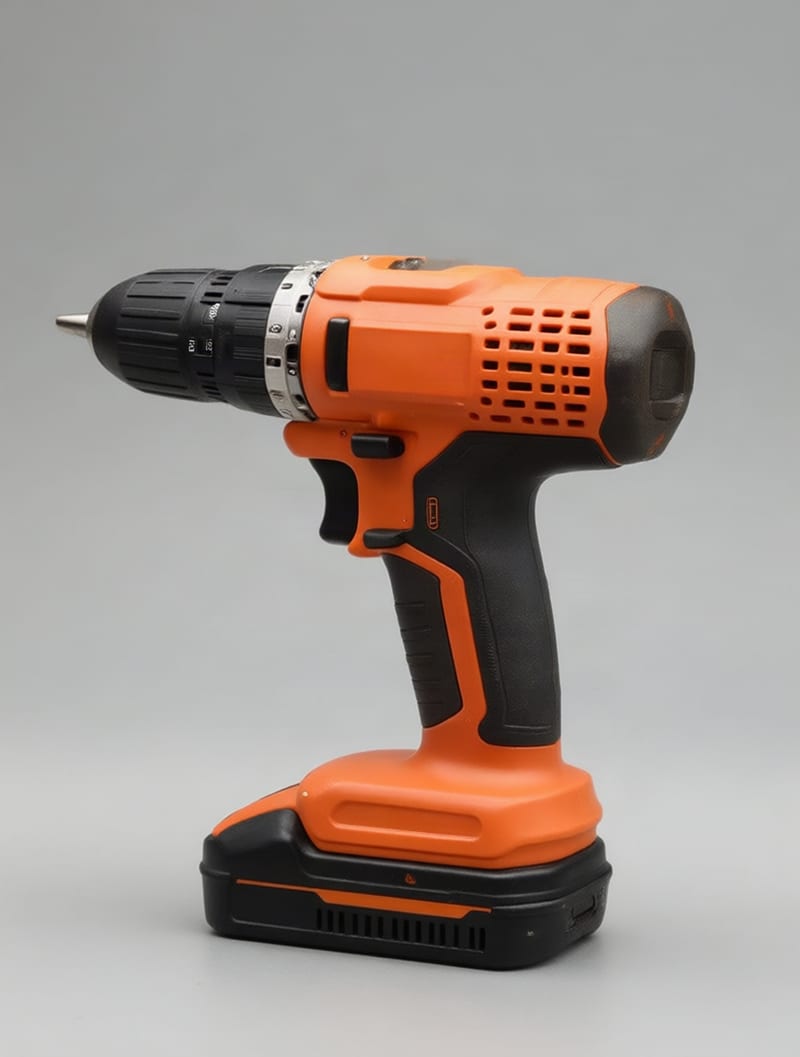
Horizontal Azimuth Rotation
Rotate the virtual camera horizontally from -90 to +90 degrees around your central subject while preserving core textures, identity, and environmental lighting.
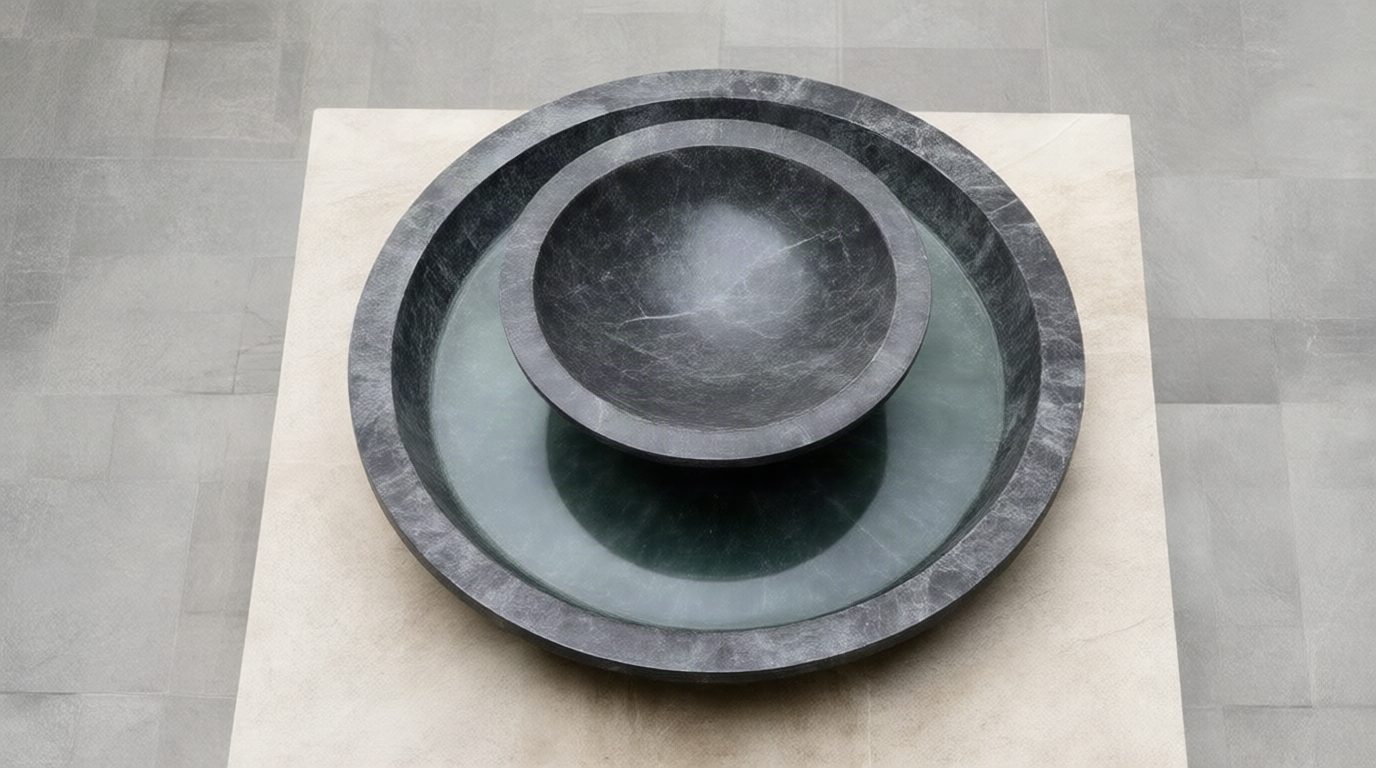
Vertical Pitch Elevation
Shift camera elevation from -1 for overhead bird's-eye perspectives to +1 for powerful worm's-eye angles, recalculating horizon lines and vertical parallax.
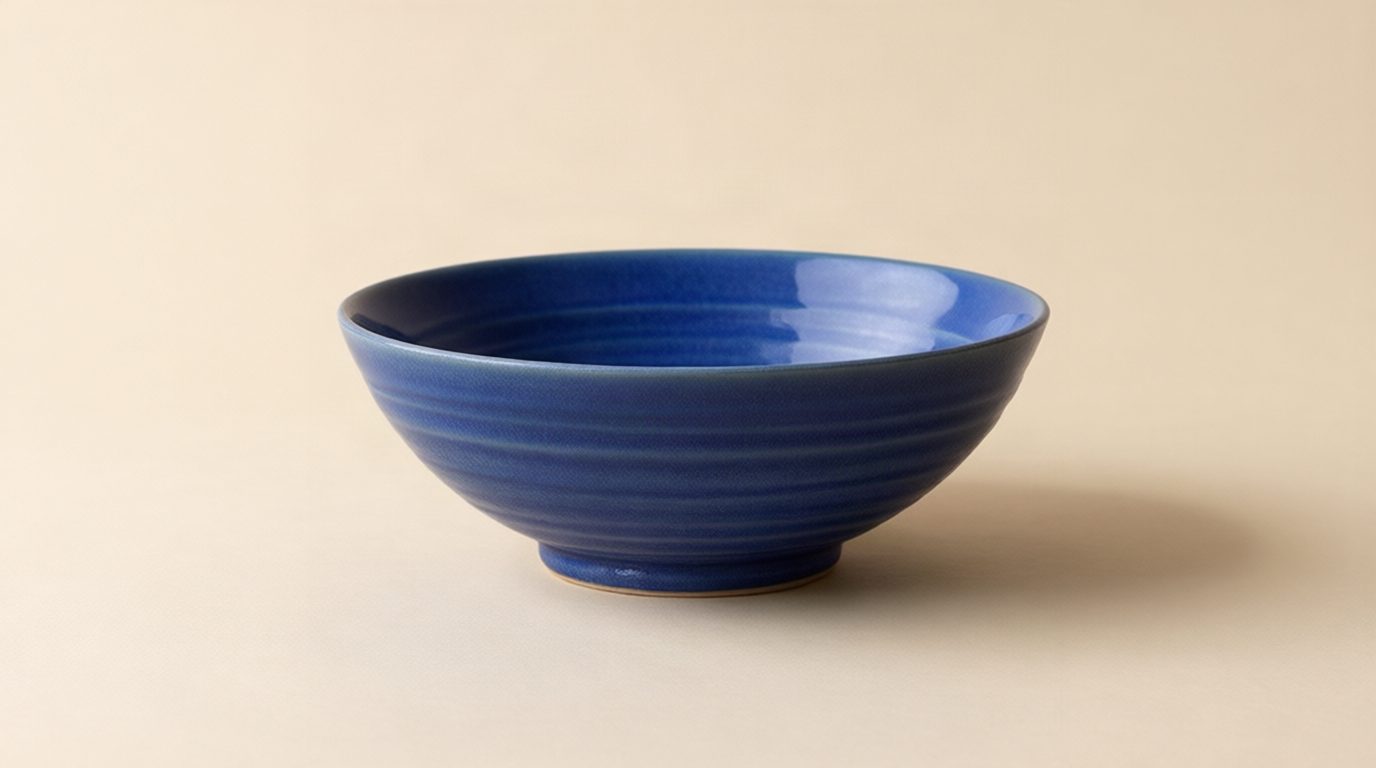
Forward Dolly and Zoom
Push the camera forward toward the subject with a 0 to 10 zoom parameter to isolate fine macro textures without losing contextual ambient depth.
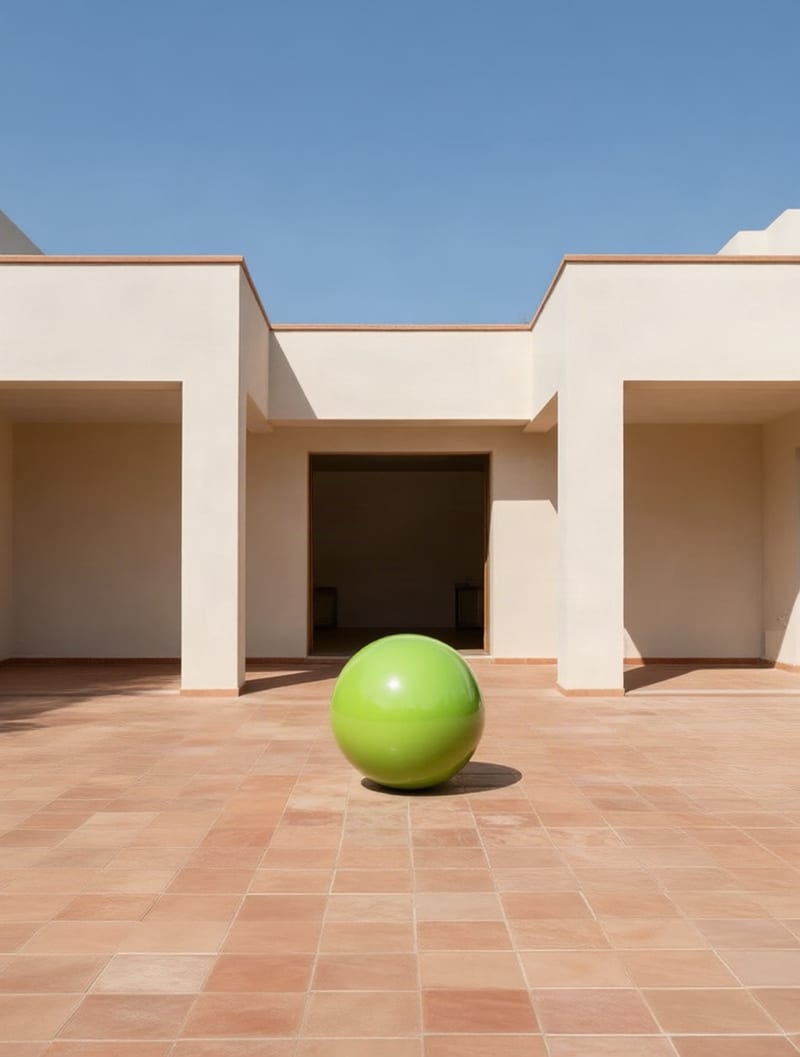
Wide-Angle Lens Distortion
Apply wide-angle perspective distortion to dynamic scenes, expanding peripheral depth and accentuating dramatic camera proximity.
Explore how camera shifts across products, portraits, and cinematic compositions maintain subject identity while rendering realistic 3D depth.
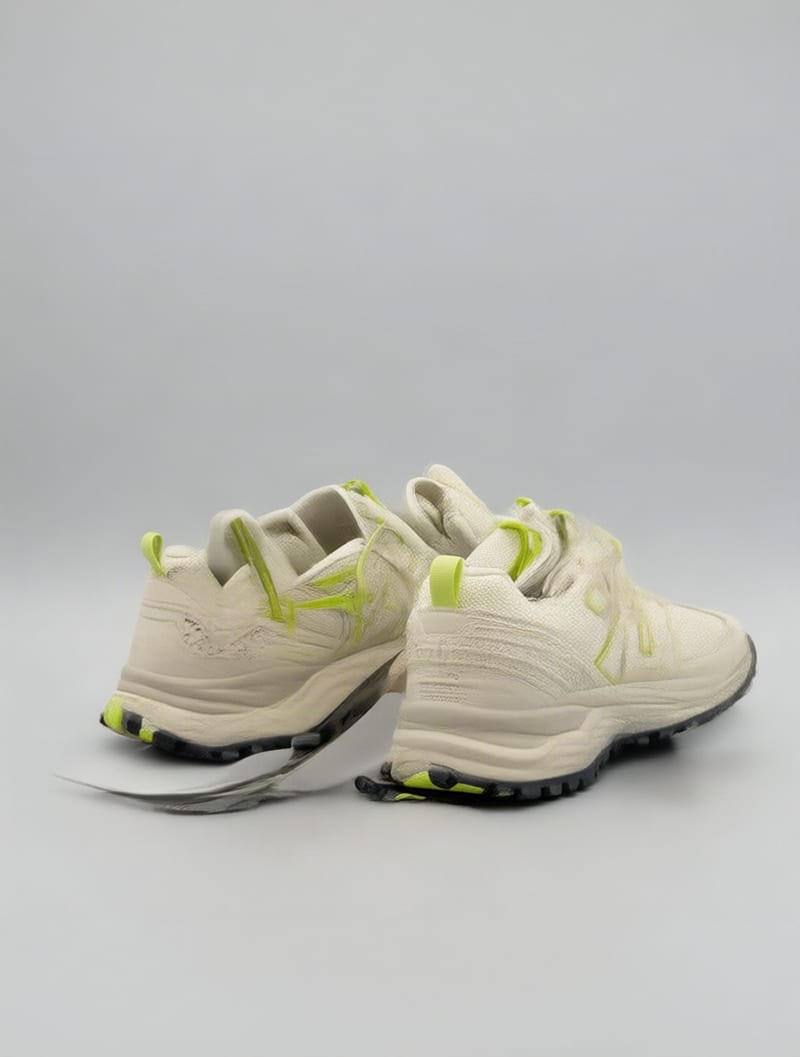
Multi-angle product rotation showing lateral sole architecture and tread profile
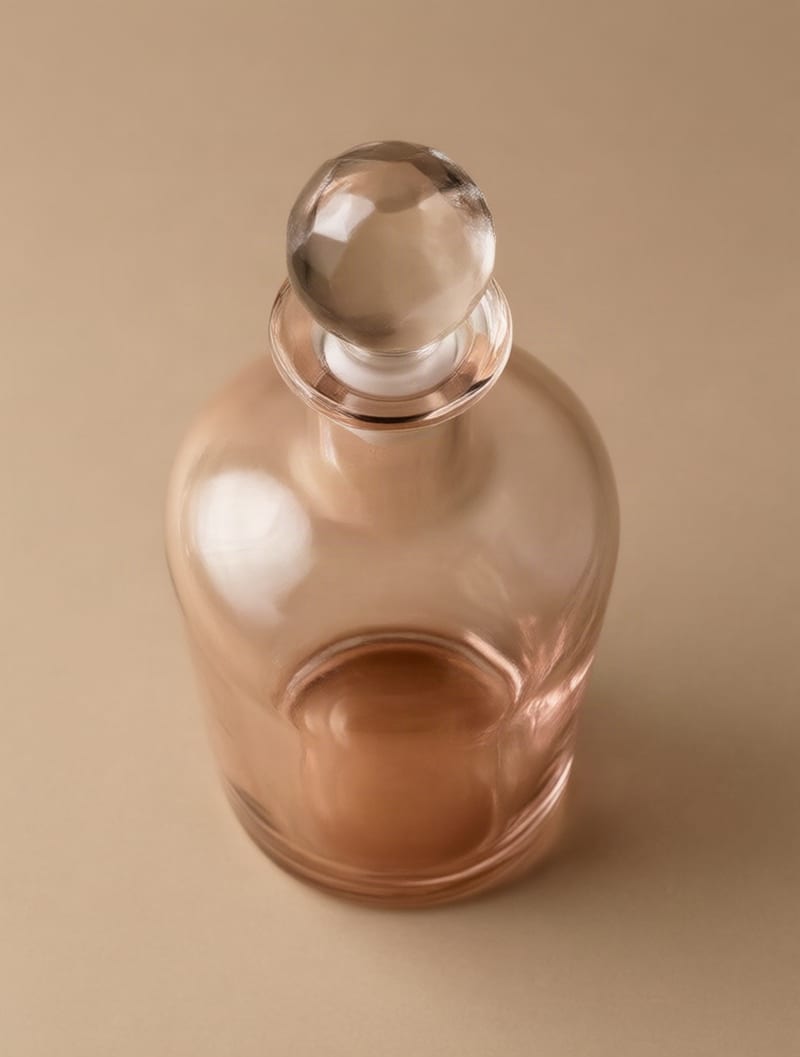
Elevated high-angle commercial framing recalculating glass refraction and floor shadows
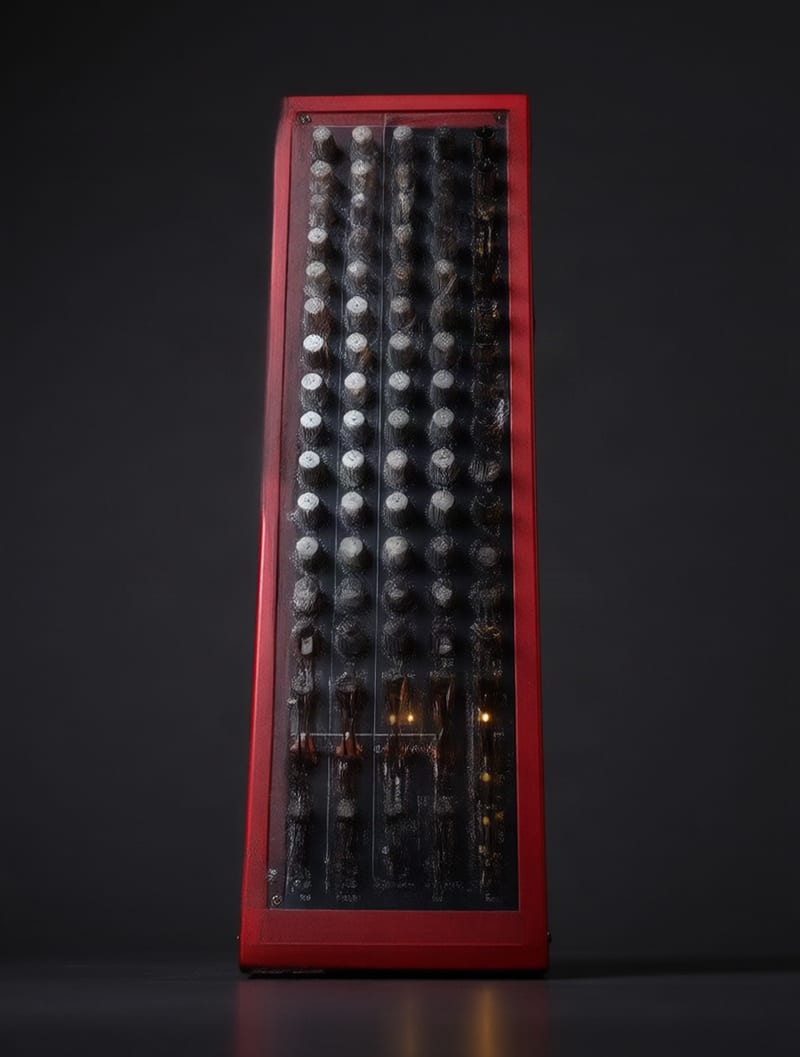
Worm's-eye synthesis transforming hardware into towering graphic album art
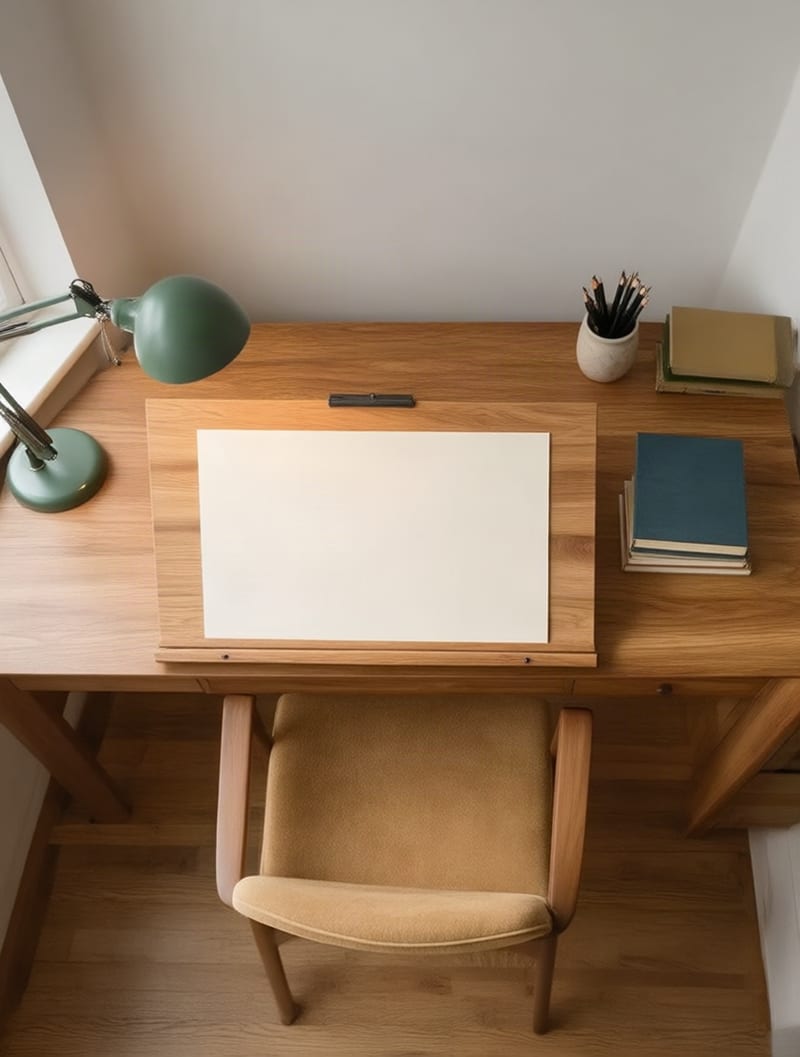
Overhead perspective shift revealing studio workspace depth and ambient occlusion
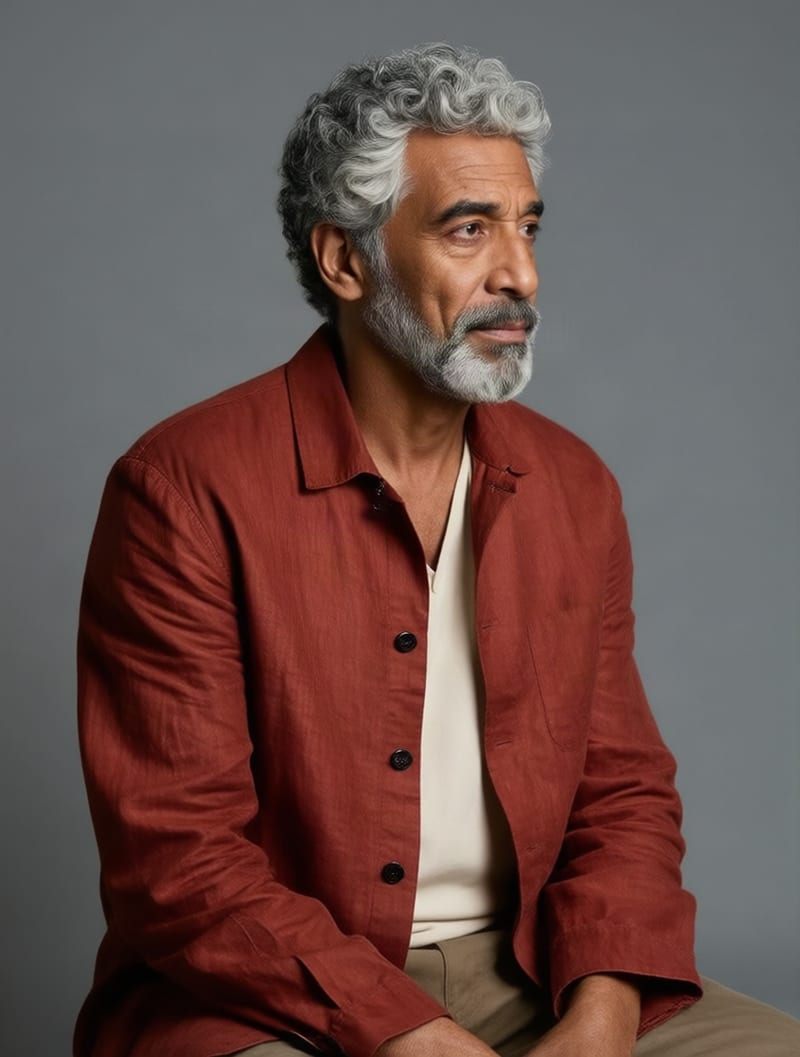
Three-quarter portrait rotation recalculating shoulder drape and rim illumination
From e-commerce multi-view galleries to cinematic storyboard adjustments, creators use spatial camera synthesis to bypass full 3D rendering pipelines.
Yes, Qwen Edit Angles is powered by the Qwen-Edit-Multiple-angles LoRA adapter built on top of the 20-billion parameter Qwen Image Edit foundation model. The adapter was trained on over 3,000 synthetic image pairs generated from 3D Gaussian Splatting to map 2D images into consistent 3D camera coordinate spaces.
You can adjust horizontal rotation from -90 to +90 degrees, vertical pitch from -1 (bird's-eye view looking down) to +1 (worm's-eye view looking up), forward dolly zoom from 0 to 10, and toggle wide-angle lens distortion. The model recalculates occlusion, highlights, and casting shadows based on the new virtual camera position.
Use 6 to 8 inference steps with an effect strength between 0.9 and 1.1 for standard rotations while preserving subject identity. Lower the effect strength to 0.7–0.8 if you need to prioritize fine background details, or raise it to 1.3–1.5 if the camera angle requires a more aggressive transformation.
Avoid source images with fine branding typography, intricate wire-like meshes, or noisy low-contrast subjects, as thin details can distort during perspective shifts. Additionally, full 180-degree rotations of highly asymmetric subjects will cause the model to hallucinate or mirror occluded details.
The foundation model was developed by Alibaba, while the specialized multi-angle LoRA adapter was created by dx8152. It pairs a Qwen2.5-VL semantic encoder with a detail-preserving VAE encoder to execute pseudo-3D view synthesis directly on 2D images.
Rotate camera angles, shift elevations, and synthesize 3D perspective views from a single still photograph