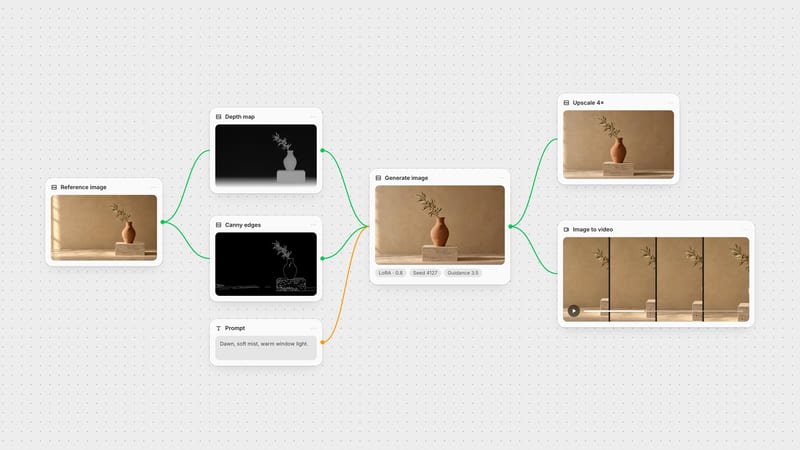
One click, whole workflow
Recipes are here. Package a whole workflow and run it in one click
Explore recipesOne click, whole workflow
Recipes are here. Package a whole workflow and run it in one click
Explore recipesbyStability AI & Community
Turn structural blueprints and line sketches into high-fidelity photorealistic renders while locking exact geometry
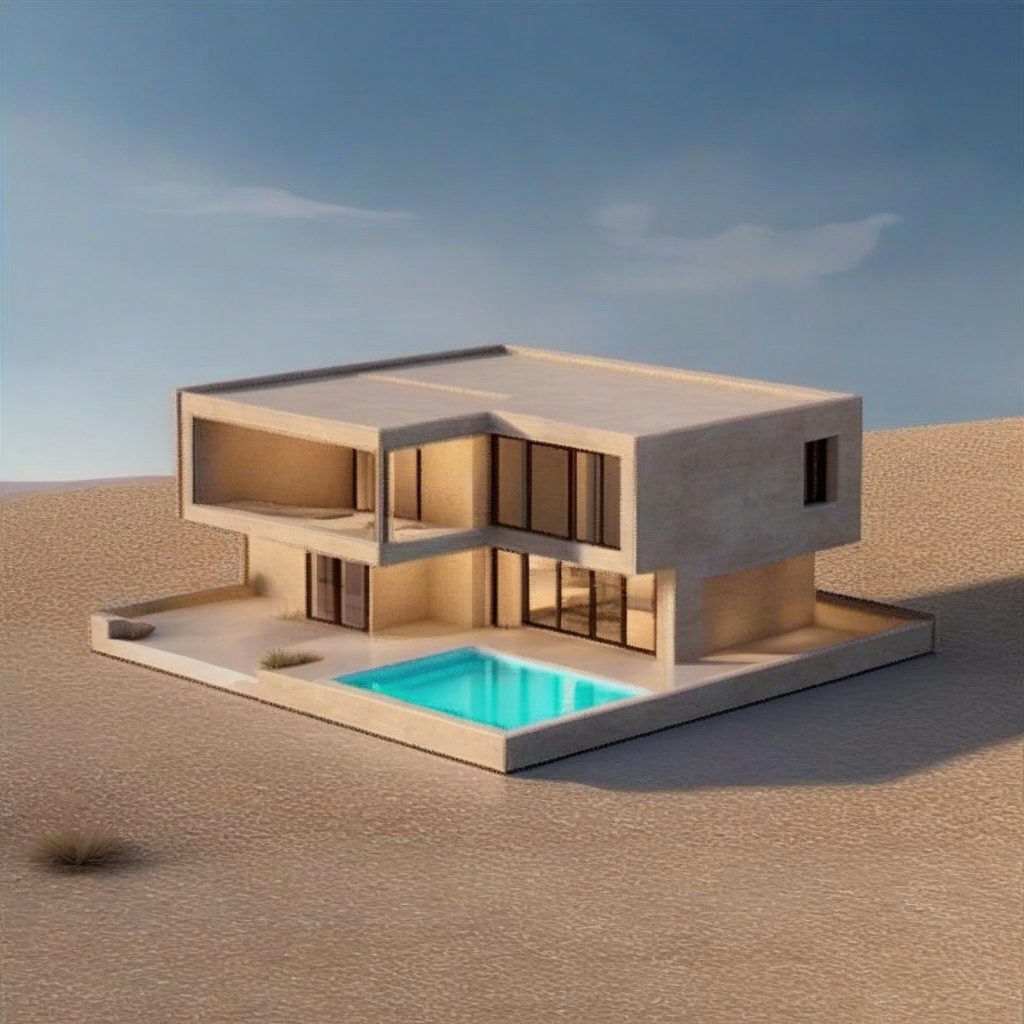
Translate raw boundary lines into finished renders in three deliberate moves, giving you complete structural control over SDXL generation.
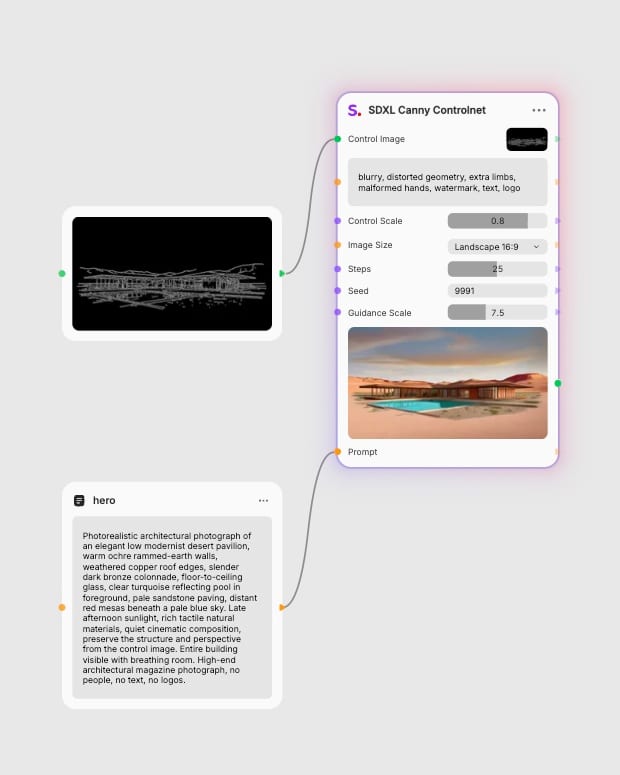
Upload structural blueprint
Provide a clean high-contrast sketch, line drawing, or reference image whose outlines define the composition.
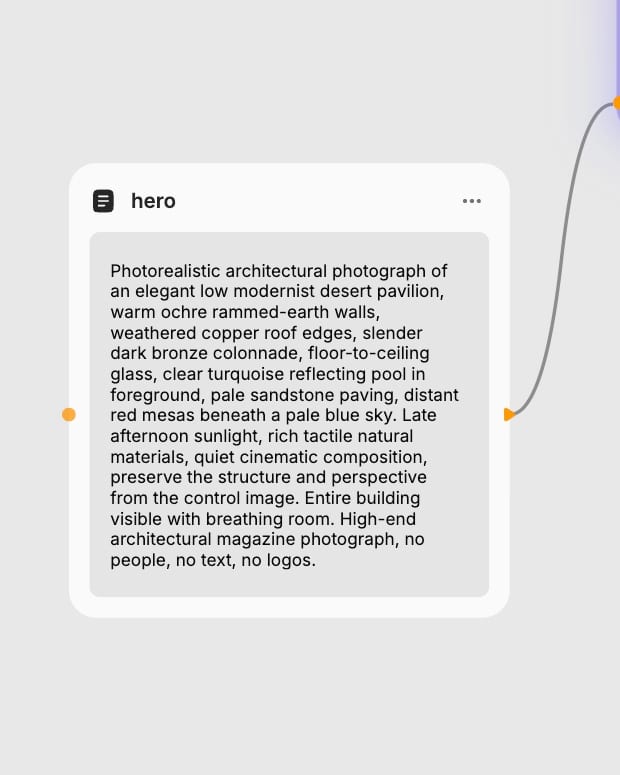
Describe materials and mood
Specify textures, surface finishes, lighting conditions, and aesthetic styling in your text prompt.
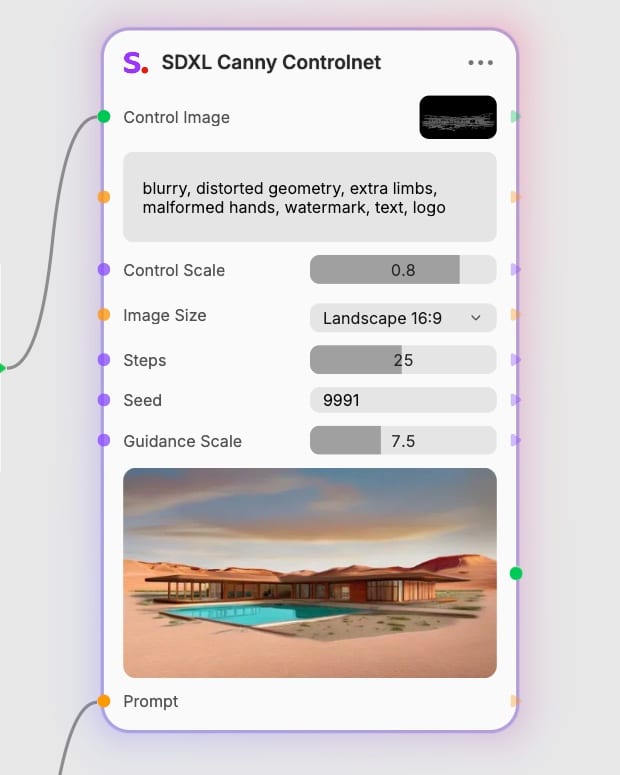
Tune structural tension
Adjust the control scale from 0.4 for loose artistic rendering up to 1.0 for rigid architectural alignment.
Lock spatial perspective, isolate silhouettes, and test endless material variations without shifting a single outline.
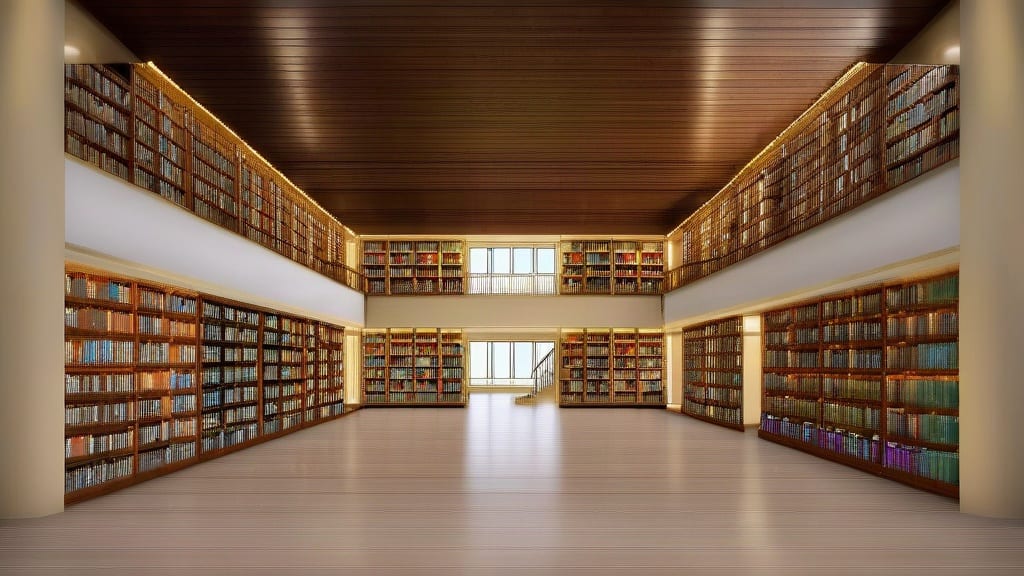
Sub-pixel geometric lock
Extracts hard boundary contours with Canny edge detection, pinning perspective lines and structural silhouettes firmly in place during diffusion.
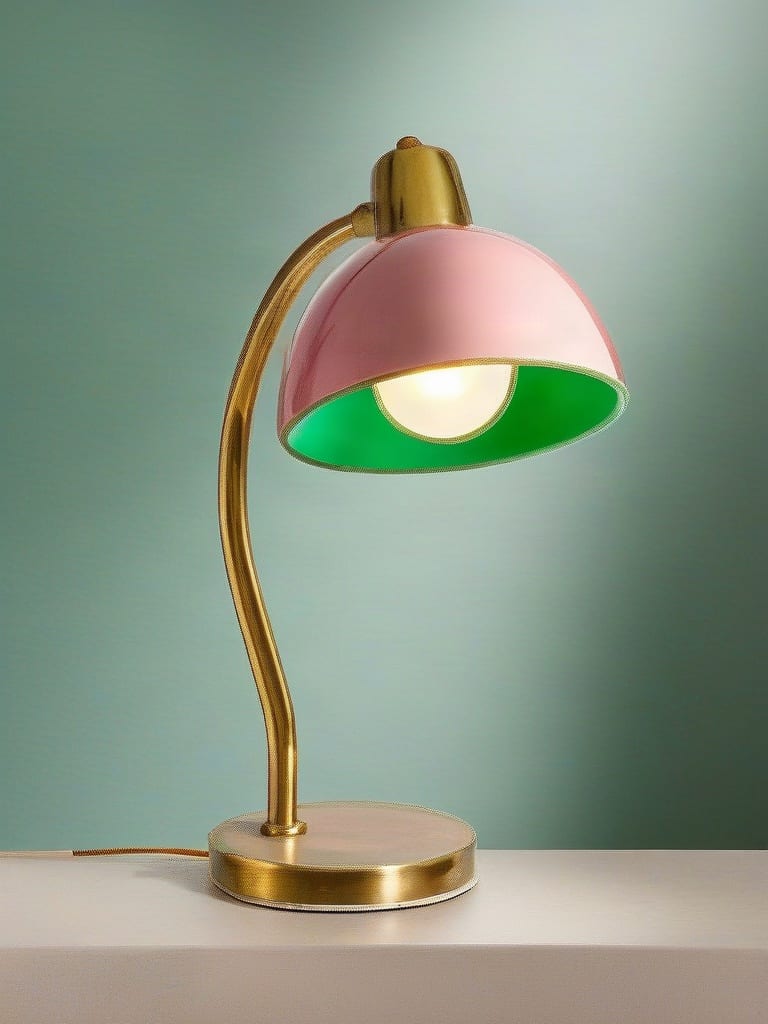
Fine control scale modulation
Dial the conditioning scale between 0.0 and 1.0 to decide whether the engine strictly traces every stroke or softens boundaries for volumetric shading.
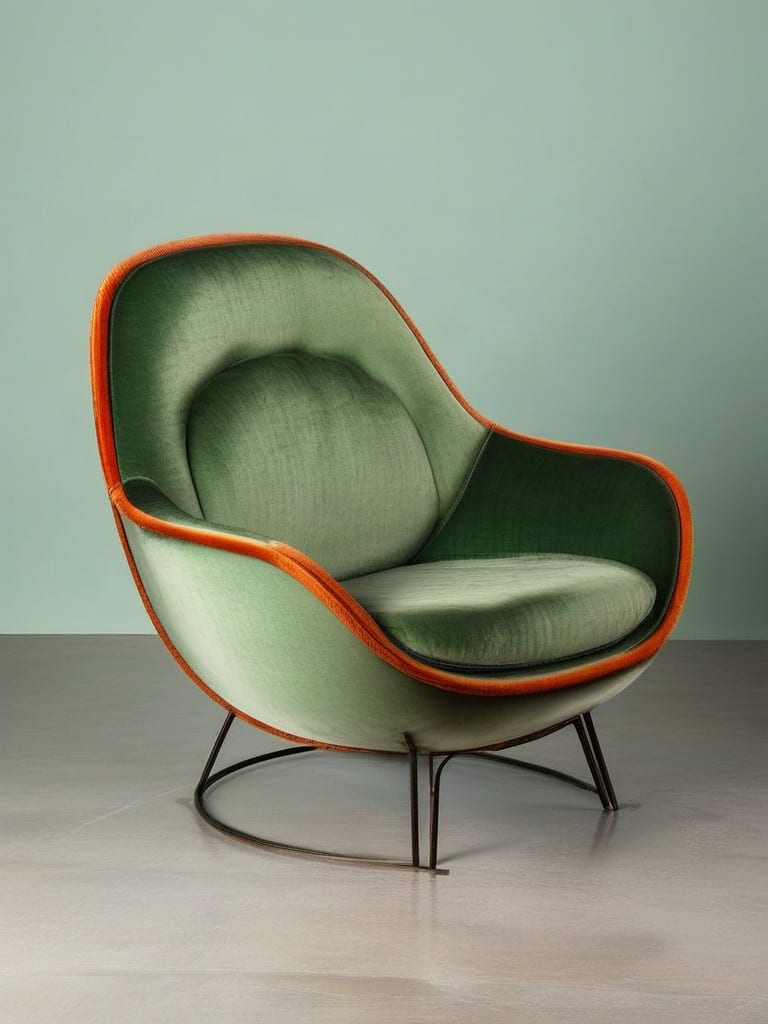
Material and texture restyling
Repaint the interior volume of any silhouette with complex shaders, oxidized metals, woven textiles, or translucent ceramics while keeping silhouettes intact.
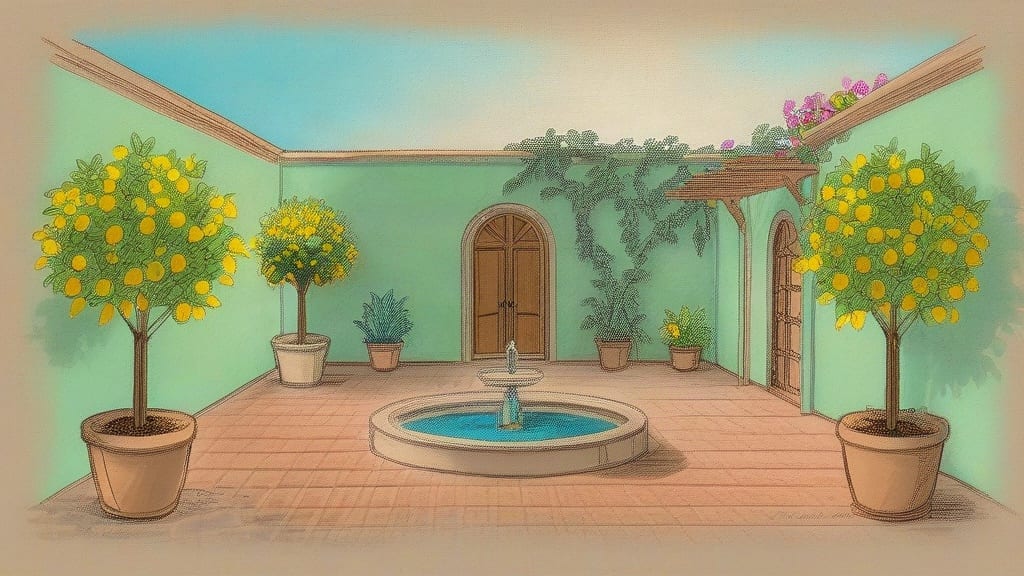
Clean sketch colorization
Breathe vibrant color and volumetric depth into black-and-white ink drawings or line art with step counts from 15 to 35 steps.
A gallery of photorealistic architectural spaces, editorial garments, packaging concepts, and vehicle studies built from precise edge maps.
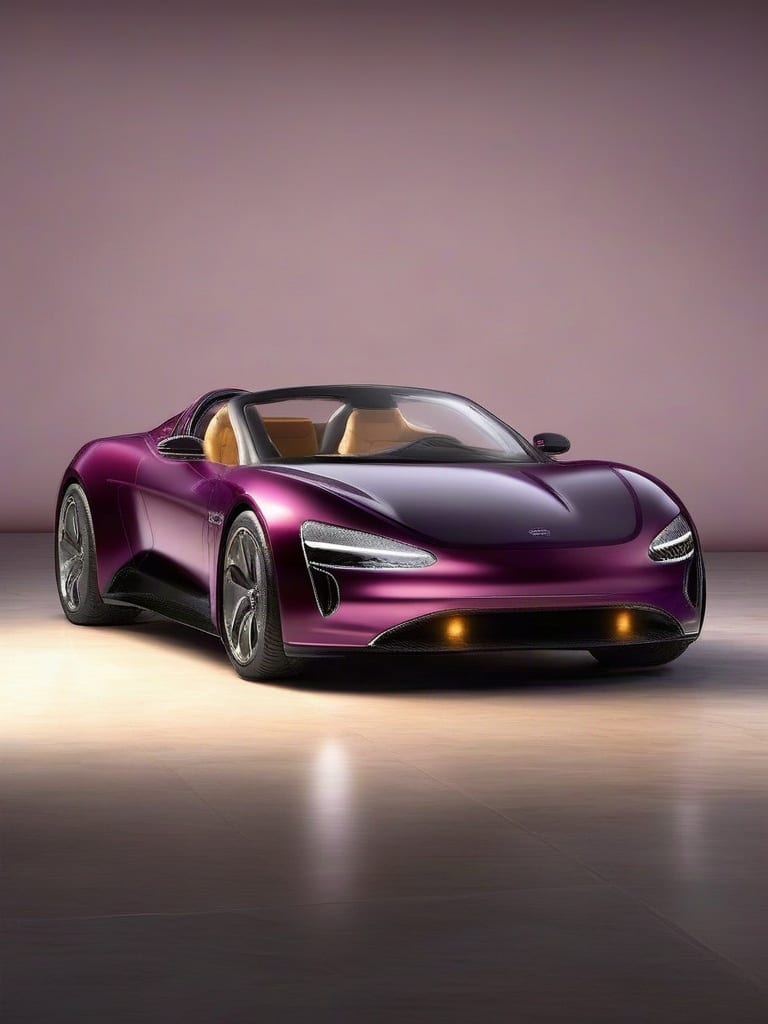
Automotive concept study with preserved contour lines
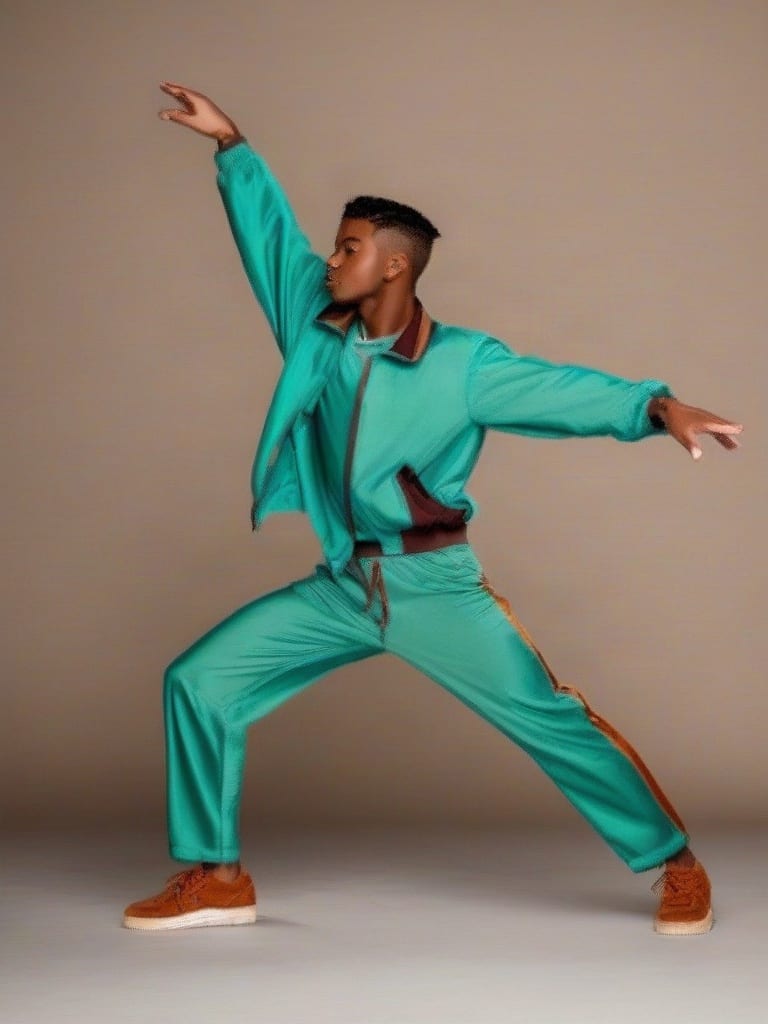
Dynamic human silhouette captured from pose outlines
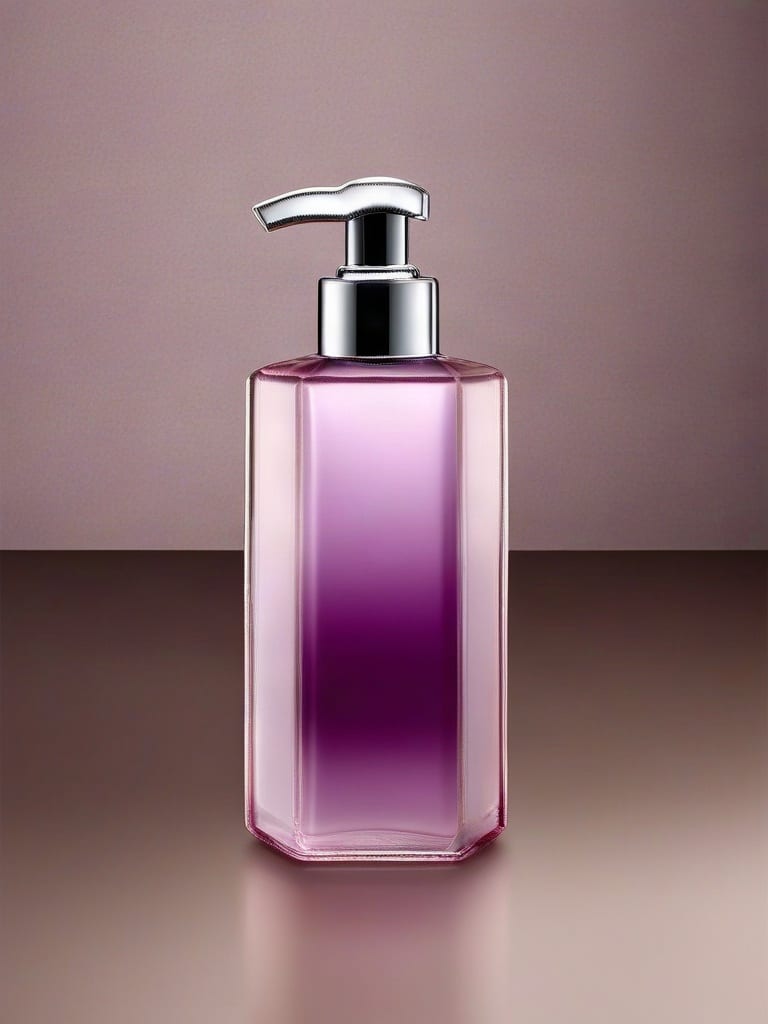
Cosmetic packaging mockup with exact container proportions
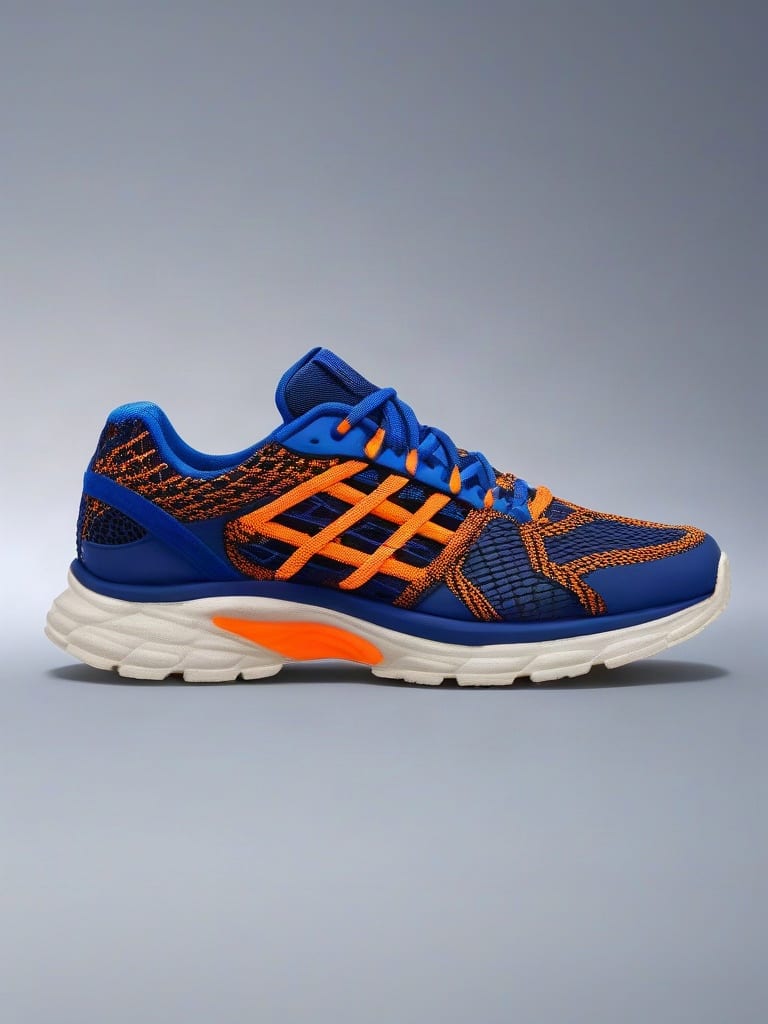
High-impact footwear commercial visual from wireframe
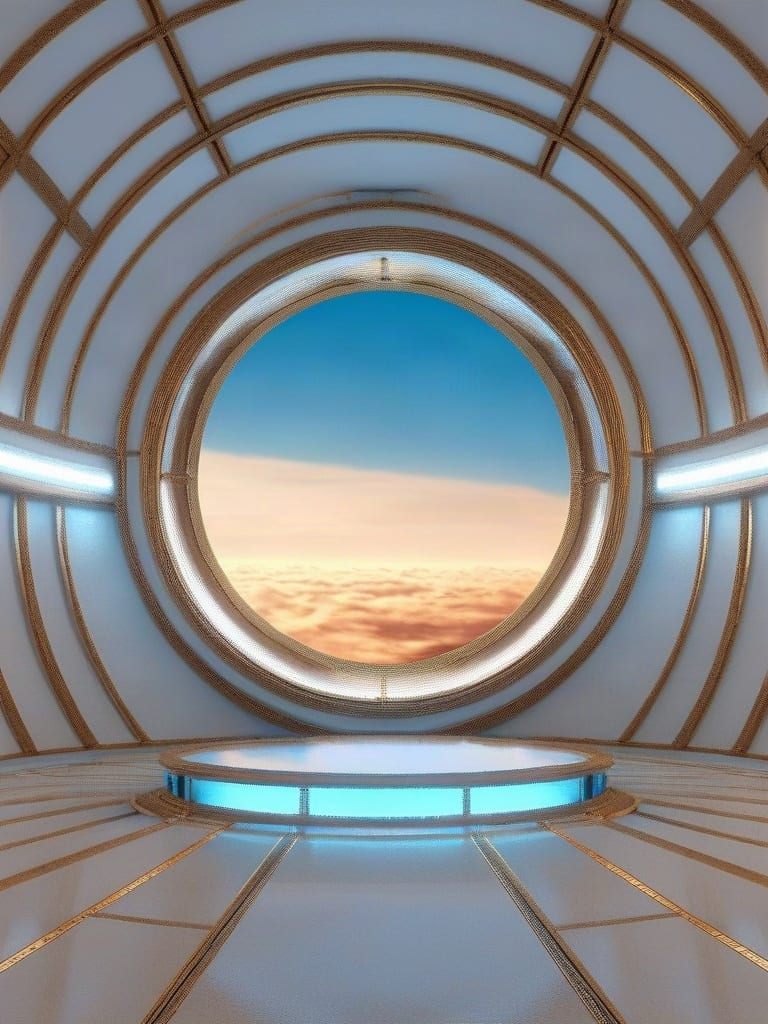
Cinematic sci-fi scene anchored to circular viewport geometry
Architects, industrial designers, and visual artists rely on edge guidance to bridge the gap between initial sketches and production-ready imagery.
SDXL Canny ControlNet extracts structural outlines from an input reference image to lock down the exact geometry, perspective, and boundaries of your output image while allowing the prompt to dictate textures, lighting, and style. Standard text-to-image models generate compositions randomly from noise, whereas this pipeline forces the diffusion process to adhere strictly to your provided line blueprint.
A conditioning scale between 0.4 and 0.7 offers the best balance between faithful edge following and natural volumetric shading. Pushing the scale to 0.8–1.0 enforces rigid structural and text alignment but may produce artificial outlines on organic subjects like faces, while lowering it toward 0.3 allows the model more creative freedom in shading.
High-contrast images with clean, distinct edges—such as architectural CAD lines, black-and-white ink sketches, or isolated product silhouettes—yield the best results. Blurry, low-contrast photos or images dense with micro-textures like animal fur and gravel create noisy edge maps that can distort the generated output.
This node is not recommended for loose conceptual brainstorming, soft lighting transfers, or unstructured style replication where outlines should not be preserved. It also struggles with fine organic textures such as individual hair strands. For workflows requiring looser compositional guidance without rigid borders, depth-based or style-transfer models are more suitable.
SDXL Canny ControlNet was developed by Stability AI and open-source community contributors, building upon the SDXL foundation released between 2023 and 2024. It is optimized natively for 1024x1024 resolutions such as Square HD, and supports presets for 4:3 and 16:9 aspect ratios in both portrait and landscape orientations.
Turn structural blueprints and line sketches into high-fidelity photorealistic renders while locking exact geometry