Recipev2
4-Season Render Generator
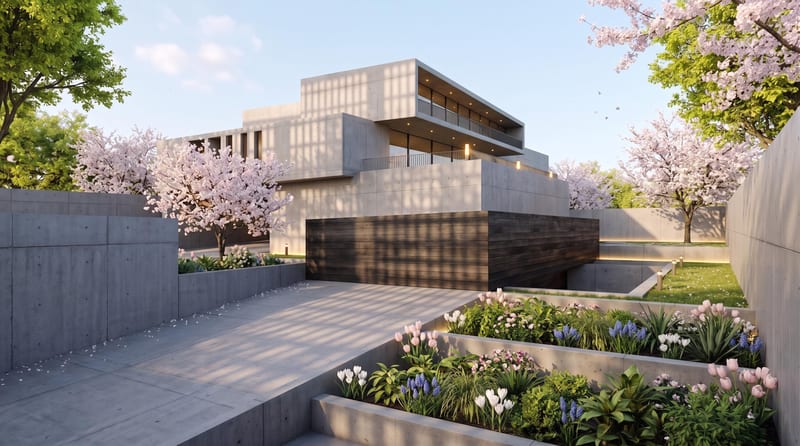
Spring Render
One click, whole workflow
Recipes are here. Package a whole workflow and run it in one click
Explore recipesArchitecture Visualization
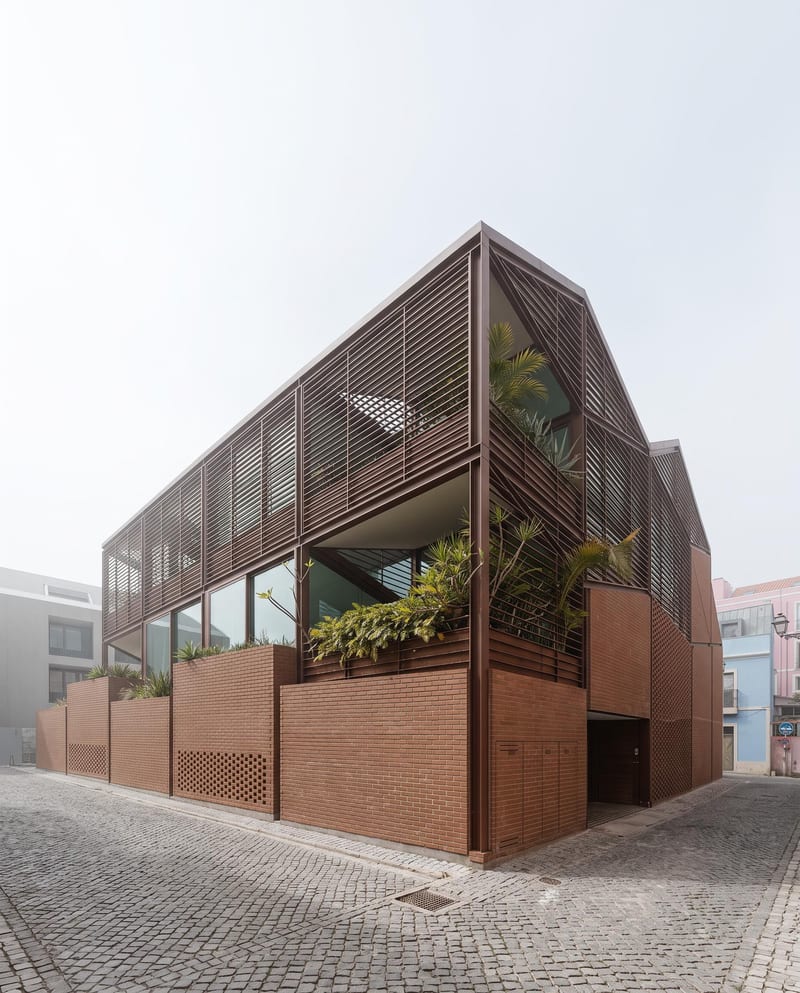
Upload one architectural render to create spring, summer, fall, and winter versions with the same architecture, composition, and camera angle.
Spring Render
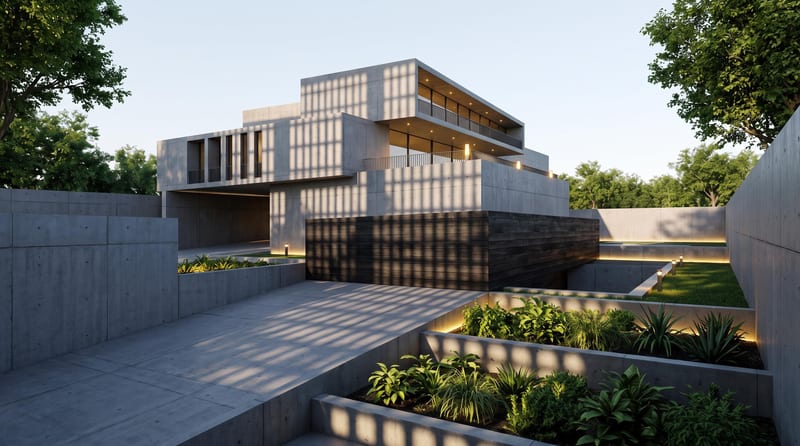
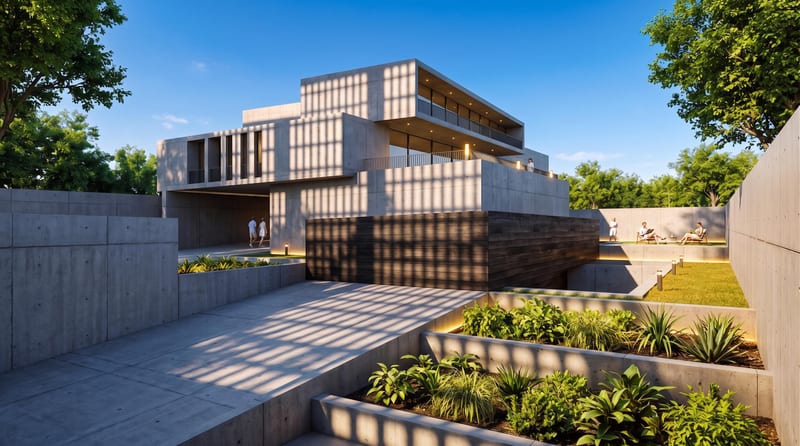
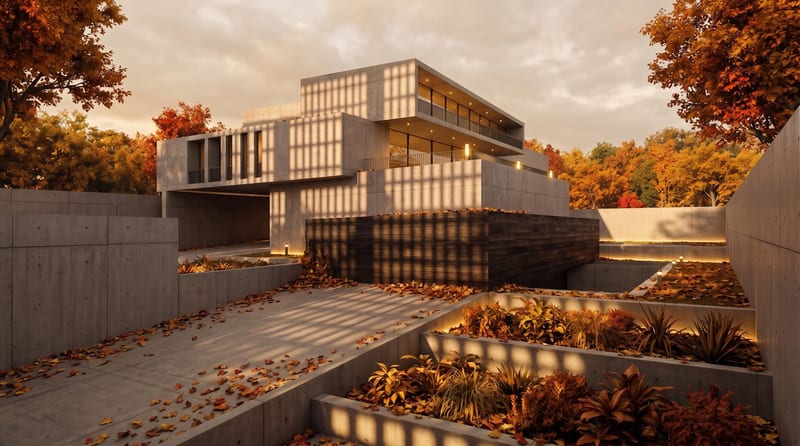
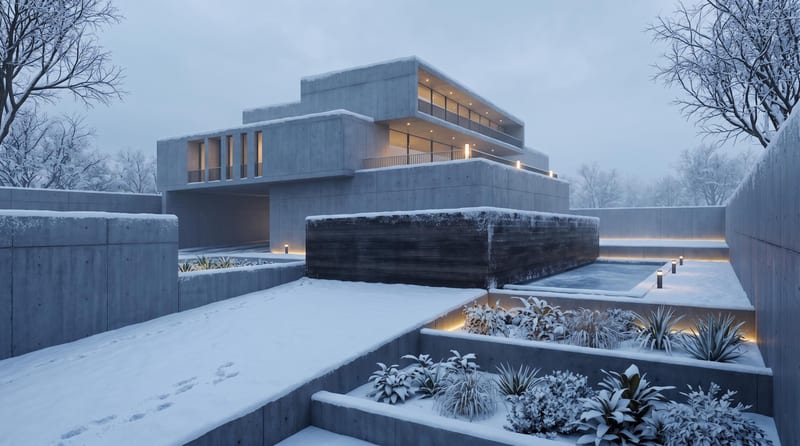
A recipe turns a reusable workflow into a simple set of inputs and outputs. Start with a community recipe and make it your own in Fuser.

1. Choose a recipe
Find a workflow for the result you want. Review what it does and how to use it before opening it in Fuser.
2. Make it your own
Check the recipe’s available inputs. Add your own text or media where supported, or start with the saved defaults.
3. Run and refine
Run it in Fuser and review the result on your canvas. Tweak the inputs to try another direction.
Use the four outputs to present one architectural scene across different seasonal contexts.
It takes one uploaded architectural render and creates four image outputs: Spring Render, Summer Render, Fall Render, and Winter Render. The recipe is intended to show the same scene across four seasons while preserving the architecture, composition, and camera angle.
It is useful for architects, architectural visualizers, designers, and anyone presenting an architectural scene across seasonal contexts. The outputs can support design presentations, portfolio studies, planning reviews, and concept boards.
Prepare one image of an architectural render and upload it as the Architecture Render input. This recipe has one exposed image input rather than separate inputs for each season.
Yes. Architecture Render is an exposed editable input, so you can replace the saved source image in Fuser with another architectural render before using the recipe. The saved page example shows one default input connected to the four seasonal outputs; it is not a live run.
The outputs demonstrate four seasonal versions of the uploaded scene: spring, summer, fall, and winter. They are separate images intended to retain the original architecture, composition, and camera angle while representing the four named seasons.
Yes, you can use another architectural render as the input to create a new set of seasonal outputs. The result will be based on the image you provide, while the recipe’s defined outputs remain the four named season renders.
The recipe accepts a single architectural render and produces four seasonal image outputs. It is designed around changing the seasonal presentation while keeping the architecture, composition, and camera angle consistent; it does not expose additional input types on this recipe.
Bring an architectural render into Fuser and explore spring, summer, fall, and winter versions of the same scene.
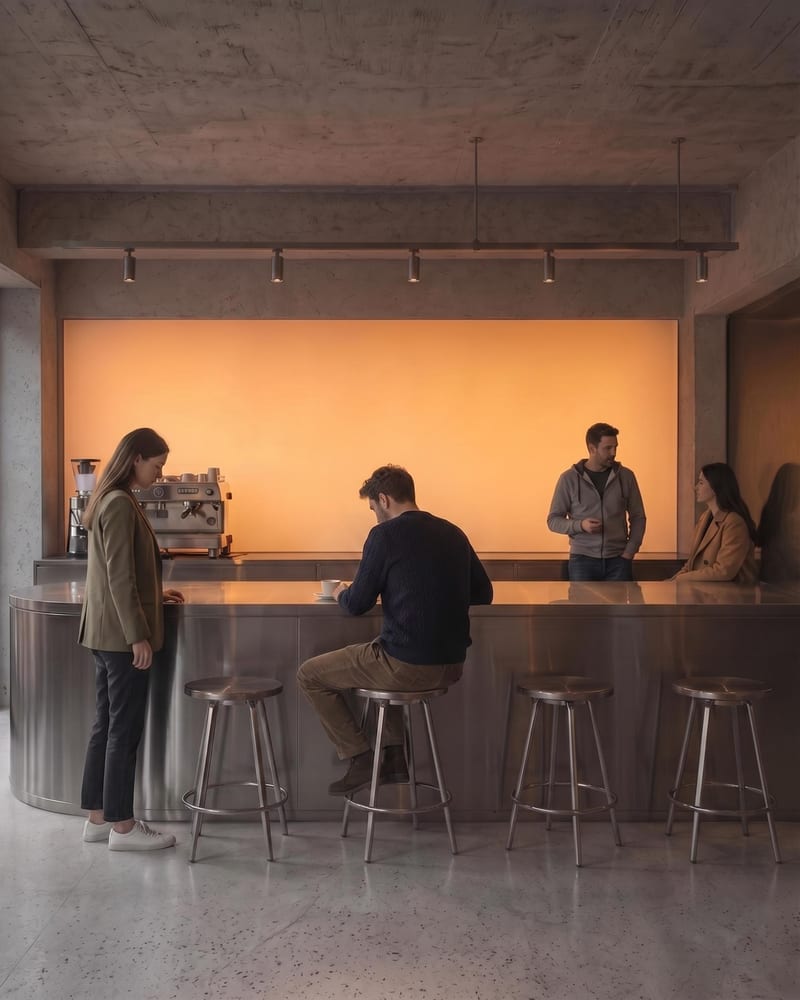
Upload an architectural render to create a populated architecture image with naturally positioned people and a clearer sense of scale.
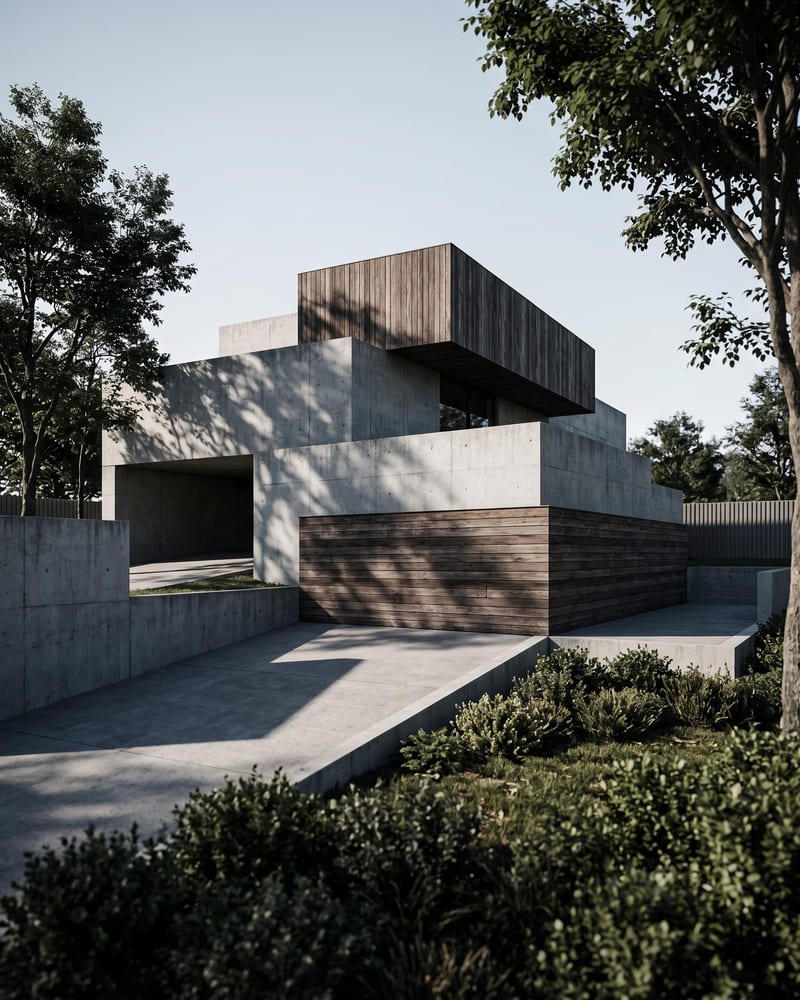
Turn an architecture sketch into four architectural renders from different perspectives and a timelapse video of the space coming together.
Turn a floor plan and reference render into additional architectural views, a close-up render, and an interior walkthrough video.