Recipev2
Crowd Fill
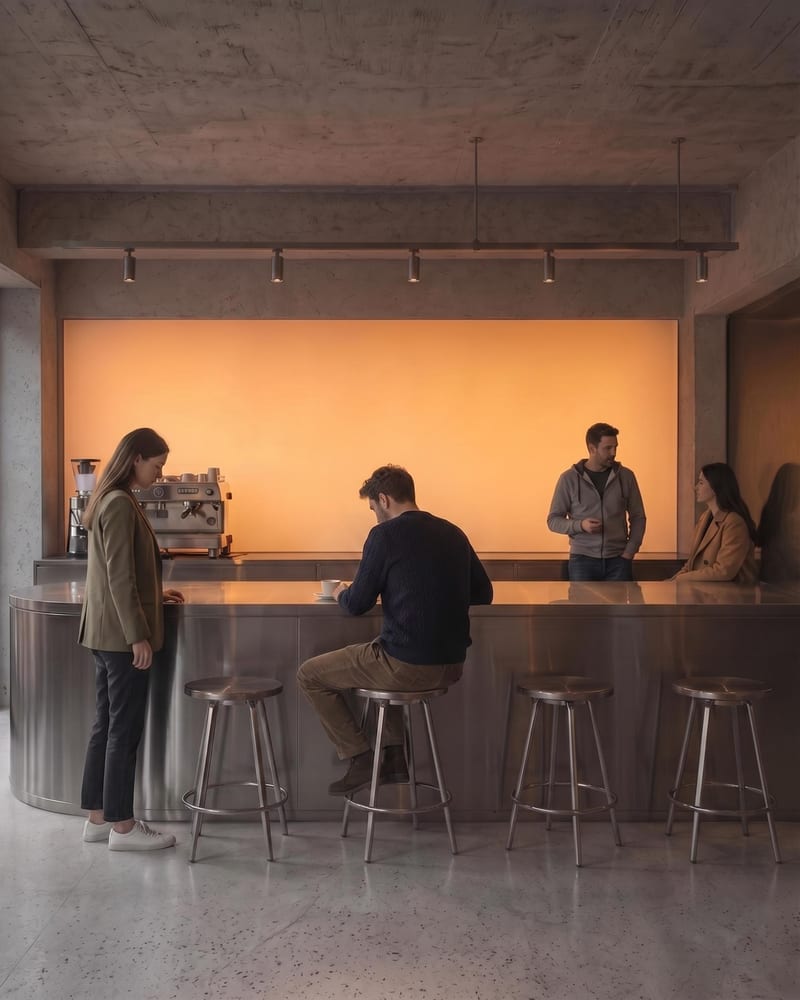
Crowded Architecture Render
One click, whole workflow
Recipes are here. Package a whole workflow and run it in one click
Explore recipesArchitecture & Spaces
Upload an architectural render to create a populated architecture image with naturally positioned people and a clearer sense of scale.
Crowded Architecture Render
A recipe turns a reusable workflow into a simple set of inputs and outputs. Start with a community recipe and make it your own in Fuser.

1. Choose a recipe
Find a workflow for the result you want. Review what it does and how to use it before opening it in Fuser.
2. Make it your own
Check the recipe’s available inputs. Add your own text or media where supported, or start with the saved defaults.
3. Run and refine
Run it in Fuser and review the result on your canvas. Tweak the inputs to try another direction.
Use a populated architecture render to communicate spatial character, occupancy, and scale across design presentations.
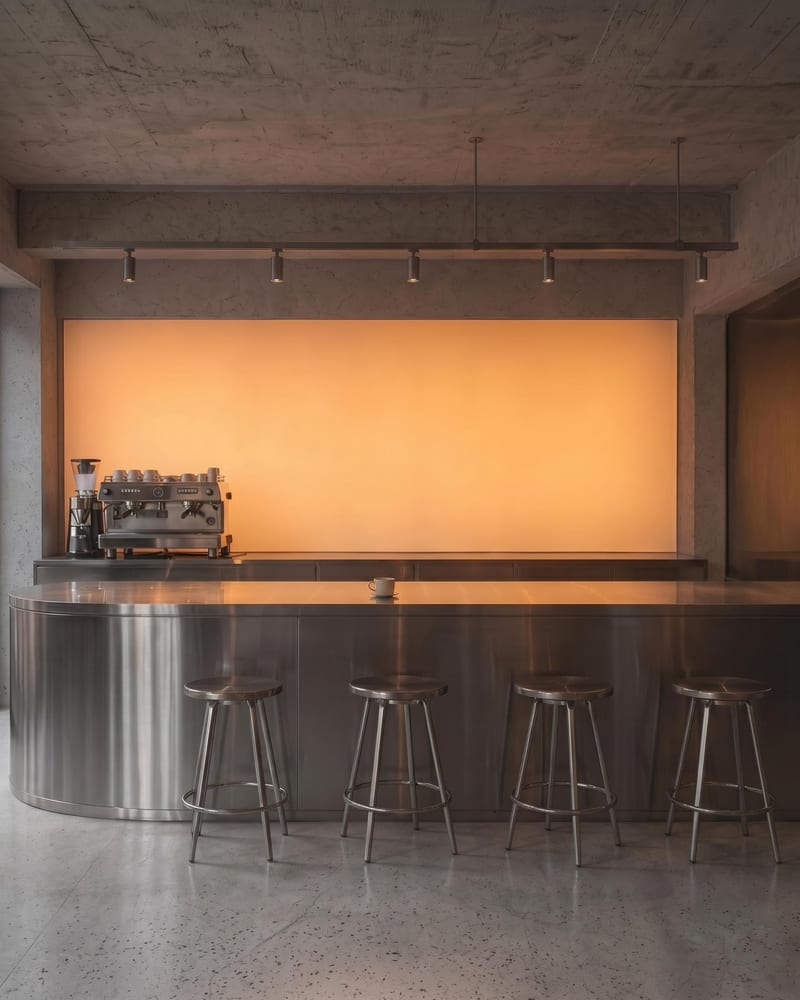
It takes an Architectural Render and creates a Crowded Architecture Render with people placed naturally within the environment. The result is intended to add a convincing sense of scale, activity, and occupancy.
It is suited to people presenting architectural and spatial concepts, including design teams, illustrators, and others preparing images of built environments. The output can help communicate how an environment feels when it is occupied.
Prepare an architectural render as an image, using the Architectural Render input. A clear scene that shows the environment you want to populate gives the recipe a defined setting to work from.
The saved example shows an Architectural Render connected to a Crowded Architecture Render output. It demonstrates the recipe’s intended input-to-output process, rather than a live generation from a new image.
Yes. The Architectural Render is an exposed editable input, so you can replace it in Fuser with another architectural render before using the recipe. The recipe does not list separate exposed inputs for specifying individual people, positions, or scene settings.
The output can support architecture presentations, interior and public-space reviews, design competition materials, development visuals, and architectural illustration studies. These uses benefit from an image that makes occupancy and human scale easier to convey.
The output is a Crowded Architecture Render, so it is an image showing the architectural scene with people added; it is not a set of editable people or a separate planning document. The appearance of the result depends on the Architectural Render you provide and the scene it contains.
Use an Architectural Render as the starting point for a populated scene that communicates scale, activity, and occupancy.
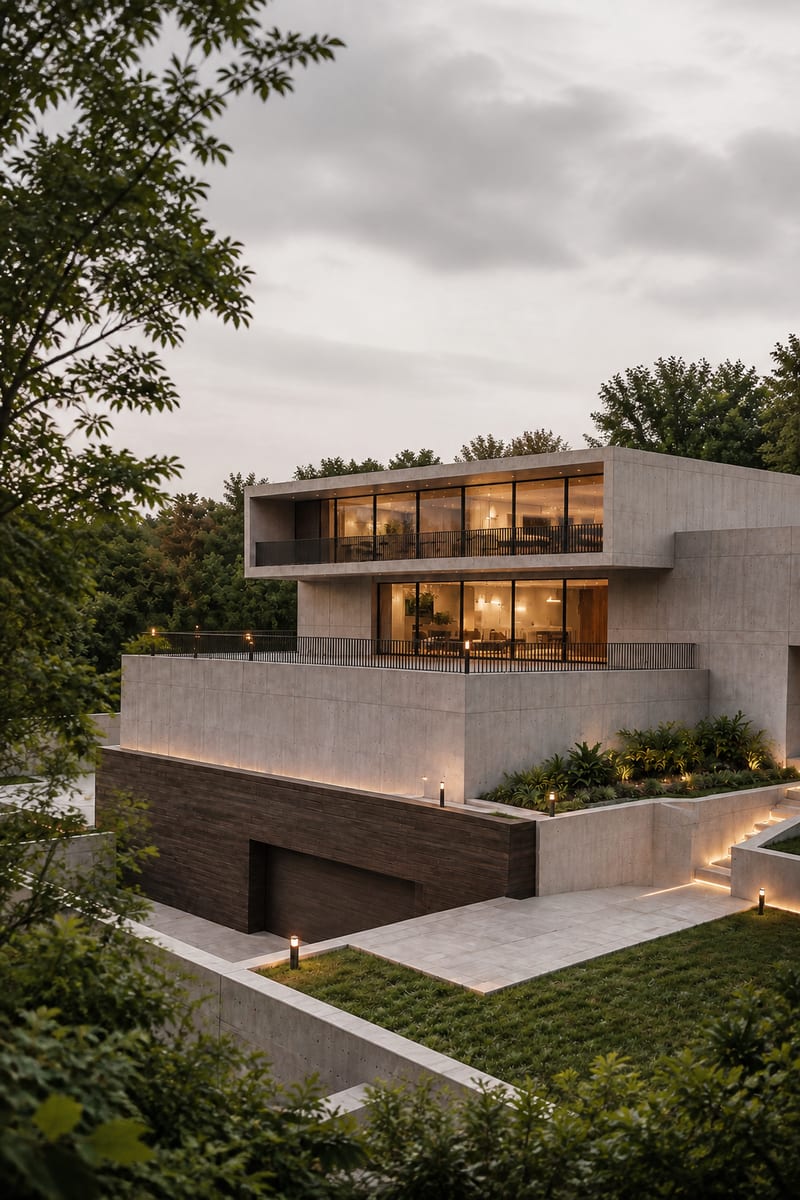
Transform an image into a photorealistic architectural render with an elevated viewpoint, layered urban foregrounds, and soft overcast light.
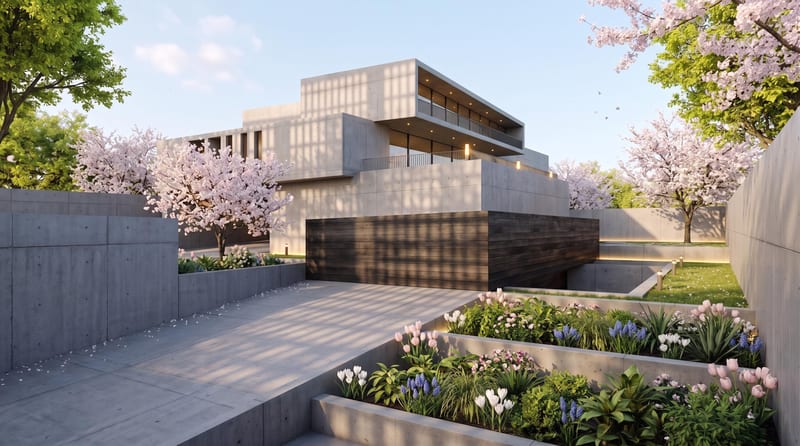
Upload one architectural render to create spring, summer, fall, and winter versions with the same architecture, composition, and camera angle.
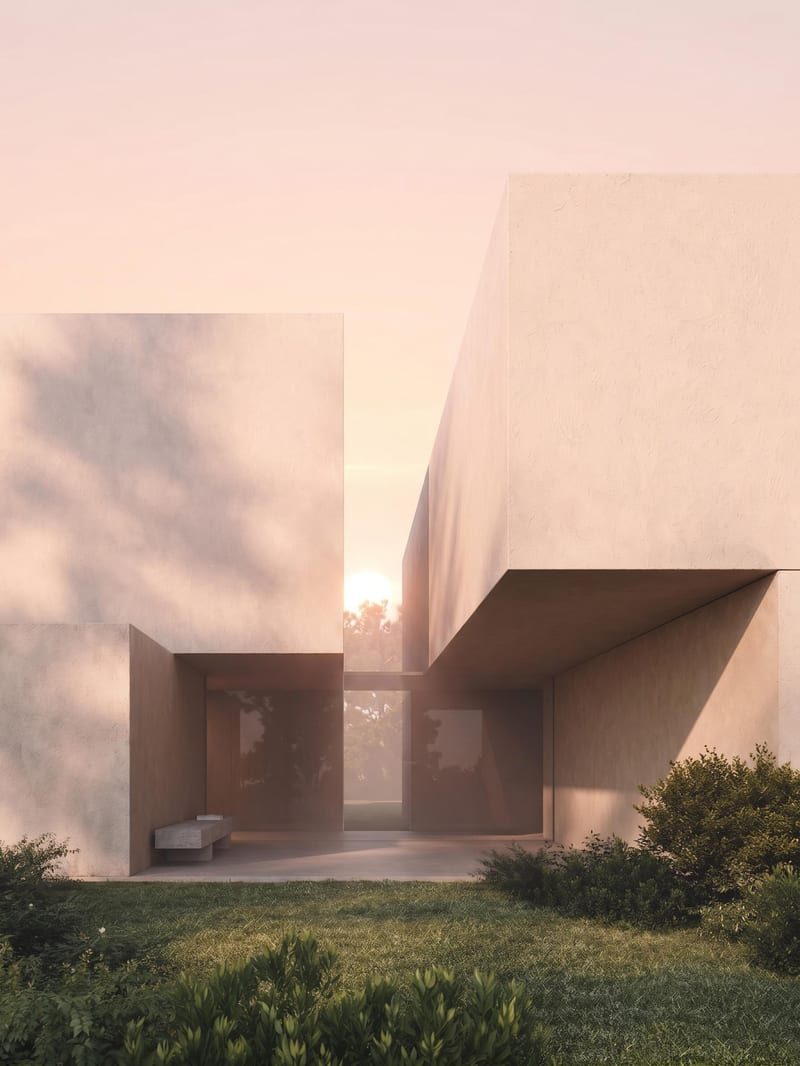
Upload an architectural render to create sunrise, midday, sunset, and nighttime versions of the same scene.