Recipev2
iPhone Photography w. Low Shutterspeed
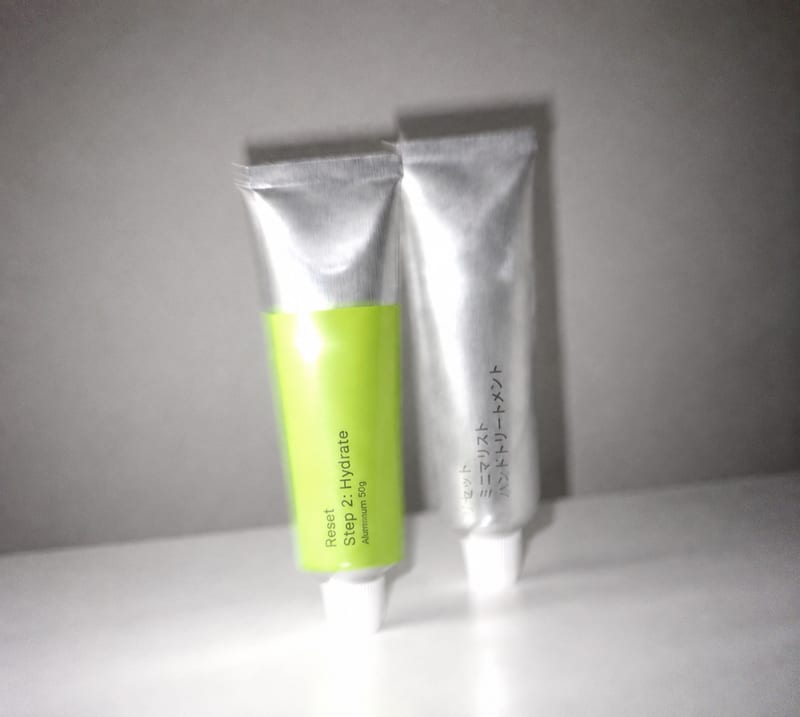
Result Image
One click, whole workflow
Recipes are here. Package a whole workflow and run it in one click
Explore recipesiPhone photography
Transform an overly polished image into a blur-and-grain photograph inspired by an older iPhone or low-shutter film camera.
Result Image
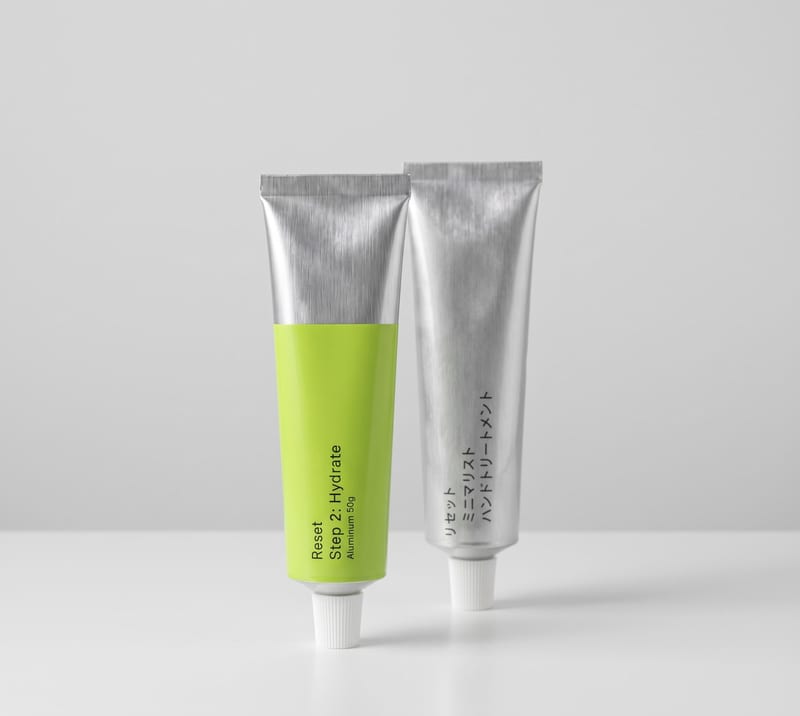
A recipe turns a reusable workflow into a simple set of inputs and outputs. Start with a community recipe and make it your own in Fuser.

1. Choose a recipe
Find a workflow for the result you want. Review what it does and how to use it before opening it in Fuser.
2. Make it your own
Check the recipe’s available inputs. Add your own text or media where supported, or start with the saved defaults.
3. Run and refine
Run it in Fuser and review the result on your canvas. Tweak the inputs to try another direction.
Use the effect to explore less polished, more tactile treatments for photographic images.
It takes one input image and produces one result image with blur and grain. The intended look is inspired by an older iPhone photograph or a film camera used with a low shutter speed.
It is suited to photographers, image-makers, and anyone exploring less polished photographic treatments. It can help when a clean source image needs a more tactile, low-shutter or older-phone-inspired direction.
Prepare the image you want to transform as the recipe’s Input Image. The recipe accepts an image input and returns a Result Image, so there are no other named inputs to prepare.
Yes. The exposed editable input is Input Image, so you can replace the saved example with your own photograph in Fuser. The recipe description does not list additional exposed controls for adjusting the blur or grain separately.
The saved example shows the recipe’s connected image input and image output. It represents a saved example of the workflow; a new run uses the image you provide in Fuser.
The recipe is designed for photographic images, especially images that feel overly polished and could benefit from blur and grain. The supplied recipe does not specify a narrower subject, format, or image-content requirement.
You should expect an image-to-image result that applies a blur-and-grain treatment inspired by older iPhone and low-shutter film photography. The saved example is not a guarantee that every source image will receive the same visual balance.
Bring an image into Fuser and explore how this recipe shifts a polished photograph toward blur, grain, and low-shutter character.
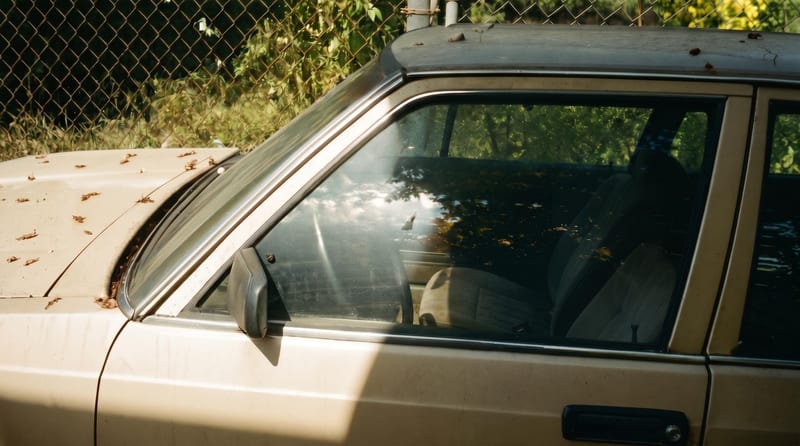
Upload one reference image to create six film-inspired photographic variations.
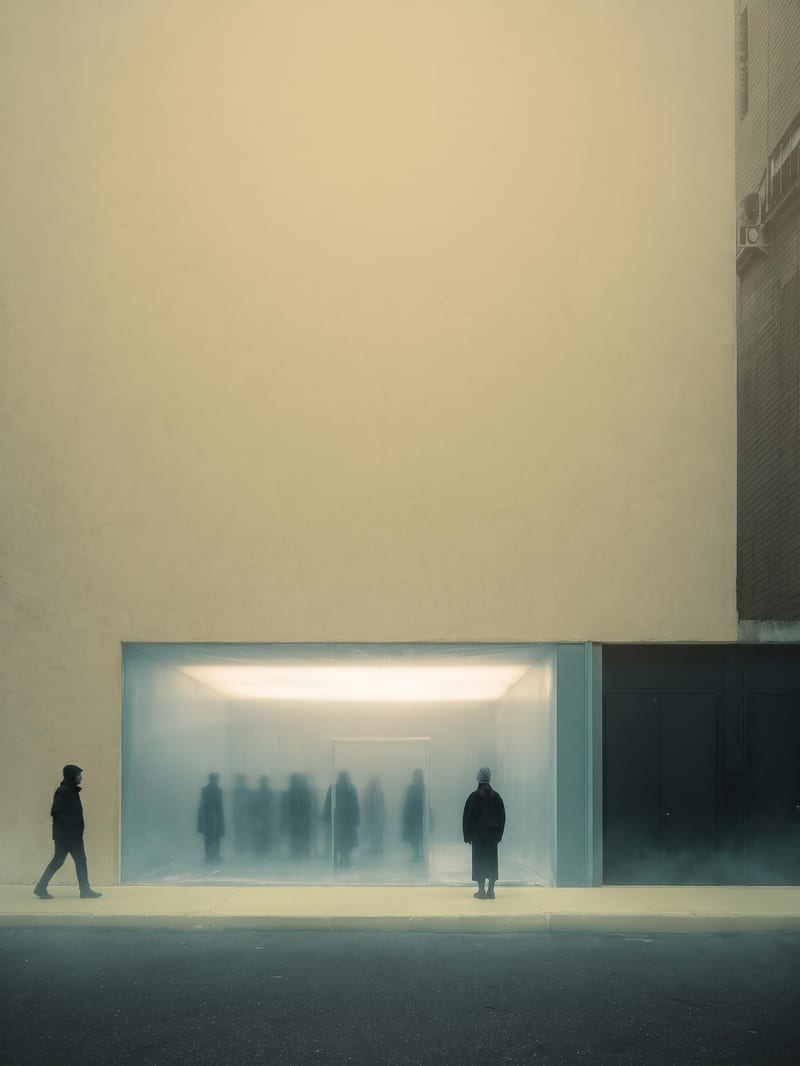
Upload an image to create a blurred yellow-toned version with subtle blue and green atmospheric color.

Turn a source image into a realistic aerial drone view while preserving its scene, environment, subject, and details.