Recipev2
Camera Pan
0:00 / 0:00
Camera Pan Video
One click, whole workflow
Recipes are here. Package a whole workflow and run it in one click
Explore recipesFilm & Entertainment
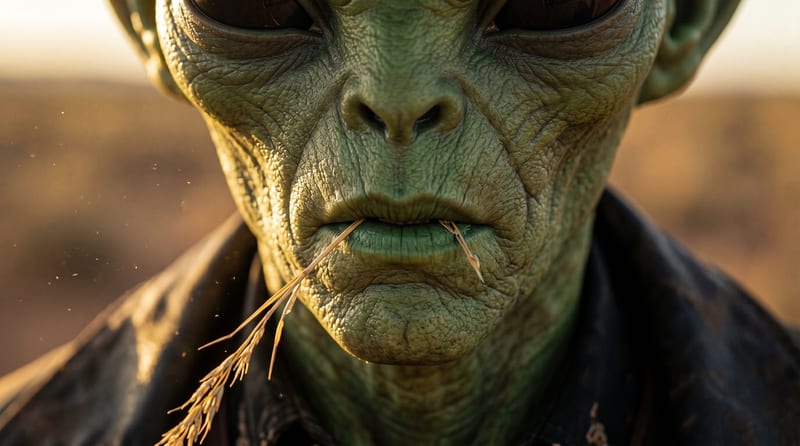
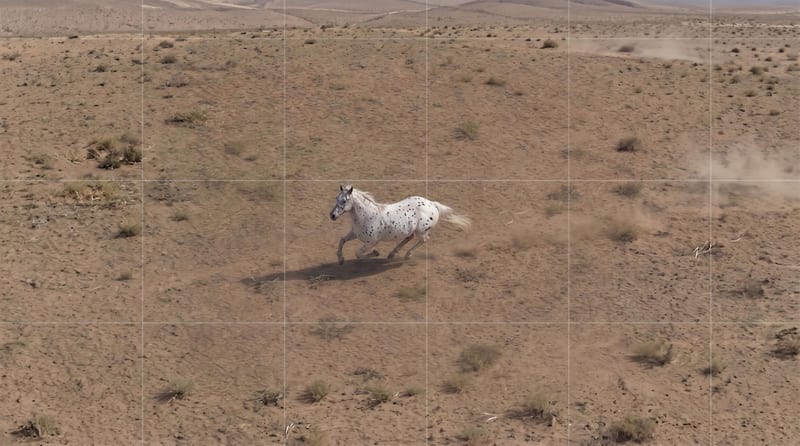
Turn one source image into a camera pan video that reveals more of an environment or shifts focus between subjects.
Camera Pan Video
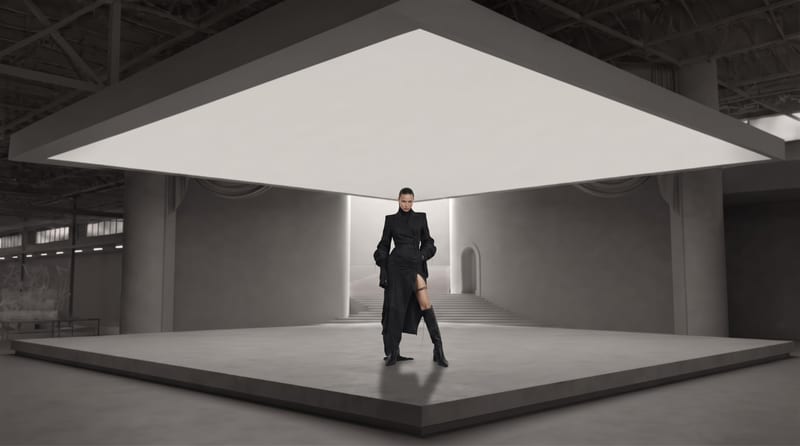
A recipe turns a reusable workflow into a simple set of inputs and outputs. Start with a community recipe and make it your own in Fuser.
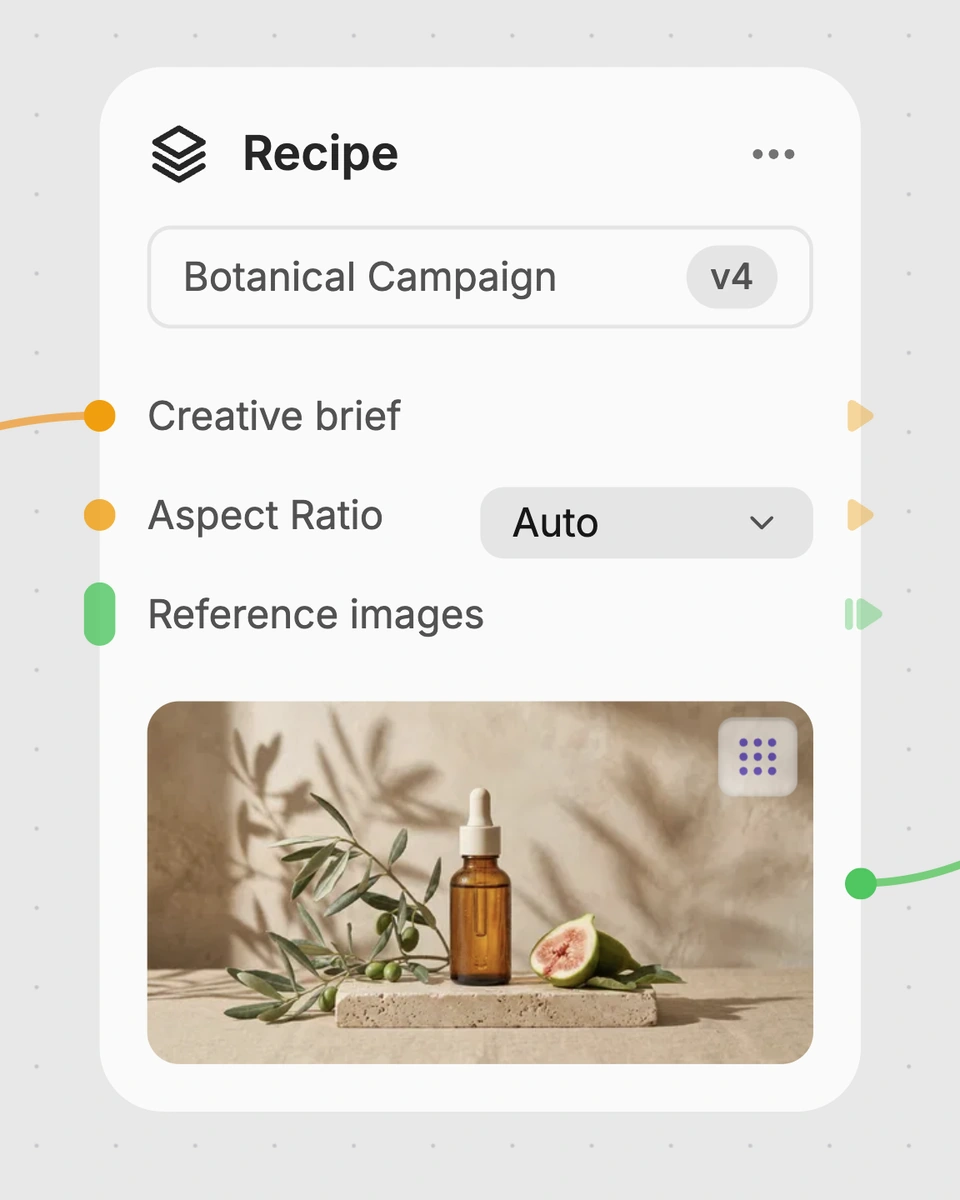
1. Choose a recipe
Find a workflow for the result you want. Review what it does and how to use it before opening it in Fuser.
2. Make it your own
Check the recipe’s available inputs. Add your own text or media where supported, or start with the saved defaults.
3. Run and refine
Run it in Fuser and review the result on your canvas. Tweak the inputs to try another direction.
Use a camera pan video to develop and present visual ideas across film and entertainment workflows.
It creates a Camera Pan Video from one Source Image. The described movement is a smooth horizontal camera rotation that can reveal an environment or shift focus between subjects.
It is suited to film and entertainment work involving shot concepts, visual development, previsualization, or presentations. Anyone preparing a scene image can use the resulting video as a reference for horizontal camera movement.
Prepare one image as the Source Image. The saved example uses a single source image connected to the recipe and its Camera Pan Video output.
Yes. Source Image is the exposed editable input, so you can replace it in Fuser with the image you want to use for a new run. The new video will be based on that selected source image.
The saved example demonstrates the connection between one source image and a Camera Pan Video. It represents the recipe's default example rather than a live run or a guarantee about every new input.
Use it for scene images where a horizontal camera movement could reveal more of the environment or move attention between visible subjects. It is most relevant to film and entertainment concepts built around those two uses.
The recipe exposes only a Source Image input and produces a Camera Pan Video output. Because it starts from one image, the result should be treated as a camera-movement concept based on that image rather than a full scene-production workflow.
Bring a source image into Fuser and explore it as a horizontal camera pan for your next film or entertainment concept.
Develop film treatments, character and environment concepts, storyboards and motion studies. Connect image, video and 3D exploration in Fuser.
Develop storyboard frames, shot variations and video studies from your references. Compose clear boards and explore movement in one Fuser project.
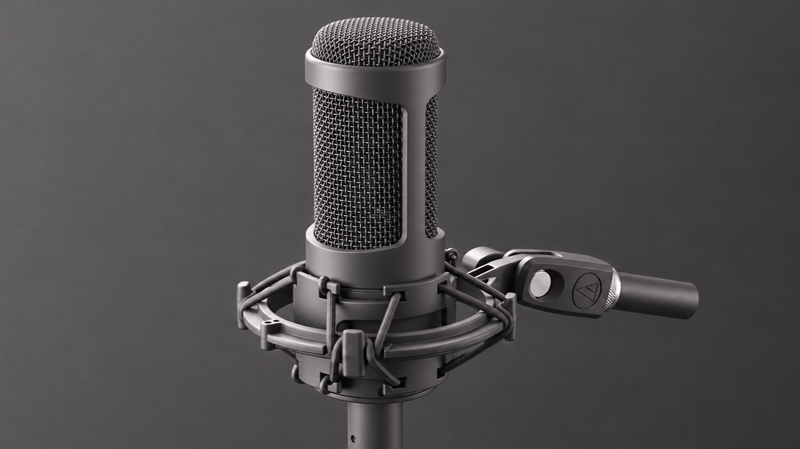
Turn a voiceover script and reference background sound into a blended voiceover audio track for film and entertainment projects.

Provide a scenario image, script, voice, and language to create a talking character video with translated speech.
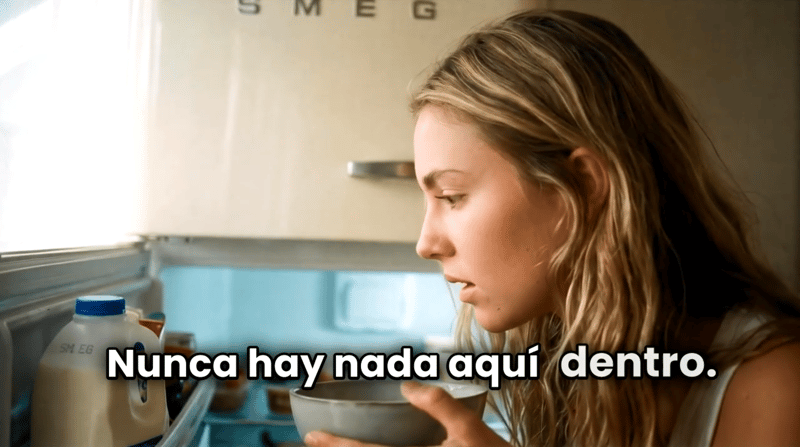
Turn a script, scenario image, voice selection, and target language into a talking character video.