Recipev2
Camera Zoom In
0:00 / 0:00
Zoom In Video
One click, whole workflow
Recipes are here. Package a whole workflow and run it in one click
Explore recipesFilm camera movement
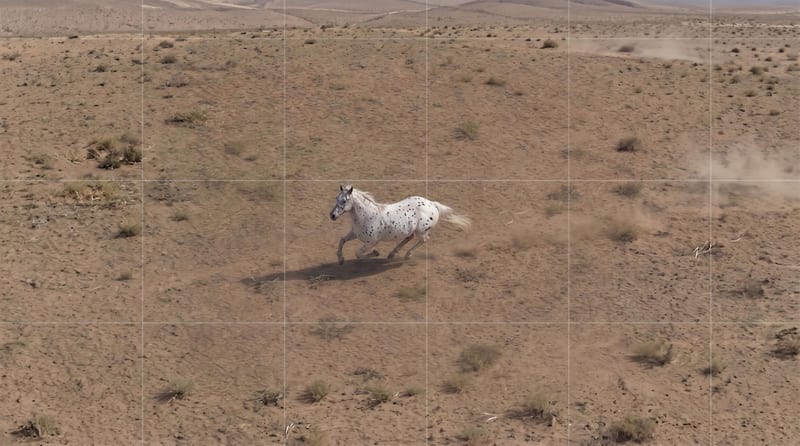
Turn a source image into a video that moves the framing closer through increased focal length while the camera stays stationary.
Zoom In Video
A recipe turns a reusable workflow into a simple set of inputs and outputs. Start with a community recipe and make it your own in Fuser.
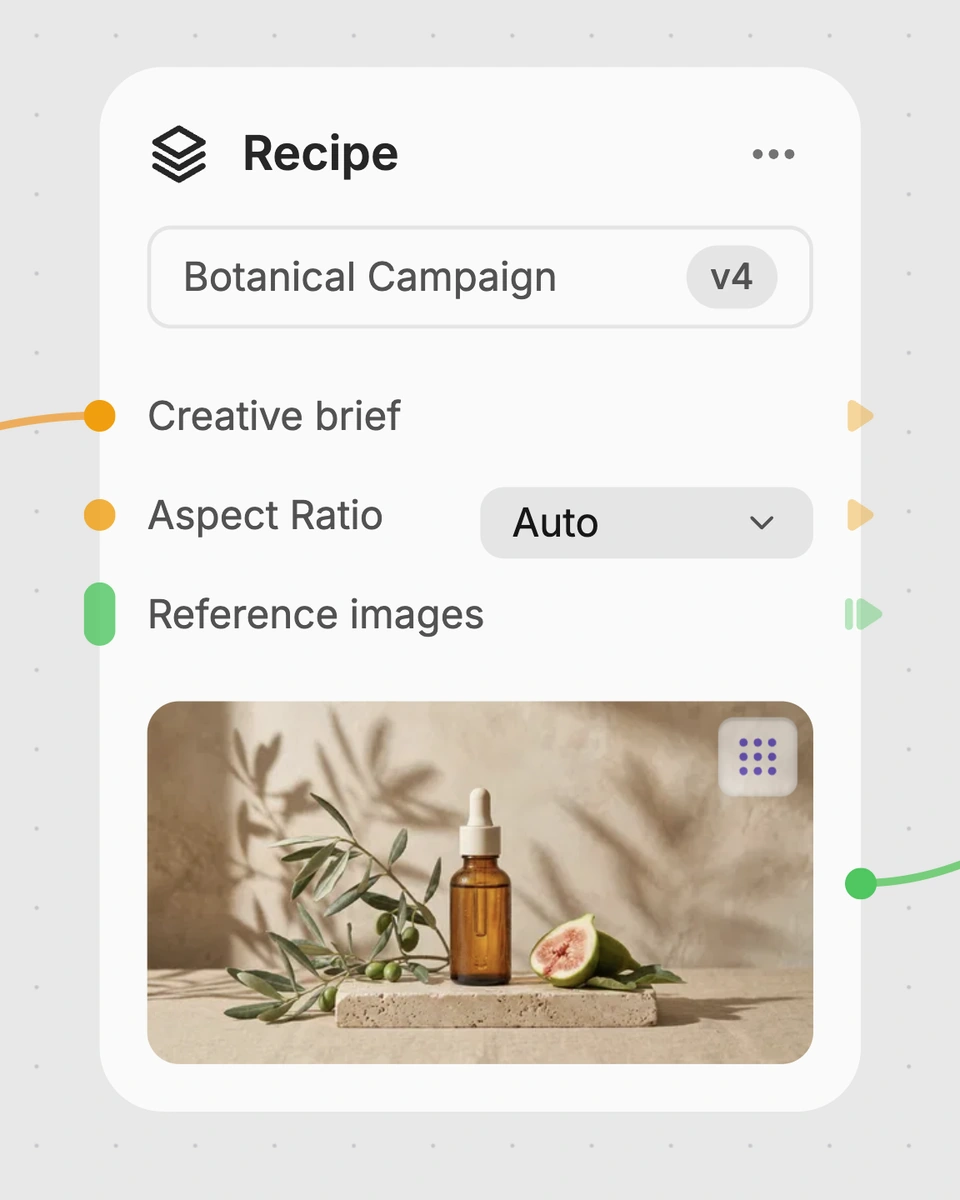
1. Choose a recipe
Find a workflow for the result you want. Review what it does and how to use it before opening it in Fuser.
2. Make it your own
Check the recipe’s available inputs. Add your own text or media where supported, or start with the saved defaults.
3. Run and refine
Run it in Fuser and review the result on your canvas. Tweak the inputs to try another direction.
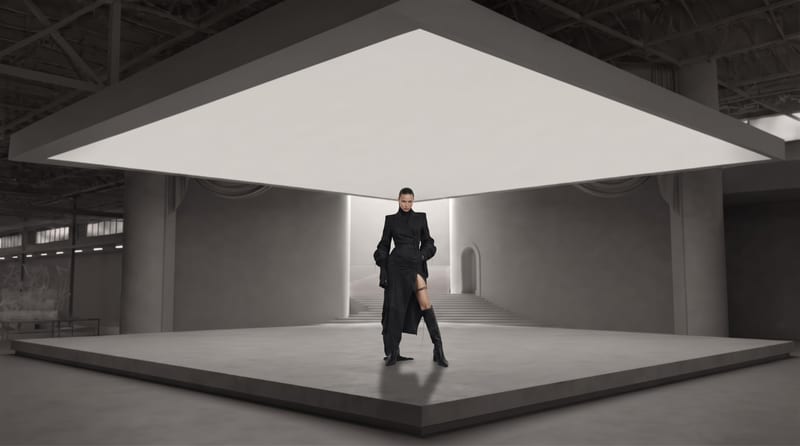
Create simple camera-motion treatments from still images for film and entertainment workflows.
It takes a source image and produces a zoom-in video. The effect increases focal length to bring the subject closer in frame while the camera remains stationary.
It is suited to film and entertainment workflows that need to turn a still image into a simple camera-motion treatment. It can help with visual concepts, shot planning, and presentation materials built from images.
Prepare one source image containing the subject or scene you want to bring closer in frame. Source Image is the recipe’s exposed input, and you can change it in Fuser.
The output is labeled Zoom In Video. It demonstrates a closer framing created through increased focal length rather than a moving camera.
Yes. Source Image is an exposed editable input, so you can replace the saved example image with another image in Fuser. The resulting video will be based on that selected source.
No. The recipe is defined around increasing focal length while keeping the camera stationary. The visible change is a closer subject framing rather than a camera position change.
The page shows a saved default example with its source image connected to the Zoom In Video output. It is an example of the recipe setup, not a live generation or a guarantee about a new run.
Use your own source image in Fuser to create a zoom-in video with a stationary camera treatment.
Develop film treatments, character and environment concepts, storyboards and motion studies. Connect image, video and 3D exploration in Fuser.
Develop storyboard frames, shot variations and video studies from your references. Compose clear boards and explore movement in one Fuser project.
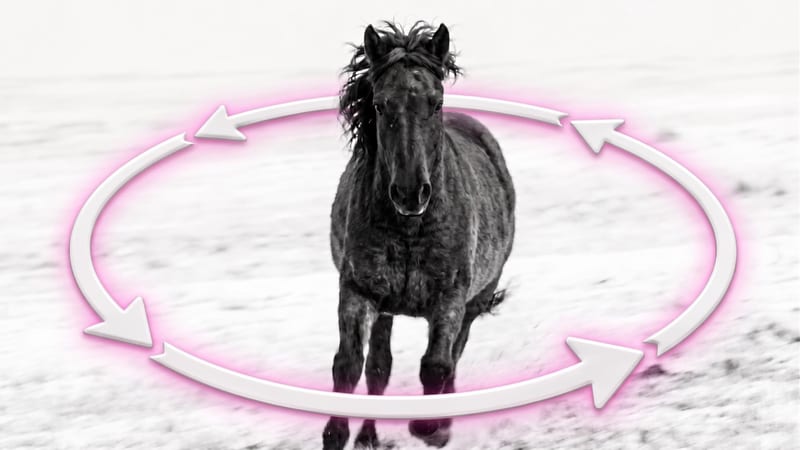
Upload one source image to create a video that moves the camera in a smooth arc around the subject while keeping it in focus.
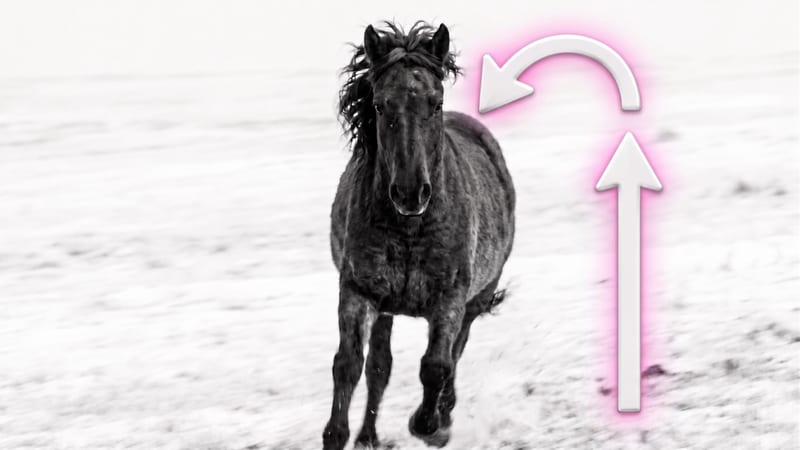
Turn a source image into a vertical camera-rise video that reveals the environment and emphasizes scale.
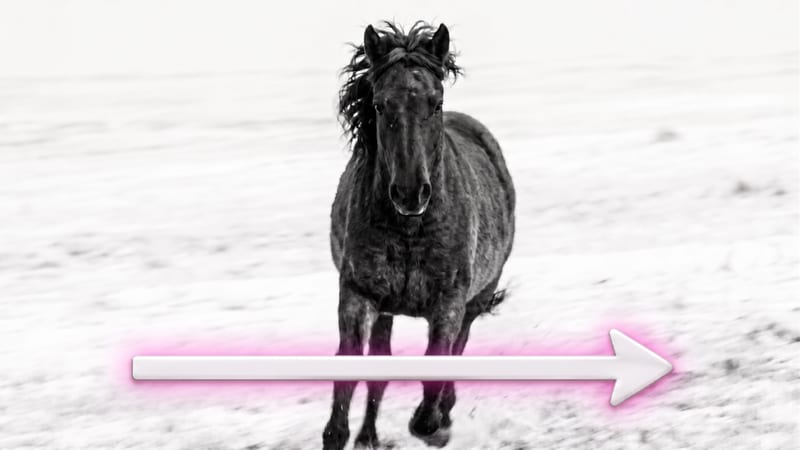
Turn one source image into a video that moves alongside or follows its subject through the environment.